Start
End
Ref
Video
Audio
Describe the video you want to create...

AI Video Generator

This reference explains how AI Video Generator works: Move from a prompt or supported source media to a model, motion controls, output settings, and a finished clip. It focuses on current capabilities, inputs, models, settings, outputs, access, and practical use cases. The main product page remains the place to start creating.
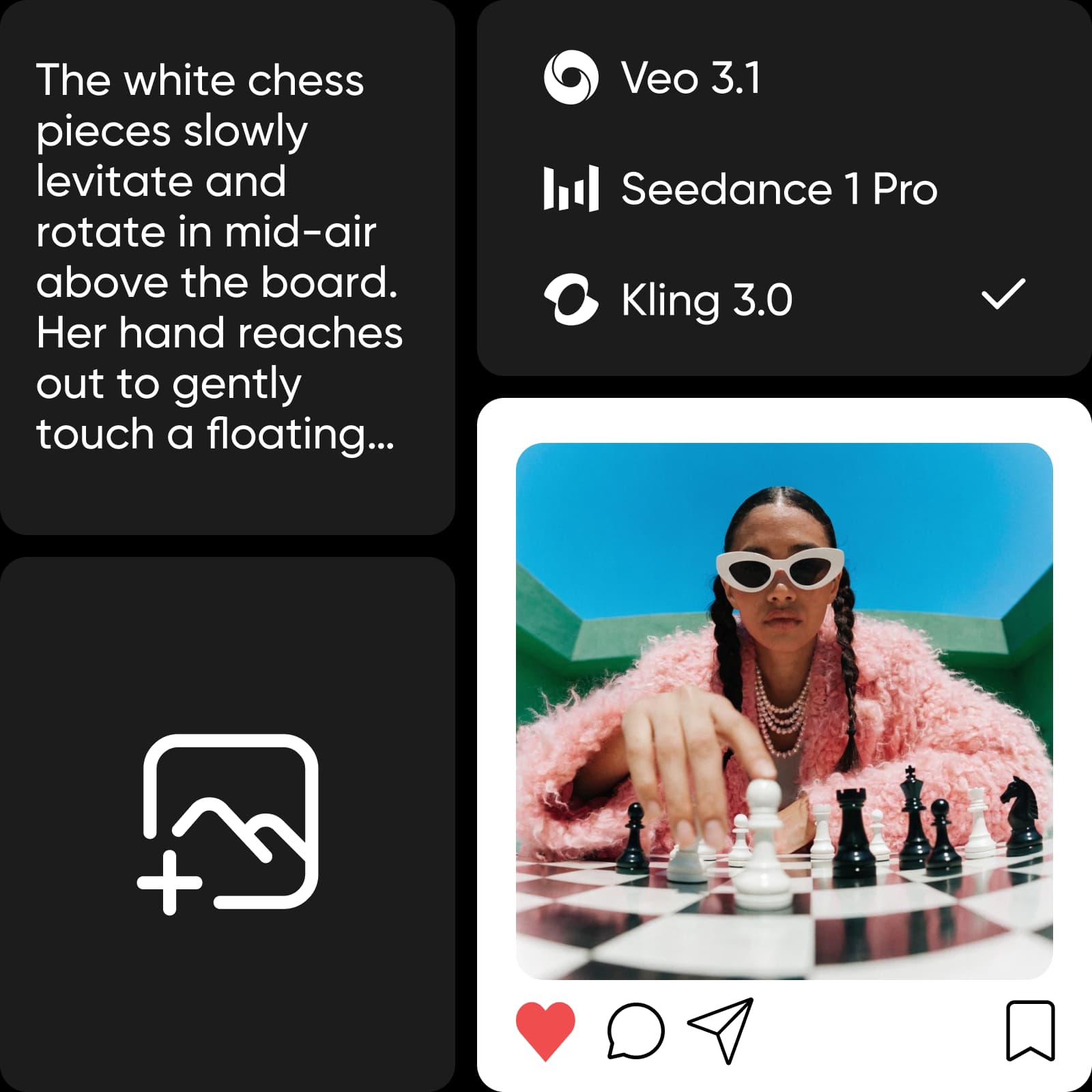
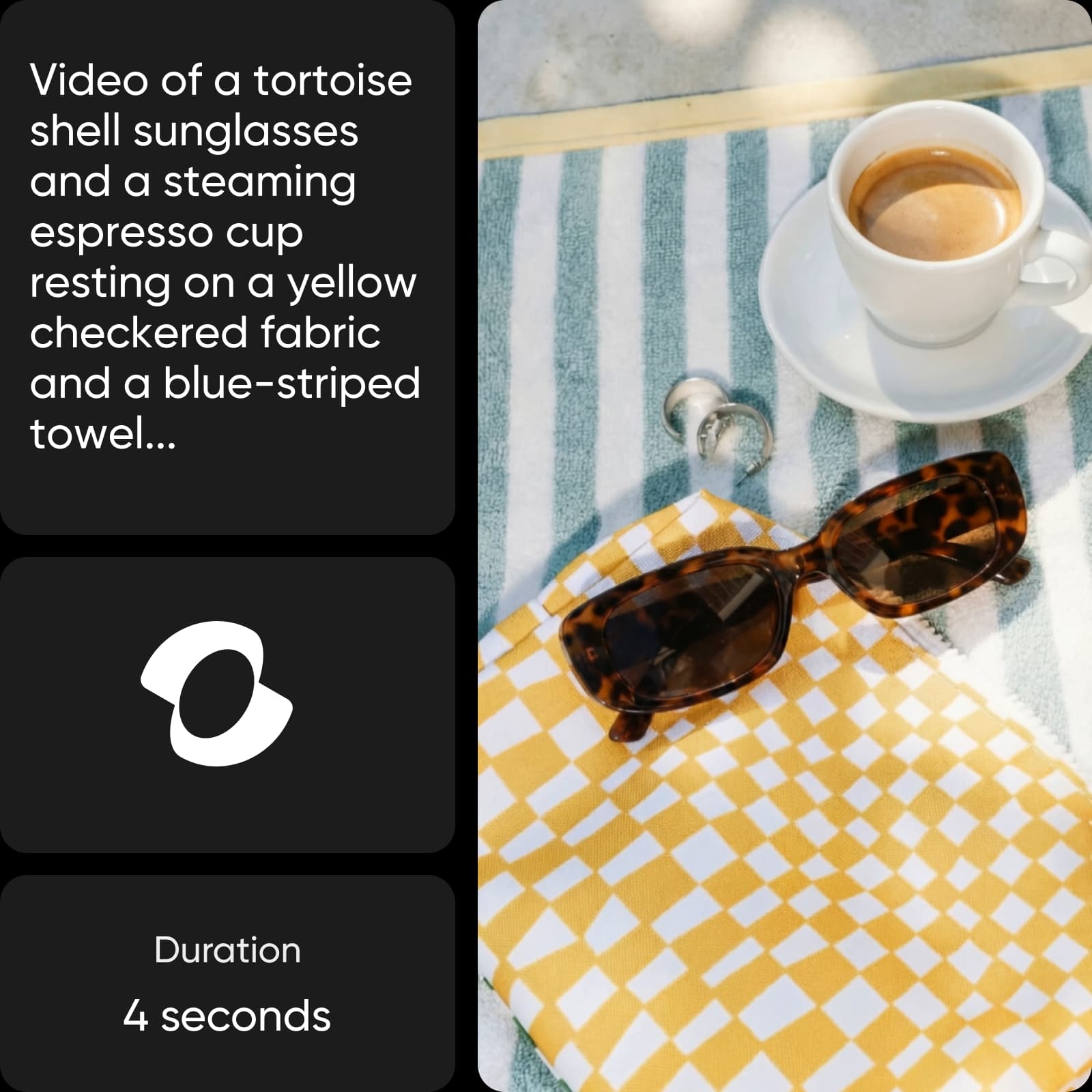
AI Video Generator video mode creative example
AI Video Generator
Start with a prompt or sourceDescribe a scene or bring media into the generator.
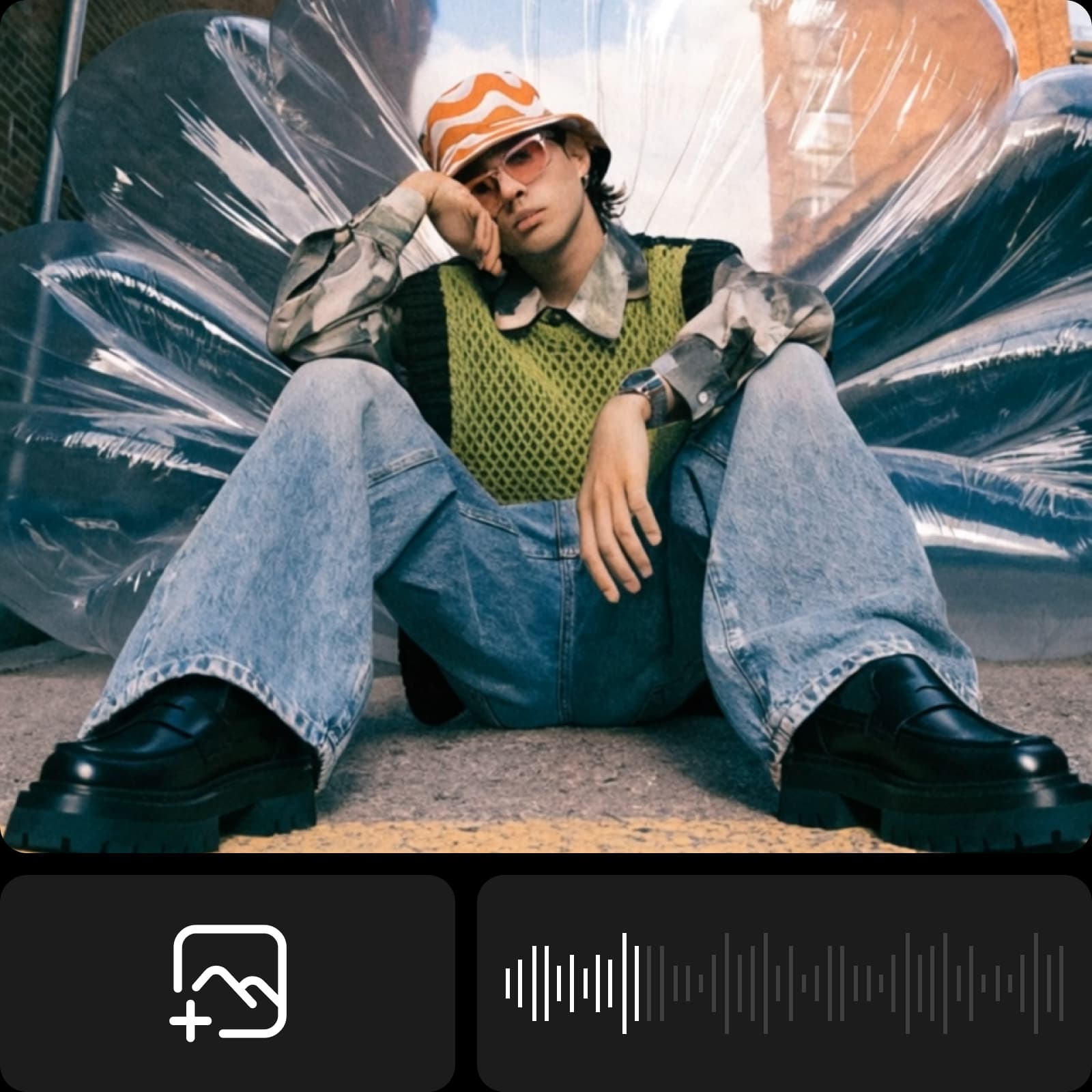
AI Video Generator video mode creative example
AI Video Generator
Create a short-form clipExplore a social-ready video direction.
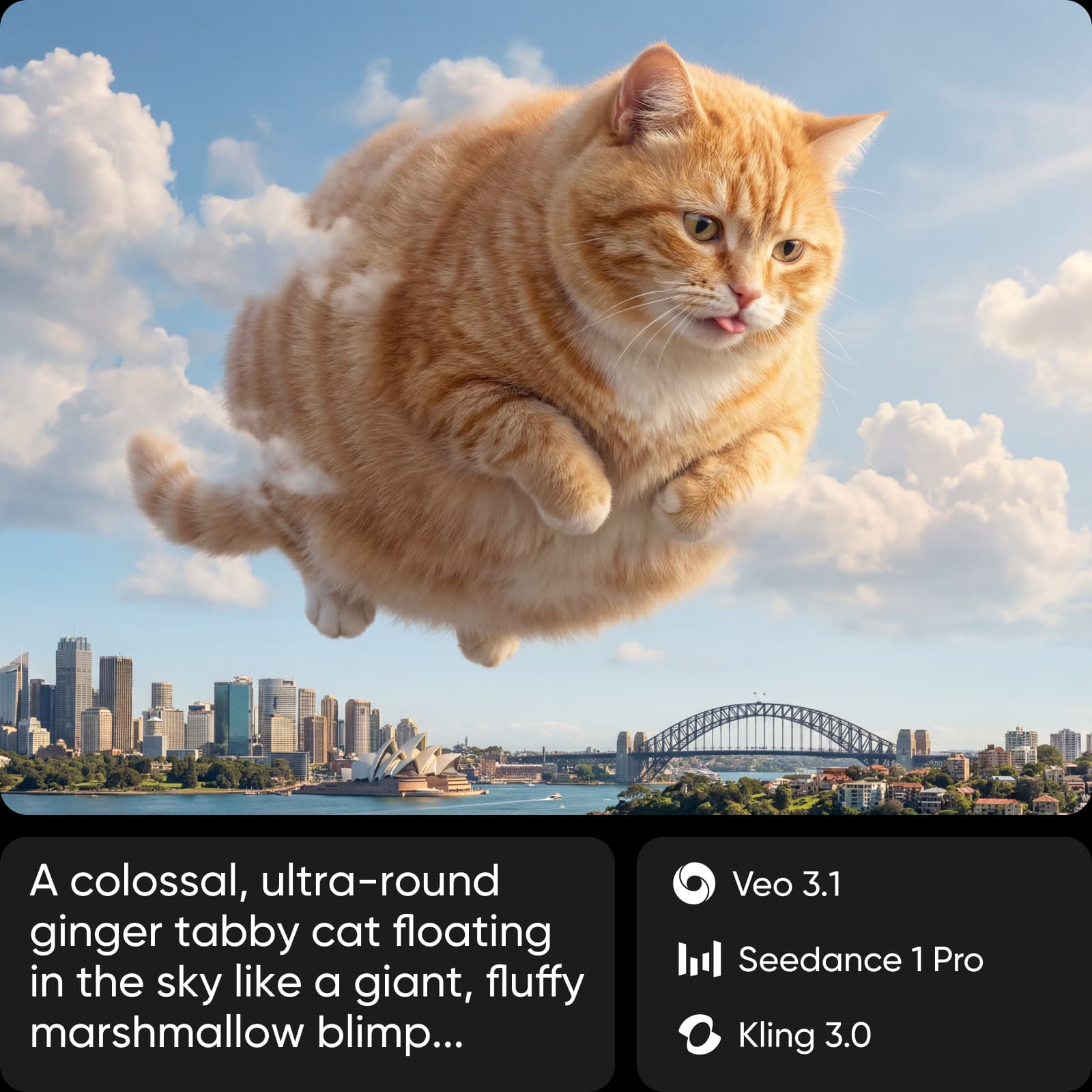
AI Video Generator video mode creative example
AI Video Generator
Build for a campaignMove from an idea to a usable campaign asset.

AI Video Generator at a glance

Snapshot checked September 7, 2026. Values reflect current product pages and catalogs; availability, access, and limits can vary by plan, region, and model.

  • Text + imagegeneration starting points
  • 5+named leading models on the current page
  • Up to 4Khigh-resolution output
  • 3reference types: image, video, and audio
Choose your input

Text-to-video or image-to-video?

AI Video Generator supports an idea-first path and a source-media path. The input changes how much control you have over the scene and motion.

Text-to-video with AI Video GeneratorBest when the story starts as an idea.
Describe the scene and action
Set tone and visual style
Choose a video model
Regenerate and refine
Image-to-video with AI Video GeneratorBest when a still image already carries the direction.
Upload a source image
Add motion and pacing
Choose a video model
Edit and export the clip

Current AI Video Generator models

Model availability changes over time. Use the live AI Models catalog as the source of truth for names, providers, access, and current availability.

What AI Video Generator includes

AI Video Generator capabilities, inputs, and controls.

  • Choose a video model

    Compare current video models for different creative needs, motion styles, and output requirements.

  • Use reference media

    Guide a generation with an image, video, or audio reference where the selected flow supports it.

  • Control the motion

    Adjust tone, pacing, visual style, duration, and transitions without starting from a traditional timeline.

  • Generate from text

    Describe the scene, action, mood, and visual direction to create a clip from a prompt.

  • Regenerate variations

    Refine the prompt and try another direction when the first clip is not the right fit.

  • Finish and share

    Edit, export, and prepare clips for social channels or campaign placements.

What can you create with AI Video Generator?

Representative AI Video Generator use cases and outputs. These examples describe what the workflow is suited to, not a promise of a specific result.

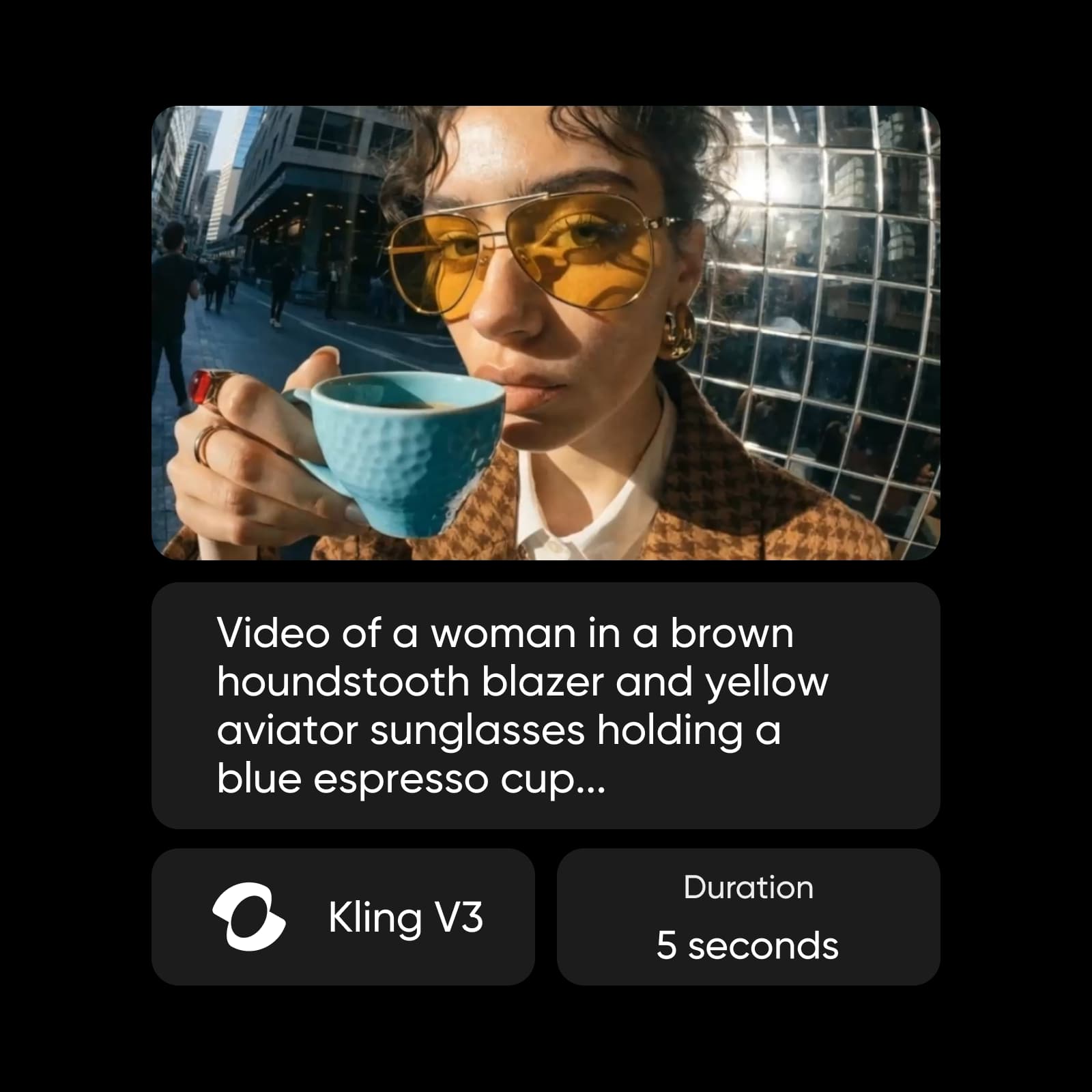
AI Video Generator output example
AI Video Generator
Social clips for TikTok, Reels, and ShortsMake short clips for TikTok, Reels, Shorts, and other feed placements.
AI Video Generator output example
AI Video Generator
Product and e-commerce visualsTurn product shots and listings into motion-led visual assets.
AI Video Generator output example
AI Video Generator
Ads and campaign variationsCreate ad variations that give a campaign more opening directions.

How to create videos with AI Video Generator

Reference workflow: Move from a prompt or supported source media to a model, motion controls, output settings, and a finished clip.

How to

Choose a starting point

Try AI Video Generator and start with a text prompt or supported source media.

Choose a starting point

Workflow example: AI Video Generator

An illustrative AI Video Generator workflow from input to result.

Plans, credits, and access

Pro

Most popular

AI tools for everyday creative work.

$15 $10.5/mo
Billed yearly
You save $54 with yearly
  • Access to all photo & video editing features
  • Advanced background & object removal
  • Parallel video generations with the world's most powerful AI video models
  • Unlimited image generations with Flex.2 Klein
  • 1-tap image enhancer
  • Millions of stock photos & Getty video clips
  • Selection of trendy fonts, text styles & stickers
  • Thousands of premium templates
  • Support for 3+ brand kits
  • Bulk edit up to 50 images at once
  • 100 GB of cloud storage
New features:
  • Auto-generate content from your terminal or agent with the Picsart CLI
  • Use Picsart inside Claude Code, Cursor, and ChatGPT via MCP — coming soon
  • AI agents for multi-step workflows and batch generation — coming soon

Ultra

Most powerful

Heavy AI usage for creators & teams.

$45 $24.5/mo
Billed yearly, per seat
You save $246 with yearly
  • Everything in Pro
  • Early access to advanced AI features
  • Leading AI models to design & automate workflows (Nano Banana, Veo 3, Seedance 2.0 & more)
  • Parallel video generations with the world's most powerful AI video models
  • Unlimited image generations with Flex.2 Klein
  • Support for 10+ brand kits
  • Add team seats
  • Create ad variations and localize
  • Track ads performance
  • 2000 credits for API services
  • Bulk edit up to 100 images at once
  • 300 GB of cloud storage per seat
New features:
  • Auto-generate content from your terminal or agent with the Picsart CLI
  • Use Picsart inside Claude Code, Cursor, and ChatGPT via MCP — coming soon
  • AI agents for multi-step workflows and batch generation — coming soon

Enterprise

Custom AI solutions for large organizations.

Custom credit volume
  • Volume discounts on credit rate
  • On-demand top-ups
Custom
Contact for pricing
  • Access to photo & video editor SDKs
  • Mobile web SDK support
  • Prepaid or pay-as-you-go creative APIs
  • Embed professional-grade editing into your product or workflow
  • Fully configurable editing experience
  • White-label to match your brand
  • Support for built-in marketing, e-commerce & printing use cases
  • Bring your own assets: images, templates & fonts
  • Enterprise-grade security, SLAs & support
  • Dedicated account manager

AI Video Generator FAQ

Answers reflect first-party product and help pages checked September 7, 2026. Recheck fast-changing model, rating, plan, and rights details before relying on them.

  • It is Picsart AI Video Generator. Start with a text prompt or supported source media, choose a model, and refine the clip. The model and control workspace is available in AI Playground.