Design through chat with your AI assistant
Turn your ideas into designs with Picsart Assistant, a conversational AI assistant inside the Picsart Editor. Describe a social post, an invite, or a photo edit, then refine it in your own words.


Bring your ideas into the editor
Use an AI design assistant to start a project, then make the creative choices that turn it into yours.
See Picsart Assistant in action
Watch the chat and editing workflow before you start. This demo shows how a design takes shape through conversation.
Create with Picsart Assistant in 4 steps
Start with a clear idea, then guide your AI assistant toward the result you want.
Turn a conversation into a design
Describe the project you want to make, then give the result a direction. Ask for a different color, softer look, or new layout. This is vibe design: you set the creative direction while Picsart Assistant helps you bring it into the editor.
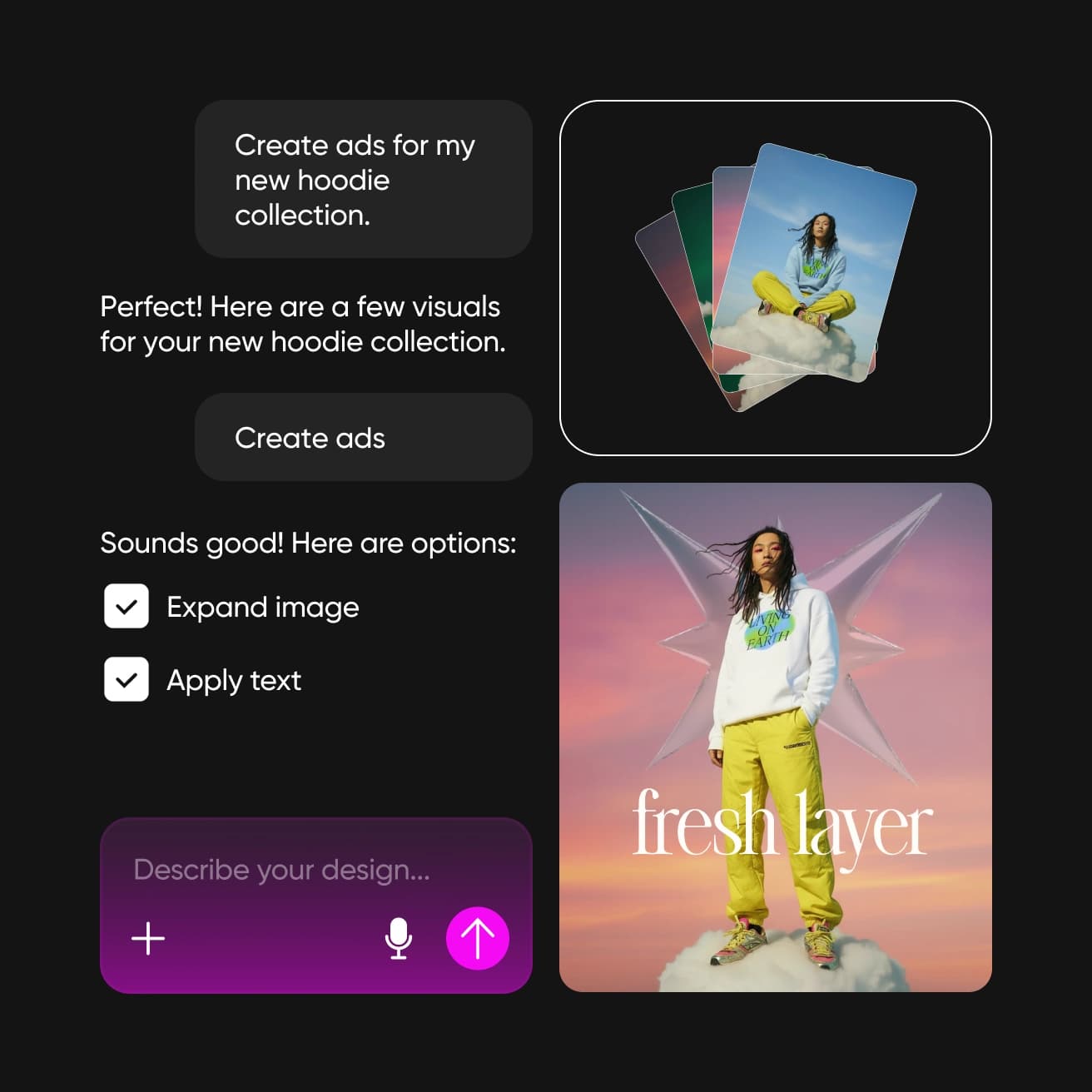
Explore what your AI design assistant can make
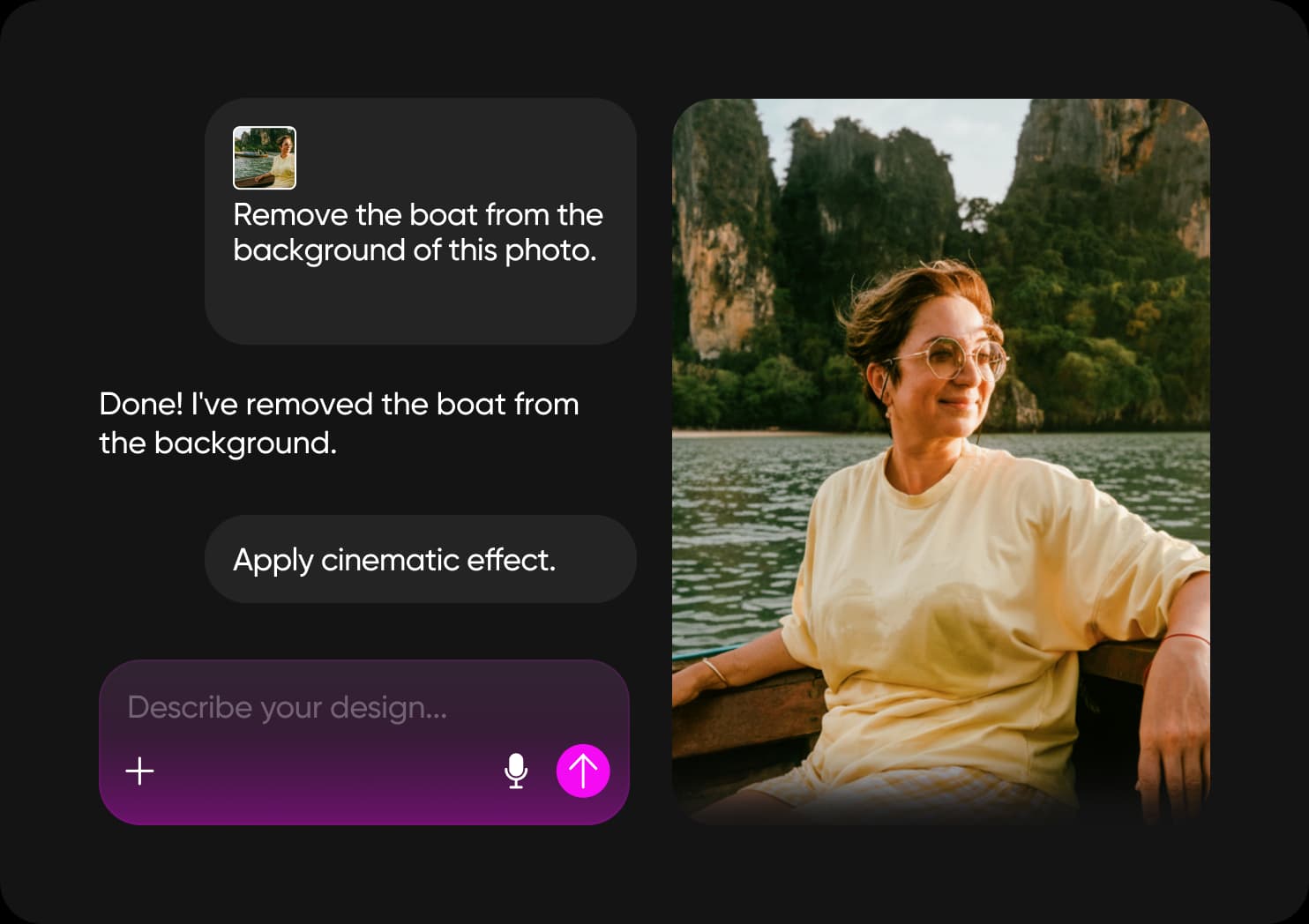
Edit a photo
Ask for a specific change to a portrait, a travel shot, or an image you want to reuse.
Make the final design yours
The conversation gives you a starting point. Keep shaping it with your own choices: change the wording, try another image, or adjust the layout in the editor. Your AI assistant helps with the work while you set the direction.

Explore the features of Picsart Assistant
Use conversation to create and refine your project, with the Picsart Editor close at hand.
Get answers about Picsart Assistant
Picsart Assistant is a conversational AI assistant for creating and editing designs inside the Picsart Editor. You describe what you want, review the result, and guide the next change.
Start with the idea you want to make
Tell Picsart Assistant what you have in mind. Give your project a purpose and a style, then shape the result into something that feels like you.
Explore more ways to create
Choose a focused tool for your next project, or build a repeatable workflow with Picsart Flow.