Remove unwanted objects, texts, defects and watermarks from photos online
Reclaim control of your images from intrusive objects with the Picsart object remover tool. Leave it to AI to remove any object, text, defect, or watermark from your photos and make it look like nothing was ever there.





AI powered object remover
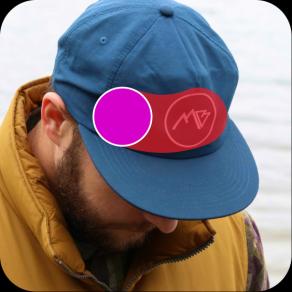
When you remove an object, AI replaces that part of the photo with a custom-generated image.

Easy-to-use object remover
It can’t get easier than this. Just brush over the unwanted object and it’s gone!

High-quality downloads
Export your edits in a crispy clear quality.
How to remove objects in seconds
Upload your image
Select the image you’d like to remove an object from.
Select and remove the object
Customize
Download
Remove any object from photo with AI
Easily erase unwanted elements from your photos in seconds using advanced AI. Got a passerby in the background, clutter on a table or something else ruining your perfect shot? Just highlight the area with the remove brush in the Picsart Editor. The AI will smoothly blend it with the surrounding background - no editing skills required.
Object remover in action



Remove unwanted objects
Remove anything from your image with smart, flexible control. Picsart’s AI Object Remover lets you choose from smart selection options - brush, background, foreground, text detection, and AI-assisted tools, so every edit fits your scene. A quick demo animation shows how it works before you start, making it easy to select, remove, and refine with natural-looking results in seconds.
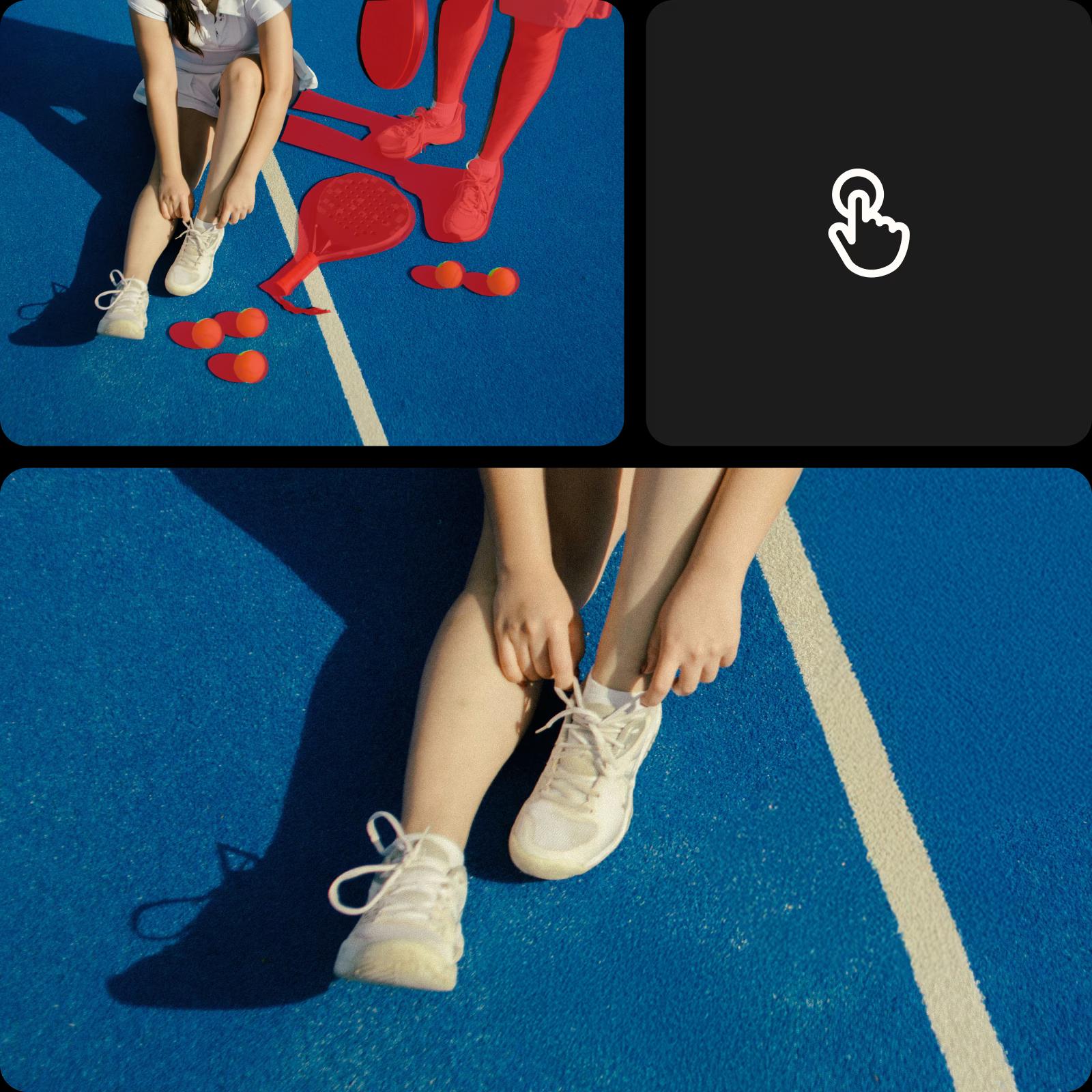
Use AI for background or foreground selection
Background clutter can distract from what matters most in a photo. With Picsart’s Object Remover, use AI-assisted background or foreground selection to remove furniture, cables, or random objects in just a few steps. Select what you want gone, and AI rebuilds the scene naturally - keeping the focus exactly where it belongs.
Remove unwanted objects with brushing
Quickly remove anything by brushing directly over it. The brush tool gives you hands-on control, so you can paint over people, objects, or distractions exactly where you want them gone. Adjust the brush size for precision, swipe over the area, and let AI fill in the background with clean, natural results that blend seamlessly.
Remove text automatically with detection
Unwanted text, captions, or logos don’t need manual work anymore. With Detect text, the tool automatically finds text elements in your image, so you can select and remove them in one click. AI rebuilds the background instantly, making it easy to clean up photos or prepare designs for reuse without starting over.
Clean up details with one click
Small distractions add up, but removing them doesn’t have to be tedious. Use an AI-assisted option to quickly identify and remove cables, clutter, shadows, or background objects with minimal effort. AI understands the scene and fills in the gaps naturally, so you can clean up images faster - no manual brushing required. Just select, remove, and move on with a clearer image that’s ready for content, products, or keepsakes.
Make your visuals brand-ready
Clean up branded content fast - remove watermarks, logos or text overlays from product photos, mockups, UGC or promo visuals. No need to reshoot or rely on complicated software. Just highlight the mark and the object remover erases it in seconds for a clean and polished finish.
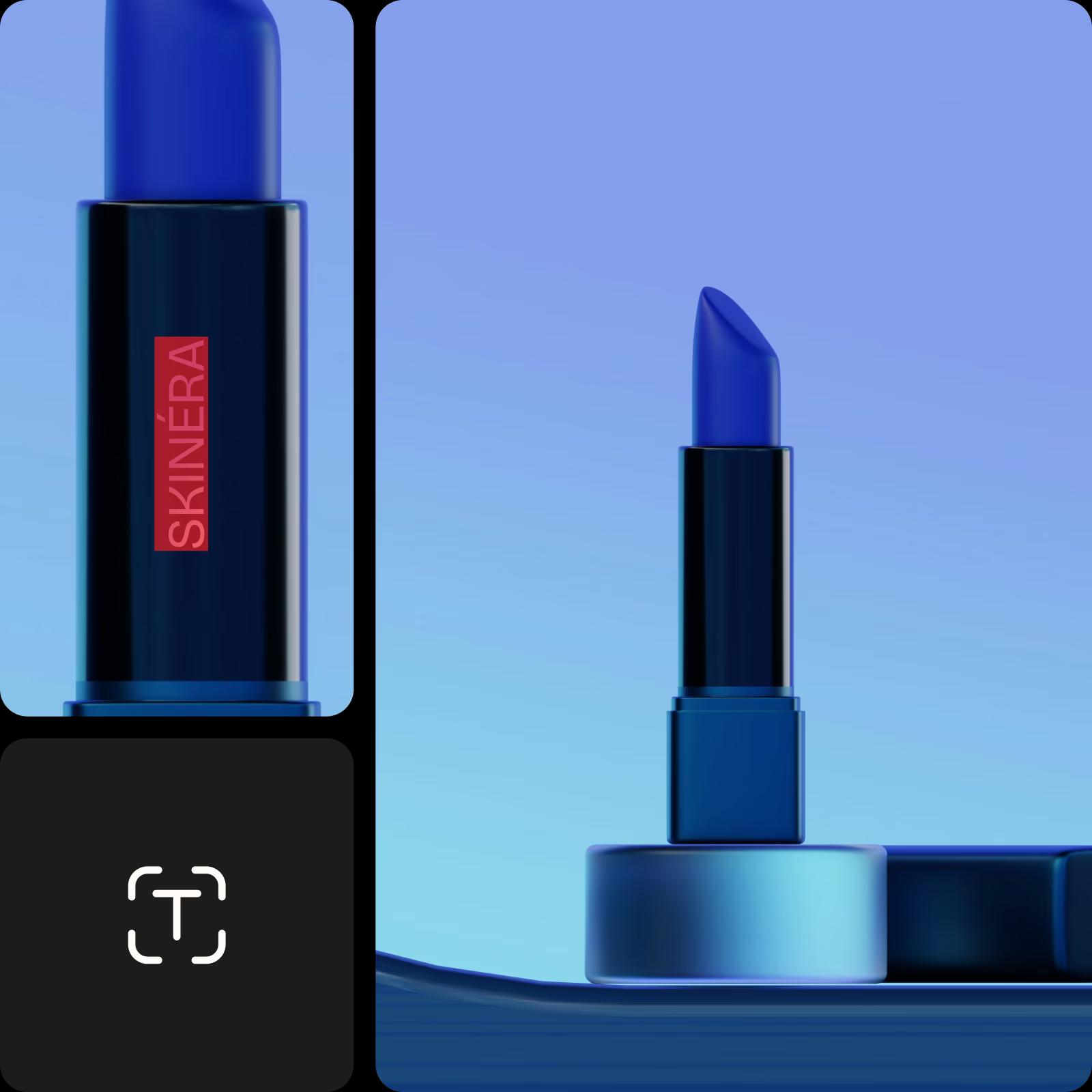
Describe edits to AI with simple prompts
Prefer to edit with words instead of tools? Use Describe changes to AI to tell the editor what you want to be gone. Type a short prompt describing the object, text, or detail you want removed, and AI applies the edit in seconds. Every feature - brushing, text detection, click-to-select, and background or foreground removal - can be triggered through prompts. Explore the tools to see what works best for your image, then use AI descriptions to apply edits faster and more intuitively.
Continue your editing journey with Picsart
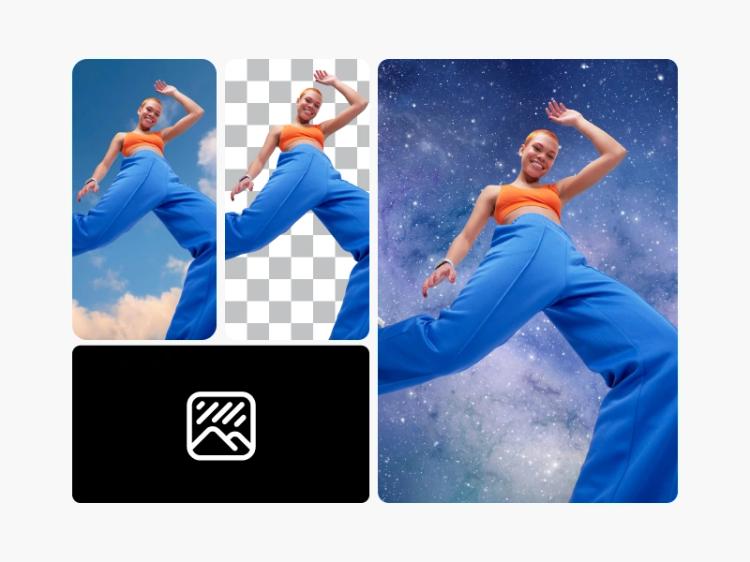
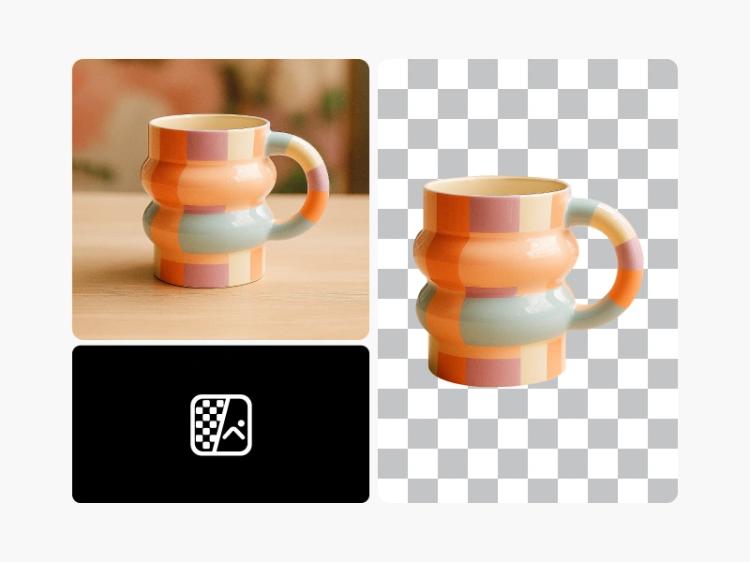
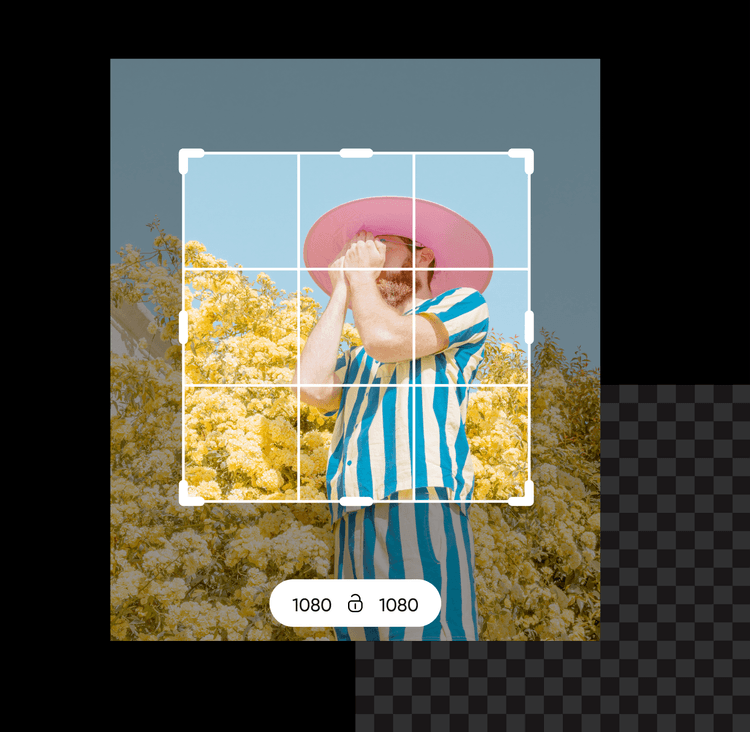
Don’t limit yourself with the object remover. Use Picsart’s other AI photo editing tools to finesse your visuals.







Remove object from photo FAQs
Picsart makes it easy. Simply upload the photo that you wish to edit into the Picsart Photo Editor, and then use the remove tool to target and erase the object from your photo.
First, choose the photo you wish to edit and upload it into the Picsart Photo Editor. Then, use the Remove object tool to select the person you wish to remove and let Picsart do the rest.
Yes, the Picsart editor can do this. Simply upload the image you need to edit, and then use the Picsart Object Remover tool to remove the watermark from the image with just a few clicks.
Start by uploading the image you wish to edit into the Picsart Photo Editor. Then, select the text or logo element of the image you wish to remove with the Object Remover tool and erase it.
The Picsart editor allows you to remove people, watermarks, logos, text, and even skin imperfections from any image.