How to make AI profile pictures for any platform
What you'll learn
What is an AI profile picture?
Common use cases
Create your profile picture step by step
STEP 1: Upload your photo
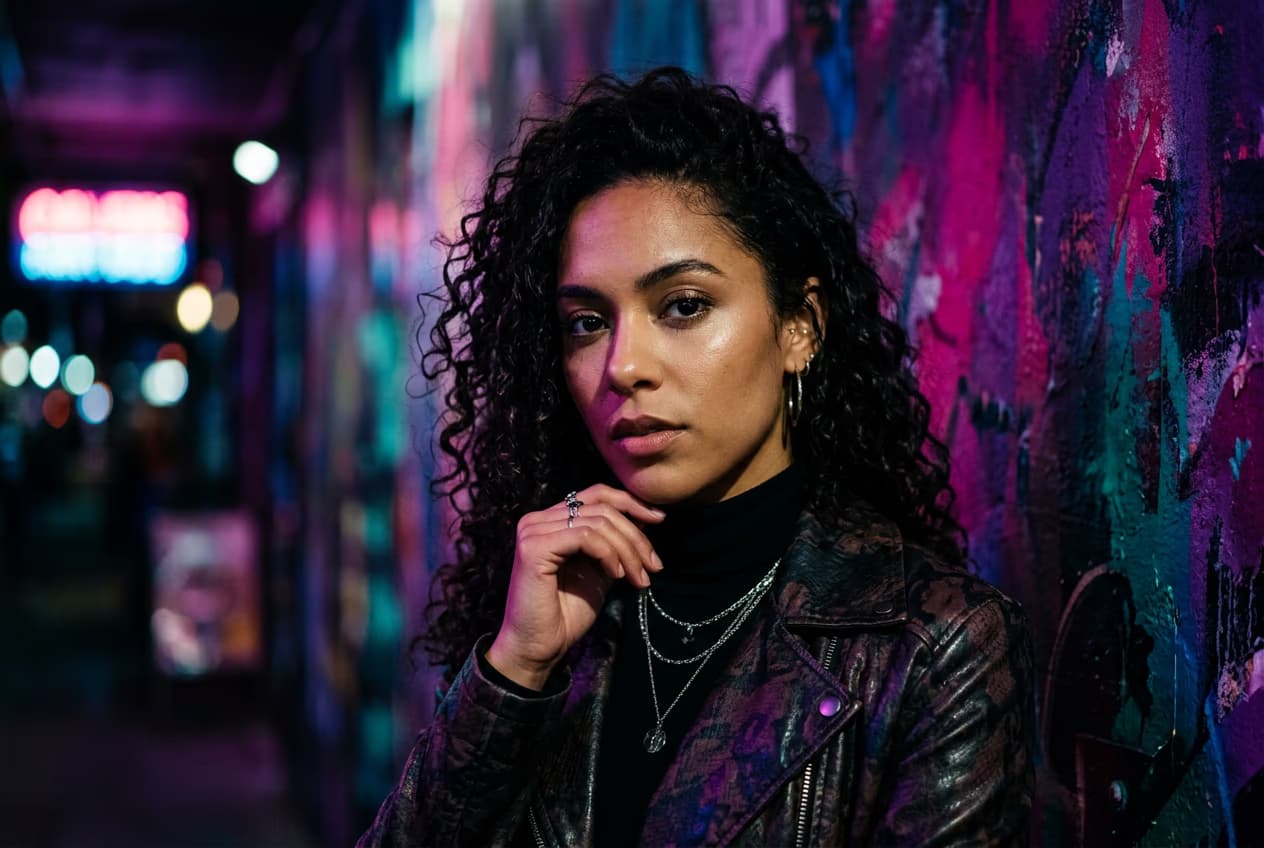
- On web: Go to picsart.com/ai-avatar → Click "Create image avatar" → Upload a clear, close-up photo
- On mobile: Open Picsart → Tap "+" → Select your photo → Choose "AI Avatar"
STEP 2: Choose a platform-optimized style
Select a style that works well in small circular thumbnails:
- Bold cartoon: High contrast and clear features for Instagram and TikTok visibility
- Anime: Expressive style perfect for gaming and Discord communities
- 3D character: Polished look that stands out on LinkedIn and professional networks
- Pixel art: Retro gaming aesthetic for Steam, Twitch, and gamer profiles
- Neon portrait: Eye-catching glow effect for nightlife and creative accounts
- Minimalist: Clean, simple designs that remain clear at any size
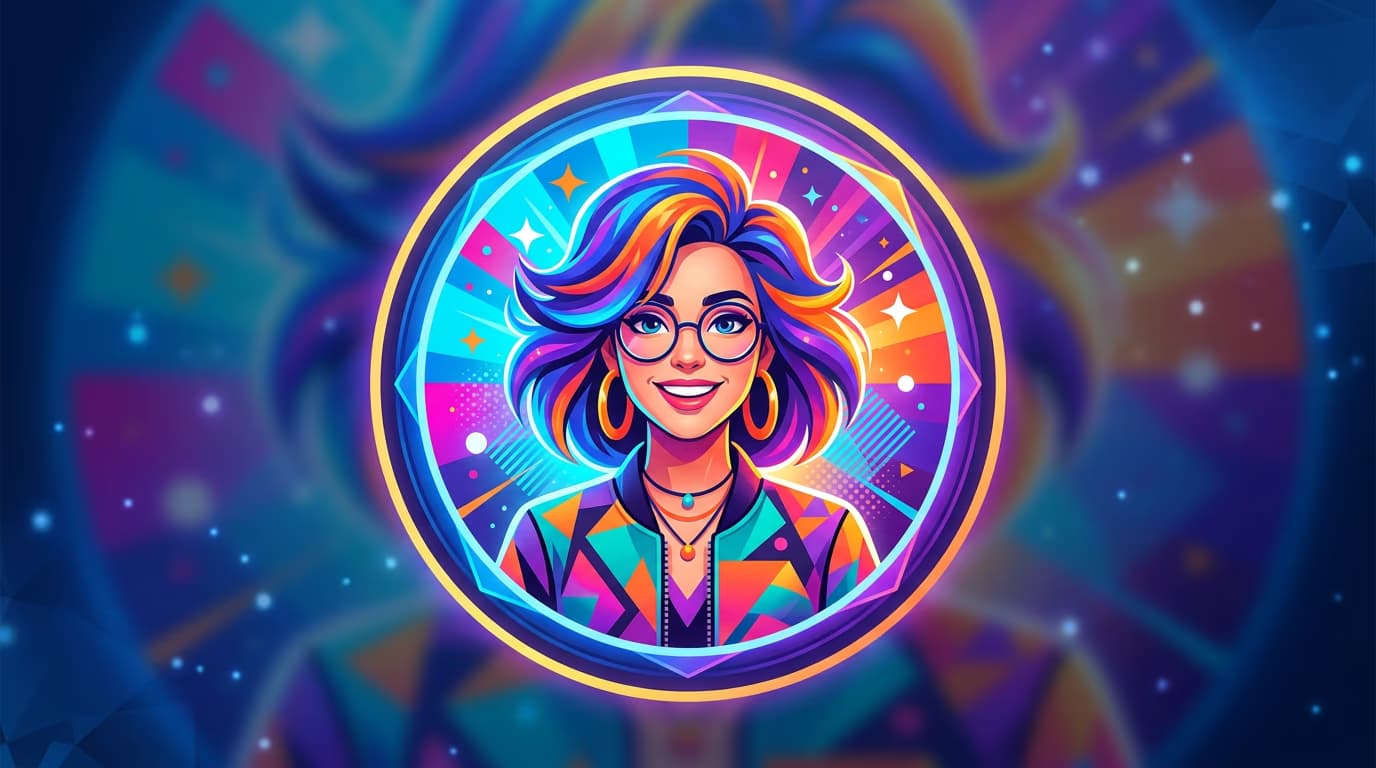
STEP 3: Generate your profile picture
Click "Generate" and wait 10-15 seconds. The AI creates an avatar with bold features and high contrast, optimized to remain recognizable when displayed as a small circular thumbnail.
STEP 4: Review and export
Check that your profile picture works at small sizes: Not happy with it? Generate again for different colors, angles, or styles. You can also create multiple versions for different platforms — professional for LinkedIn, creative for Instagram.
- Preview at thumbnail size to make sure your face is clearly visible
- Verify colors are vibrant and don't blend into typical platform backgrounds
- Check that important details remain sharp when cropped to a circle
Tips for best results
💡 Think circular, not square
Most platforms crop profile pictures into circles. Keep important elements (your face, key details) centered so they don't get cut off at the edges. Avoid placing text or important details near corners.
💡 Use high contrast
Profile pictures need to pop at tiny sizes. Choose styles with bold colors and clear separation between you and the background. Avoid subtle gradients or low-contrast color schemes that blend together.
💡 Match style to platform culture
Professional styles work on LinkedIn, anime and cartoon styles thrive on Discord and gaming platforms, and bold creative styles perform best on Instagram and TikTok. One size doesn't fit all platforms.
💡 Keep it consistent
If you're building a personal brand, use the same style across platforms so people recognize you instantly. Change your photo, but keep the artistic style and color palette consistent.
Platform specifications
Frequently asked questions
