Free Online Menu Maker: Create Custom Designs | Picsart
Online menu maker: Design custom menus with ease
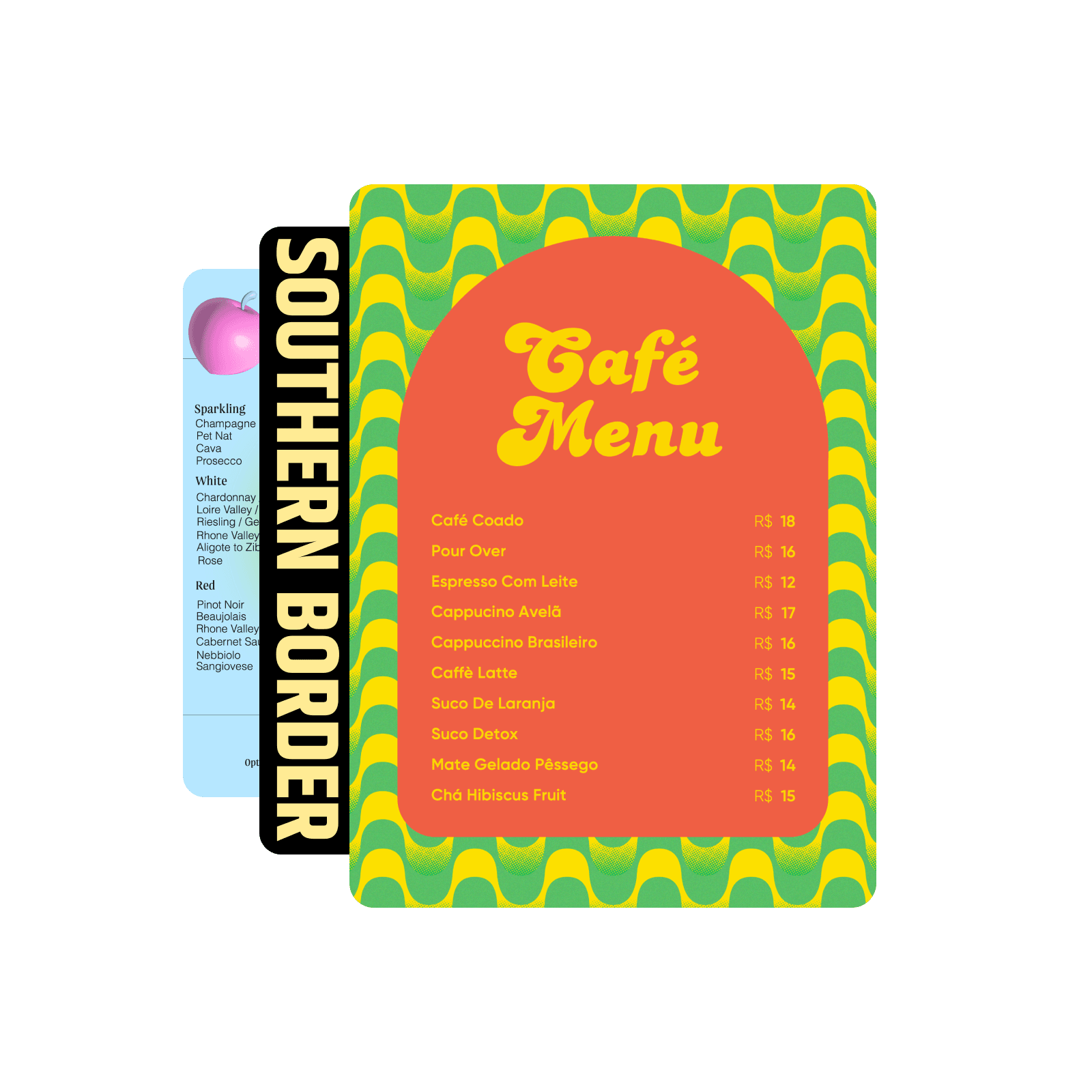
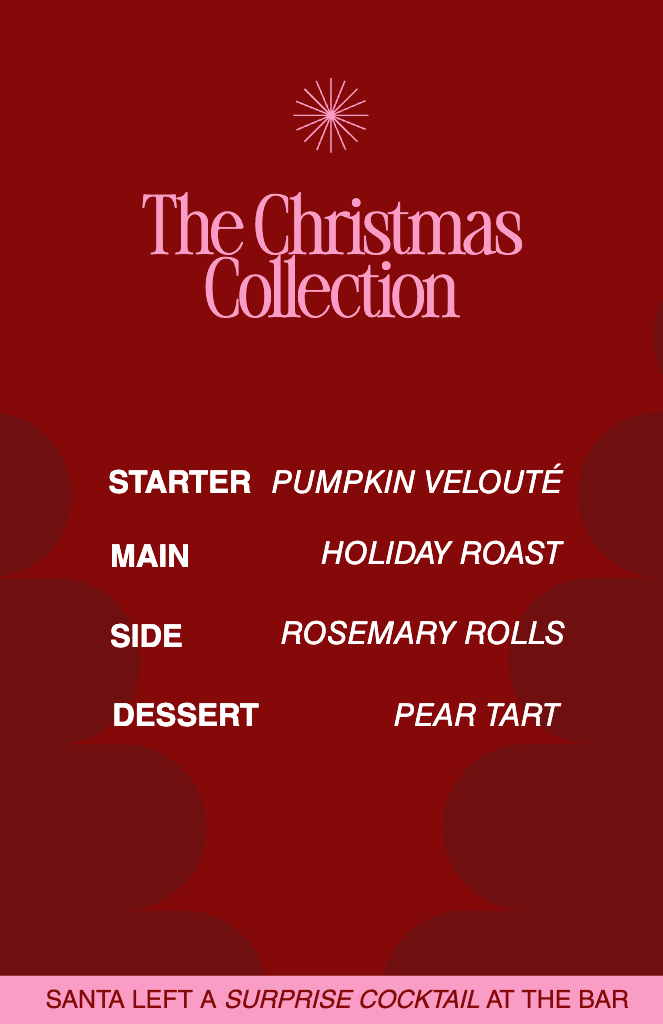
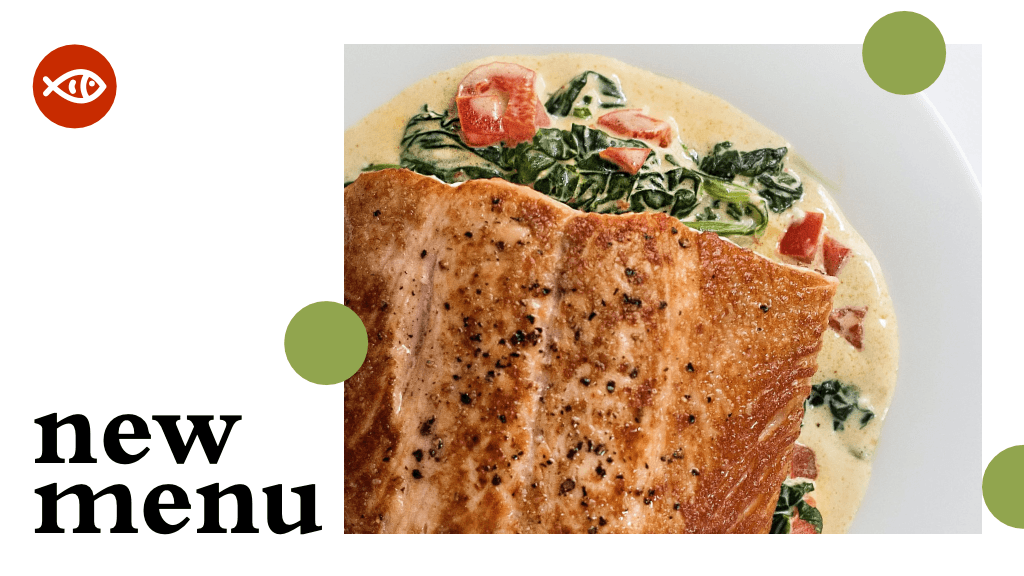
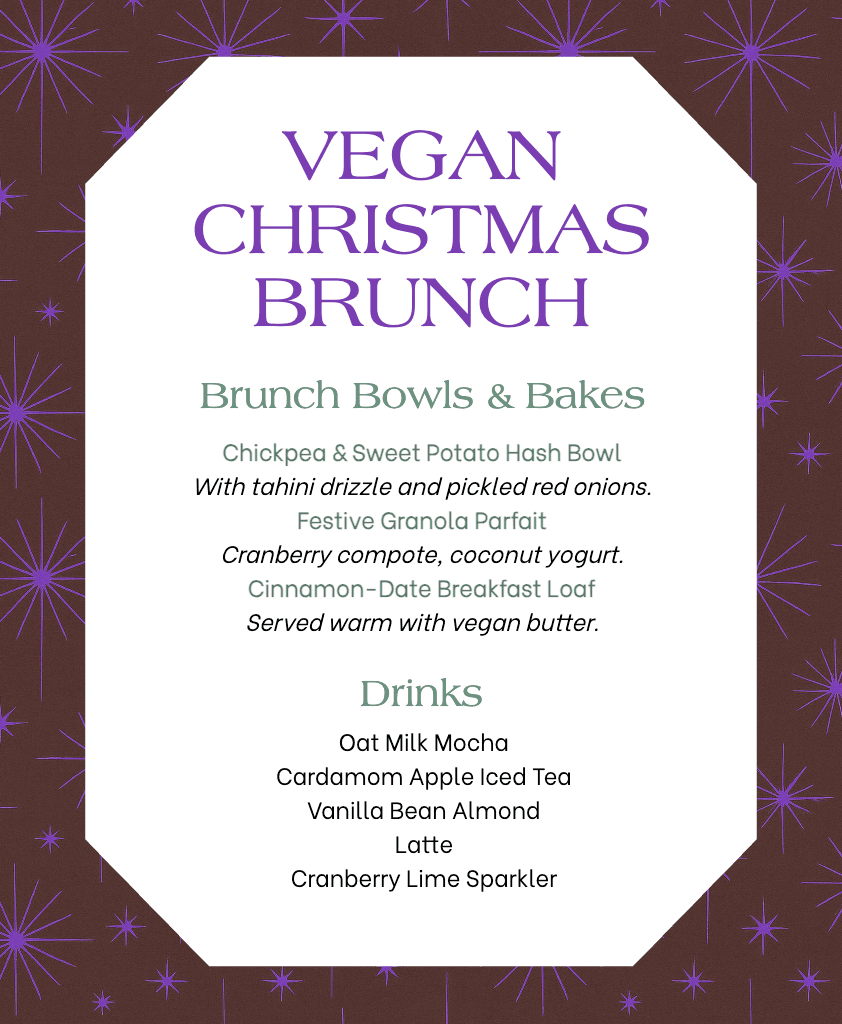
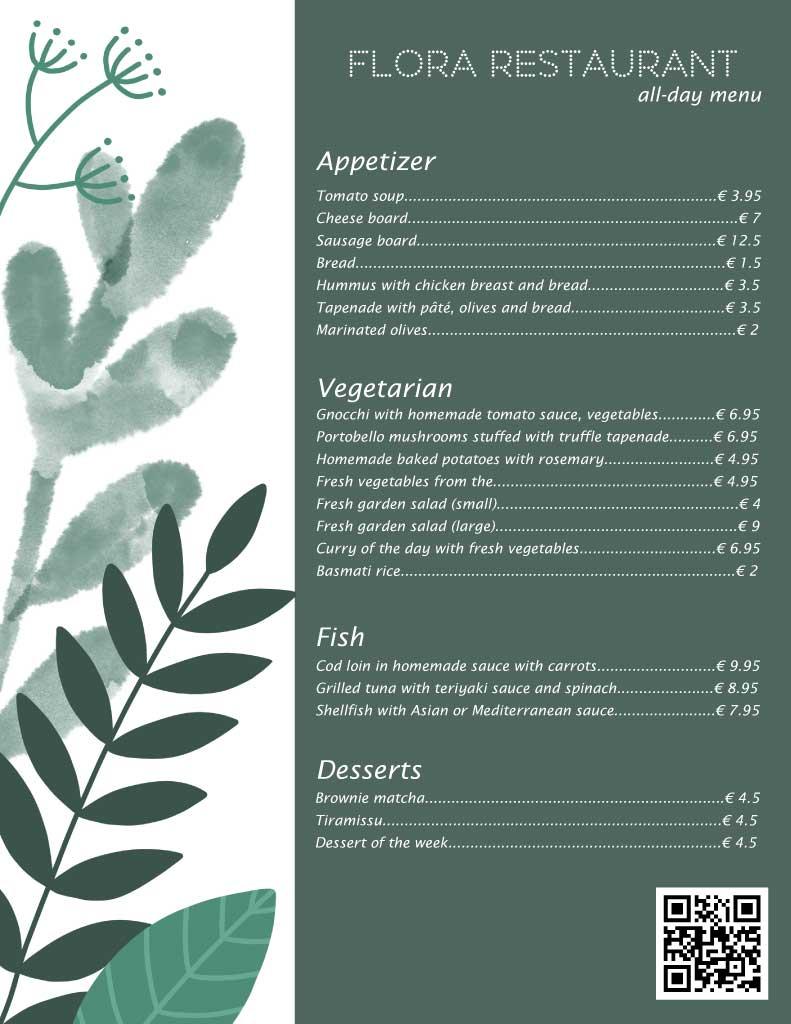
Create appetizing menus for your restaurant or event in no time using the Picsart menu maker. Explore vast libraries of expert-crafted backgrounds, stickers, and hundreds of unique fonts to get the perfect look for your menu.
Access a large selection of free tools and design assets.
Pre-designed templates
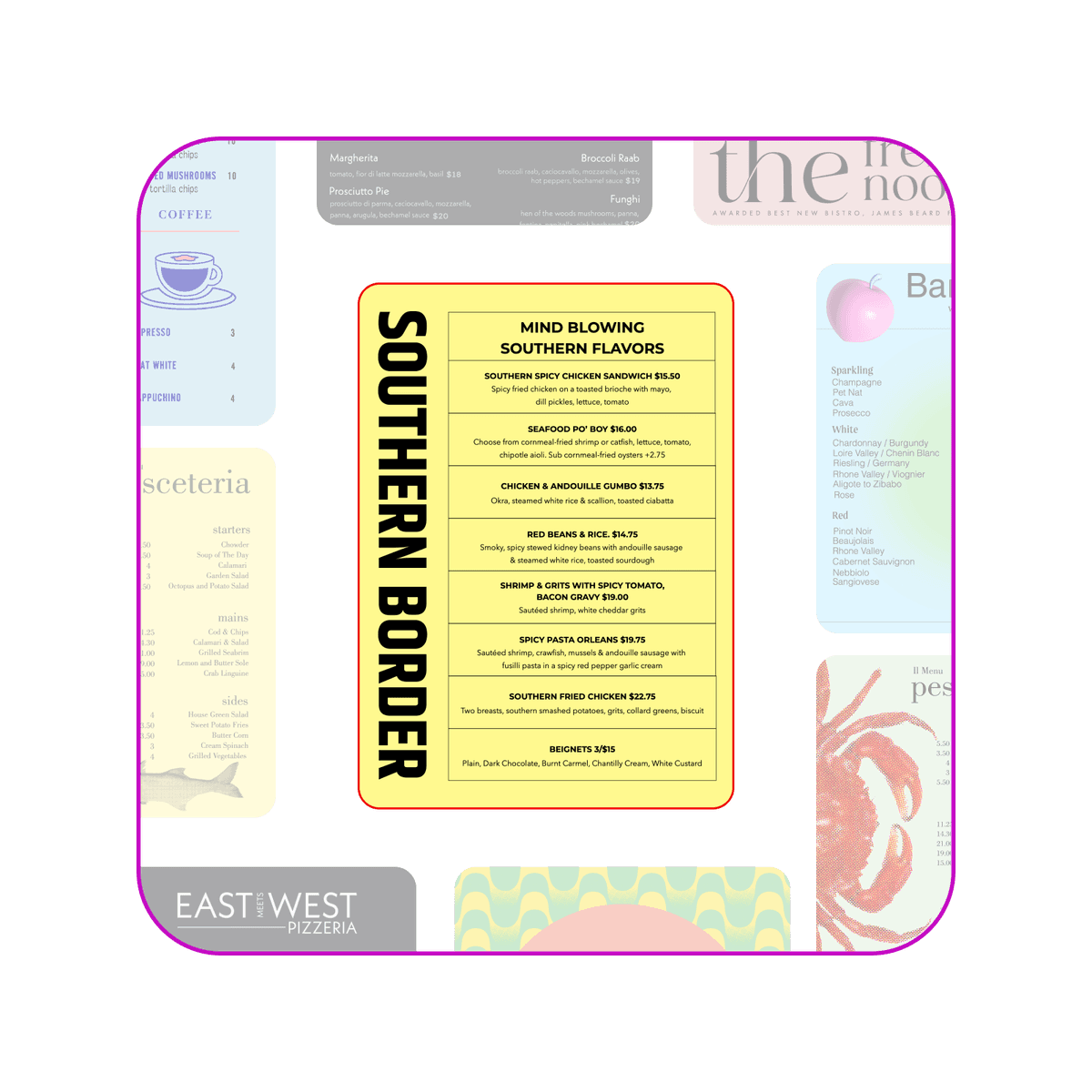
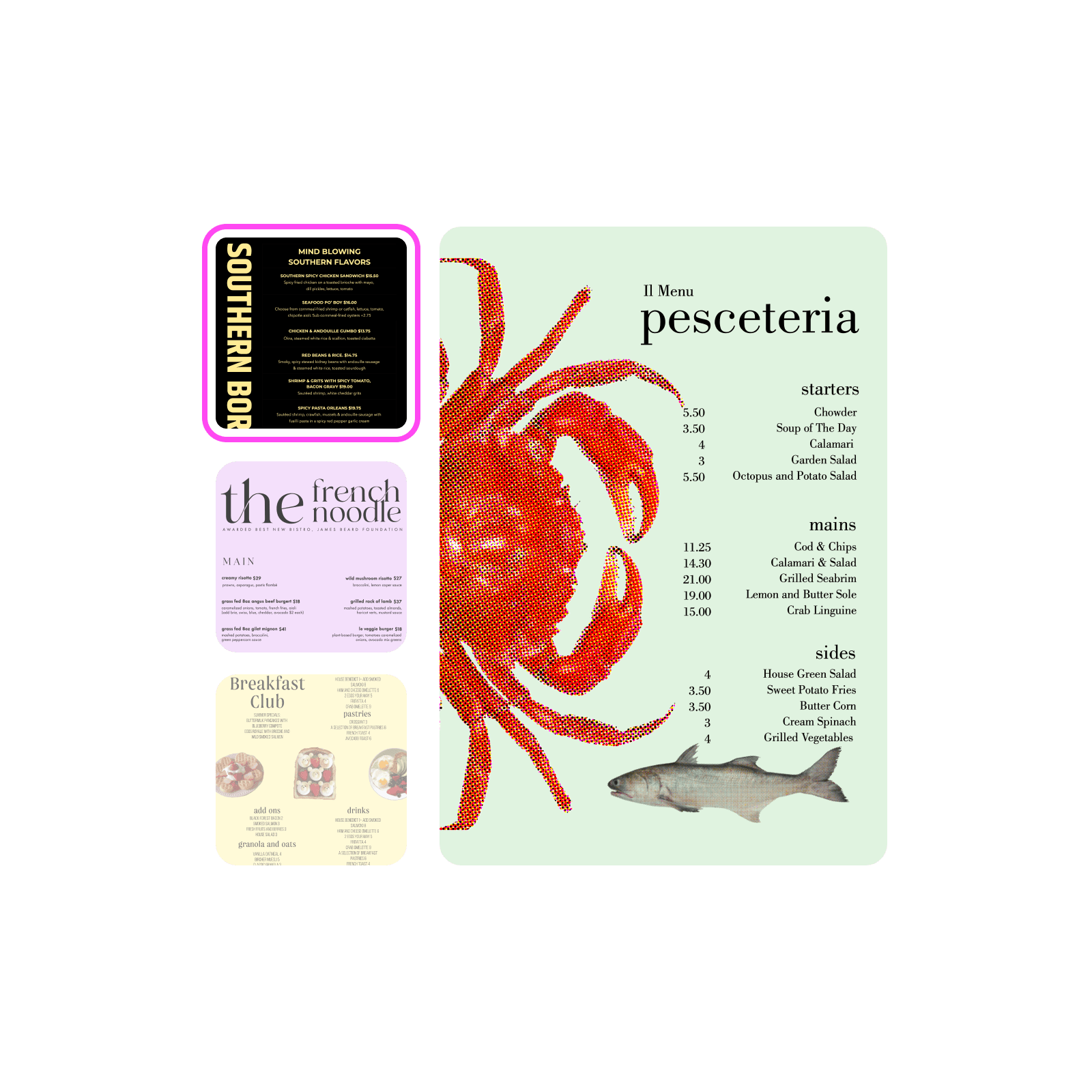
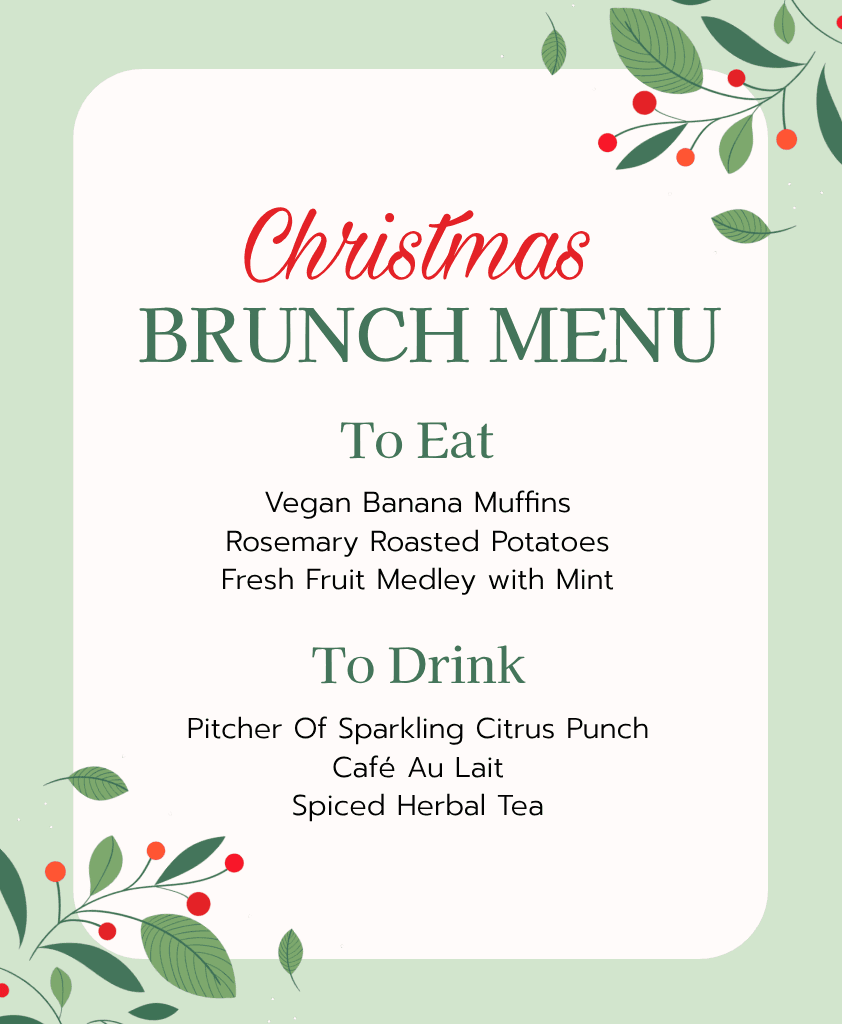
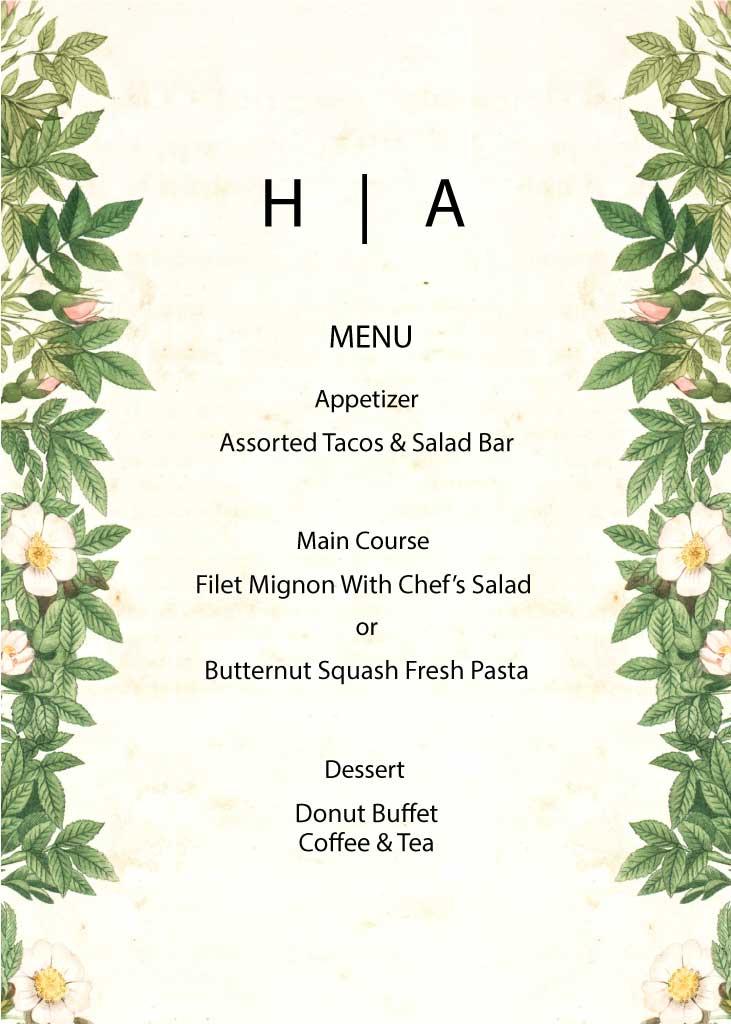
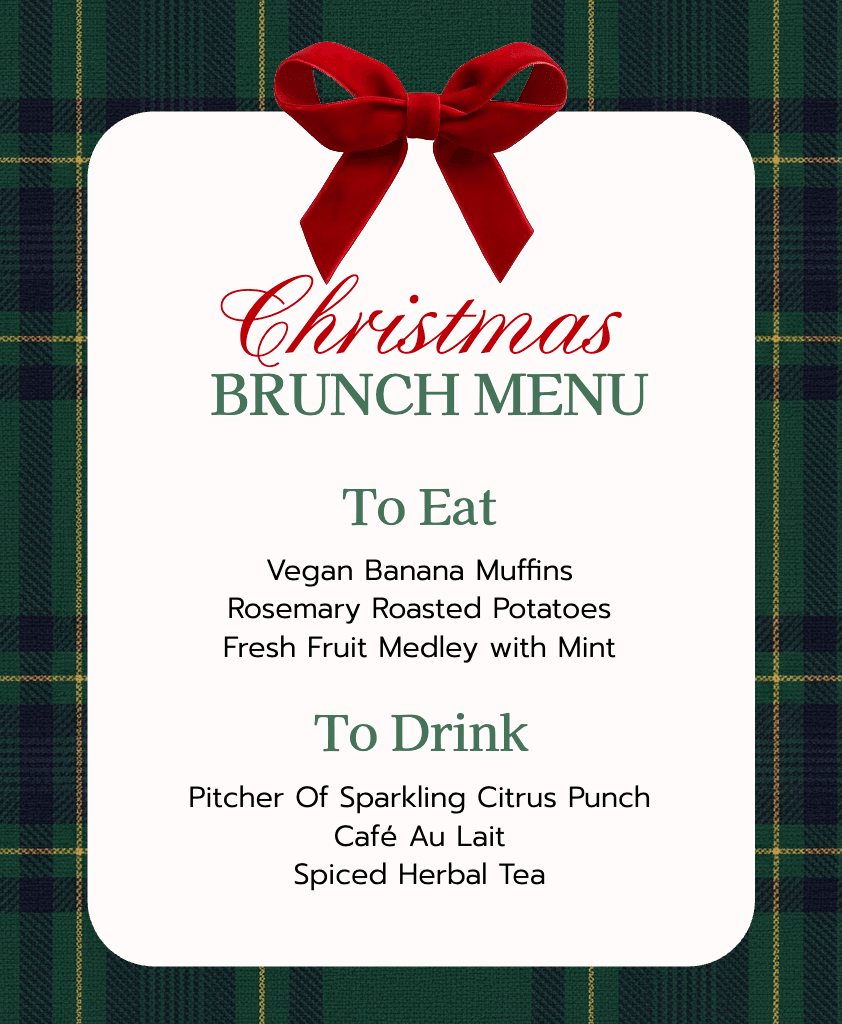
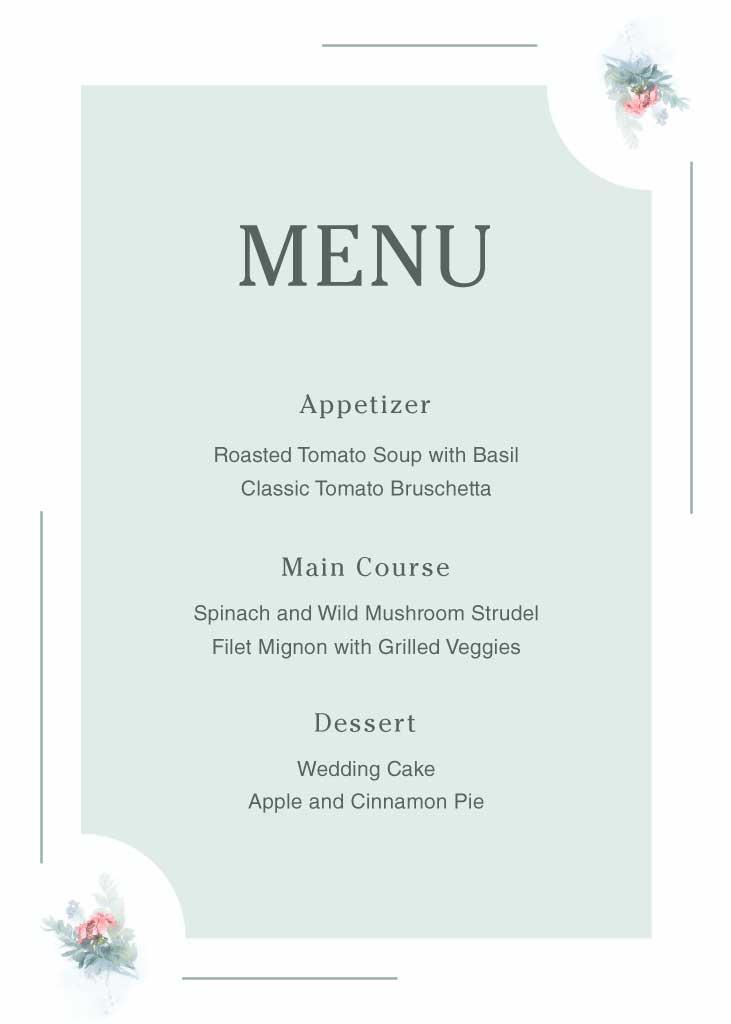
Get a headstart with expert-crafted and versatile menu templates.
Full customization
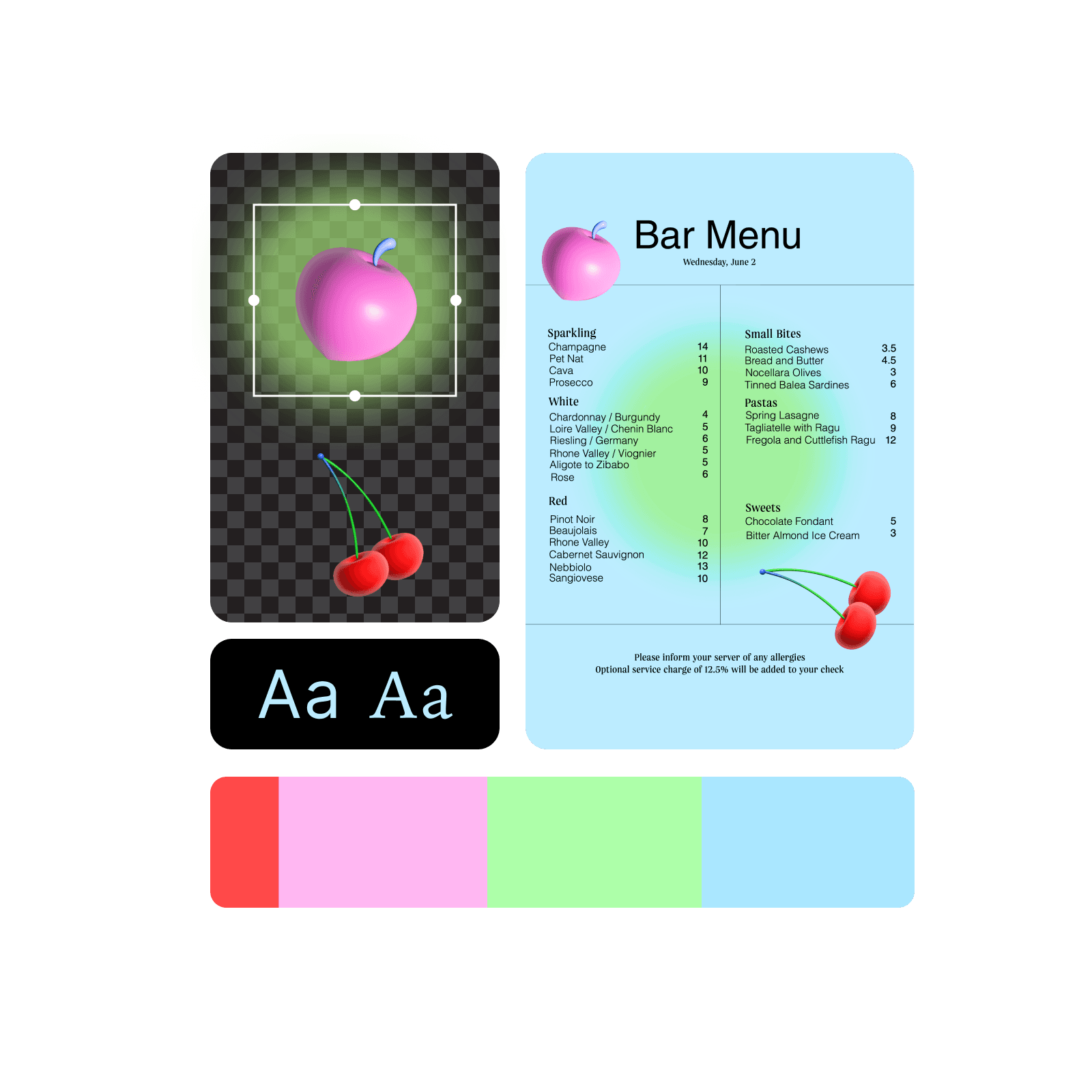
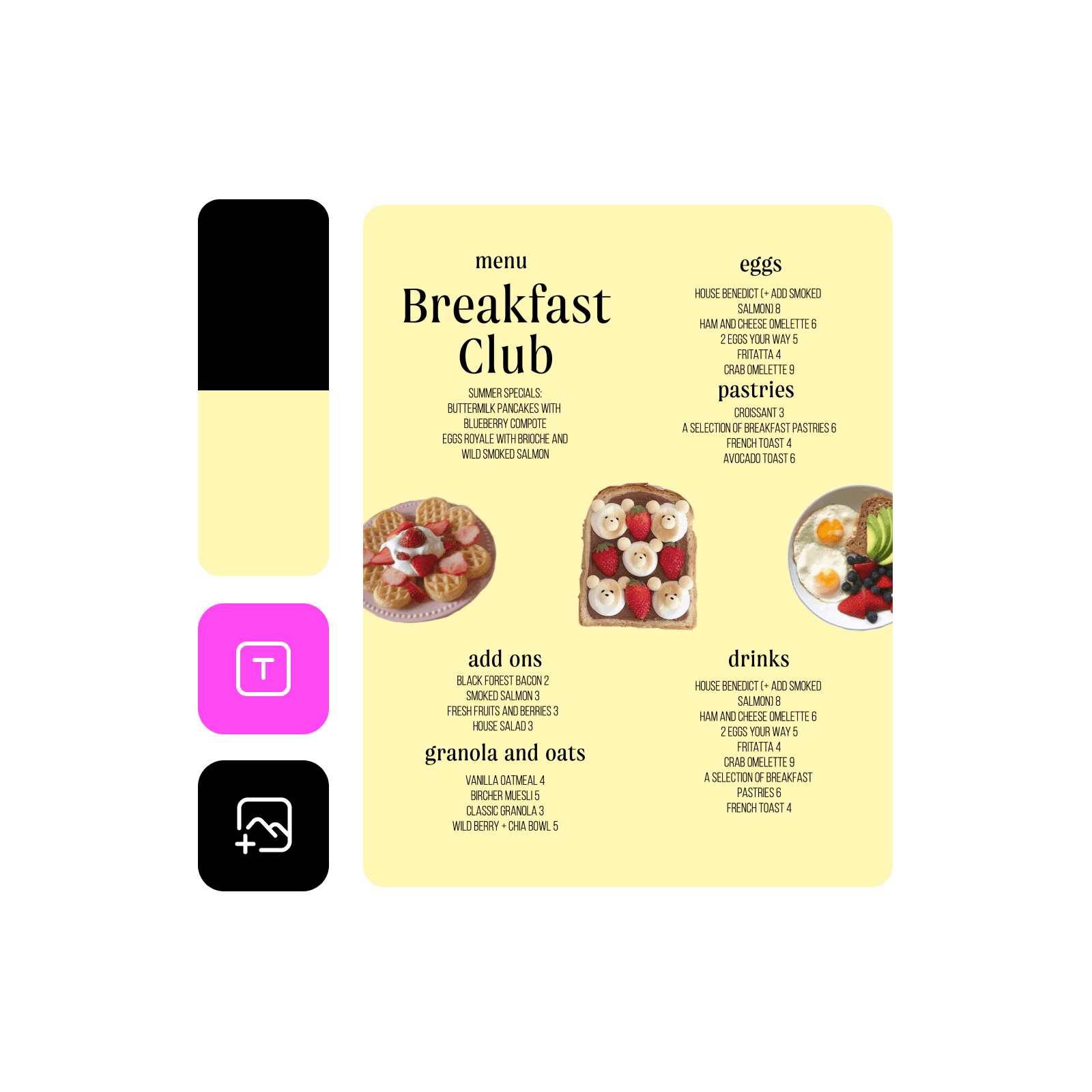
Easily customize each aspect of your menu design with a built-in suite of design tools.
How to make a menu
1
Open Picsart
Use the Start creating button to open the editor and get started.
2
Pick a template
3
Customize
4
Download
Create eye-catching menus to elevate your business
Your menu is more than just a list of dishes—it's your restaurant's visual storyteller. With Picsart’s design tools, you'll create menus that capture your restaurant's personality, from cozy bistros to upscale dining establishments. Make your menu items shine whether they’re presented in print or on screens.
Menu templates for any type of kitchen
Whether you're running a farm-to-table cafe, a bustling pizzeria, or an elegant fine-dining restaurant, Picsart’s templates library has options that match any style. From rustic chalkboard designs to sleek modern layouts, find a template that makes your menu as memorable as your signature dishes and go from draft to finished design in minutes.
Customize every delicious detail
Transform your menu from ordinary to extraordinary with easy-to-use design tools. Layer food photography, adjust fonts to match your brand, and create visuals that make each dish look irresistible. No design experience needed—just your culinary passion and Picsart’s beginner-friendly platform.
Create a menu with an all-encompassing menu maker
Find everything you need to design and customize menus in one place.
Free to use
Access a vast collection of free content and design tools.
Easy to edit
Become an instant pro with an intuitive editing flow.
Pre-designed templates
Make menus in a fraction of the time with ready-to-go menu templates.
Full customization
Tweak each aspect of your menu design with built-in photo editing tools.
Trendy fonts
Explore the large selection of fonts available in Picsart, or upload your own.
Stickers and backgrounds
Decorate your menus with hundreds of high-quality stickers and backgrounds.
Upscale the resolution
Make your design sharper by bumping up the resolution with the built-in upscaler.
High-resolution downloads
Export your designs in high resolution for a crisp and polished look.
Menu maker FAQ
Picsart offers various standard sizes, including A4, US Letter, and more. You can also set custom dimensions.
Yes, you can use the Menu Maker for free. However, some content and tools might require a subscription.
A good menu design offers a glanceable layout for each menu item. Avoid making your menu pages feel crowded with a lot of items and text. Make sure each menu item description is no longer than 1-2 sentences.
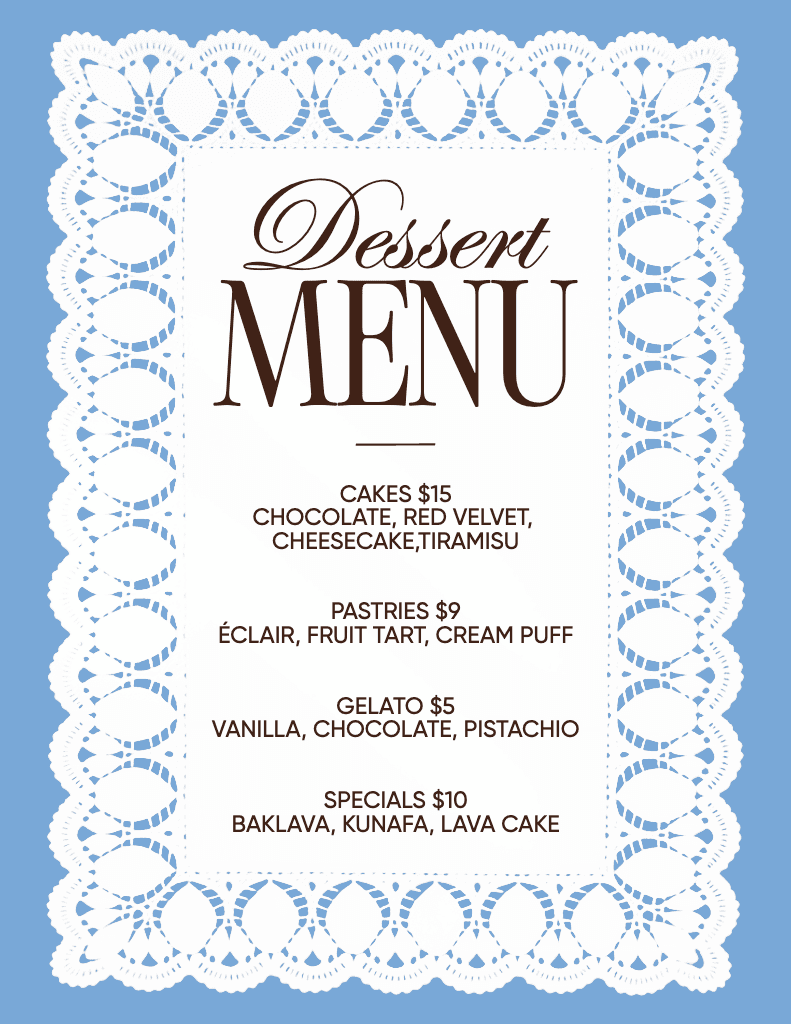
Clearly list your dishes, descriptions, and prices. Consider using high-quality images of your food. You can also include your logo and branding elements.
Design menus for brands, events, and social content
Design menus with AI image models
Use image models to transform menus into polished visuals, design ideas, and ready-to-edit assets.