Free LinkedIn banner maker: Create professional banners online
Design an eye-catching LinkedIn banner in minutes with Picsart's free online banner maker. No design skills necessary! Choose from a library of templates and customize them with easy-to-use tools.
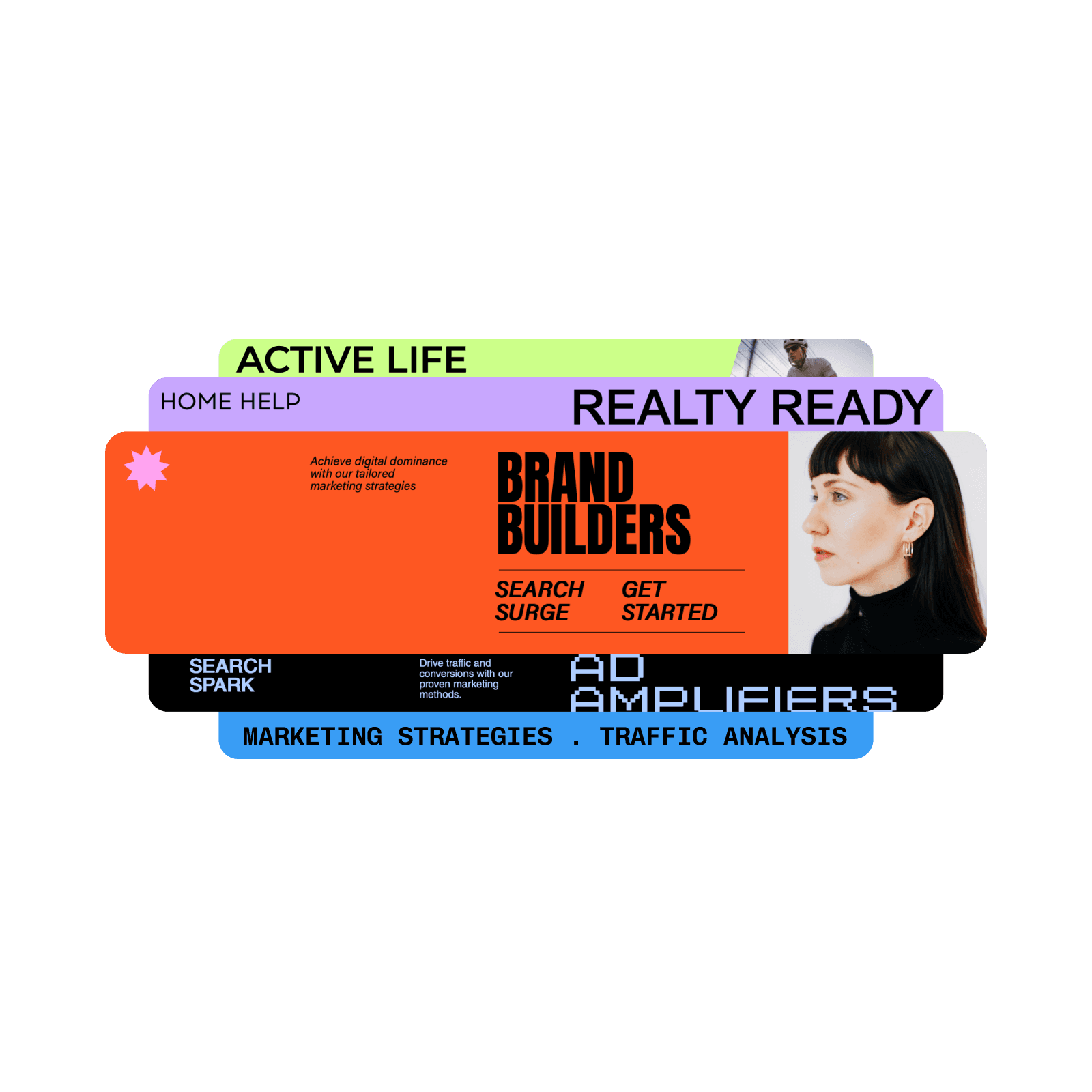
Design linkedin banners with AI image models
Use image models to transform linkedin banners into polished visuals, design ideas, and ready-to-edit assets.

Easy to use
Everybody can create the perfect LinkedIn banner with Picsart’s intuitive tools.

Ready-to-go templates
Get a headstart with expertly crafted and customizable templates to create banners with less effort.

Full customization
Get full creative control of your banner designs. Easily swap backgrounds and fonts, and use AI to generate custom elements.

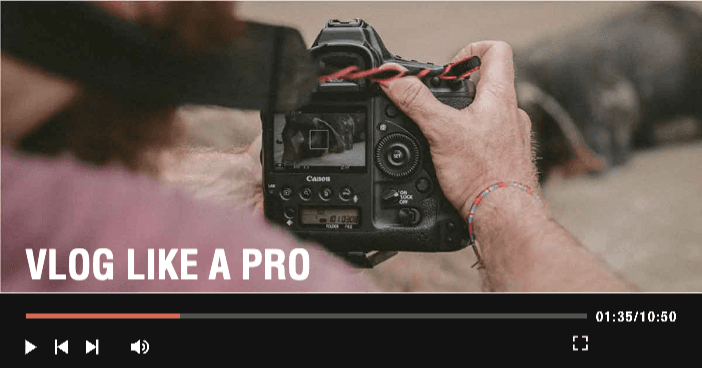
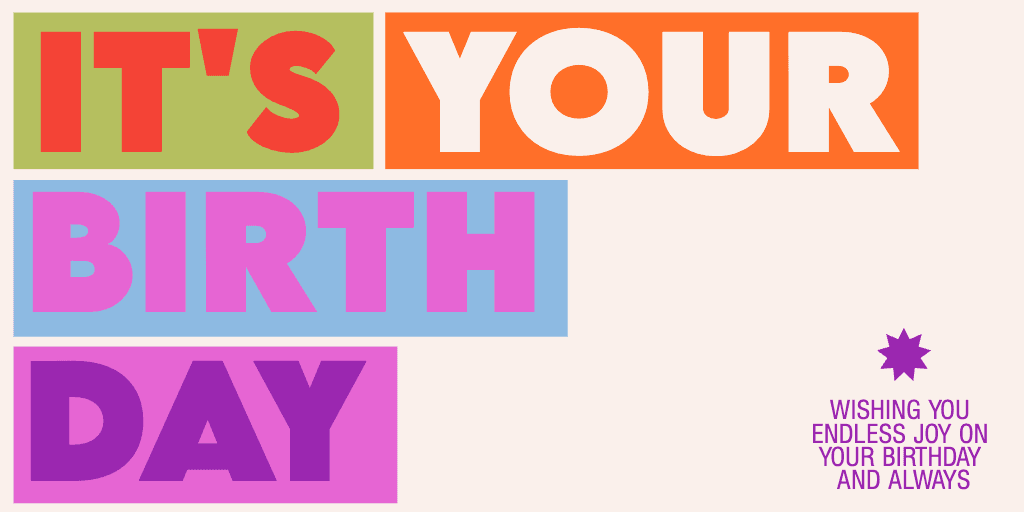
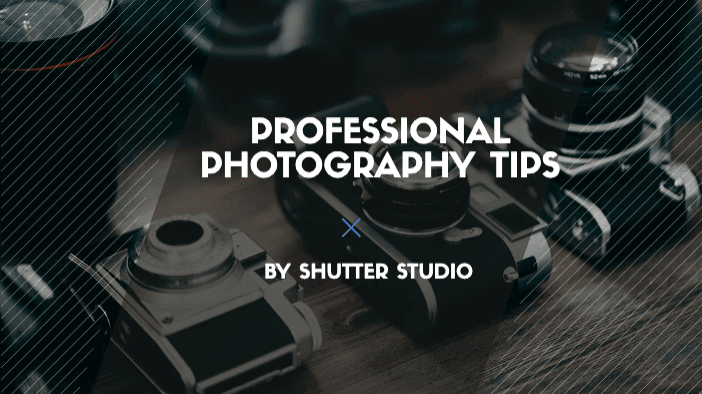
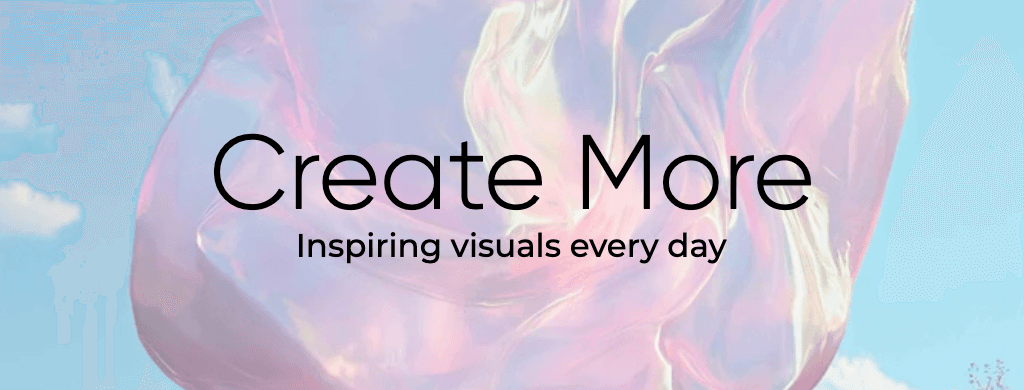
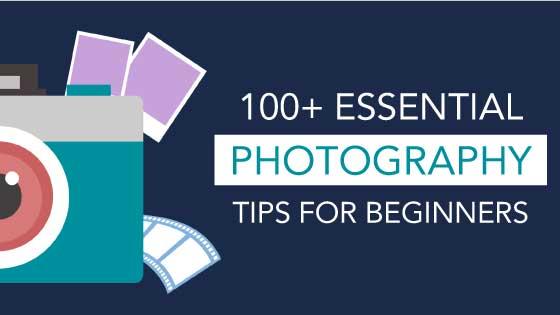
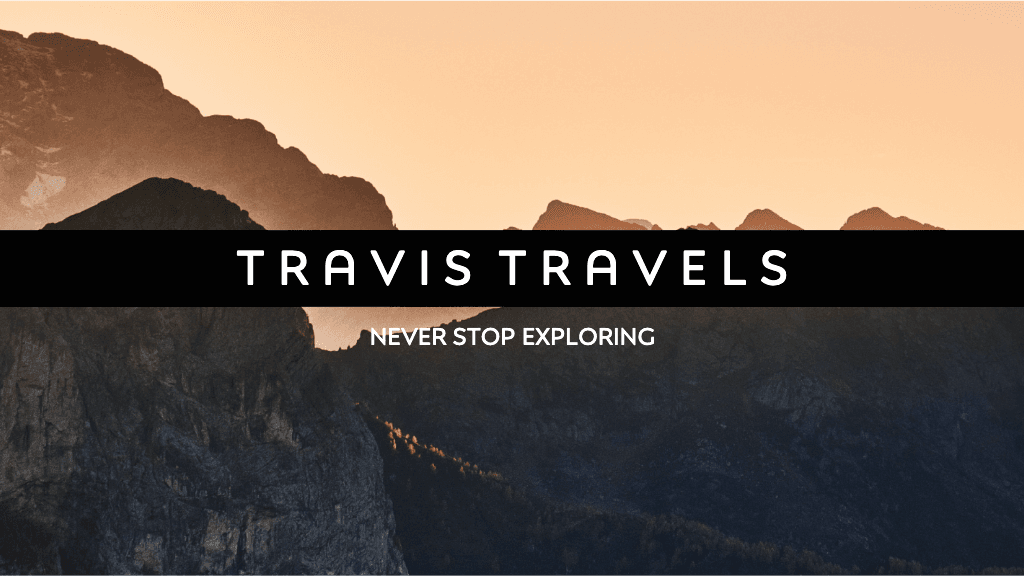
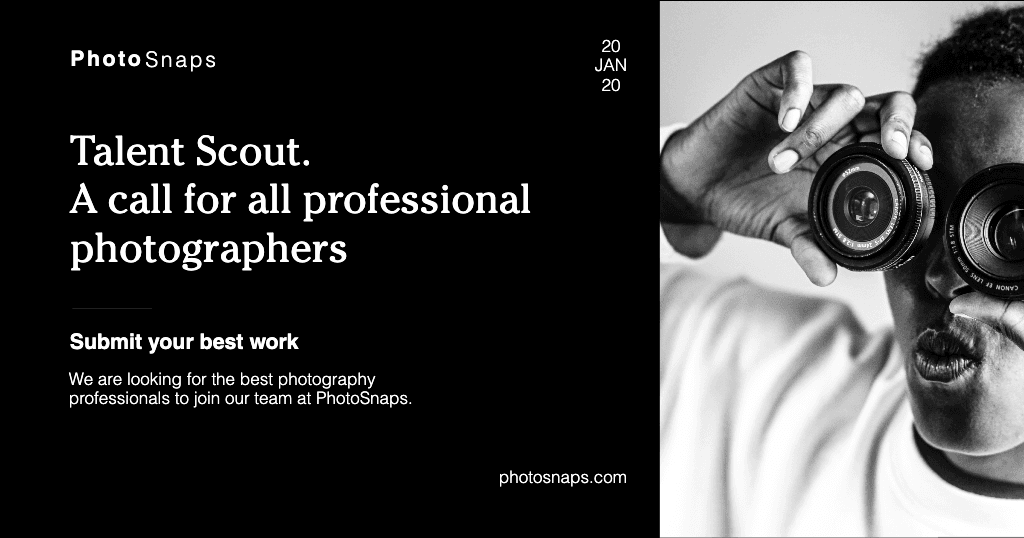



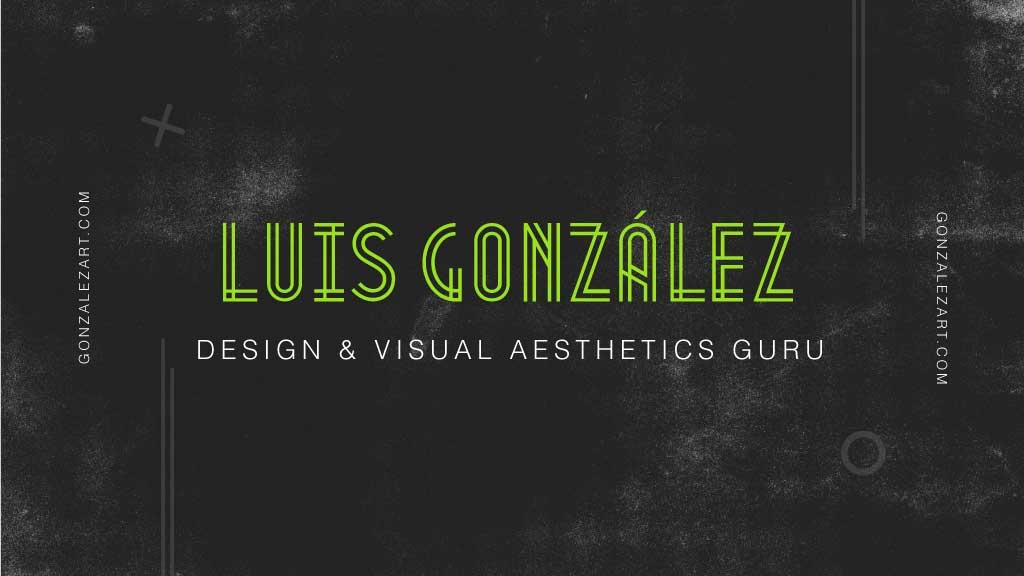

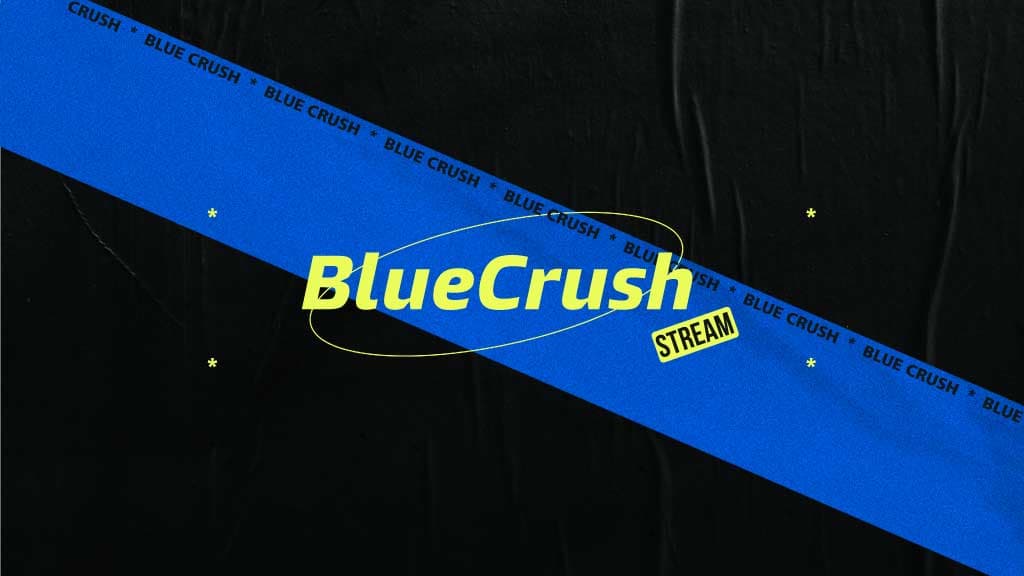
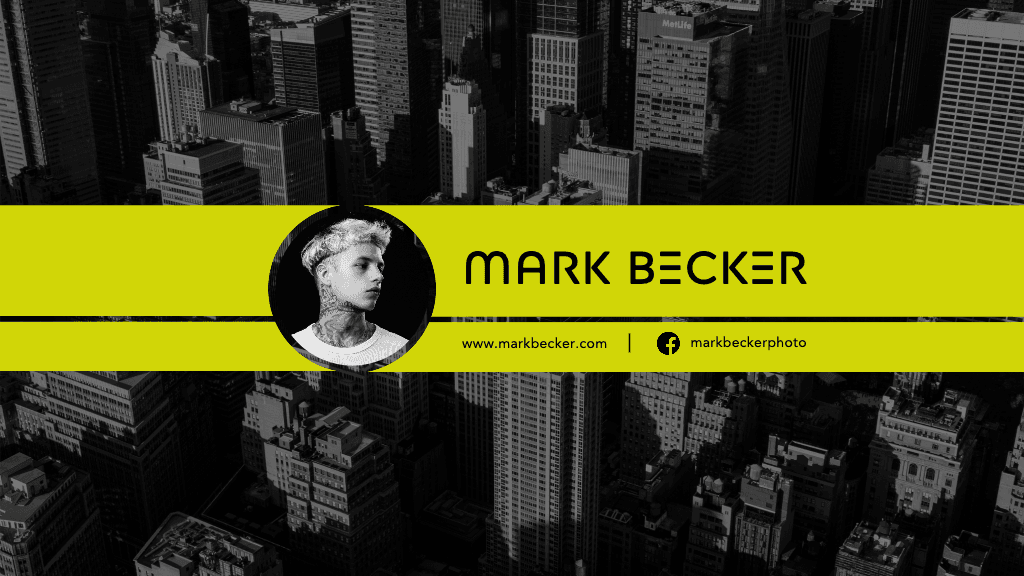
How to create a custom LinkedIn banner
Open the maker
Use the Start creating button below to open Picsart and get started.
Choose a template
Customize
Download
Craft a LinkedIn banner that tells your professional story
Stand out in the digital networking world with a LinkedIn banner that captures your unique professional essence. Picsart’s design tools make it simple to create a visual narrative that speaks volumes about your career, expertise, and personal brand—no design skills required.
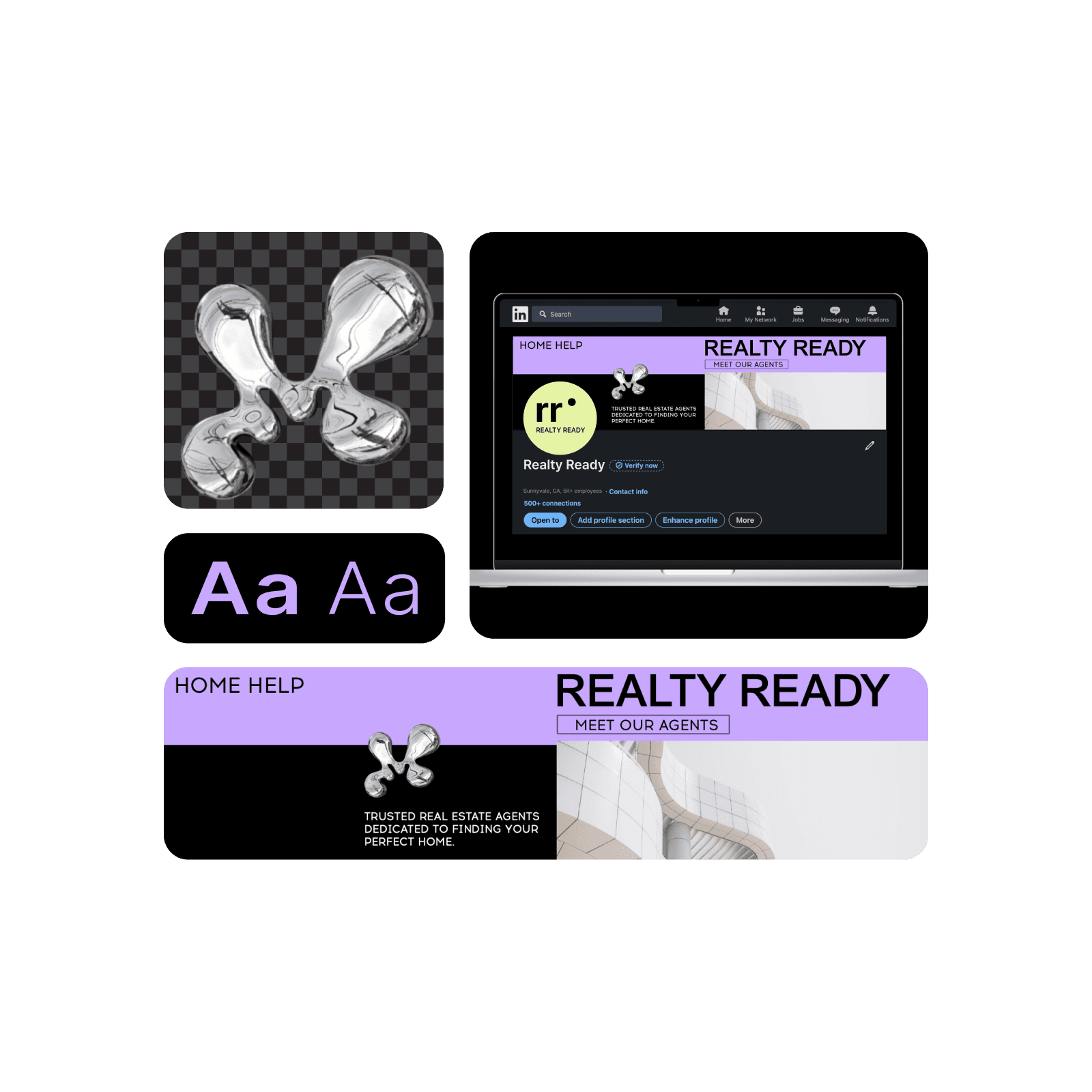
Utilize LinkedIn banner templates to transform your professional presence
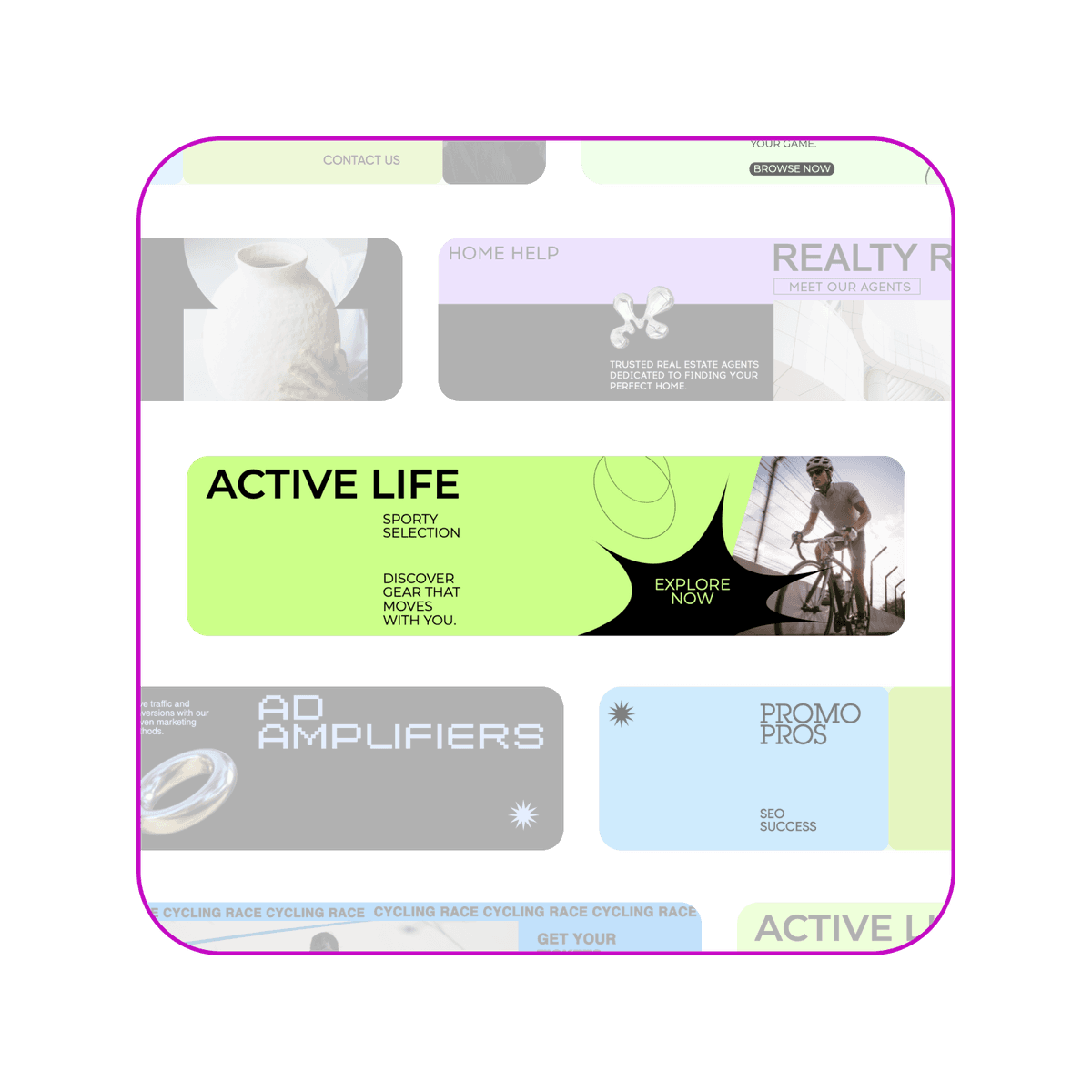
Skip the blank canvas anxiety and dive into Picsart’s curated collection of LinkedIn banner templates. Designed by professionals for professionals, these templates provide the perfect starting point for showcasing your industry, role, or personal achievements. From tech innovators to creative directors, find a style in Picsart’s template library that resonates with your professional identity.
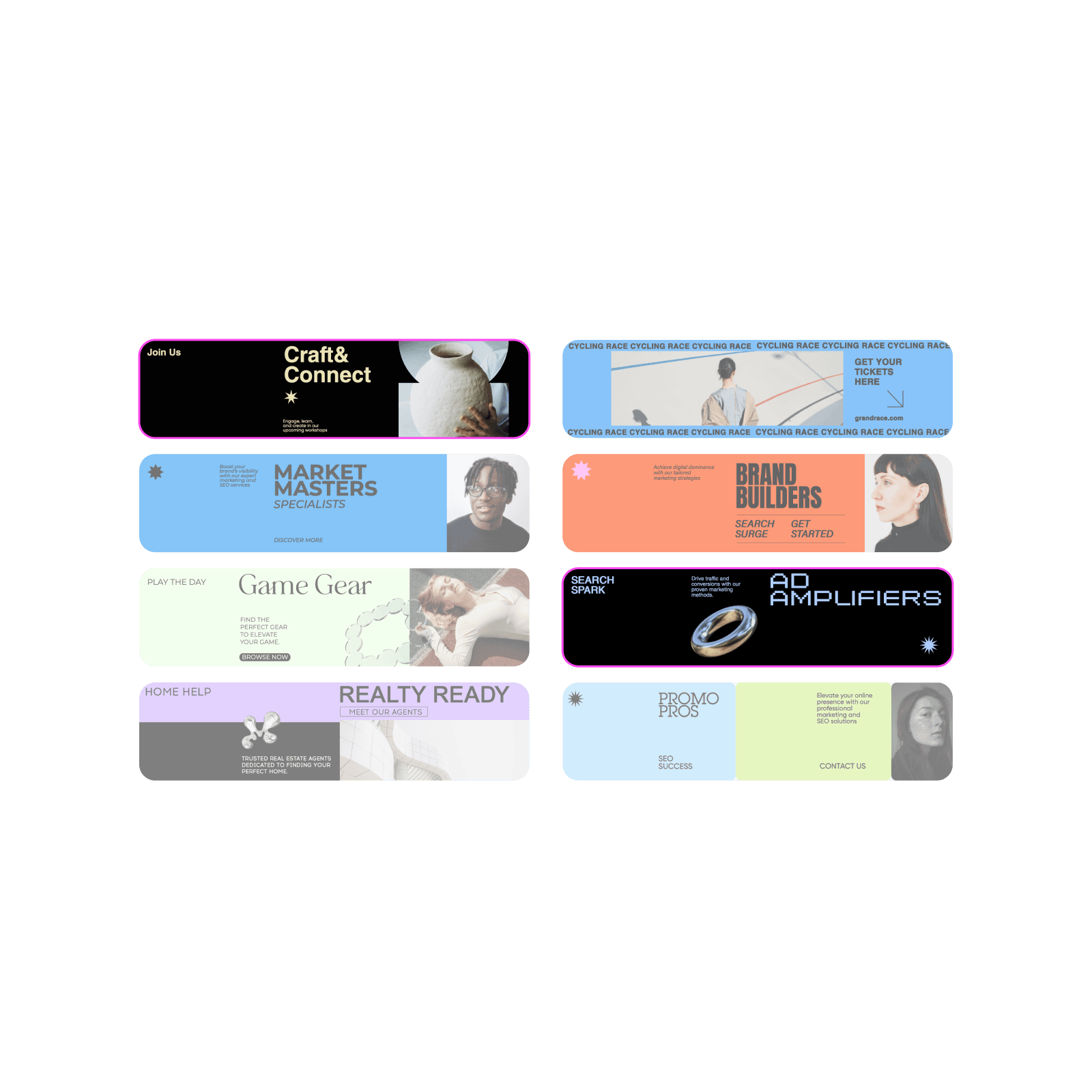
Customize your LinkedIn banner with powerful editing tools
Make your LinkedIn banner truly unique with Picsart's easy-to-use photo editing tools. From simple adjustments to advanced effects, you'll find everything you need to create a design that reflects your professional brand. Explore Picsart’s photo editor, enhance image quality with AI, or even generate images from text prompts.
Find all the tools you need in one place
Everything you need to design and customize LinkedIn banners with ease.
Easy to use
Intuitive tools make design simple, even without any experience.
Predesigned templates
Professional templates to kickstart your design.
Full customization
Total control over text, images, and every detail.
Modern fonts
A wide variety of fonts to match your style.
Photos, stickers & icons
Enhance your LinkedIn banner with Picsart’s library of visuals.
Export in any format
Download in JPG, PNG, and PDF formats.
High-resolution download
Get a crisp, clear LinkedIn banner design.
Print friendly
Optimized for printing
LinkedIn banner maker FAQ
Design LinkedIn banners for brands, profiles, and campaigns
Pro
Most popularAI tools for everyday creative work.
Ultra
Most powerfulHeavy AI usage for creators & teams.
Enterprise
Custom AI solutions for large organizations.
- Volume discounts on credit rate
- On-demand top-ups