TrustScore: 4.4 out of 5
1,672 reviews at the time of checking. Scores and counts change.
Trustpilot profile snapshot
InVideo combines agents, generated media, stock assets, and an editable video timeline. If your brief centers on a film, an explainer, or coordinated video variations, inspect that production process and its editing controls.
Picsart gives you generation, video editing, image work, and campaign design in the same creative platform. It is worth trying when the deliverables extend beyond the video itself. InVideo also offers image and audio tools, so this is a question of workflow fit, not exclusive formats.

Official capabilities checked Oct 12, 2026. Model, plan, region, and device restrictions apply. This table describes workflows rather than ranking output quality.
| Decision factor | InVideo | |
|---|---|---|
| Best fit | PicsartA video plus the photos, artwork, and designs for the same campaign. | InVideoAgent-led filmmaking, explainers, and editable video production. |
| Starting a project | PicsartChoose a model in AI Playground or begin with source footage in Video Editor. | InVideoStart with a prompt or source footage; agents can prepare and refine the edit. |
| Generation | PicsartMultiple image, video, and audio providers with model-specific settings. | InVideoMultiple providers for video, images, voice, and music; plan access varies. |
| Editing control | PicsartTrim, combine clips, add text or subtitles, and format the edit. | InVideoMultitrack timeline, manual controls, and agent-assisted rough cuts, color, and sound. |
| Team review | PicsartReview the current sharing and team features available to your plan. | InVideoLive multiplayer editing, frame comments, and shared project review. |
| Brand production | PicsartPhoto editing, templates, Brand Kits, and supporting campaign artwork. | InVideoBrand context, media generation, and video variants within its production workflow. |
| Moving between tools | PicsartCompatible exports can move between generation and editing tools. | InVideoAdvertises exports to Premiere Pro, Final Cut Pro, and DaVinci Resolve; verify the required project format. |
Prepare a short explainer with your own script and source assets. Generate any missing footage in AI Playground, then export the clips into Video Editor to arrange the story, add text, and check pacing.
Create the thumbnail, product images, and social artwork in Picsart for the same message. That workflow can require exporting and importing files. If an editable agent-driven production timeline is your main requirement, compare InVideo’s process directly before choosing.

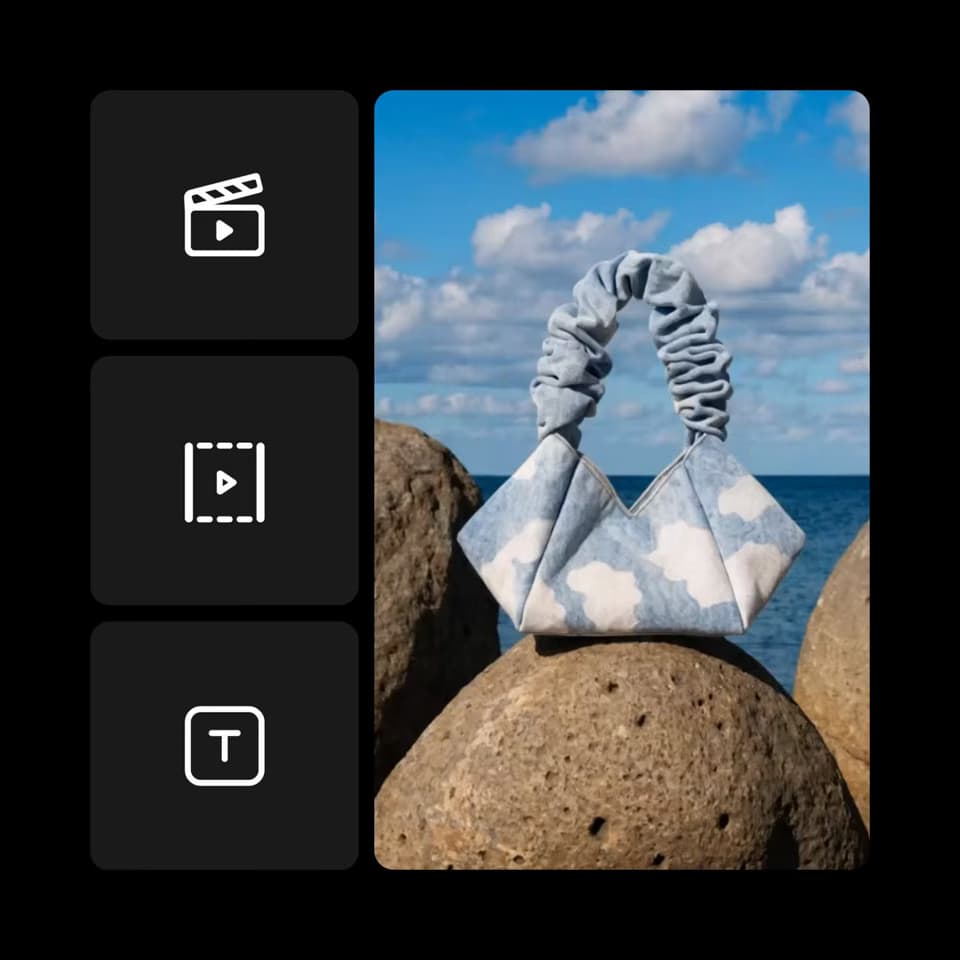
Reused Picsart example frames illustrate these workflows. They do not show competitor results or prove comparative quality.
Trustpilot snapshot, Oct 12, 2026. Self-selected reviews; not a controlled product test. Source: https://www.trustpilot.com/review/www.picsart.com
1,672 reviews at the time of checking. Scores and counts change.
Trustpilot profile snapshotFavorable feedback mentions easy editing, creative variety, and useful image tools.
Paraphrased from public reviewsSome reviewers describe subscription management, paid-feature, or credit frustrations.
Paraphrased from public reviewsResearched by Picsart and checked Oct 12, 2026. Official product pages, pricing, help articles, and terms support the feature descriptions. Recommendations describe workflow fit; no matched quality, speed, or cost-per-usable-result test was performed.
Review cards paraphrase self-selected Trustpilot feedback. Profiles, review collection, sample sizes, and product versions differ, so ratings are not a direct measure of output quality. Picsart has a claimed profile and paid Trustpilot subscription. Page illustrations are reused Picsart examples, not competitor outputs or a head-to-head benchmark.
This snapshot uses the ai.invideo.io profile. The older Invideo Studio profile at invideo.io is a different review pool and is not substituted here.
Trustpilot snapshot, Oct 12, 2026. Self-selected reviews; not a controlled product test. Source: https://www.trustpilot.com/review/ai.invideo.io
900 reviews at the time of checking. Scores and counts change.
Trustpilot profile snapshotPositive feedback mentions creative results, approachable tools, and helpful responses to billing or technical questions.
Paraphrased from public reviewsSome reviewers report rapid credit use, high project costs, errors, and outputs that still need substantial correction.
Paraphrased from public reviewsChecked Oct 12, 2026. Picsart figures are observed dollar offers, including promotions, not guaranteed renewal or checkout prices. Vendor credits are different units; compare the cost of your finished project.
InVideo’s observed offer was in euros. These prices have not been currency-converted and do not establish a cheaper provider.
| Decision factor | InVideo | |
|---|---|---|
| Free starting point | PicsartFree editing tools are available; premium assets and generation have separate limits. | InVideoManual timeline editing is described as free and does not consume credits. AI work uses credits; confirm current access. |
| Monthly billing | PicsartObserved dollar offer: Pro $13.50/month with 500 credits; Ultra $67.50/month at 2,500 credits per seat. Confirm checkout and renewal. | InVideoThe observed euro pricing page showed Starter €20, Plus €60, and Max €150 per seat/month before the annual promotion. Confirm monthly checkout. |
| Annual billing | PicsartObserved promotional offer: Pro $9.45/month, billed yearly; Ultra $54/month per seat at 2,500 credits, billed yearly. | InVideoObserved annual offer: Starter €10/month with 400 credits, Plus €30 with 2,000, and Max €75 with 5,000 per seat. Annual charge and promotion apply. |
| Generation usage | PicsartCheck the selected model, duration, resolution, audio, and retry cost. Vendor credit units are not equivalent. | InVideoAI processing and generated media consume credits; manual editing and downloading do not. Settings and model rates affect usage. |
| Unused allowance | PicsartSubscription credits expire each billing cycle. Ultra advertises optional add-on credits that never expire. | InVideoMonthly plan credits do not roll over. Extra credits expire after 12 months or when the paid subscription ends, whichever comes first. |
| Commercial output | PicsartGenerative output is available for commercial use, subject to terms and rights in your inputs. | InVideoTerms retain user ownership subject to applicable law, third-party rights, and the terms. Review the intended use and source permissions. |
| Stock and music | PicsartChoose assets cleared for your use. Picsart Help Center describes its music library as personal use only. | InVideoStock and music have separate license conditions. Use them within the finished work and verify permitted distribution. |
| Final export | PicsartCheck the actual editor or model, resolution, format, watermark, and premium resources before finishing. | InVideoThe pricing page advertises 4K export from Starter. Higher export resolution does not establish the native resolution of generated footage. |
Sources checked Oct 12, 2026. Prices, features, and review scores can change.