TrustScore: 4.4 out of 5
1,672 reviews at the time of checking. Scores and counts change.
Trustpilot profile snapshot
If you want to experiment with a live canvas, train a model around a style, or connect several generation steps, review Krea’s dedicated tools. Its Nodes workflow builder and Agent also support repeatable image and video work.
If the same brief needs generated images, retouched photos, a video, and matching designs, test the complete job in Picsart. Picsart also offers Flow for connected workflows, so automation alone does not decide this comparison.

Official capabilities checked Oct 12, 2026. Model, plan, region, and device restrictions apply. This table describes workflows rather than ranking output quality.
| Decision factor | Krea | |
|---|---|---|
| Best fit | PicsartGeneration, photo editing, video, and supporting campaign designs. | KreaReal-time exploration, trained styles, and reusable image/video workflows. |
| Model selection | PicsartMultiple image, video, and audio providers in AI Playground. | KreaMultiple providers alongside Krea’s own models; access differs by plan. |
| Creative iteration | PicsartGenerate and revise images with model-specific controls and editing tools. | KreaReal-time image exploration and live video generation from prompts, drawing, or streamed inputs. |
| Repeatable workflows | PicsartFlow supports connected creative steps; check the exact workflow you need. | KreaNodes chains tools, compares models in parallel, and shares reusable workflows. |
| Personalization | PicsartUse reference inputs and editing controls supported by your selected model. | KreaModel training can personalize characters, objects, or styles; limits depend on plan. |
| Finishing assets | PicsartPhoto editing, design templates, Brand Kits, and video editing. | KreaImage editing, enhancement, and creative agents; test your finishing requirements. |
| Existing creative apps | PicsartWeb and mobile tools plus documented integrations. | KreaPlugins for Photoshop, After Effects, Premiere Pro, DaVinci Resolve, and Blender. |
Use the same product photo and brief to generate a few visual directions in AI Playground. Pick the result that keeps the product recognizable, then refine the background, crop, or text with Picsart’s image tools.
Build the matching promotional design and add a video version when the brief needs motion. For repeat work, explore Flow separately and verify each step. Krea also supports campaign and video creation; this example shows a Picsart path rather than claiming exclusive capability.

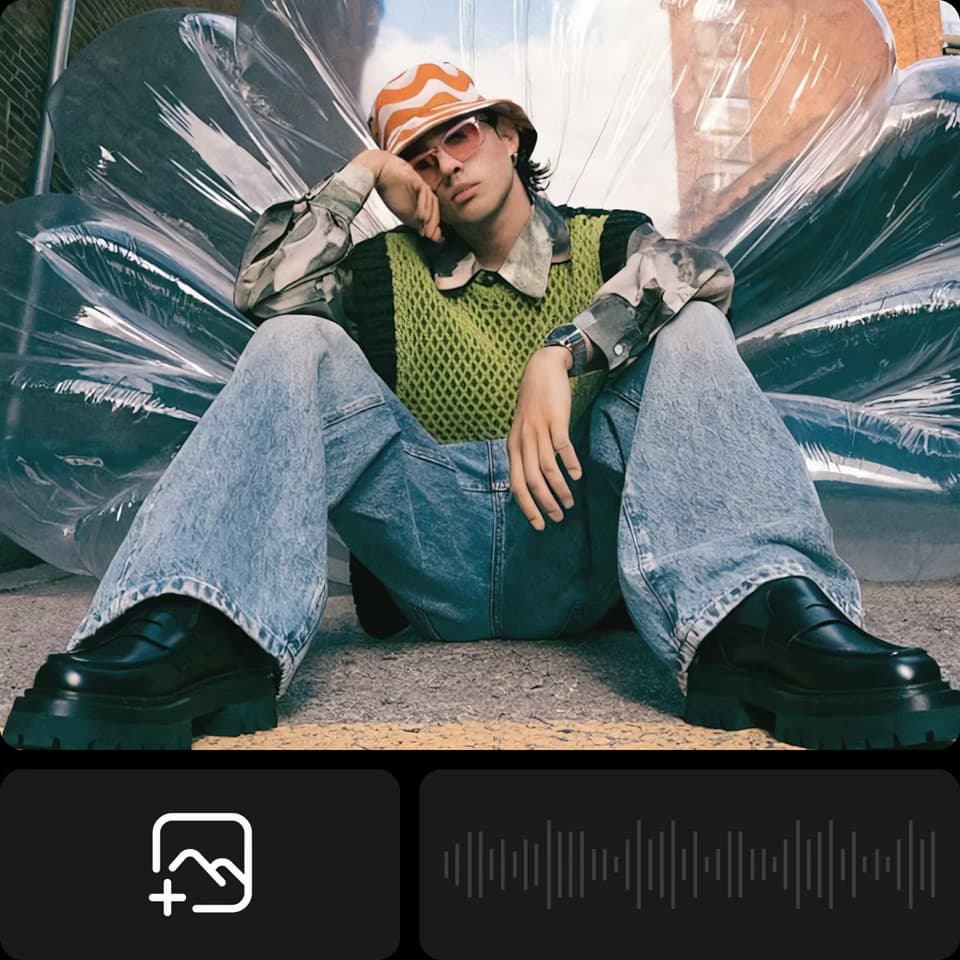
Reused Picsart example frames illustrate these workflows. They do not show competitor results or prove comparative quality.
Trustpilot snapshot, Oct 12, 2026. Self-selected reviews; not a controlled product test. Source: https://www.trustpilot.com/review/www.picsart.com
1,672 reviews at the time of checking. Scores and counts change.
Trustpilot profile snapshotFavorable feedback mentions easy editing, creative variety, and useful image tools.
Paraphrased from public reviewsSome reviewers describe subscription management, paid-feature, or credit frustrations.
Paraphrased from public reviewsResearched by Picsart and checked Oct 12, 2026. Official product pages, pricing, help articles, and terms support the feature descriptions. Recommendations describe workflow fit; no matched quality, speed, or cost-per-usable-result test was performed.
Review cards paraphrase self-selected Trustpilot feedback. Profiles, review collection, sample sizes, and product versions differ, so ratings are not a direct measure of output quality. Picsart has a claimed profile and paid Trustpilot subscription. Page illustrations are reused Picsart examples, not competitor outputs or a head-to-head benchmark.
Krea has a claimed profile and paid Trustpilot subscription. The displayed numeric score was 3.6 when checked; rounded star artwork can differ.
Trustpilot snapshot, Oct 12, 2026. Self-selected reviews; not a controlled product test. Source: https://www.trustpilot.com/review/krea.ai
165 reviews at the time of checking. Scores and counts change.
Trustpilot profile snapshotReviewers value the range of models, image creation, and approachable creative controls.
Paraphrased from public reviewsSome reviewers report subscription or cancellation problems, support delays, slow generations, and unexpected limits.
Paraphrased from public reviewsChecked Oct 12, 2026. Picsart figures are observed dollar offers, including promotions, not guaranteed renewal or checkout prices. Vendor credits are different units; compare the cost of your finished project.
| Decision factor | Krea | |
|---|---|---|
| Free starting point | PicsartFree editing tools are available; premium assets and generation have separate limits. | KreaFree advertises 100 compute units/day and limited access. Check the actual model entitlement before starting. |
| Monthly billing | PicsartObserved dollar offer: Pro $13.50/month with 500 credits; Ultra $67.50/month at 2,500 credits per seat. Confirm checkout and renewal. | KreaListed monthly prices: Basic $9 with 5,000 units; Pro $35 with 20,000; Max $105 with 60,000. |
| Annual billing | PicsartObserved promotional offer: Pro $9.45/month, billed yearly; Ultra $54/month per seat at 2,500 credits, billed yearly. | KreaAdvertised yearly equivalents: Basic $5/month, Pro $21, and Max $63. Confirm the full annual charge. |
| Generation usage | PicsartCheck the selected model, duration, resolution, audio, and retry cost. Vendor credit units are not equivalent. | KreaCompute costs vary by model and settings. Basic includes selected video models; Pro advertises full video-model access. |
| Unused allowance | PicsartSubscription credits expire each billing cycle. Ultra advertises optional add-on credits that never expire. | KreaBasic, Pro, and Max monthly units do not roll over. Business and Enterprise have separately described rollover options. |
| Commercial output | PicsartGenerative output is available for commercial use, subject to terms and rights in your inputs. | KreaPaid plans explicitly include a commercial license. Verify free-plan permissions and rights to all source material. |
| Stock and music | PicsartChoose assets cleared for your use. Picsart Help Center describes its music library as personal use only. | KreaClear rights for imported assets and music separately; generation access does not license arbitrary third-party media. |
| Final export | PicsartCheck the actual editor or model, resolution, format, watermark, and premium resources before finishing. | KreaCheck native output size, upscaling, and the app or editor used to finish the project. |
Sources checked Oct 12, 2026. Prices, features, and review scores can change.