Logo maker: Generate high-quality logos with AI
Put together a polished and unique brand identity for your small business or side hustle with the Picsart AI logo generator. Just write your brand name, select a color set and style, or even upload a logo example, and let Picsart come up with high-quality logos in a matter of seconds. The logo maker will even effectively incorporate your brand name into the design for maximal brand recognition.

Create logo ideas with AI image models
Use image models to explore logo concepts, brand marks, and visual directions.

Instant logo generation
Generate logos from scratch in a matter of seconds with AI.

Example-based generation
Upload your favorite logos to the logo maker to get similarly styled results.

Name-based logos
AI will masterfully implement your brand name into the newly created logo design.
How to generate logos
Open the AI logo generator
Use the Start creating button to get started.
Insert brand information
Select examples
Generate logo previews
Download
Craft unique logos at minimal cost and hassle with the logo generator
Creating a logo for your side hustle or small business has never been easier! Generate recognizable and memorable logo designs by yourself without needing to hire a designer or become one yourself. Not sure how to describe your logo vision? Just upload an example logo to the AI logo generator to save even more time on prompting.

Transform your brand identity in seconds
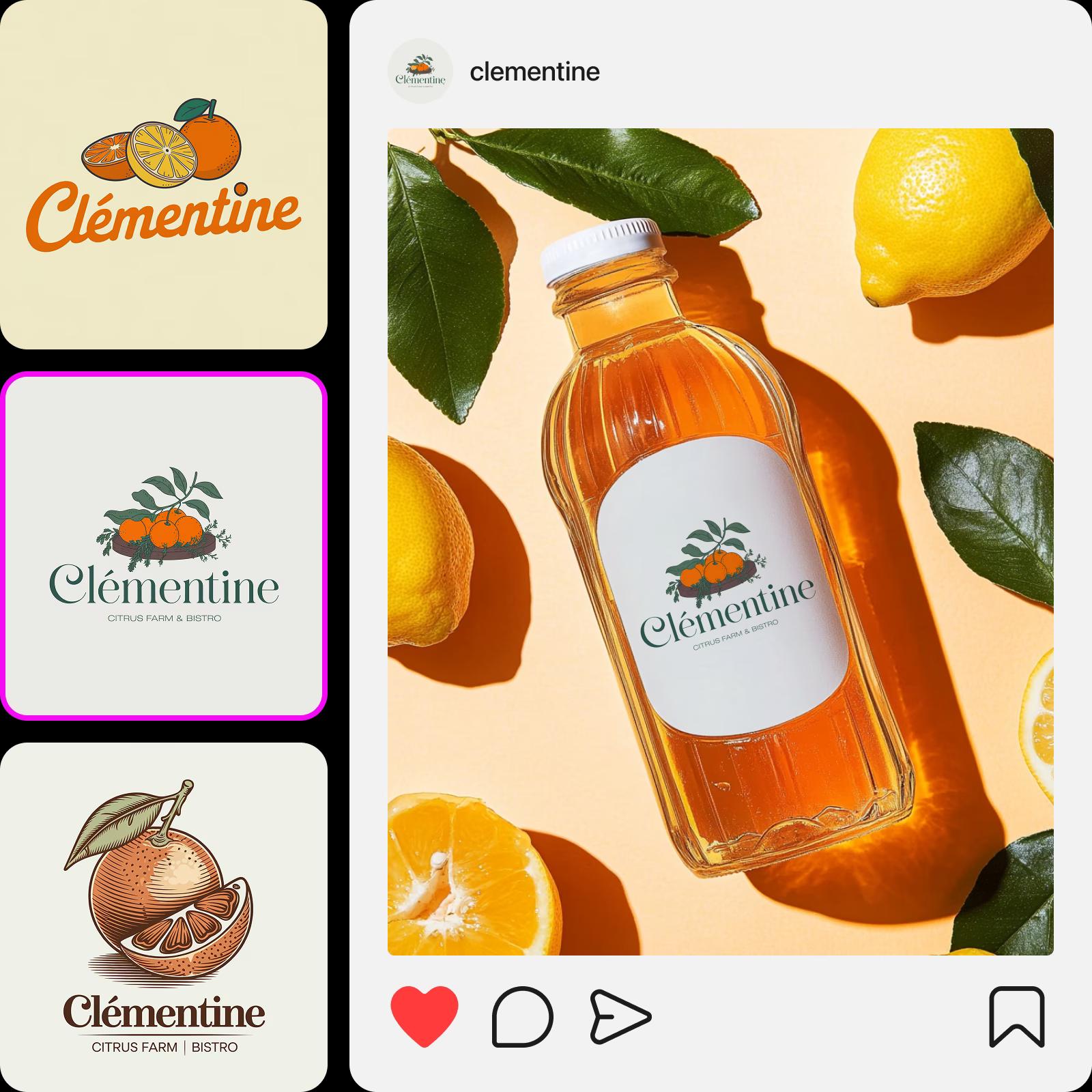
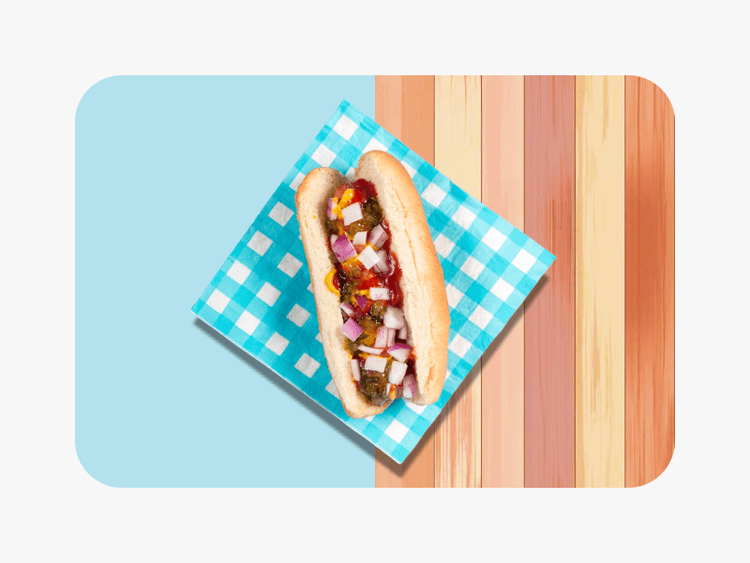
Thanks to meticulously trained AI models, the Picsart AI logo maker is capable of generating logo designs for various types of businesses. Whether you are creating a logo for a small Etsy fashion shop, a homemade cookie brand, or a vet clinic, the AI draws upon a vast knowledge base to generate relevant results.
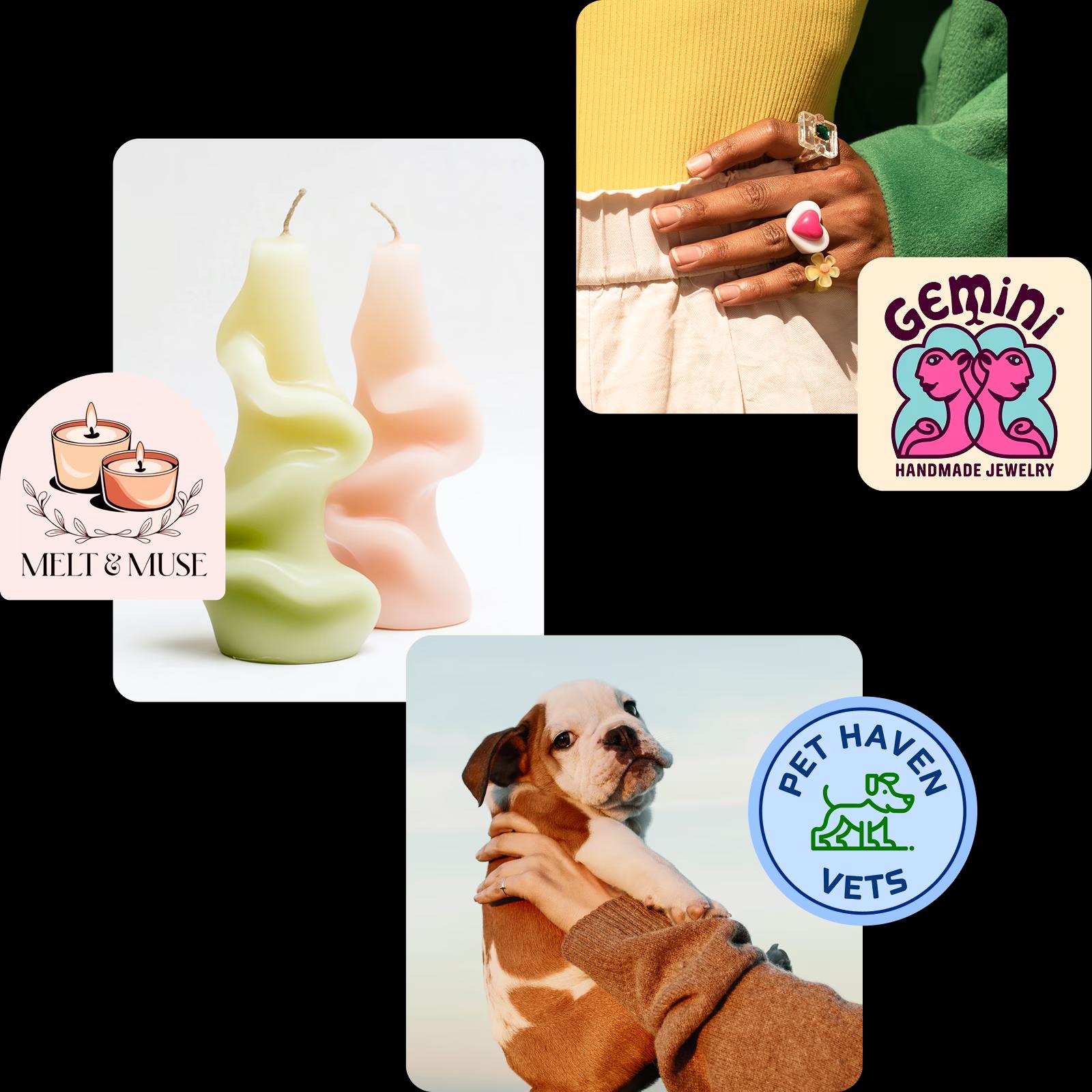
Generate AI logos for various industries

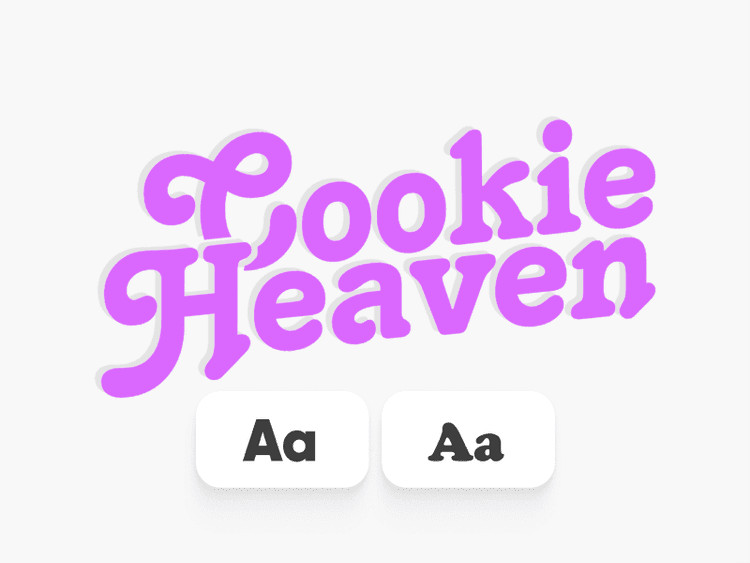
Build a brand kit based on your AI logo
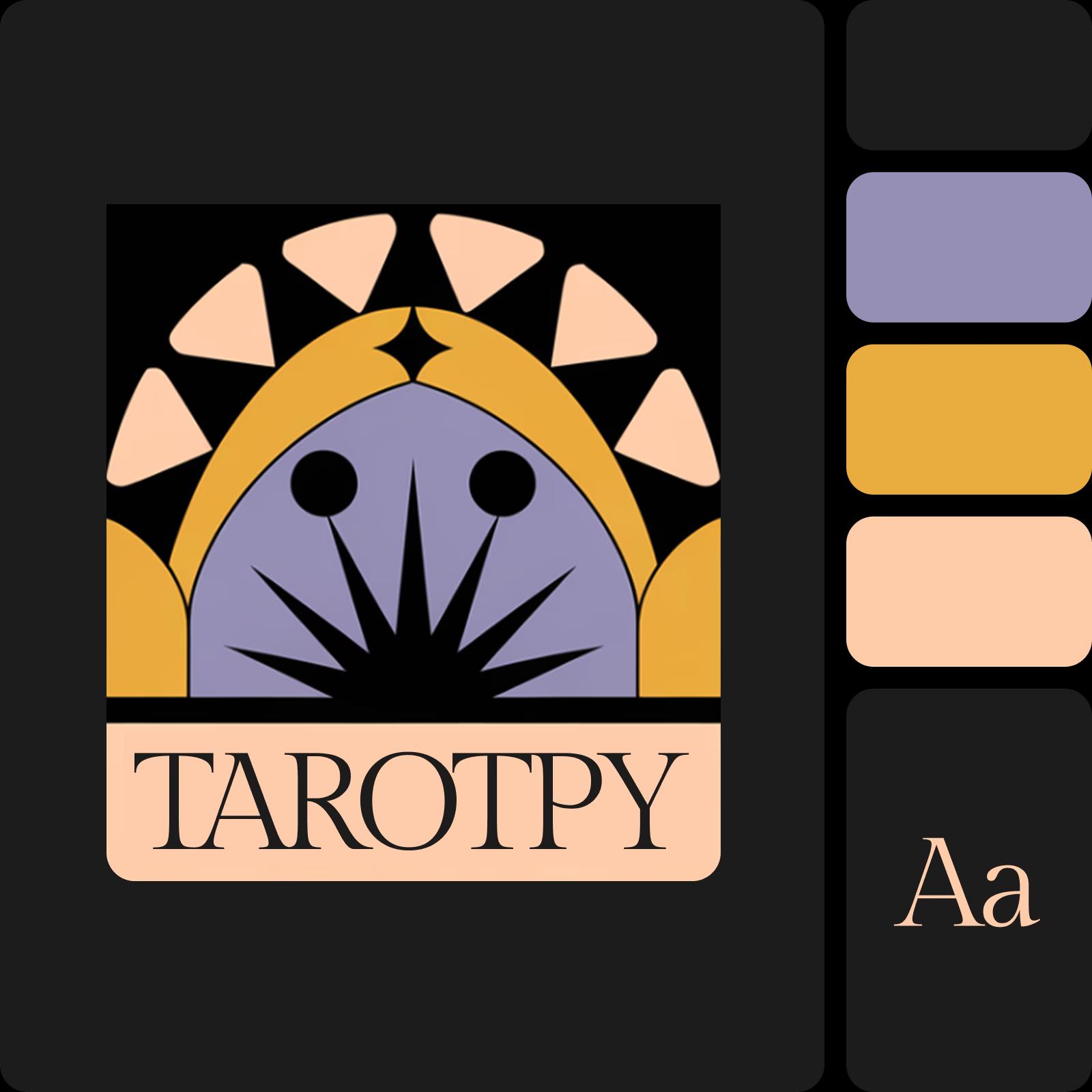
Keep the creative momentum going by delegating your brand kit creation to the AI. Let Picsart build a cohesive brand identity by giving you a primary color palette, brand fonts, and logo variations. Not a fan of the colors or font selection? Use the initial version as an advanced starting point and easily tweak the kit so it matches your vision. Once this is done, you will be able to select templates that are automatically tailored to your brand kit.
Customize your logo with AI
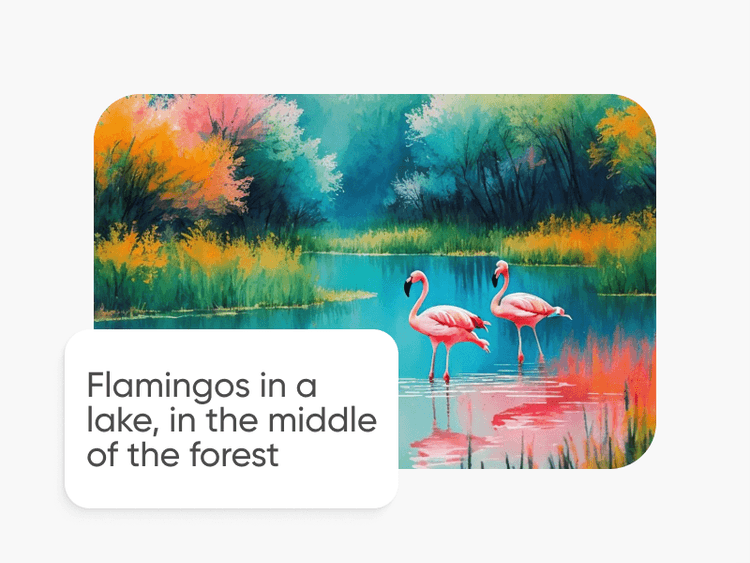
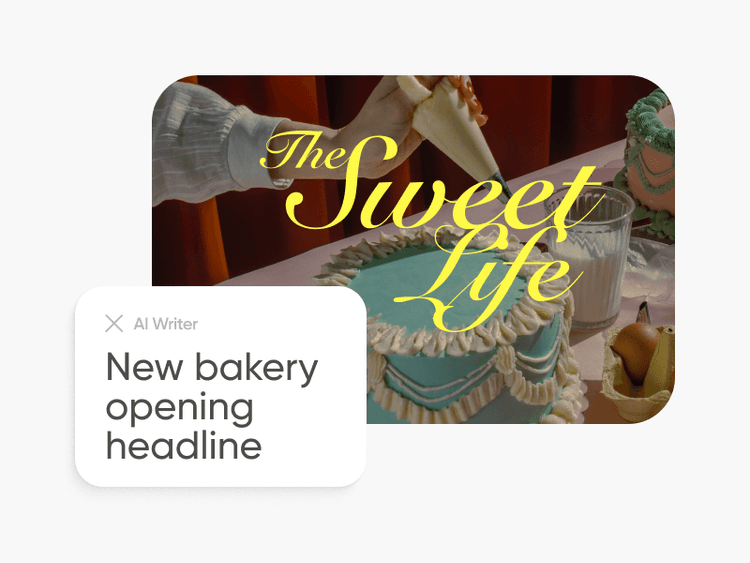
Take advantage of the AI-powered photo editor to effortlessly edit your AI logos. Create quick mockups and product photos with the text-to-image AI generator and insert your newly created logo. Need copy for those visuals too? Easily generate copy with the AI Writer. Or use the AI-powered object remover to quickly erase unwanted elements from your AI-generated logo with surgical accuracy.
One-stop logo maker for the perfect DIY brand identity
Find all necessary tools for logo and identity creation in one convenient interface.
Describe your vision
Have a specific logo idea in mind? Describe it in a couple of words and let AI visualize it.
Upload logo examples
Input sample logos to the logo creator that you like to get similarly styled results.
Industry-relevant results
Create logo designs that immediately communicate your line of business.
Pick a color palette
Be in control of the colors used in your logo design.
Instant results
It only takes a couple of seconds to generate a logo with Picsart.
Unique designs
DIY easily recognizable logo designs you’ll be proud to put on collaterals and packaging.
Generate similar results
Not a fan of the initial version? Use the “Explore similar styles” feature to generate more variations.
High quality exports
Download your logo in a crispy clear and print-friendly resolution.
Continue your creative journey with Picsart
Access a full suite of photo editing and design tools all built into one, easy-to-use interface.





AI logo generator FAQ
The AI logo generator uses advanced algorithms to analyze various design elements and trends, allowing it to create logos that align with the unique needs of different industries. Whether you're in tech, legal, design, or healthcare, the AI understands the nuances required to produce professional, relevant logo designs tailored to your business.
To some extent, yes. You can use the editing tools available on Picsart to make tweaks to your AI-generated logos like removing an element with the AI object remover or using effects and overlays to customize the look. However, you can’t do things like rearranging the elements of the logo or changing its colors once it has been generated. For major changes, you can always go back to the generation screen and update your prompt and other initial selections to get more fitting results. You also have the option of using the logo creator to build something from scratch using the vast library of shapes, stickers, and other assets available in Picsart.
You can save your AI-generated logos in PNG, JPG, and PDF formats.
Not at all. You don’t need any design experience to generate logos with the AI logo creator.
Yes, Picsart’s logo maker is free to use for limited logo generations. For unlimited use, you will need to purchase a subscription or credits.
It only takes a couple of seconds to generate a logo with AI. If you’re building one from scratch, times will vary. You can use Picsart’s expertly-crafted logo templates to speed up this process.
As Seen in




Generate logo design for creator-ready projects
Pro
Most popularAI tools for everyday creative work.
Ultra
Most powerfulHeavy AI usage for creators & teams.
Enterprise
Custom AI solutions for large organizations.
- Volume discounts on credit rate
- On-demand top-ups