Join Picsart’s Discord server
Chat and design with fellow creators on our Discord server. Subscribe to one of our tiers to access exclusive perks, content, and more.
How to join our server
Create anything but ordinary
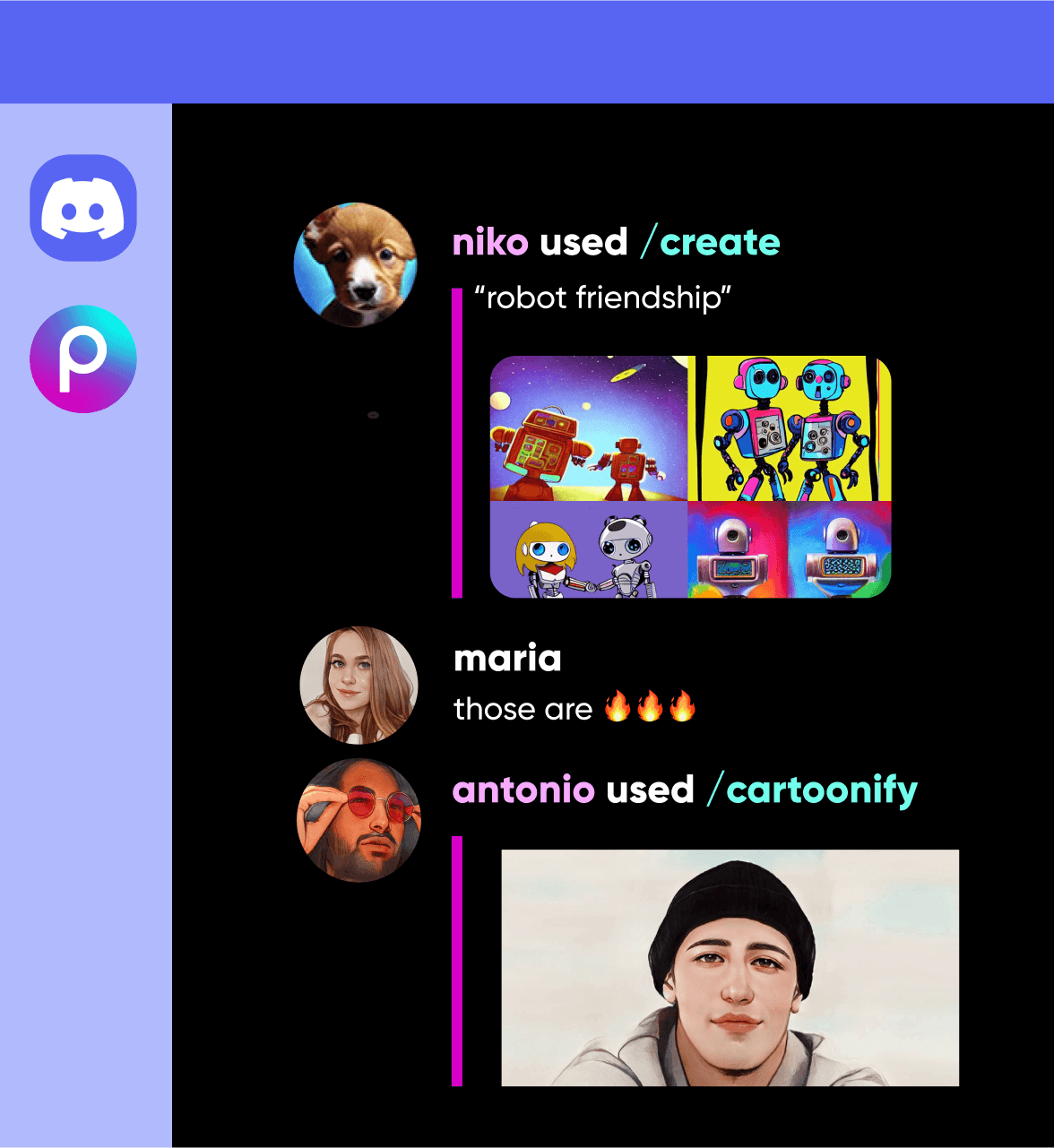
Whether you’re a Picsart Master or casual creator, the Picsart server is a place to take your creativity to new heights. We encourage you to share advice on how to design artwork, showcase AI generated images, discuss popular Picsart tools, effects, enter challenges, and more.
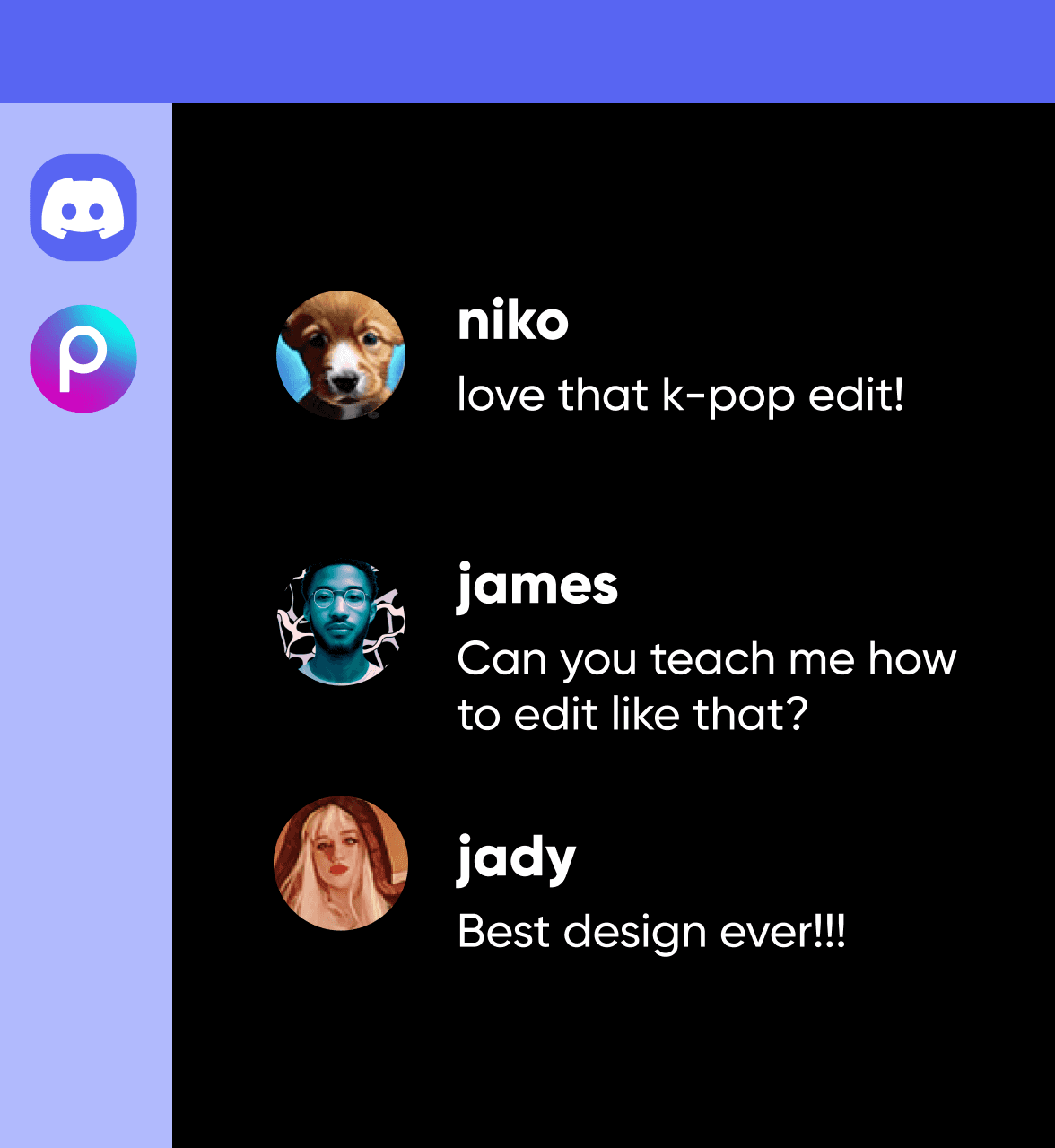
Discuss trending topics on Discord
Love chatting about all things gaming, anime, or music? We invite you to join the Picsart server to talk about these passions and share your edits.
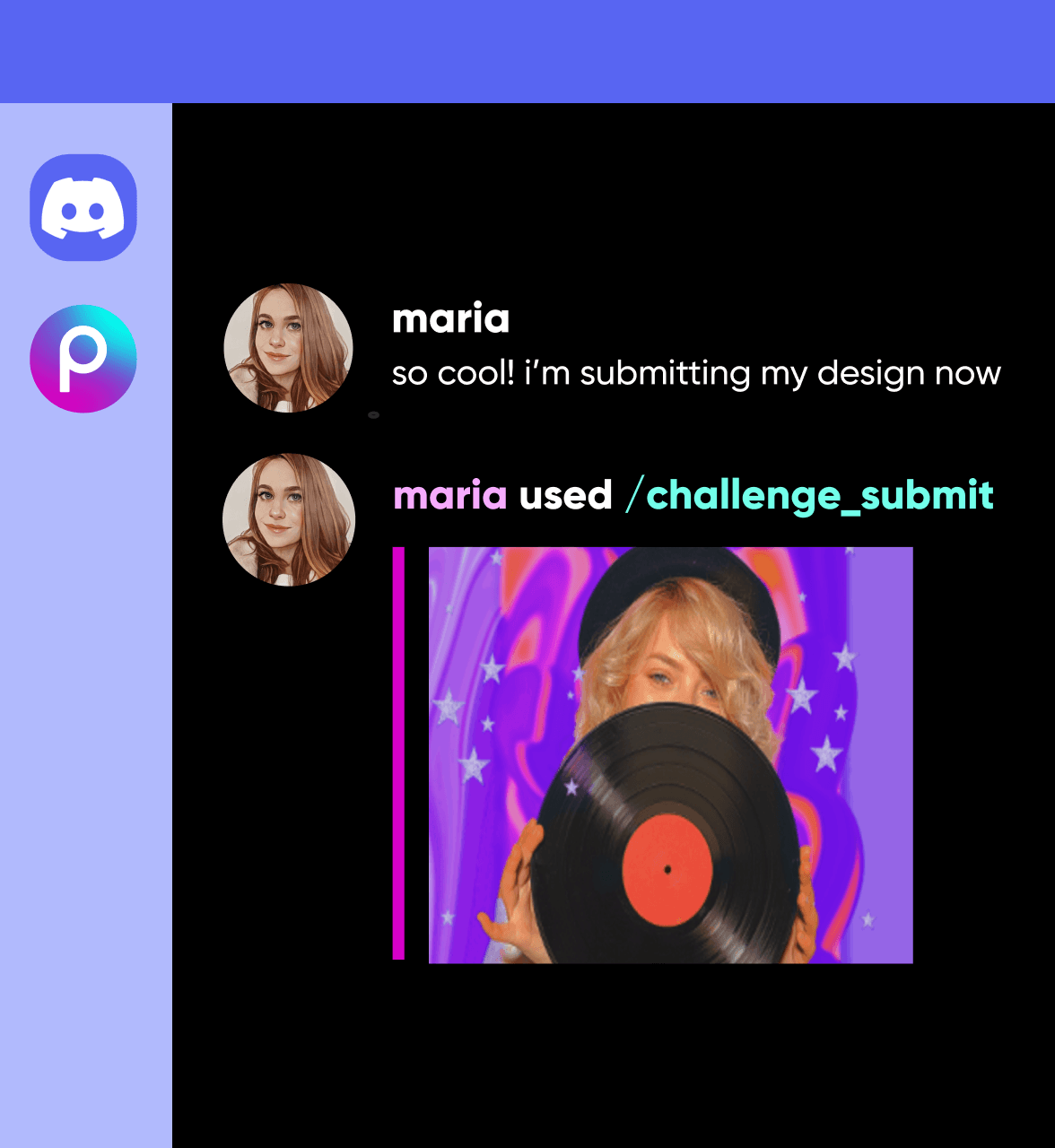
Enter or launch challenges within Discord
Now, you can enter exclusive Picsart challenges with the Picsart server community on Discord. View server challenge announcements, download the challenge assets, and submit to win.
Endless opportunity for creative expression
Within Picsart, you’ll find thousands of stickers, backgrounds, and templates to elevate your edits. Join our Discord server and connect with a community that will help you discover new Picsart tools and features.
Frequently Asked Questions
Discord is an instant messaging social platform that allows its users to communicate via text messaging, voice calls, and video calls.
Create visuals for social, campaigns, and brand projects
Pro
Most popularAI tools for everyday creative work.
Ultra
Most powerfulHeavy AI usage for creators & teams.
Enterprise
Custom AI solutions for large organizations.
- Volume discounts on credit rate
- On-demand top-ups
Try the Picsart Bot in the Discord server
Simply type in a slash command to edit an image and share it with the Picsart community on Discord.


