Build Black Friday ads around one clear offer
6 Black Friday assets for one connected campaign
Create AI directions for the teaser, launch, bundle, last call, offer poster, and campaign graphic around one honest offer.
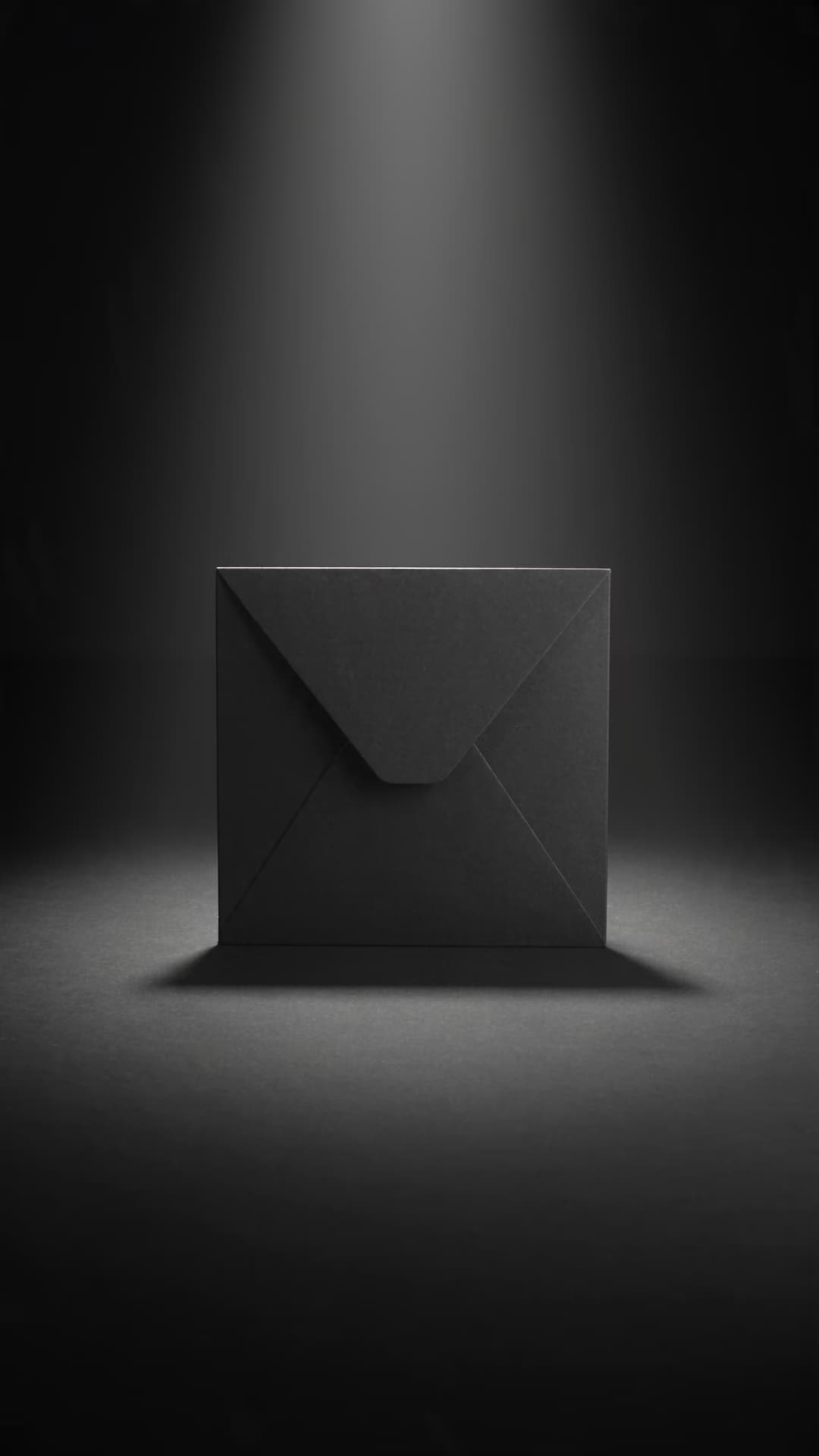
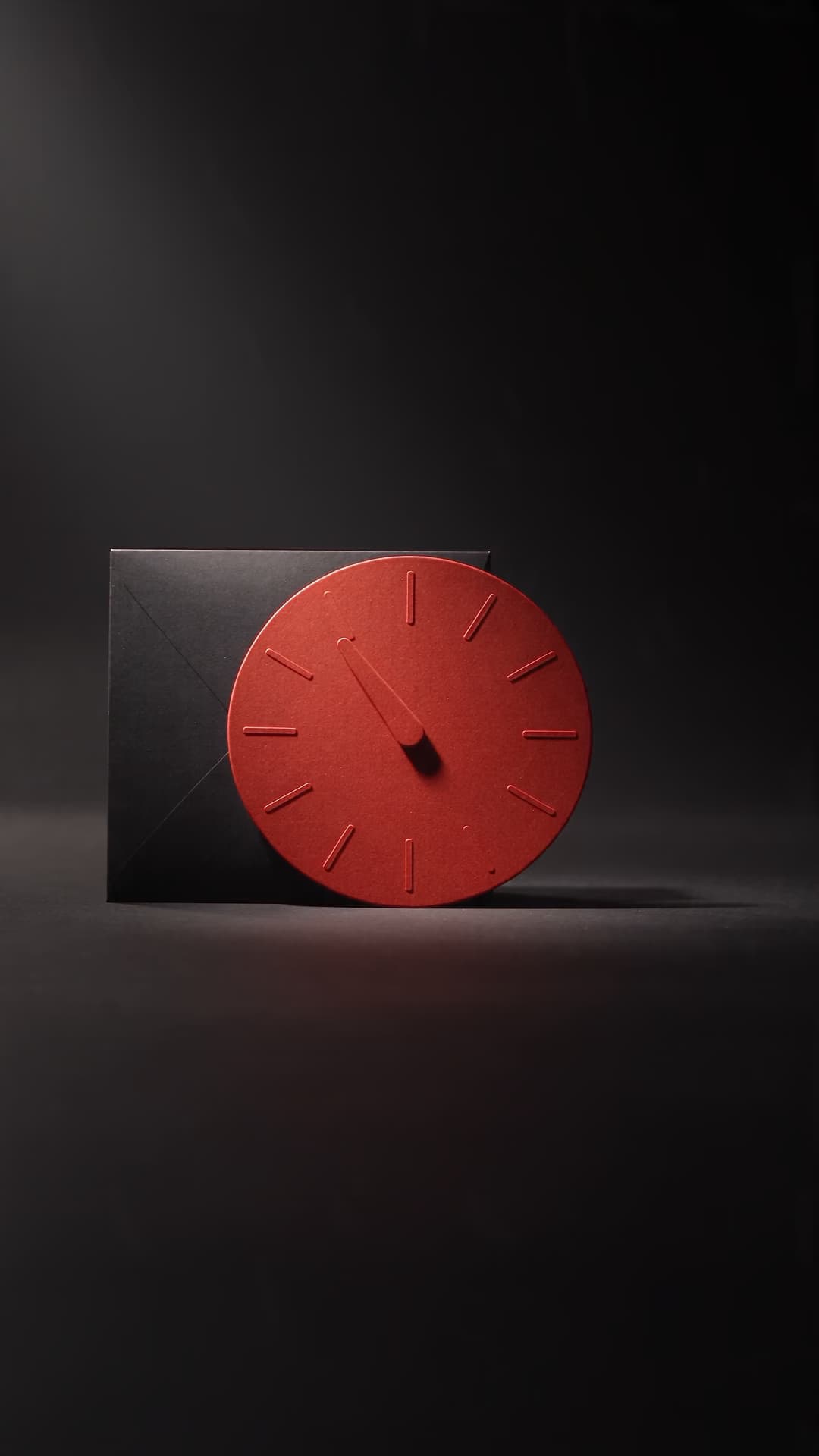
Where AI helps without blurring the offer
Let the generator create the visual world while verified product and pricing details stay under your control.
Choose how you want to build the campaign
Generate product visuals in AI Playground, build repeatable variants in Flow, and finish video ads in Video Editor.
 Generate
AI Playground
Generate original Black Friday images and videos around a clear product brief.Generate Workflow
Flow
Create teaser, launch, offer, and last-call variants from one approved direction.Workflow Video
VideoVideo Editor
Trim, resize, caption, and finish AI-generated Black Friday video ads.Edit video
Turn one offer into a Black Friday campaign
Prompt the product before the sale effects
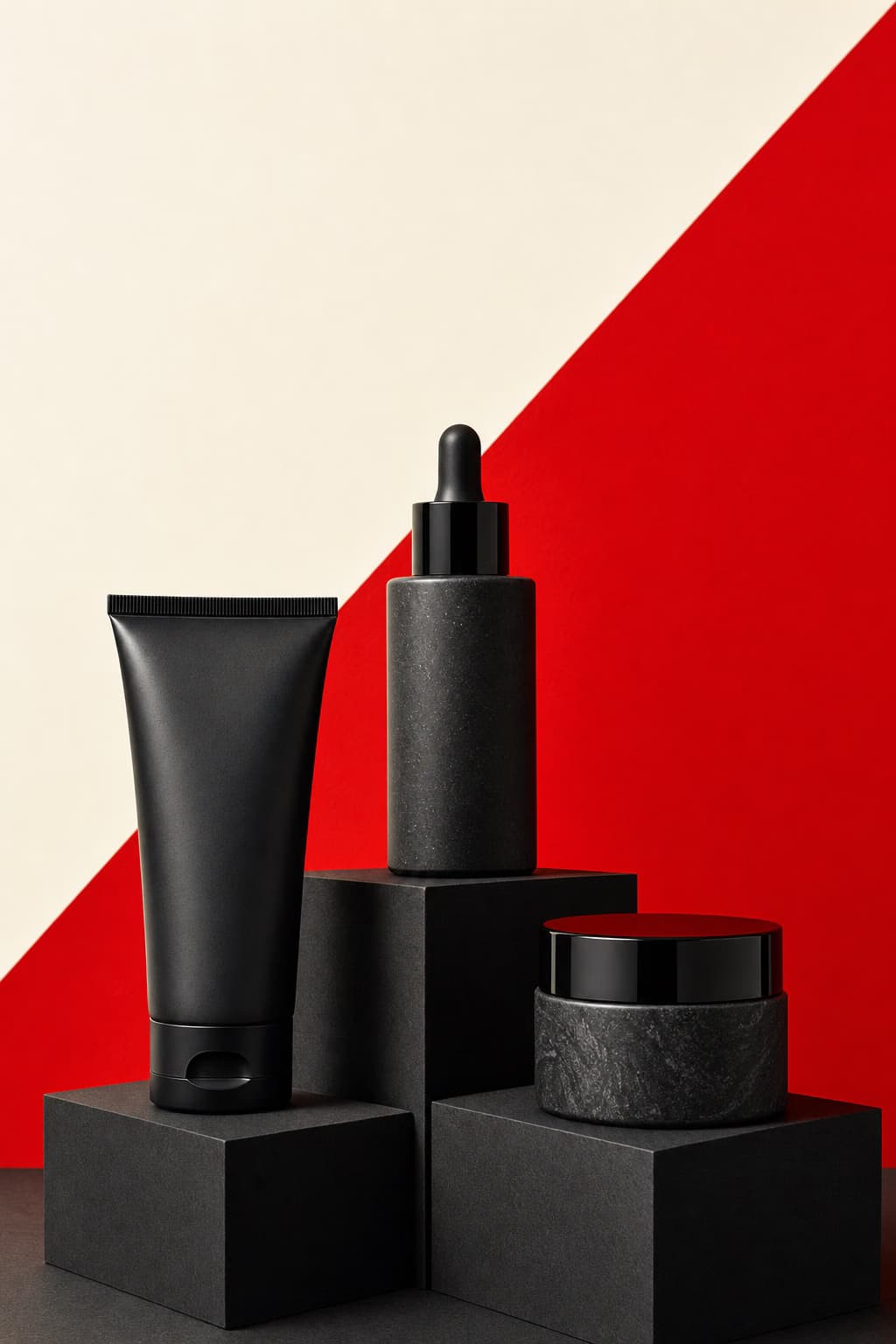
Describe the product shape, material, setting, light, and camera angle before adding ribbons, countdown cues, or dramatic motion. AI should make the item easier to notice, not replace it with generic sale decoration.
Keep facts separate from generated visuals
Generate the scene, background, and motion. Add the real price, saving, dates, exclusions, and product copy afterward. Never ask AI to invent the commercial facts customers use to make a decision.
Black Friday creation questions
Get practical answers about AI product visuals, prompts, campaign variants, claim accuracy, and video formats.
Generate product scenes, teaser videos, bundle reveals, social posts, e-mail graphics, banners, offer posters, and last-call reminders. Keep the actual product, price, saving, and terms accurate.
More Black Friday formats and events
Build the offer in a ready-made format or move on to the next seasonal campaign.