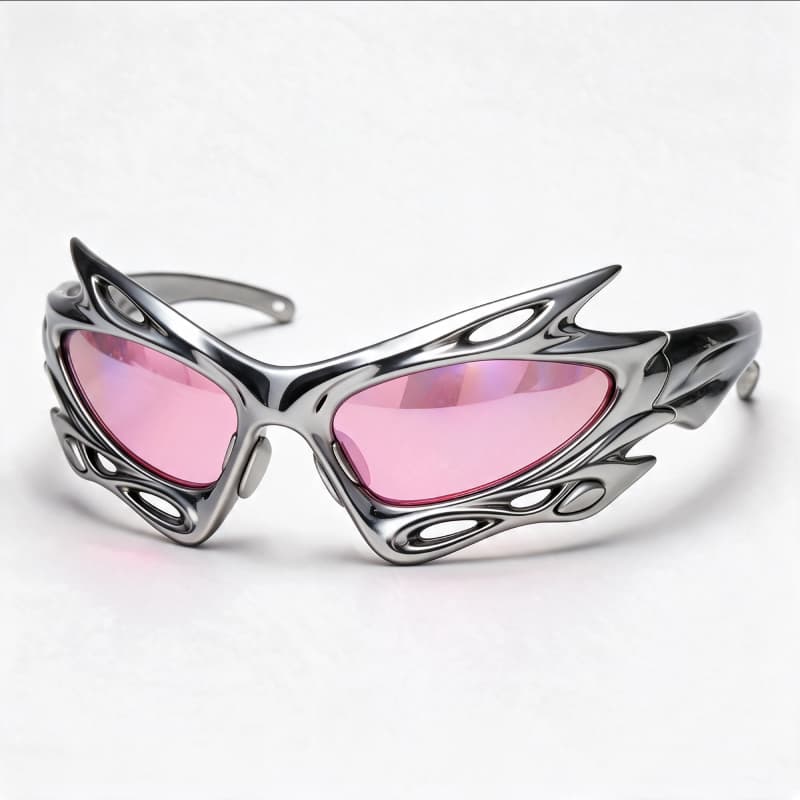
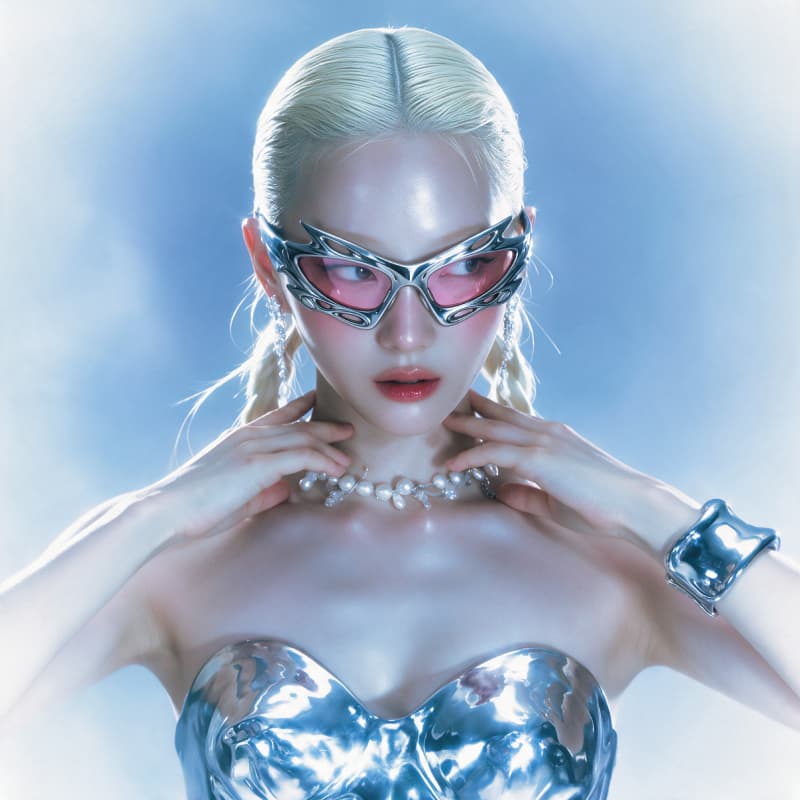
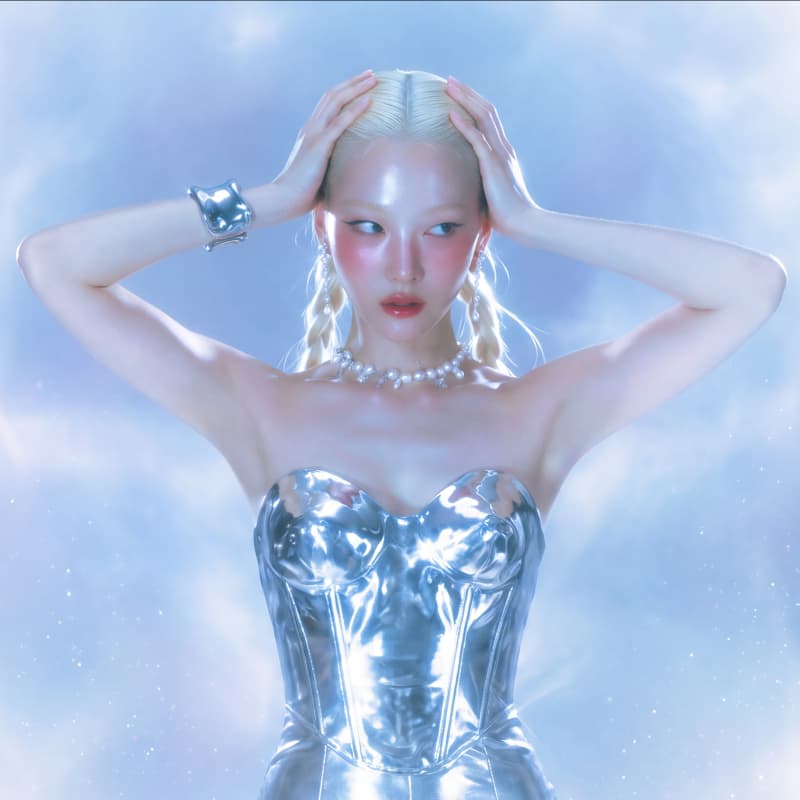
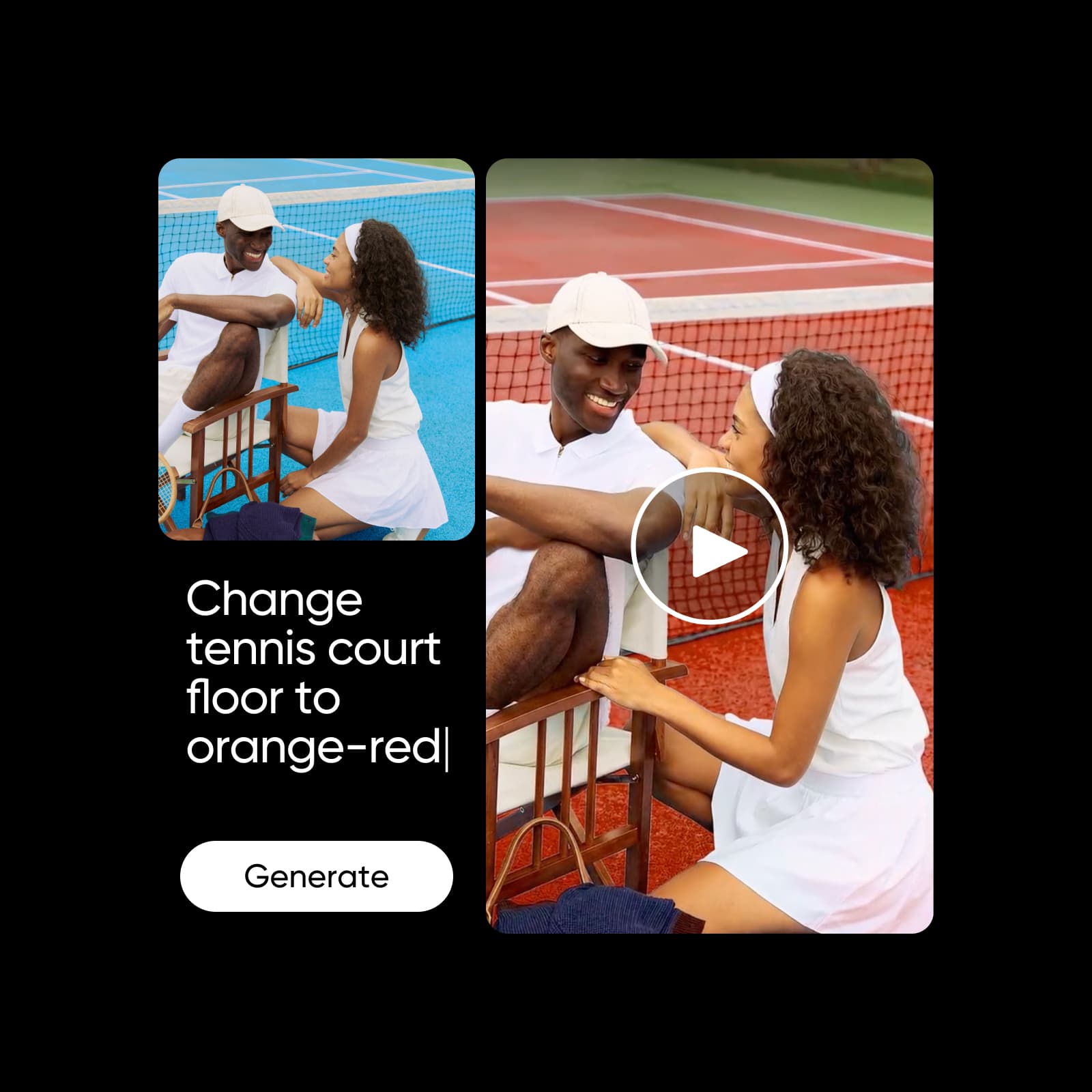
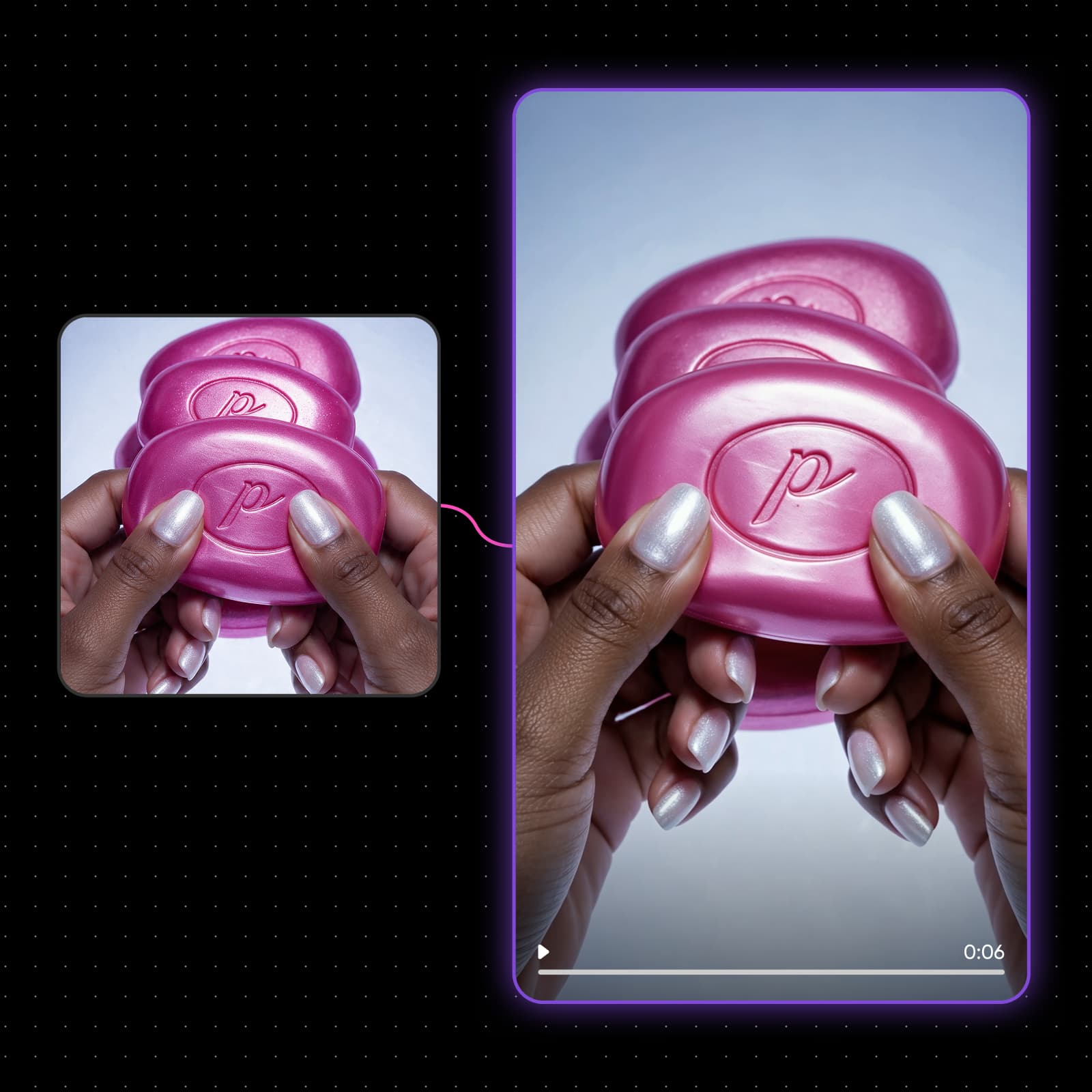
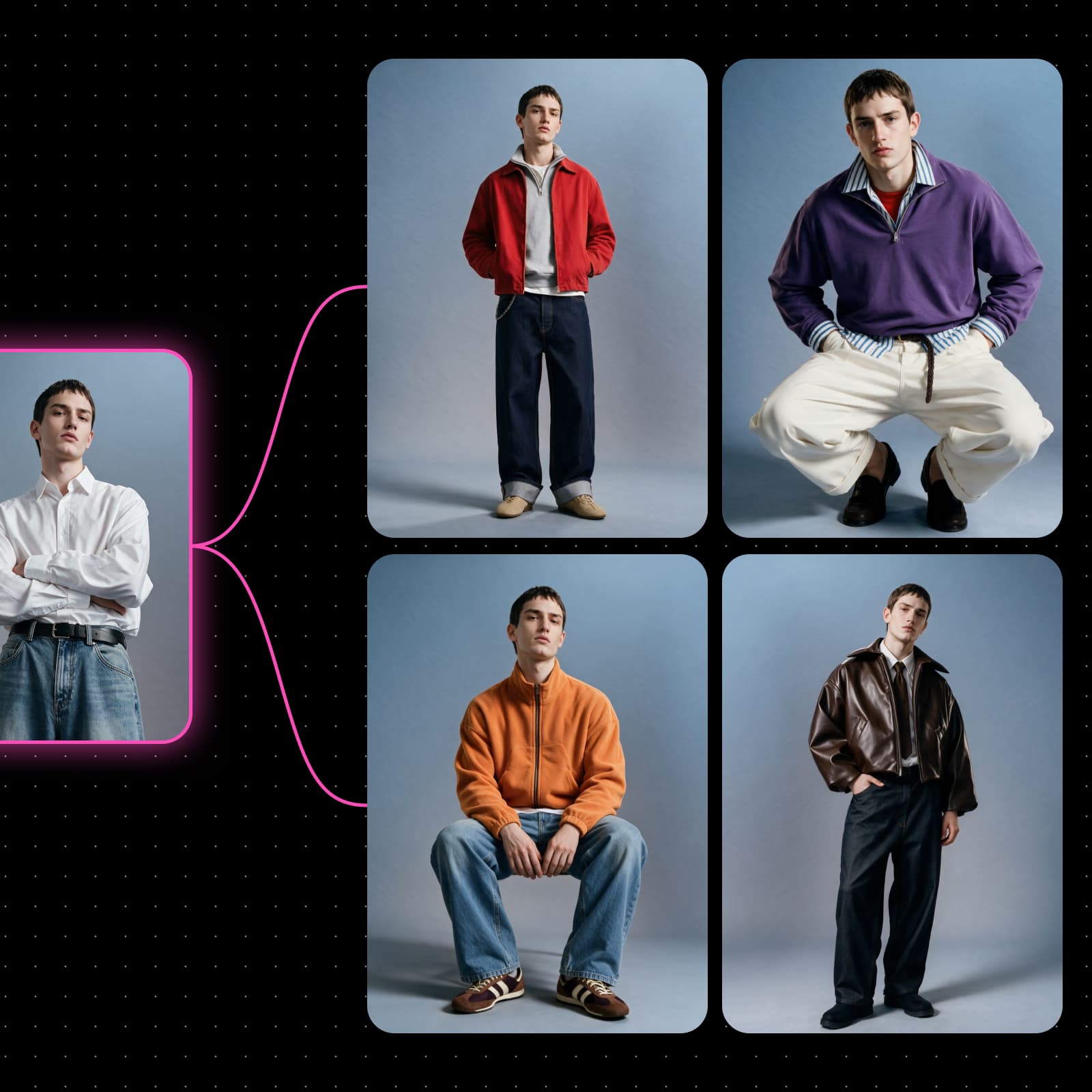
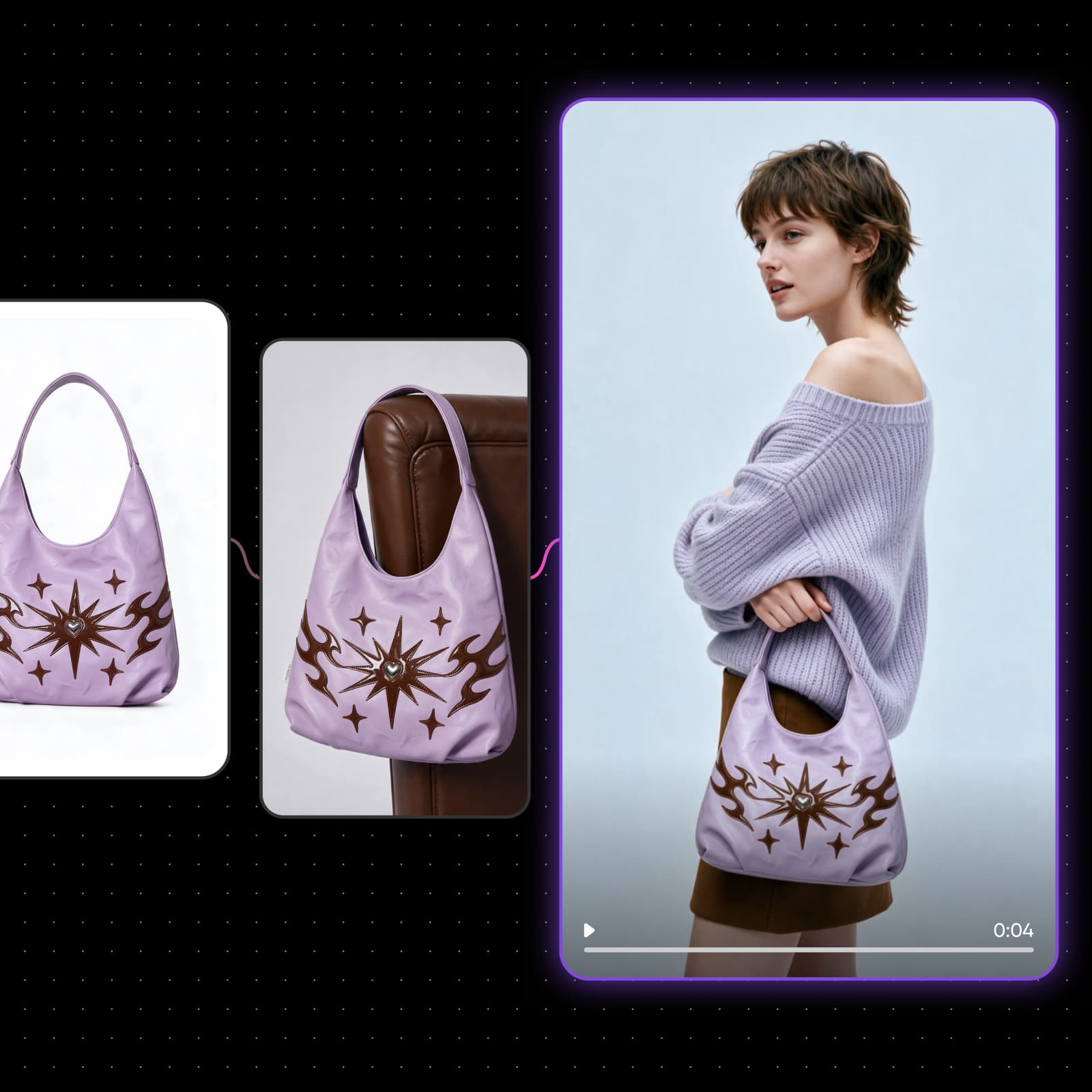
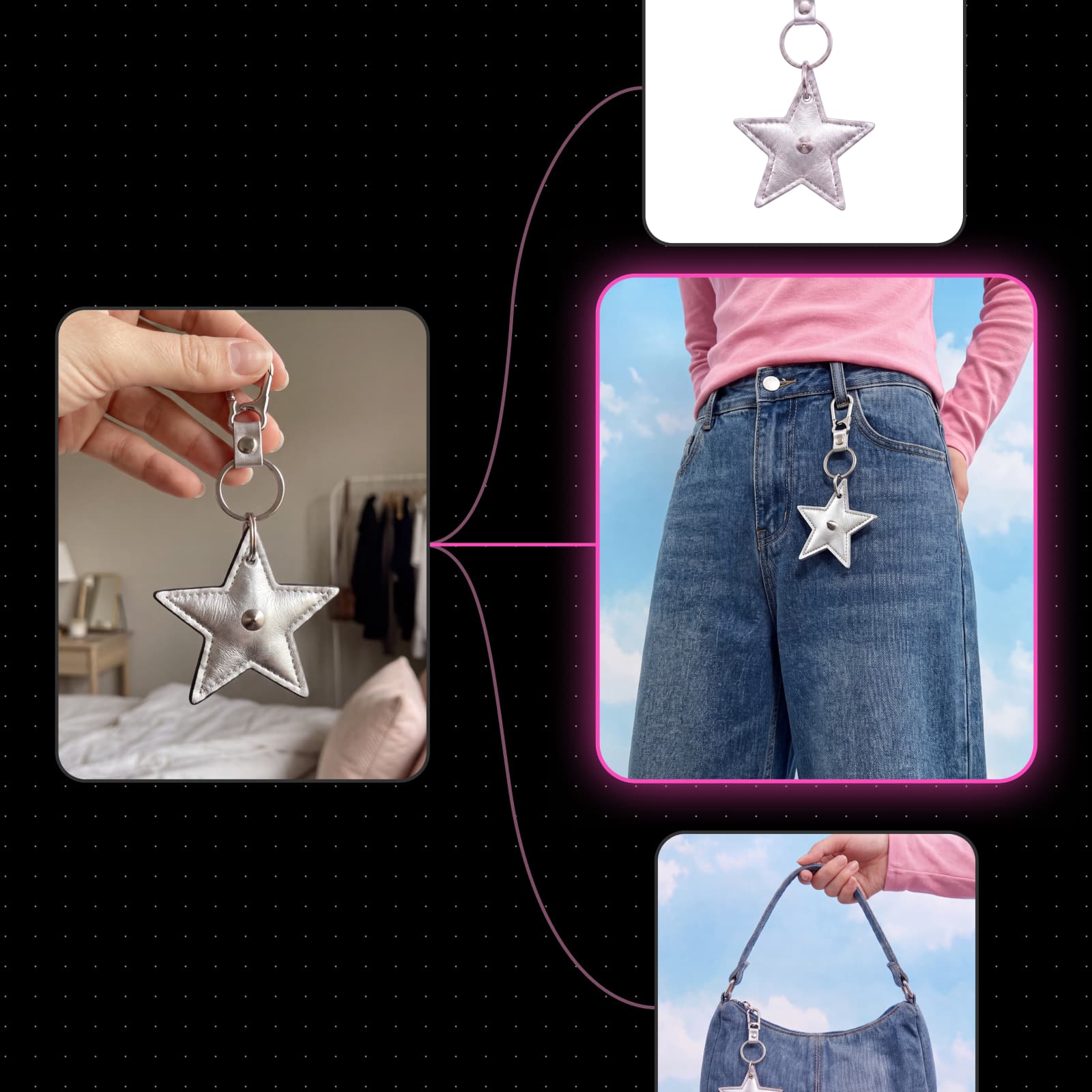
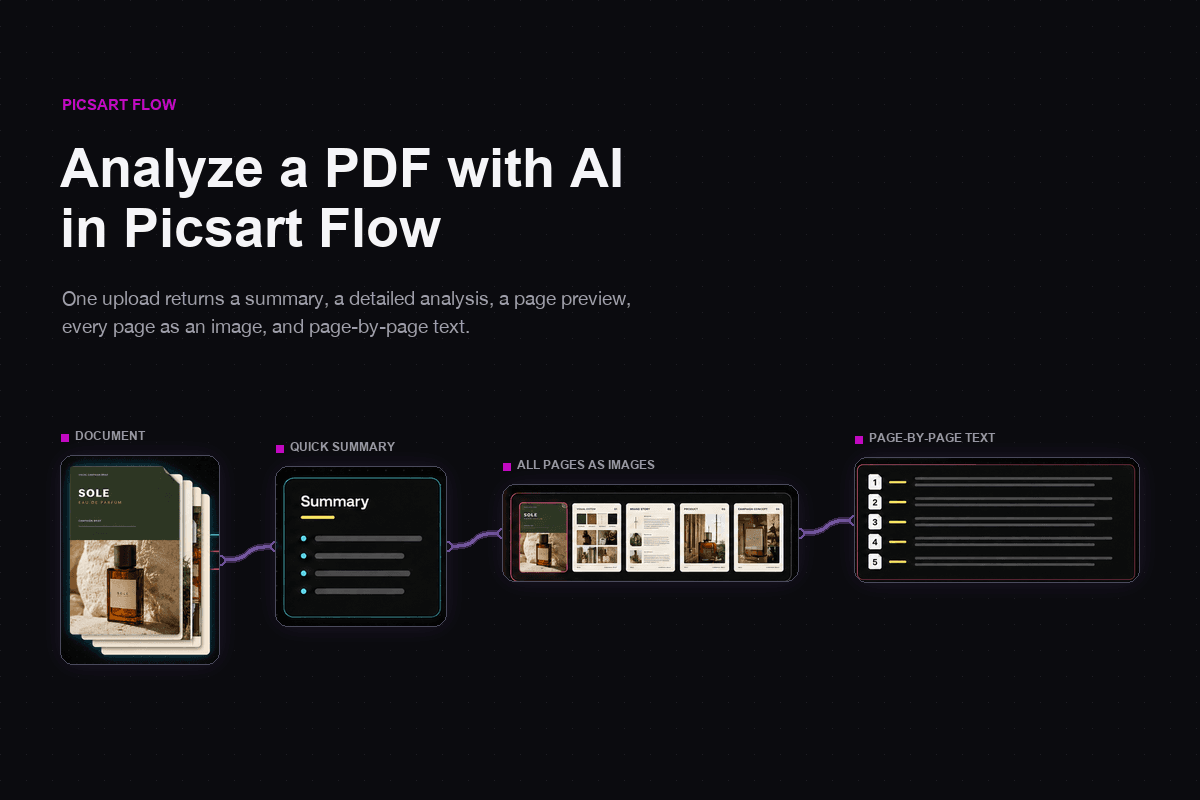
1. Input
  2. Generate
  3. Refine
  4. Output

Build AI workflows on an infinite canvas

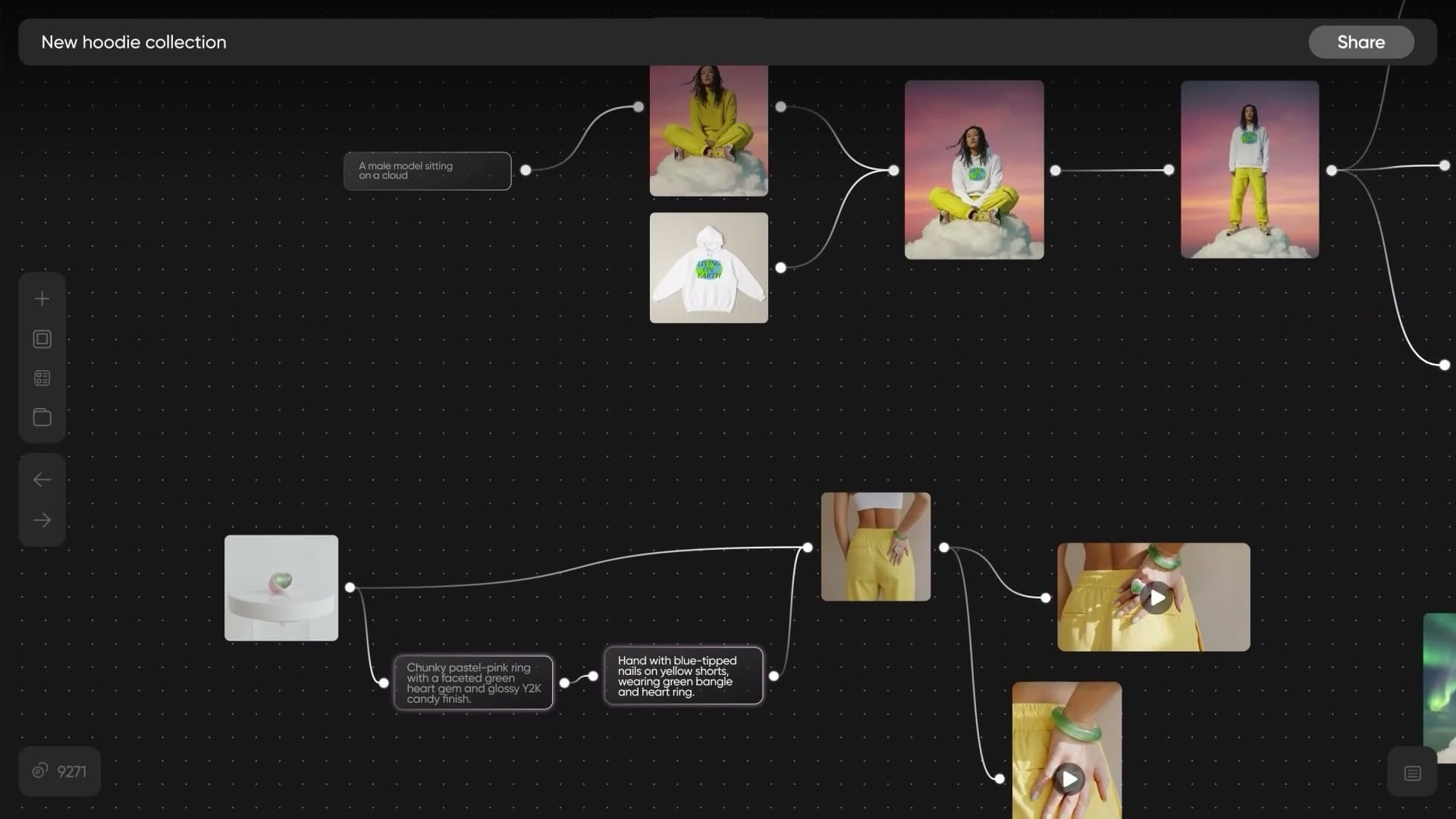
Picsart Flow is a no-code AI workflow builder. Models, inputs and outputs connect as nodes on a zoomable canvas, so you can chain a script into images, images into video, and video into a finished cut - then save the whole thing and run it again.

Start from a Flow template

Real community workflows, wired and ready. Open one, see how it is built, clone it and swap in your own assets.

Perfume campaign slideshow from one product photoDrop in a bottle shot to get styled fragrance scenes and a 10-second slideshow with crossfade transitions.
Smoothie splash ad images and vertical videoA hero beverage photo and a flavor list become studio-lit splash images plus an 8-second vertical video.
Claw machine product reveals for cosmeticsSwap in your packshots for two vertical claw-grab videos plus four matching still images.

What is Picsart Flow and why it beats prompting one tool at a time

Most AI tools give you one box: type a prompt, get one result, start again. Flow gives you a canvas. Every model, asset and output is a node, and connecting nodes defines the workflow - no code, no rigid timeline. Change an early node and everything downstream updates. Save the chain and it becomes a workflow you run again next week with different inputs, publish as an app, or hand to your team.
  • Every model and asset is a node
  • Change one node, downstream updates
  • 13 creative node types

How Picsart Flow works

Three steps from a blank canvas to a repeatable workflow.

How to

Upload or generate to begin

Start from your own content, a prompt, a PDF, a Drive asset bundle, or a community template.

Flow features, built into the canvas

Copilot, the Motion node and real-time collaboration - the features that carry a workflow from the first prompt to the finished set.

Describe the design workflow, then keep talking to it

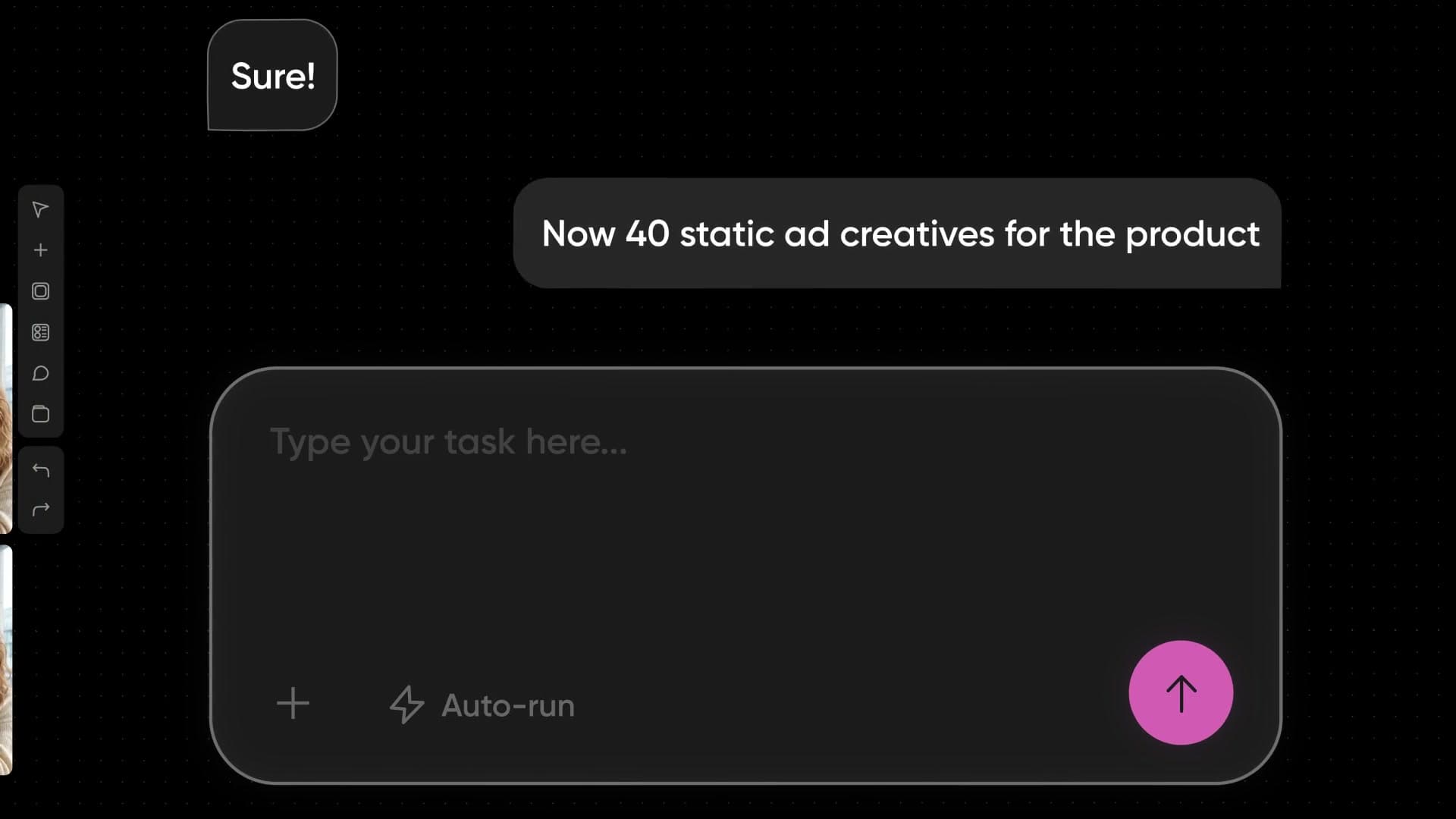
Copilot is a streaming assistant with 22 canvas tools - it creates and connects nodes, builds whole flows, runs them, duplicates, renames and groups into frames, all from plain language. Describe the outcome and it wires the nodes and picks the models, so you are the creative director rather than the prompt engineer. From there, prompting stays a conversation: prompts and outputs stack inline, and each input stays attached to the prompt that used it.
  • 22 canvas tools, driven by plain language
  • Prompts and outputs stack inline
  • Copilot wires the nodes for you

One AI video workflow, from a prompt to a finished set

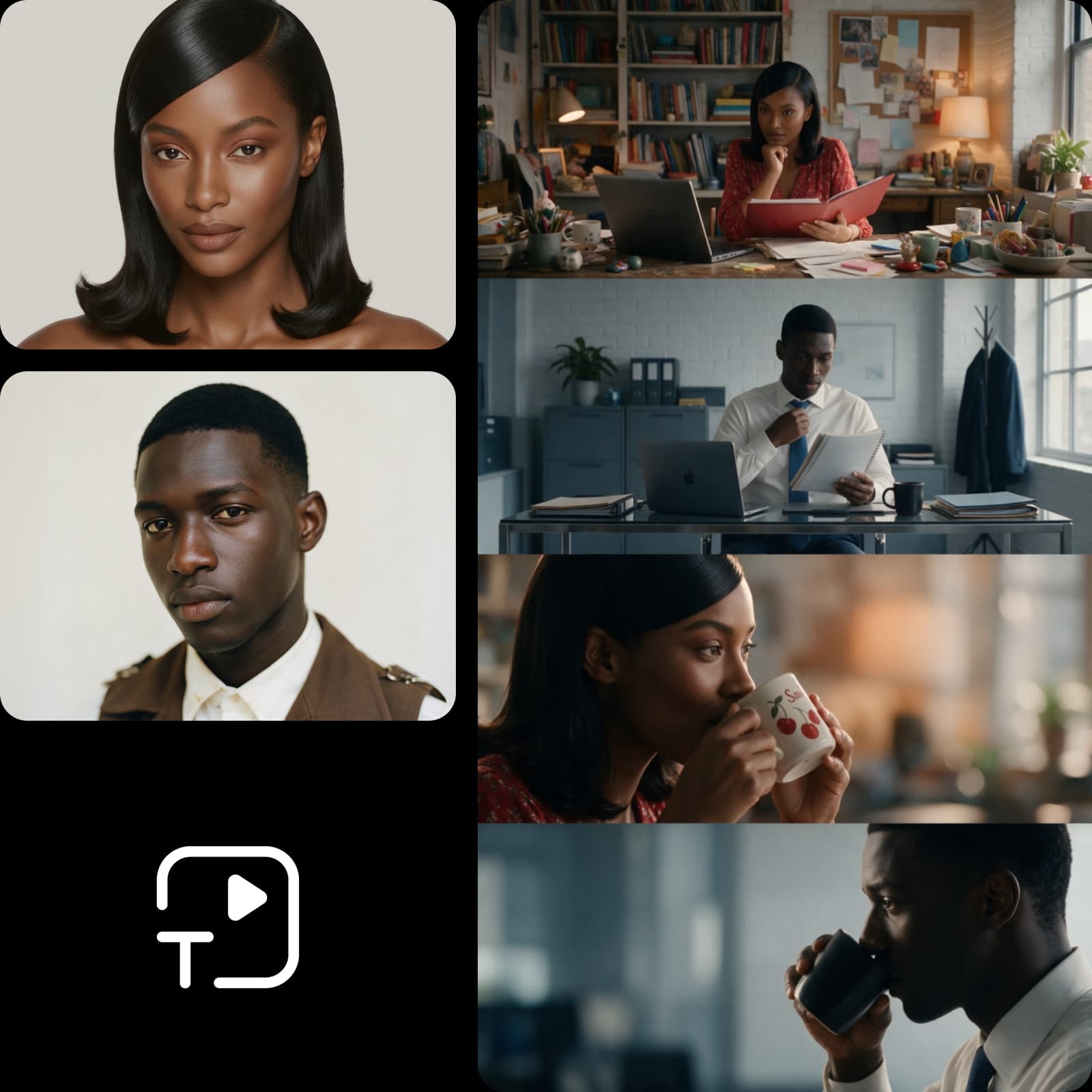
The Motion node turns a prompt straight into rendered motion graphics - up to ten minutes long, finished in under twenty, with no timeline and no keyframes. Start from scratch, your own assets or a product URL. Because the workflow is node-based, it also fans out: one setup produces a whole set of variations, and one community template turns a single build into 50 ad variants. Across multi-scene video, lighting, character states and audio hold from the first frame to the final cut.
  • Up to 10-minute motion pieces
  • Finished in under 20 minutes
  • One build fans out to 50 variants

Your whole team on one canvas, at the same time

Collaboration is built in and conflict-free, so several people can edit the same canvas at once without a merge to untangle. You get live presence - cursors, selections, active or idle status, avatars and per-user colors - plus threaded comments attached to the node they are about, with full history. Sharing roles run from read-only through comment and execute to write and owner, so a flow can go out for review without handing over edit rights.
  • Live presence with per-user colors
  • Threaded comments on the node
  • Roles from read-only to owner

What people build in Flow

Five workflows that run end to end on one canvas.
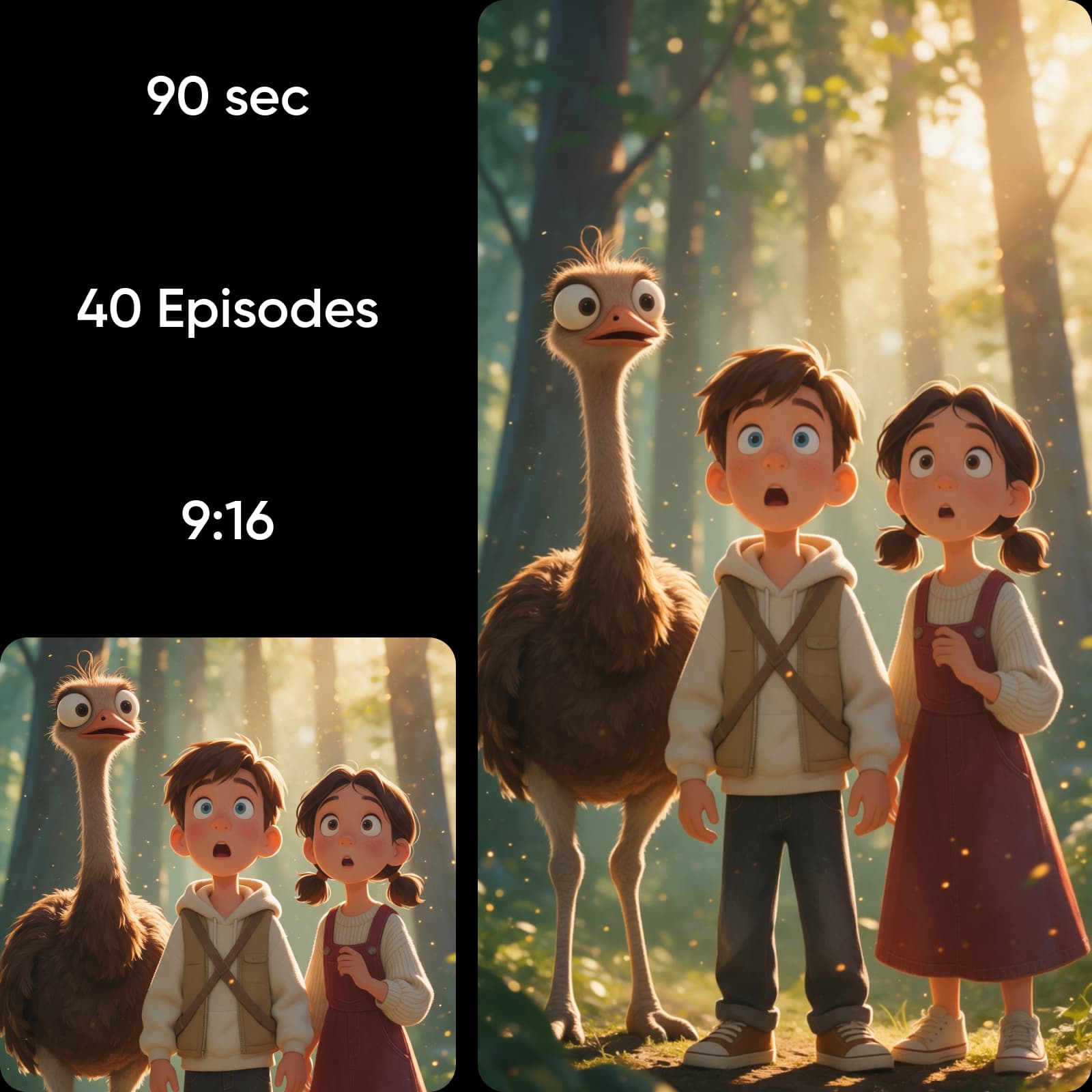
Kids and educational series workflow in Picsart Flow
  • Kids and educational series: scene continuity holds lighting, character states and audio across shots, so a recurring cast stays recognizable through a whole series.

Everything the canvas handles

From the first node to the final export, in one place.

  • Infinite canvas

    A zoomable, no-code node workspace.

  • 13 creative nodes

    Image, video, text, audio, motion, editing, organization.

  • AI Copilot

    Builds and runs whole flows from natural language.

  • Conversational prompting

    Stacked, iterative prompts in a floating, dockable panel.

  • Real-time multiplayer

    Live co-editing, comments, mentions, granular roles.

  • 100+ AI models

    Around 115 model IDs, picked per node.

  • Ready-made templates

    Community-built, remixable, organized by category.

  • Motion node

    Prompt to motion graphics, up to 10 minutes.

  • Variations at scale

    Fan one workflow into a full set of outputs.

  • Editor and canvas UX

    Undo, shortcuts, pen and touch, trim, ZIP export.

  • Connected workflows

    Plug results straight into the tools your team already uses.

  • Cost before you run

    Per-workflow pricing estimated before you generate.

Picsart Flow FAQ

How the AI workflow builder works, what it costs, and what you can build.

  • A no-code AI workflow builder on an infinite canvas, where models, inputs and outputs connect as nodes. Chain steps into a repeatable workflow instead of running one model and copying the result somewhere else.

What creators build with Flow

Review excerpts about Picsart from creators and small businesses.

My characters finally look the same in every episode

I make a kids' series, and keeping the cast consistent used to eat up half my week. In Flow, the whole chain from script to scenes to voiceover lives on one canvas, so I just swap the script and run it again.

Maya R.

One product photo, a full listing set

I upload a single shot and Flow gives me new angles, every placement crop and the ad variants each channel needs. No second photoshoot, and I can see the cost before I hit run.

Daniel K.

I described the workflow and Copilot built it

I'm not technical, so nodes sounded scary at first. I told Copilot what I wanted, it connected everything and picked the models, and now my whole team edits the same canvas without stepping on each other.

Priya S.

Start free, scale when the workflows do

AI Credits come with every Picsart subscription and are available as one-off packs. Cost is estimated per workflow before you generate.

Pro

Most popular

AI tools for everyday creative work.

$15 $10.5/mo
Billed yearly
You save $54 with yearly
  • Access to all photo & video editing features
  • Advanced background & object removal
  • Parallel video generations with the world's most powerful AI video models
  • Unlimited image generations with Flex.2 Klein
  • 1-tap image enhancer
  • Millions of stock photos & Getty video clips
  • Selection of trendy fonts, text styles & stickers
  • Thousands of premium templates
  • Support for 3+ brand kits
  • Bulk edit up to 50 images at once
  • 100 GB of cloud storage
New features:
  • Auto-generate content from your terminal or agent with the Picsart CLI
  • Use Picsart inside Claude Code, Cursor, and ChatGPT via MCP — coming soon
  • AI agents for multi-step workflows and batch generation — coming soon

Ultra

Most powerful

Heavy AI usage for creators & teams.

$45 $24.5/mo
Billed yearly, per seat
You save $246 with yearly
  • Everything in Pro
  • Early access to advanced AI features
  • Leading AI models to design & automate workflows (Nano Banana, Veo 3, Seedance 2.0 & more)
  • Parallel video generations with the world's most powerful AI video models
  • Unlimited image generations with Flex.2 Klein
  • Support for 10+ brand kits
  • Add team seats
  • Create ad variations and localize
  • Track ads performance
  • 2000 credits for API services
  • Bulk edit up to 100 images at once
  • 300 GB of cloud storage per seat
New features:
  • Auto-generate content from your terminal or agent with the Picsart CLI
  • Use Picsart inside Claude Code, Cursor, and ChatGPT via MCP — coming soon
  • AI agents for multi-step workflows and batch generation — coming soon