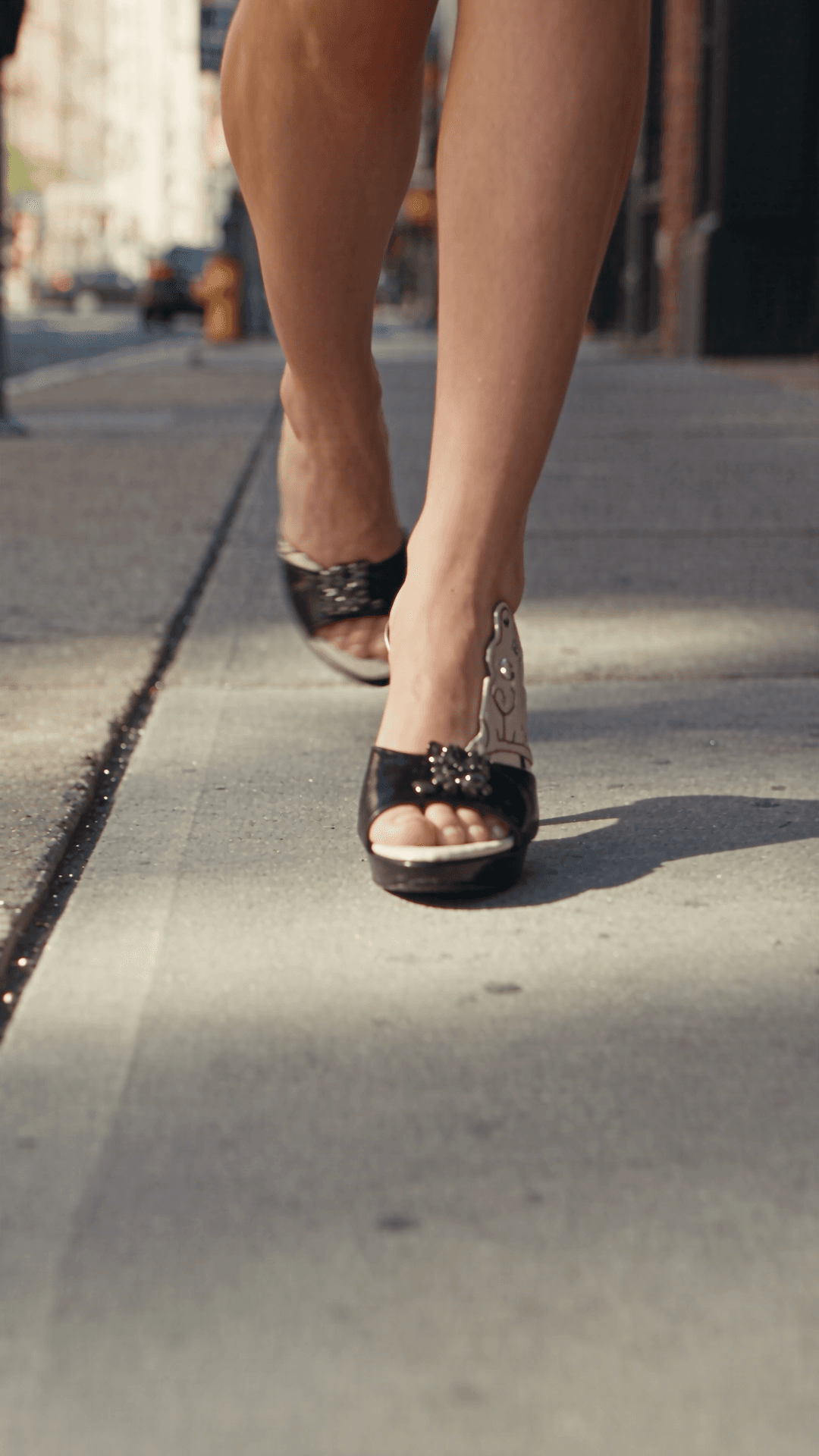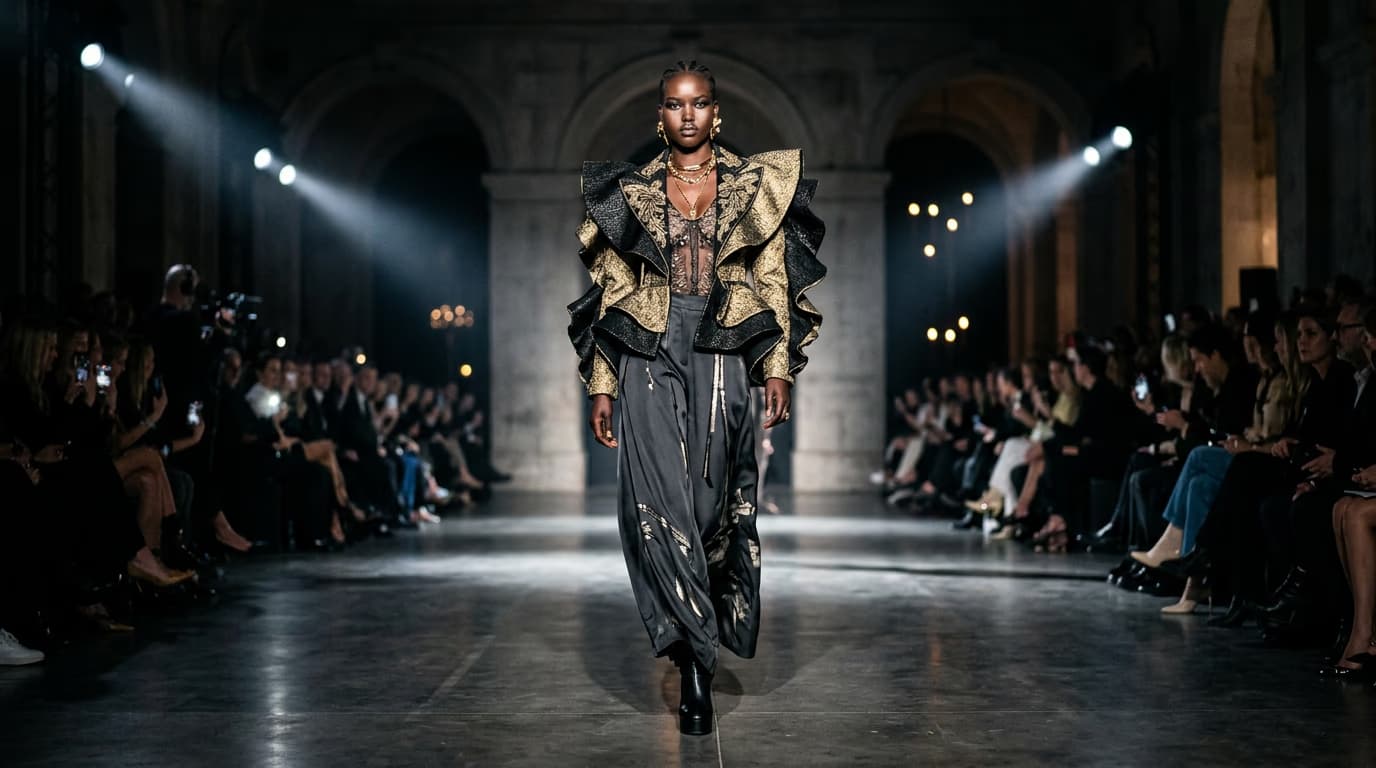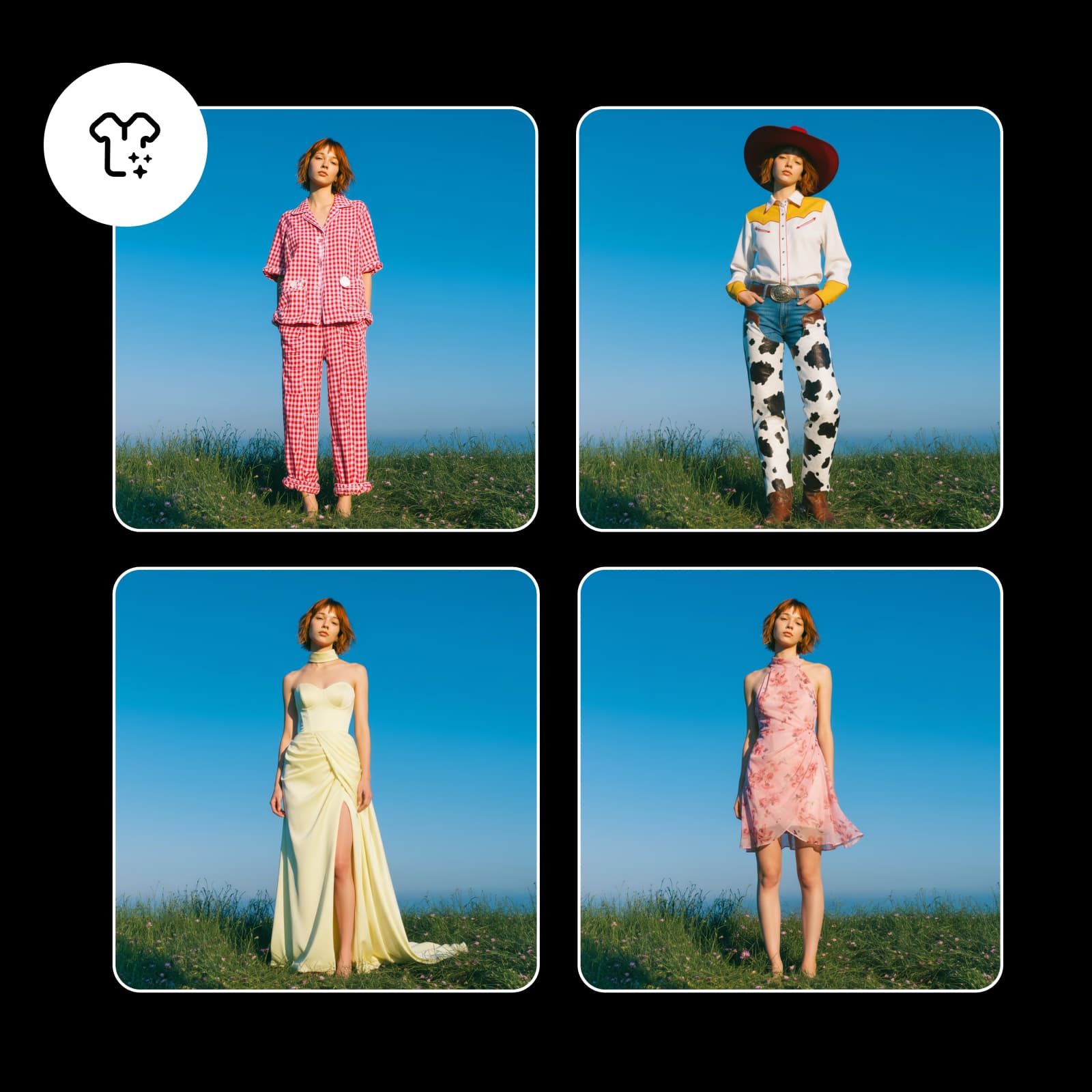
AI virtual try-on showing multiple outfit directions in Picsart Flow

Build an AI virtual try-on workflow with Picsart Flow

Use Flow to explore outfit directions from a reference photo, compare variations, and carry the strongest look into a repeatable fashion workflow.

Community Flow templates

Browse current Flow templates and remix one for this use case.

Create Premium Food Packaging Mockups for Products Flow template
Selling & Commerce
Create Premium Food Packaging Mockups for Products

8-step workflow

Create a Dynamic Logo Animation Reveal Flow template
Branding & Logos
Create a Dynamic Logo Animation Reveal

6-step workflow

Create a Professional Brand Style Guide Flow template
Branding & Logos
Create a Professional Brand Style Guide

5-step workflow

Best-matched and related Flow workflows for AI virtual try-on

Start with the closest template, then switch inputs or outputs to fit your brief.

Fashion Bullet Time Effect Flow template
Filmmaking & Storytelling
Fashion Bullet Time EffectUpload a selfie and generate an 8-second 9:16 bullet-time fashion video.
Floral Fashion Video Petal World Flow template
Stickers & Illustrations
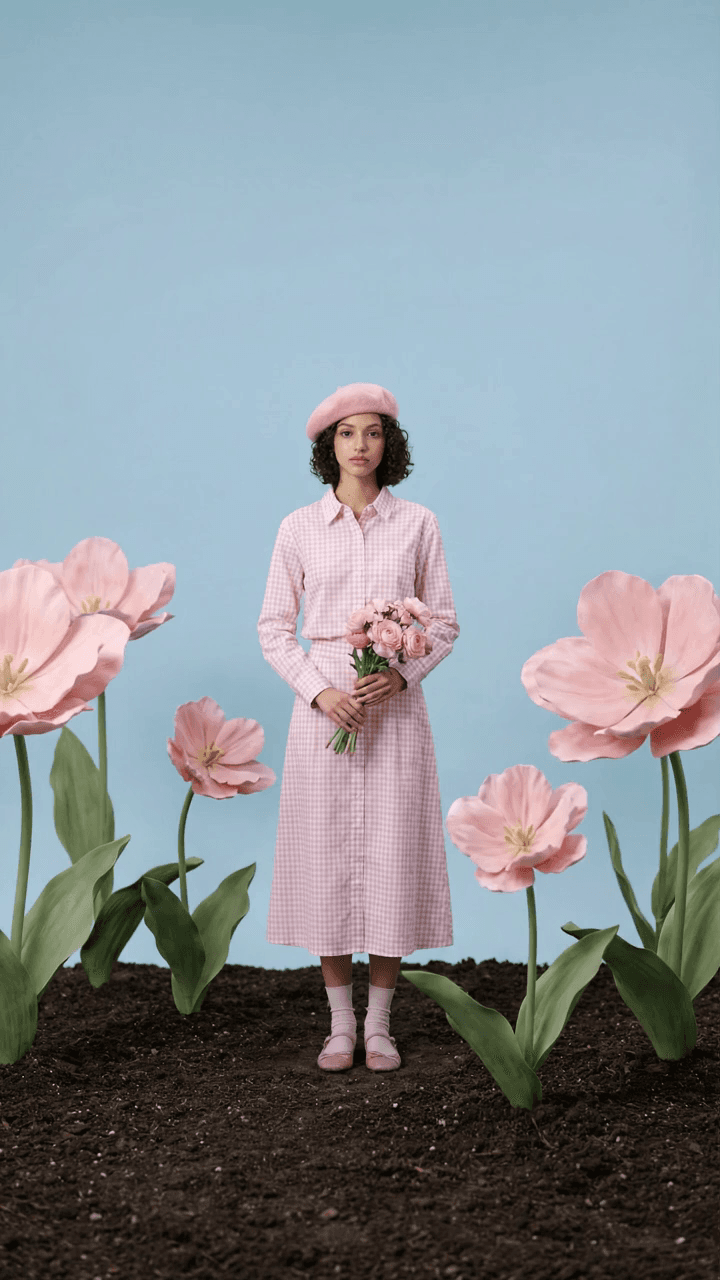
Floral Fashion Video Petal WorldDrop in a full-body fashion photo to create a calm, pastel editorial flower set and a short vertical video.
Styled for the Shop Flow template
Selling & Commerce
Styled for the ShopCreate a clean studio fashion mockup from a full-body outfit photo with product details and an Add to Cart layout.

See Flow connect the creative steps

Watch how a Flow workflow turns a starting idea into a finished creative.

How to build AI virtual try-on workflow in Flow

Use a focused input, connect the creative steps, and review the strongest version before you export.

How to

Start with one clear input

Choose the source image, brief, or idea that gives the workflow a clear job.

Start with one clear input — AI virtual try-on showing multiple outfit directions in Picsart Flow

Make AI virtual try-on workflows repeatable in Flow

Product facts from the current Picsart Flow page and official Flow updates, checked Sep 2, 2026.

  • 100+AI models for AI virtual try-on variations
  • 1infinite canvas for the full AI virtual try-on workflow
  • 3stages from input to publish

What creators and teams say about AI virtual try-on

Published customer and creator perspectives from Picsart.

Personalization that looks beautiful

Picsart has allowed us to take personalization to the next level and ensures those moments look beautiful. We saw 20% growth in orders after integrating the APIs.

Amanda Pasko, Ecommerce Director at Tervis

Product imagery, standardized

Picsart's API was exactly what we needed: simple to integrate, reliable, and effective. It standardized our product imagery and sped up merchandising across the board.

VT Mode engineering team

Flow works with the models behind modern creative

Animated white provider marks from the Flow model ecosystem. They are not customer endorsements.

GoogleOpenAIAnthropicByteDanceBlack Forest LabsRunwayGoogleOpenAIAnthropicByteDanceBlack Forest LabsRunwayGoogleOpenAIAnthropicByteDanceBlack Forest LabsRunwayGoogleOpenAIAnthropicByteDanceBlack Forest LabsRunwayGoogleOpenAIAnthropicByteDanceBlack Forest LabsRunwayGoogleOpenAIAnthropicByteDanceBlack Forest LabsRunwayGoogleOpenAIAnthropicByteDanceBlack Forest LabsRunwayGoogleOpenAIAnthropicByteDanceBlack Forest LabsRunway

Make AI virtual try-on workflow easier to repeat

Keep the brief focused, the output readable, and the next step clear.

  • Starts with one clear direction

    Give the next asset a job before adding more visual detail.

  • Keeps the important details readable

    Review the subject, framing, and key elements across versions.

  • Builds a useful set

    Collect the strongest versions for the channel or project you need next.

Common AI virtual try-on workflow questions

Use these answers to choose a practical starting point.

  • Use Flow to connect creative steps around a focused brief, compare meaningful versions, and continue the strongest direction.