AI logo generator: Create high-quality logos with AI

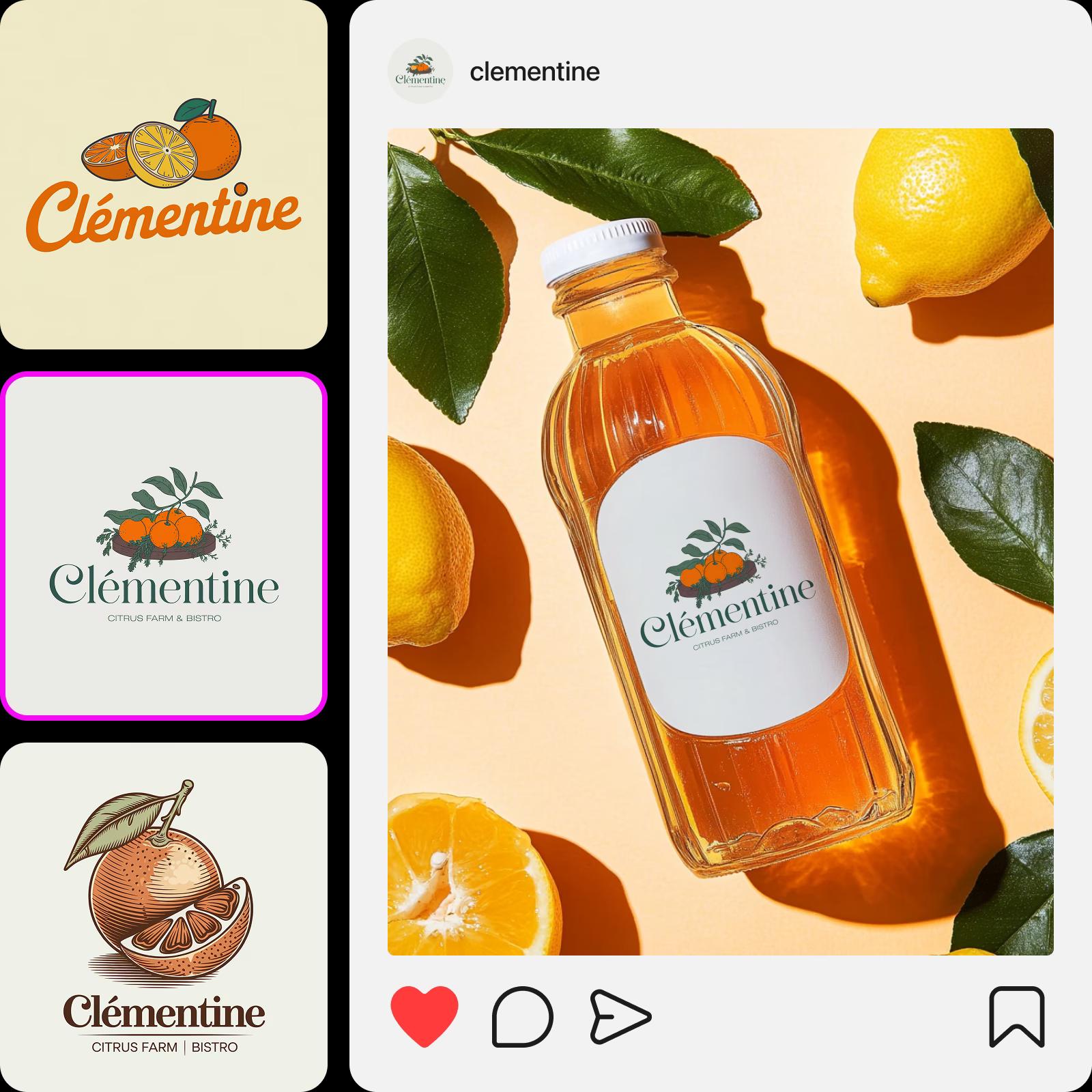
Put together a polished and unique brand identity for your small business or side hustle with the Picsart AI logo generator. Just write your brand name, select a color set and style, or even upload a logo example, and let Picsart come up with high-quality logos in a matter of seconds. The AI logo maker will also effectively incorporate your brand name into the design for maximal brand recognition.

Picsart AI logo generator
Instant logo generation

Instant logo generation

Generate logos from scratch in a matter of seconds with AI.

Example-based generation

Example-based generation

Upload your favorite logos to get similarly styled results.

Name-based logos

Name-based logos

AI will masterfully implement your brand name into the generated logo design. 

How to generate logos

1

Open the AI logo generator

Use the Start creating button to get started.

2

Insert brand information

3

Select examples

4

Generate logo previews

5

Download

Craft unique logos at minimal cost and hassle with the AI logo creator

Creating a logo for your side hustle or small business has never been easier! Generate recognizable and memorable logo designs by yourself without needing to hire a designer or become one yourself. Not sure how to describe your logo vision? Just upload an example logo to the AI logo generator to save even more time on prompting.

Create logos with minimal cost

Generate logos for all types of businesses

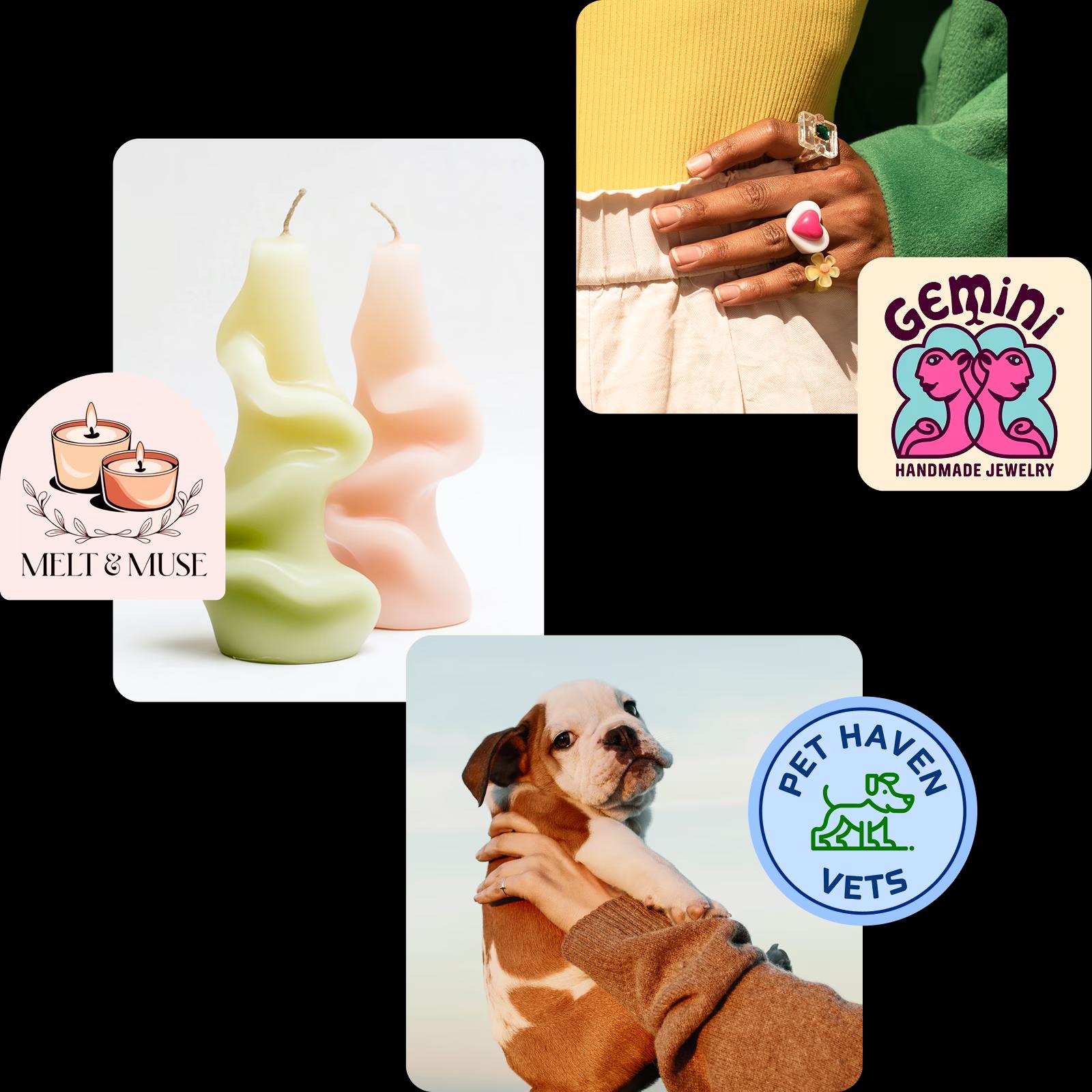
Thanks to meticulously trained AI models, the Picsart AI logo maker is capable of generating logo designs for various types of businesses. Whether you are creating a logo for a small Etsy fashion shop, a homemade cookie brand, or a vet clinic, the AI draws upon a vast knowledge base to generate relevant results.

Logo generator for all businesses

Generate AI logos for various industries

AI-generated logos for small businesses 1
AI-generated logos for small businesses 2
AI-generated logos for small businesses 3

Build a brand kit based on your AI logo

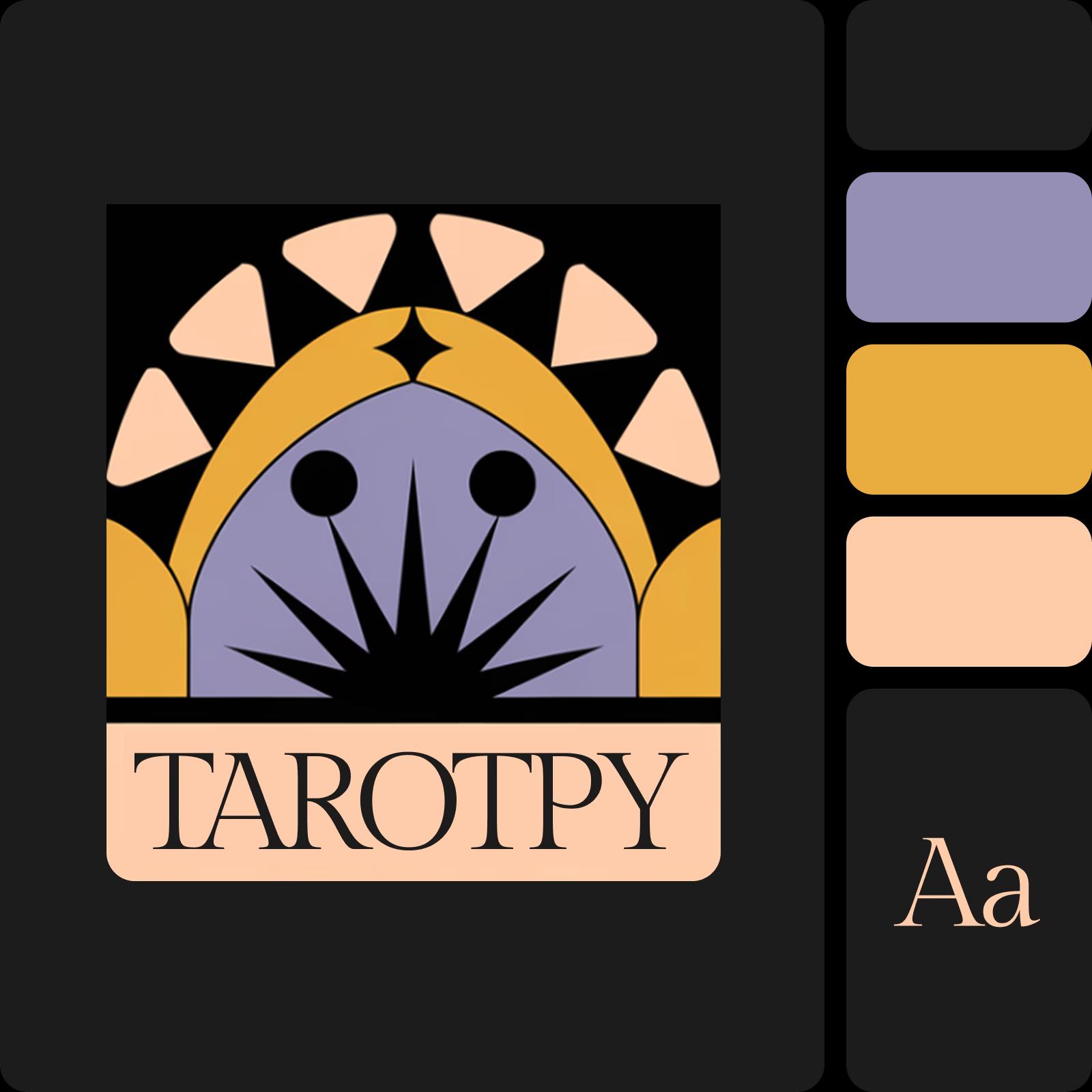
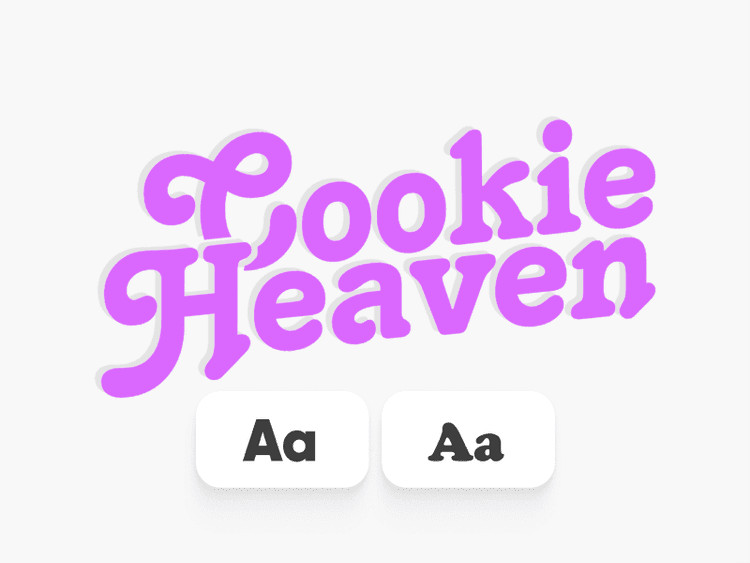
Keep the creative momentum going by delegating your brand kit creation to the AI. Let Picsart build a cohesive brand identity by giving you a primary color palette, brand fonts, and logo variations. Not a fan of the colors or font selection? Use the initial version as an advanced starting point and easily tweak the kit so it matches your vision. Once this is done, you will be able to select templates that are automatically tailored to your brand kit.

AI logo and brand kit

Customize your logo with AI

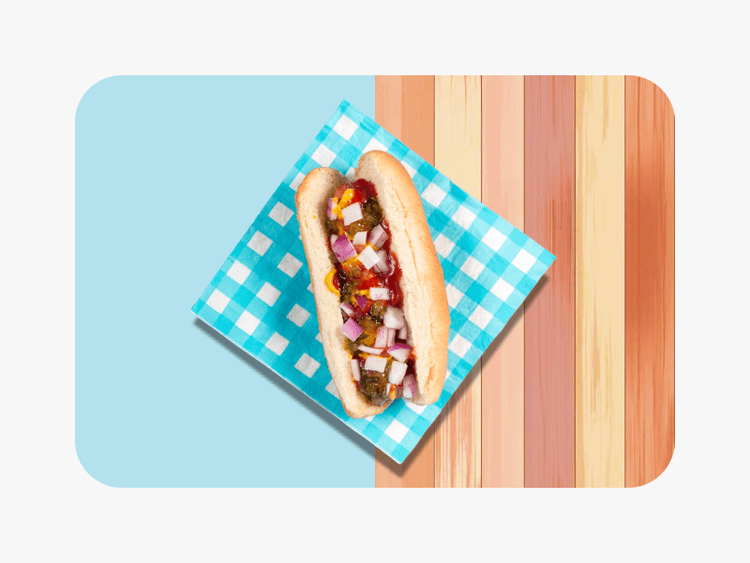
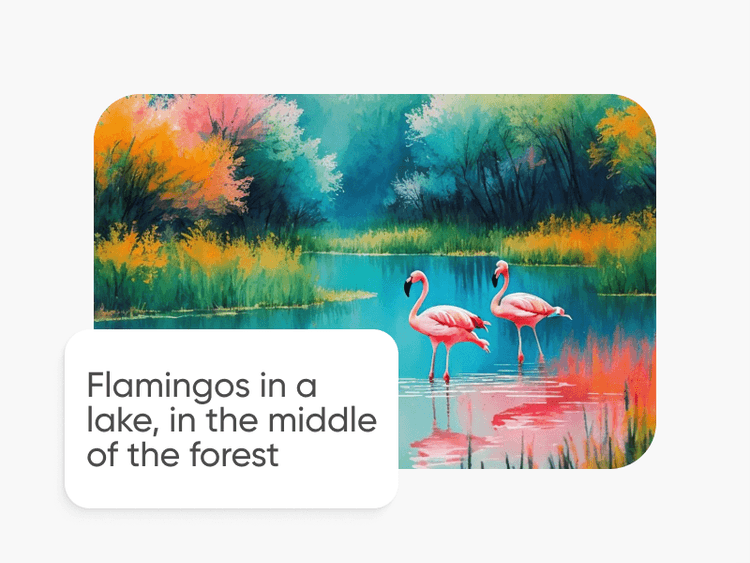
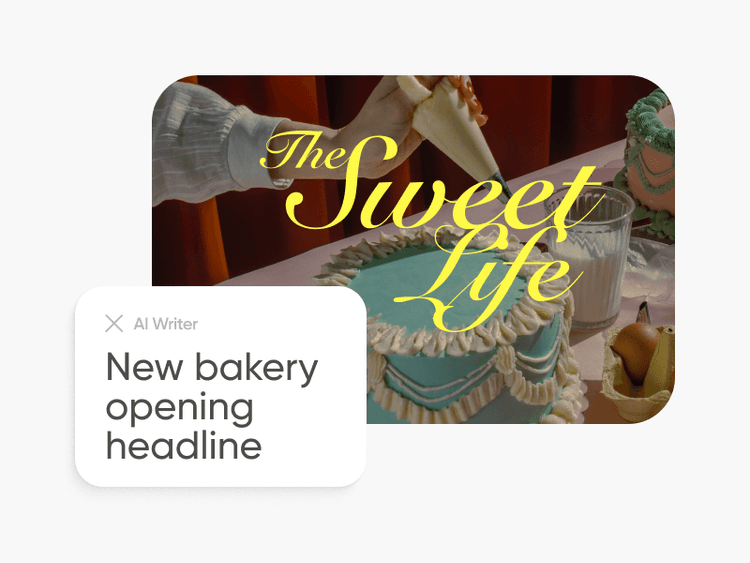
Take advantage of the AI-powered photo editor to effortlessly edit your AI logos. Create quick mockups and product photos with the text-to-image AI generator and insert your newly created logo. Need copy for those visuals too? Easily generate copy with the AI Writer. Or use the AI-powered object remover to quickly erase unwanted elements from your AI-generated logo with surgical accuracy.

customize logo with AI

One-stop AI logo generator for the perfect DIY brand identity

Find all necessary tools for logo and identity creation in one convenient interface.

Describe your vision

Have a specific logo idea in mind? Describe it in a couple of words and let AI visualize it.

Upload logo examples

Input sample logos that you like to get similarly styled results.

Industry-relevant results

Generate logo designs that immediately communicate your line of business.

Pick a color palette

Be in control of the colors used in your logo design.

Instant results

It only takes a couple of seconds to generate a logo with Picsart.

Unique designs

DIY easily recognizable logo designs you’ll be proud to put on collaterals and packaging.

Generate similar results

Not a fan of the initial version? Use the “Explore similar styles” feature to generate more variations.

High quality exports

Download your logo in a crispy clear and print-friendly resolution.


See it in action in this Editing Lab episode

Follow along with this detailed tutorial from Picsart’s YouTube channel to master your editing skills. Start creating incredible visuals today with expert guidance that breaks down every step of the process.


AI logo generator FAQ

The AI logo generator uses advanced algorithms to analyze various design elements and trends, allowing it to create logos that align with the unique needs of different industries. Whether you're in tech, legal, design, or healthcare, the AI understands the nuances required to produce professional, relevant logo designs tailored to your business.

To some extent, yes. You can use the editing tools available on Picsart to make tweaks to your AI-generated logos like removing an element with the AI object remover or using effects and overlays to customize the look. However, you can’t do things like rearranging the elements of the logo or changing its colors once it has been generated. For major changes, you can always go back to the generation screen and update your prompt and other initial selections to get more fitting results.

You can save your AI-generated logos in PNG, JPG, and PDF formats.

Not at all. You don’t need any design experience to generate logos with the AI logo creator.


As Seen in

  • boredpanda
  • COSMOPOLITAN
  • UPROXX
  • yahoo! news