Type22
Gender3
Age4
Skin13
Ethnicity10
Eye color17
Eye shape5
Face shape9
Create your AI influencer
Generate your AI character in Canvas. All characters shown are generated with AI in Picsart Canvas.
How to create an AI influencer
Design your character, save its references, and create images and videos for your content.
- Step 1
9 pieces from the Character creator
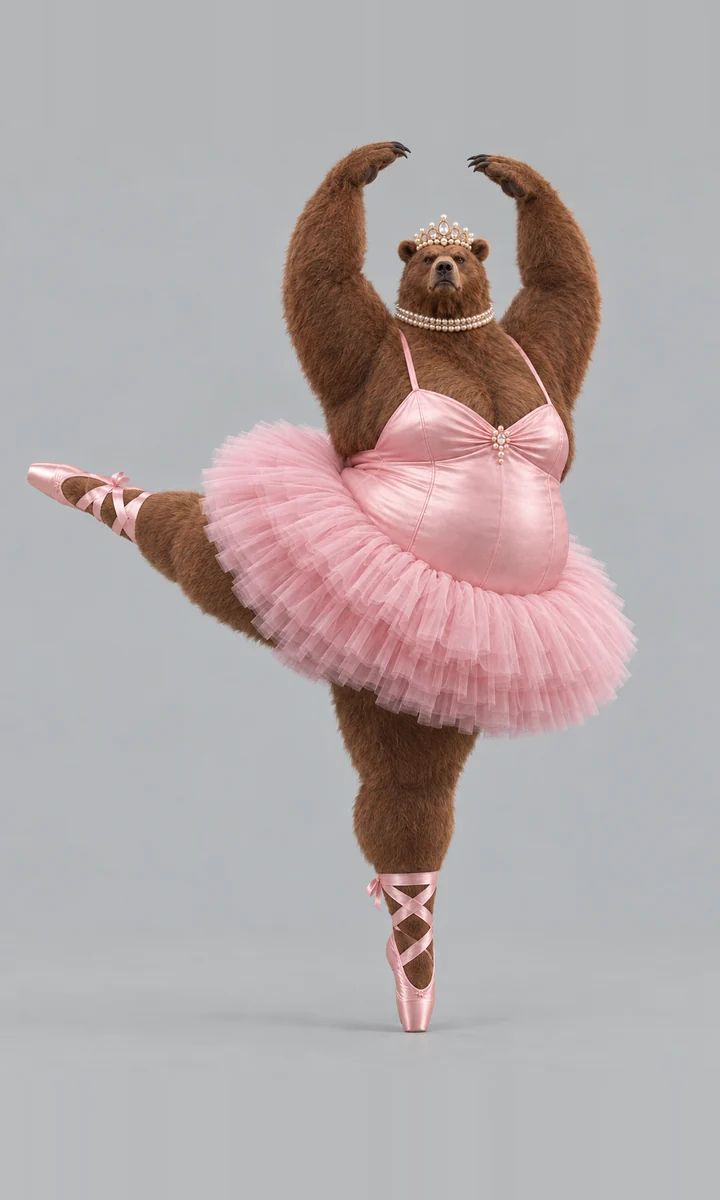
Design your character
Pick a type, a face, hair, an outfit, and accessories, or start from a photo. Shuffle for a new direction and lock what you like.
- Step 2
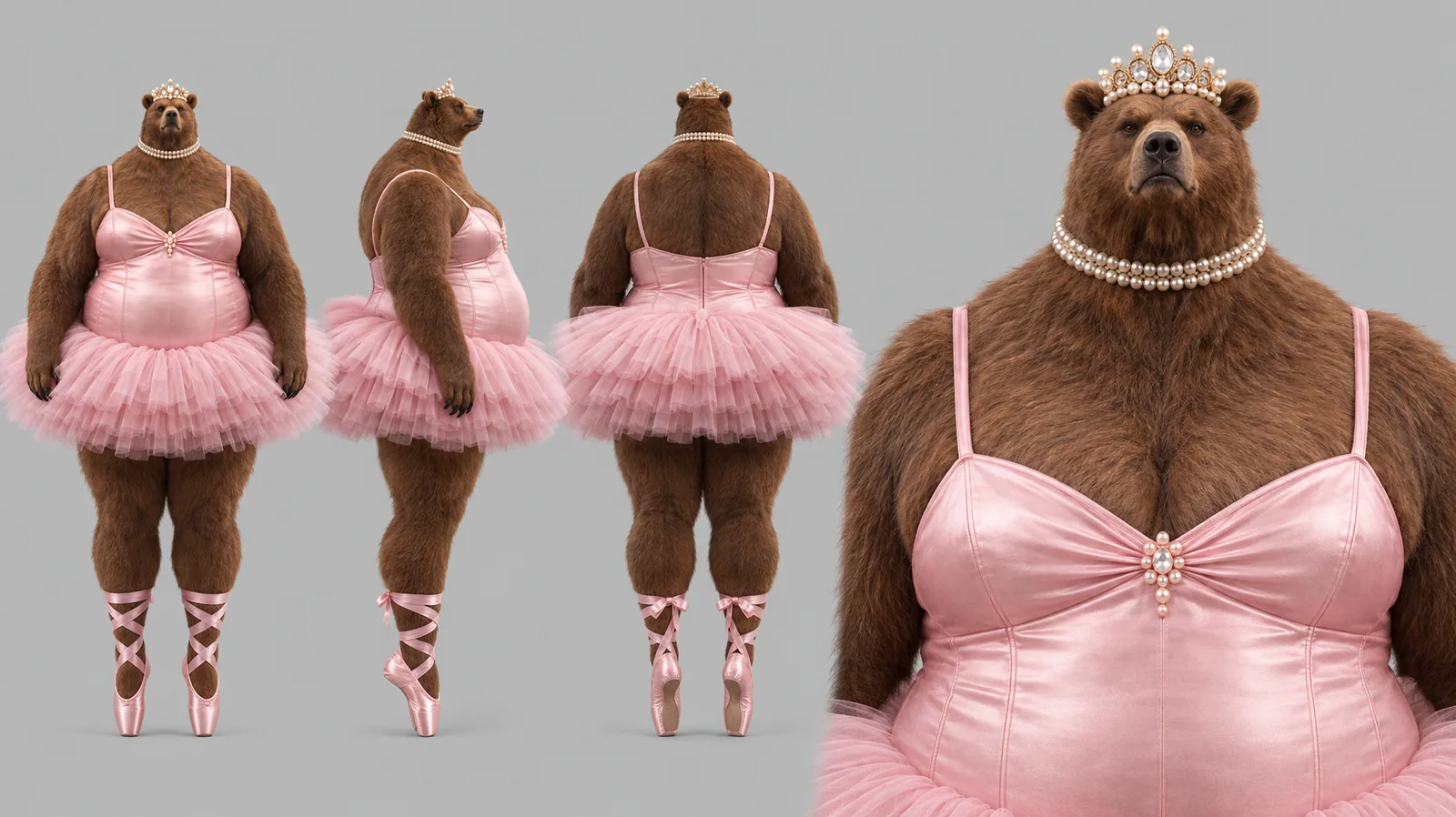 FrontSideBackClose-up
Save a character sheet
Generate front, side, and back views plus a close-up in 1 sheet, then save the character to reuse in your project.
- RecastOriginalStep 3
Create images and videos
Use your character as a reference for new images and videos, or open Recast to place it in an existing clip.
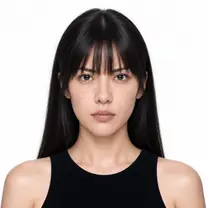
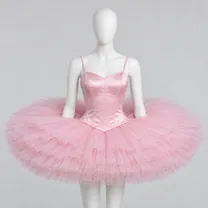
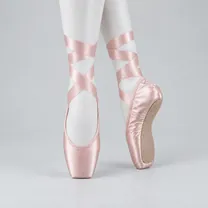
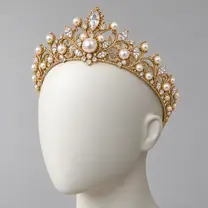
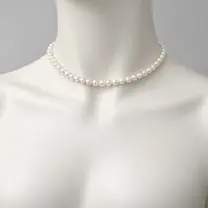
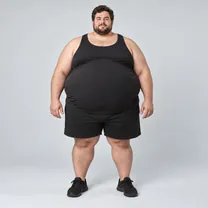
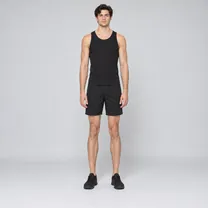
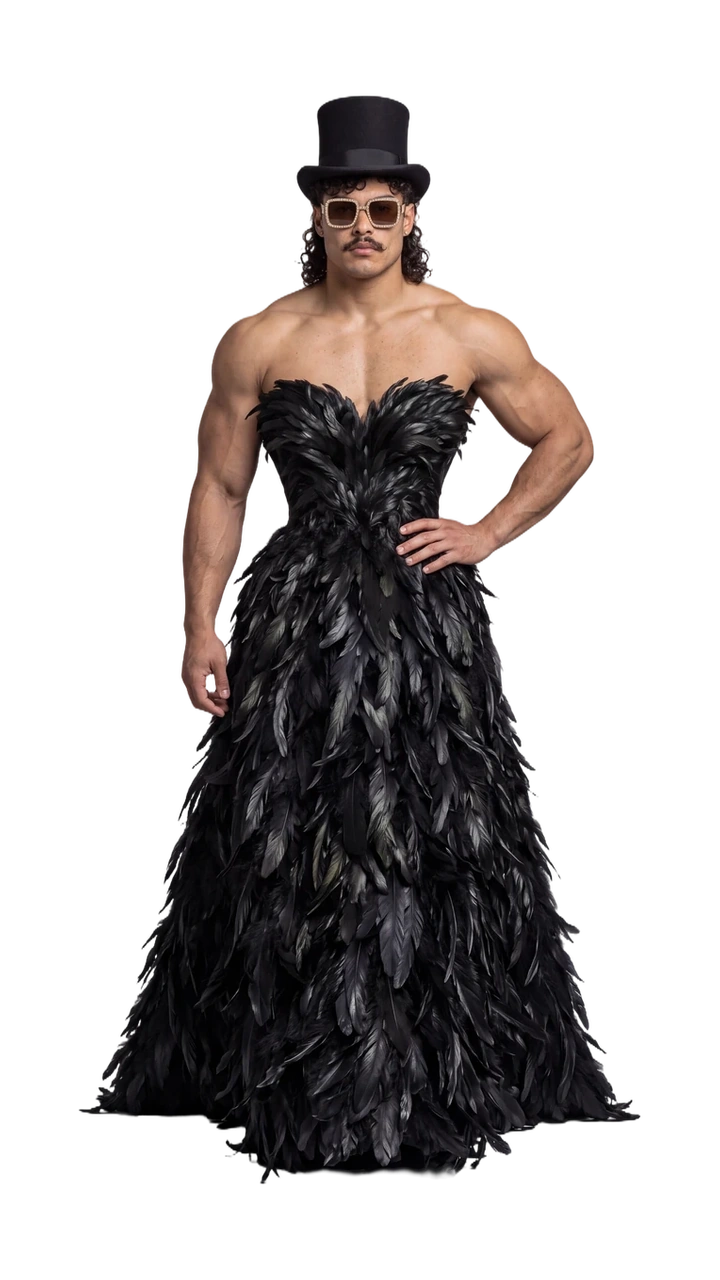
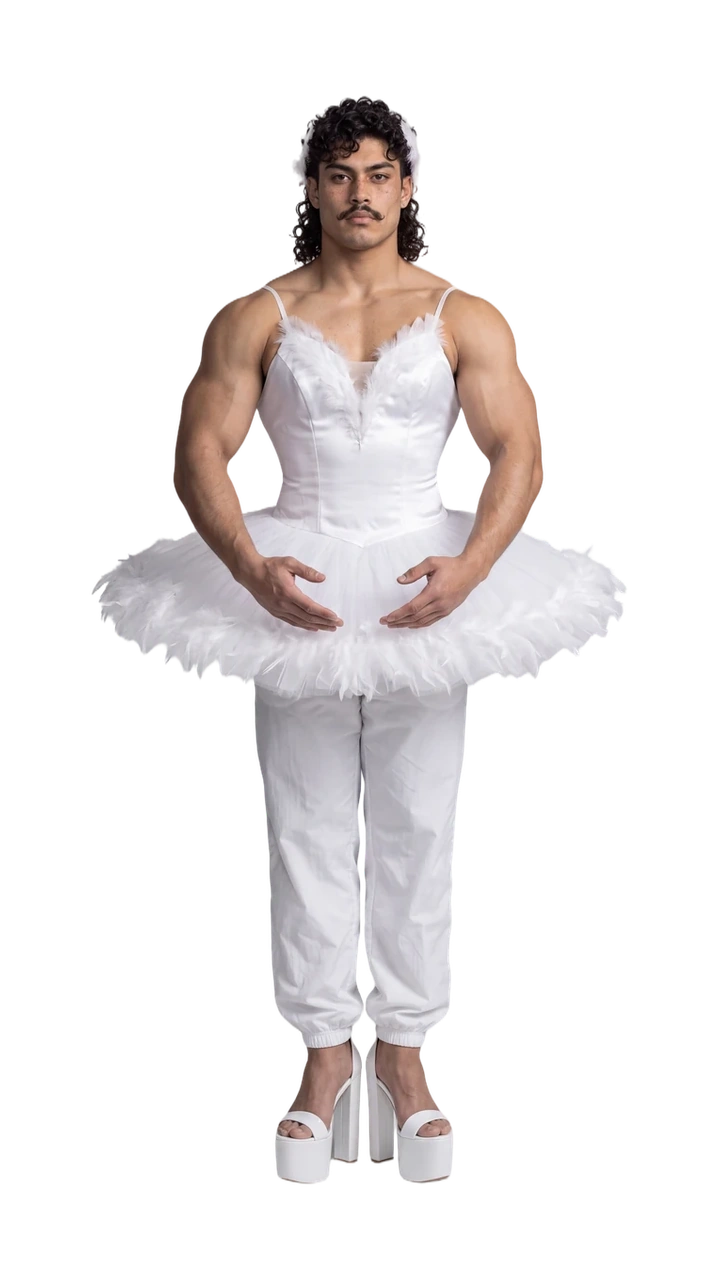
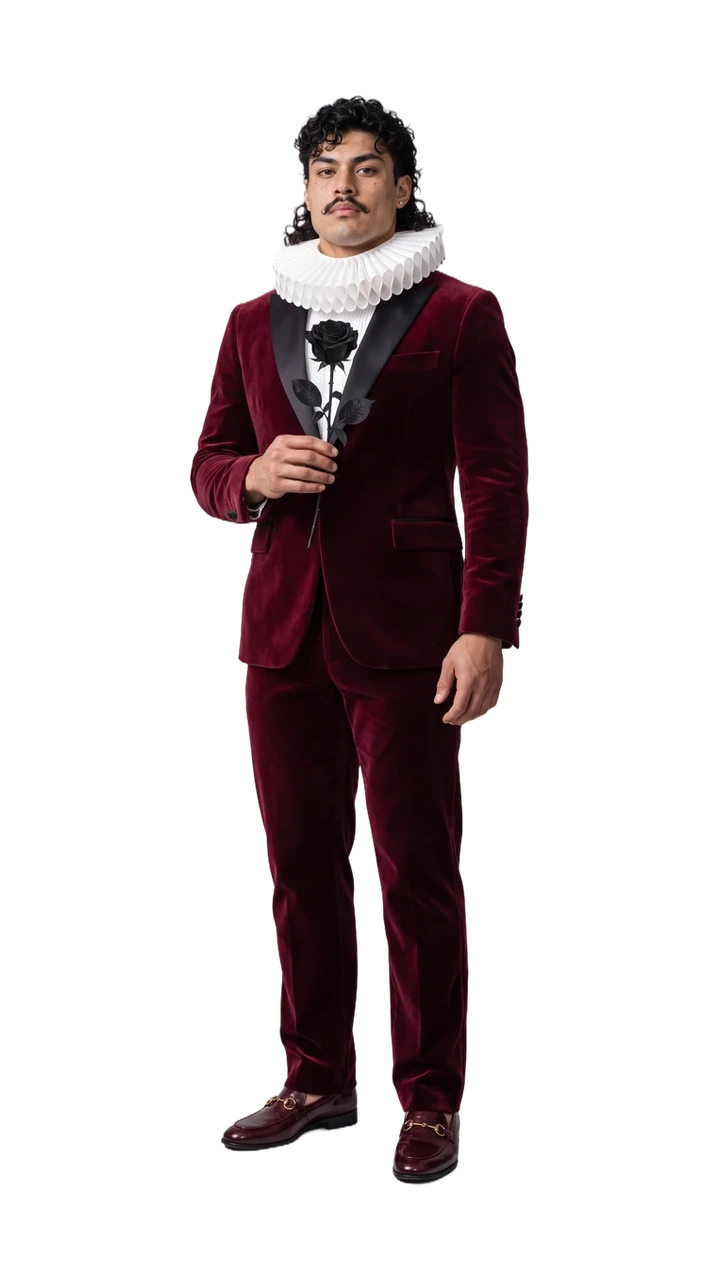
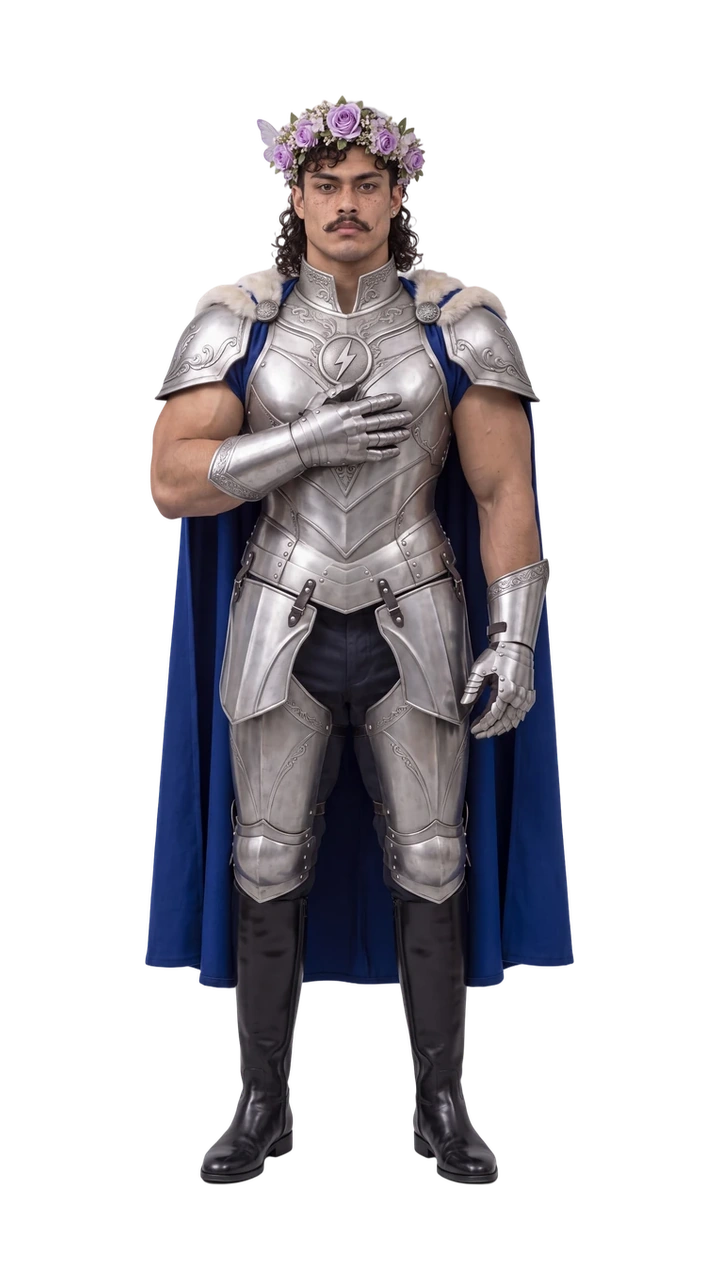
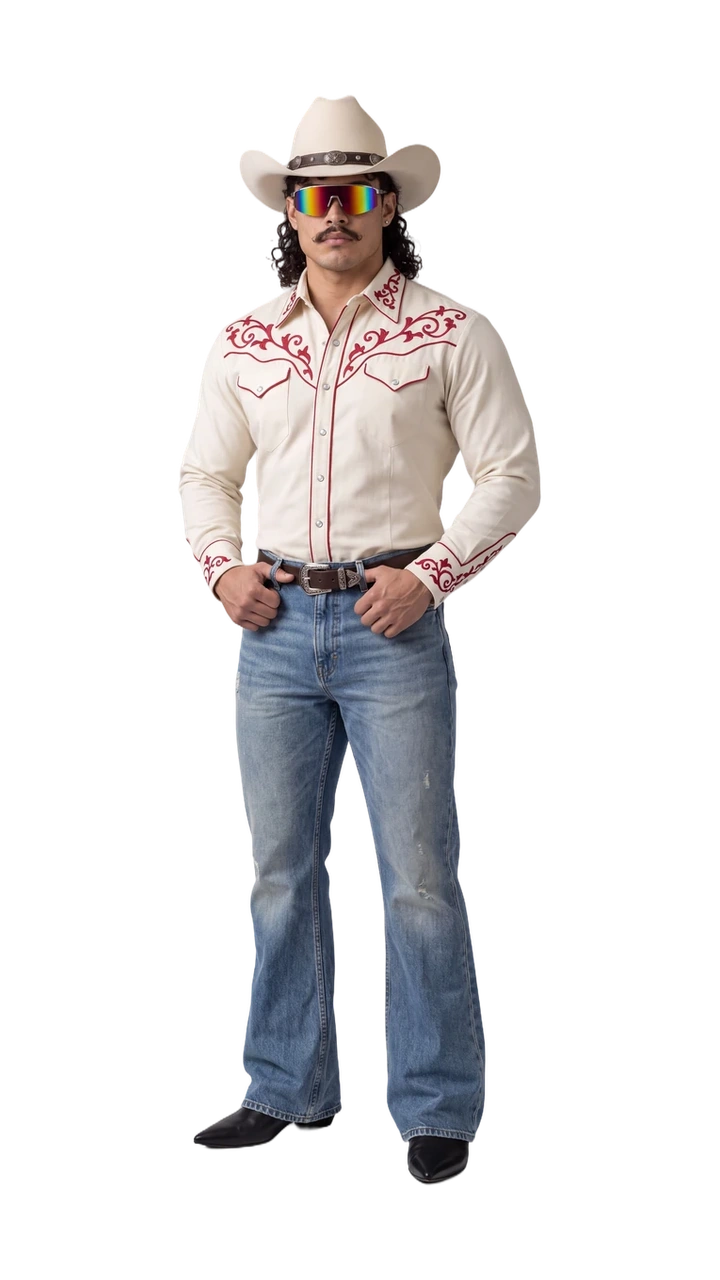
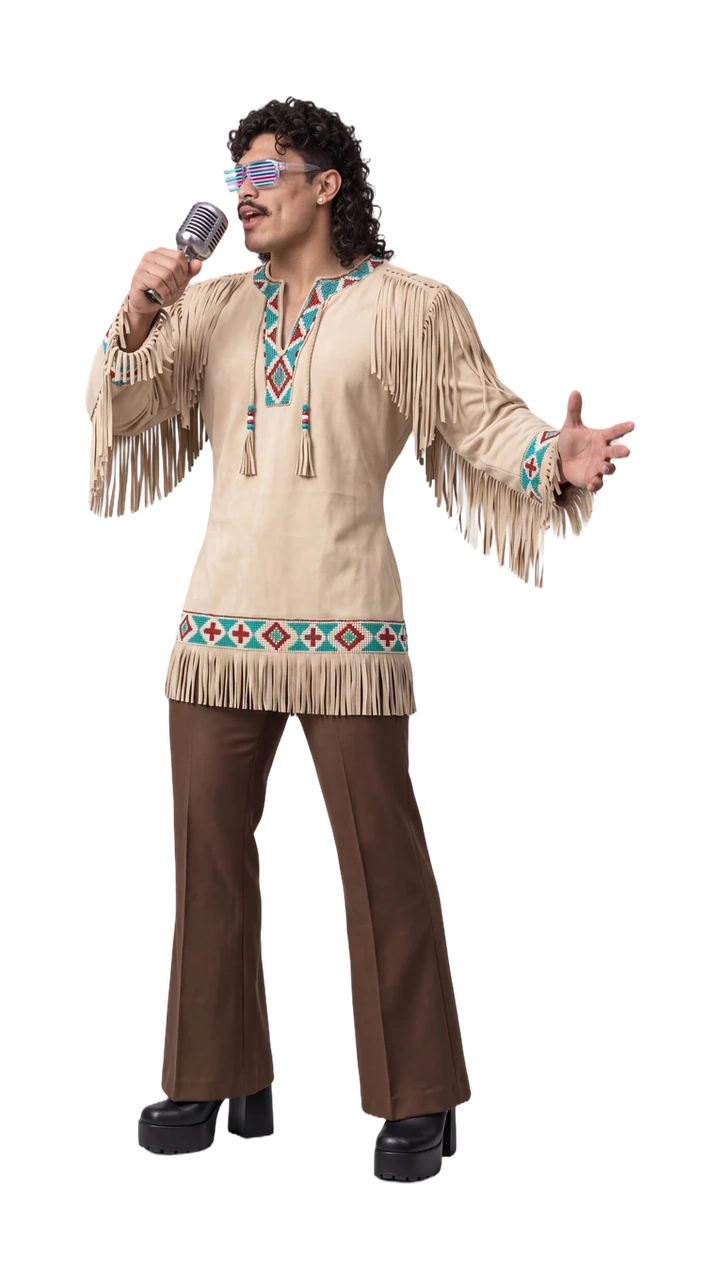
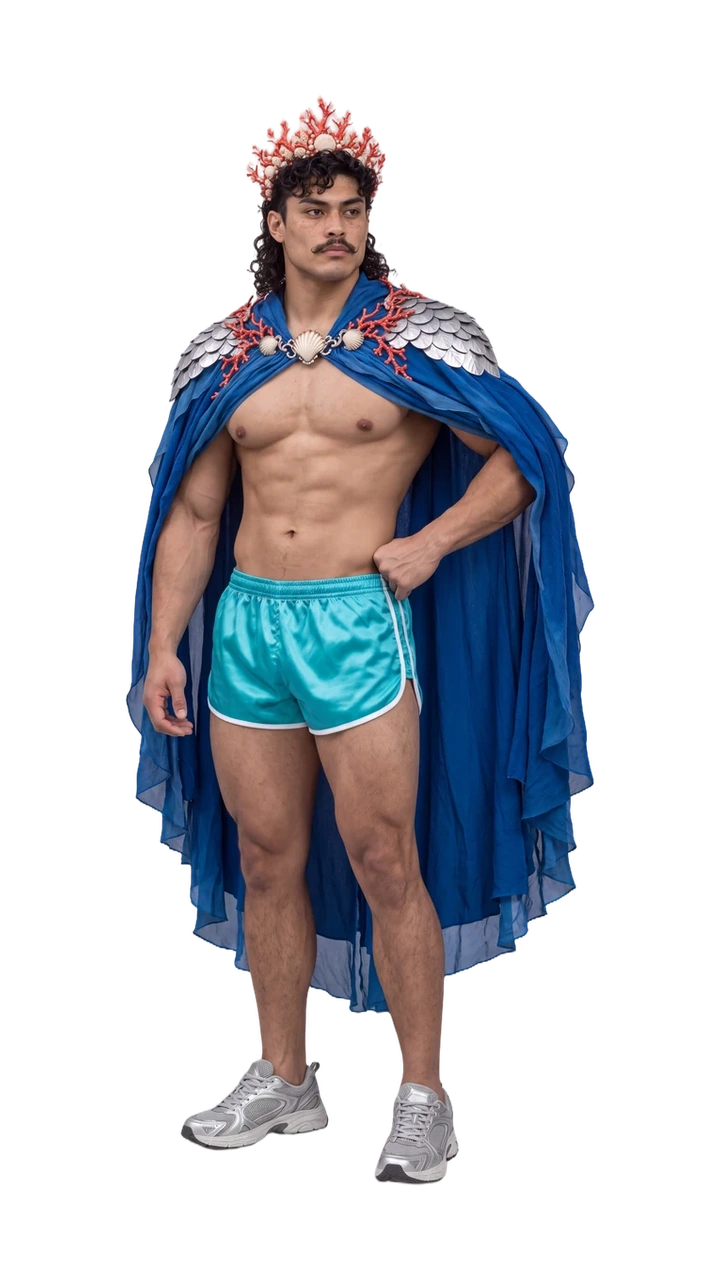
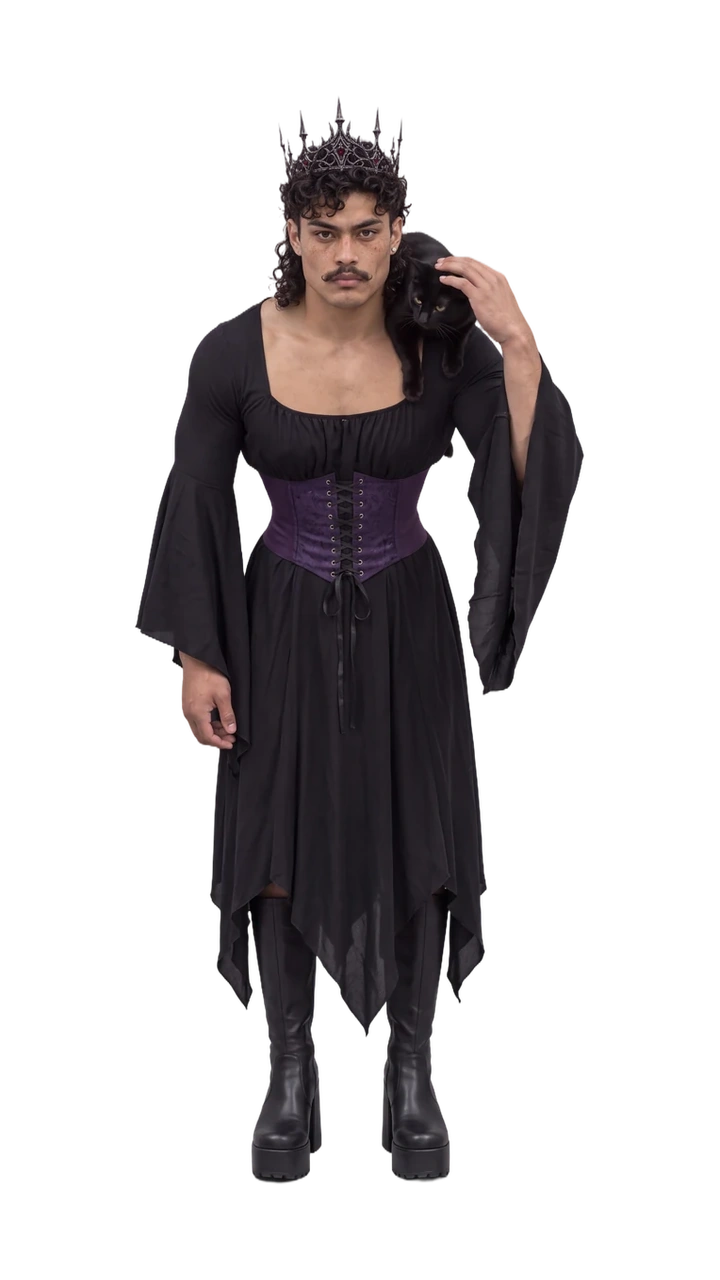
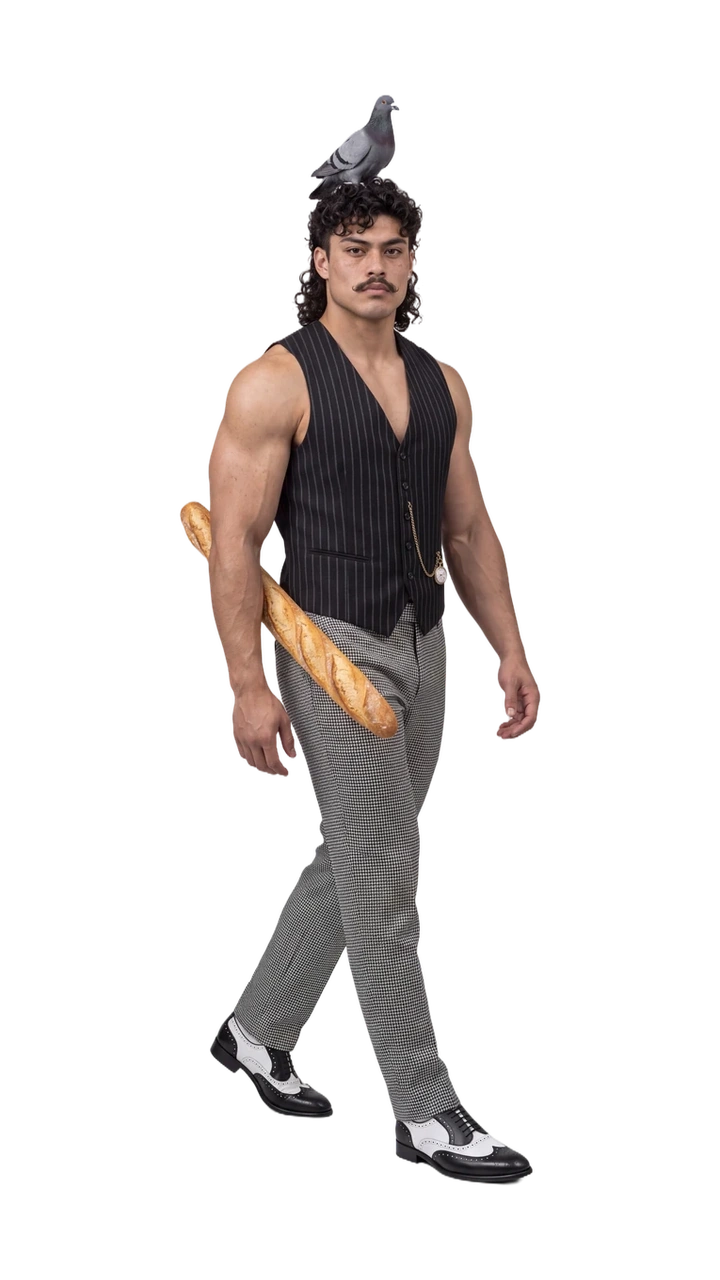
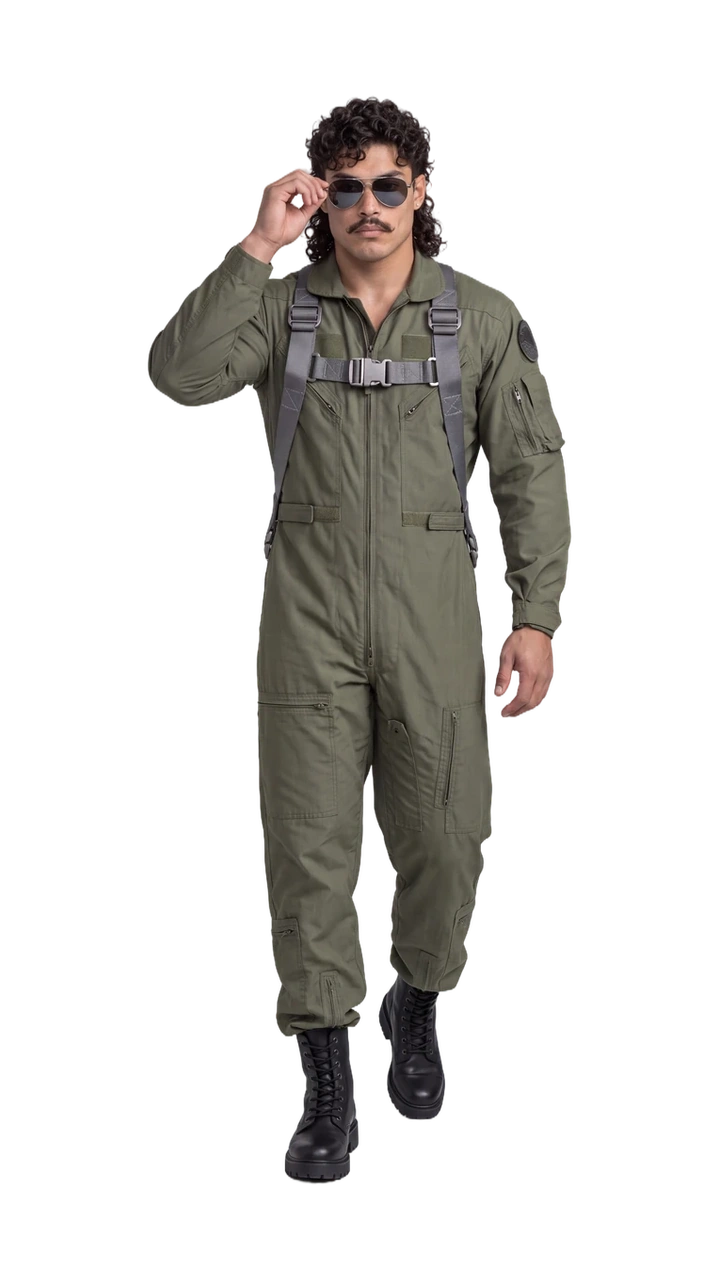
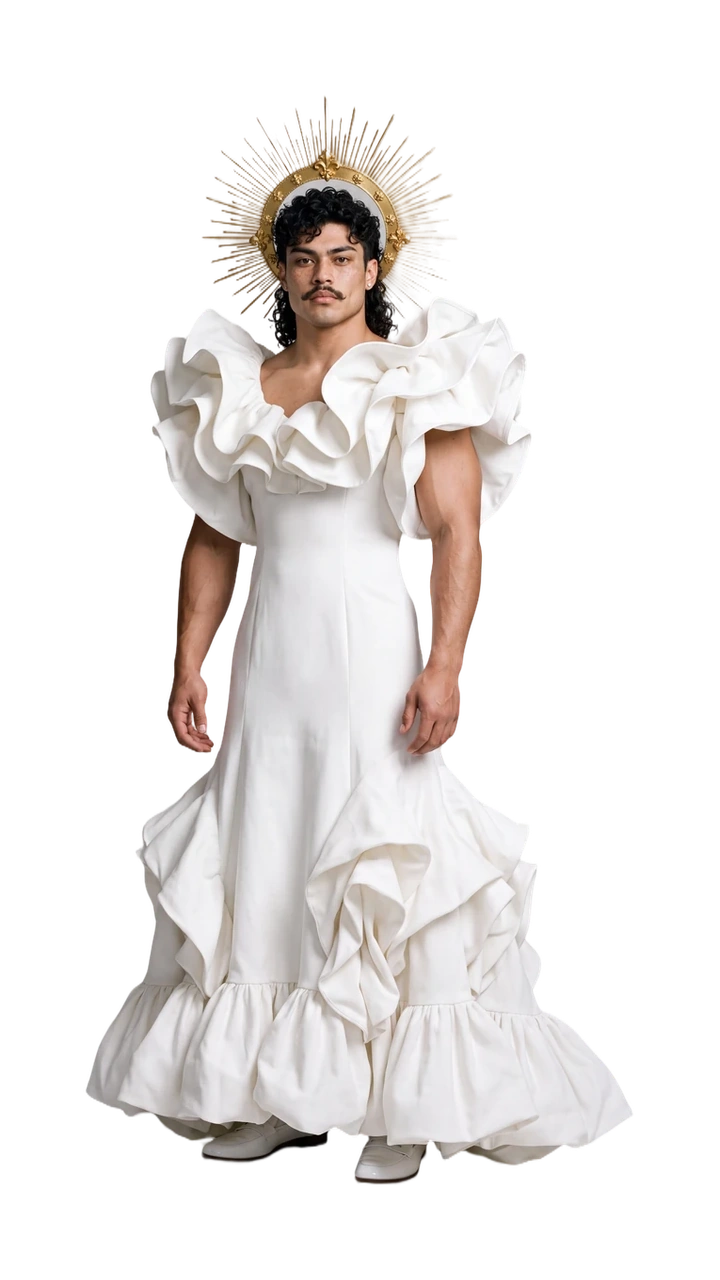
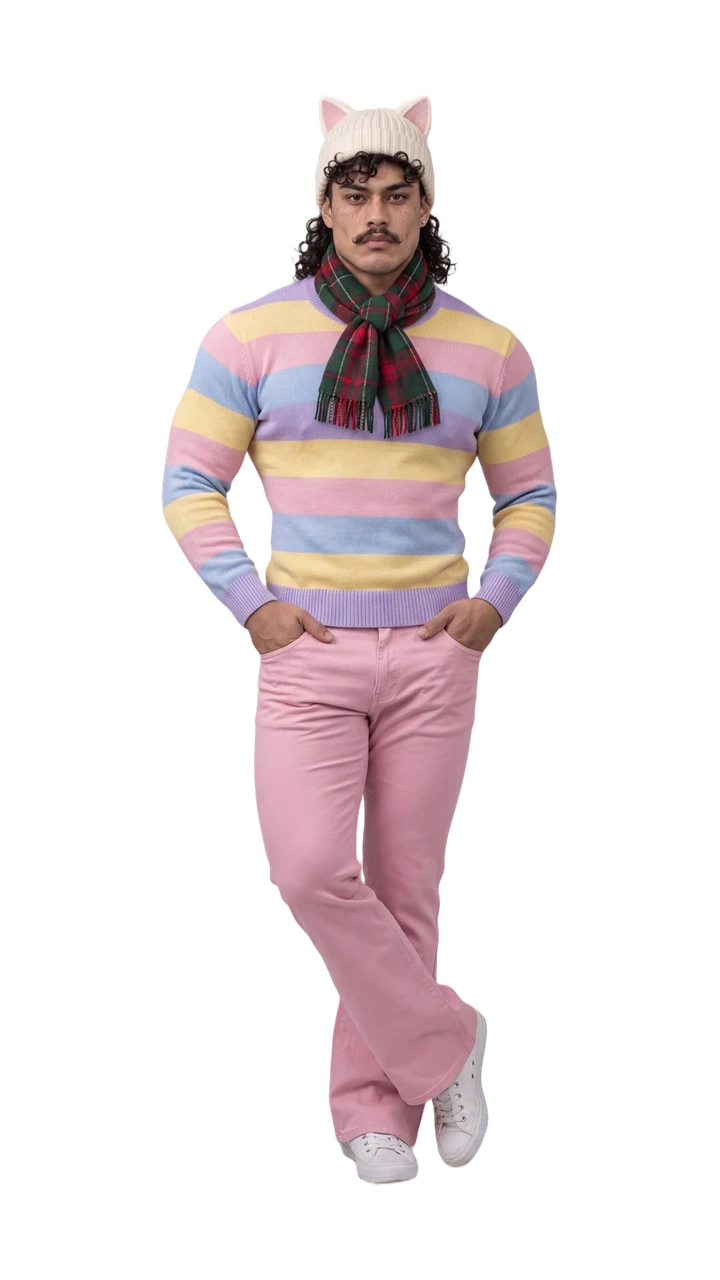
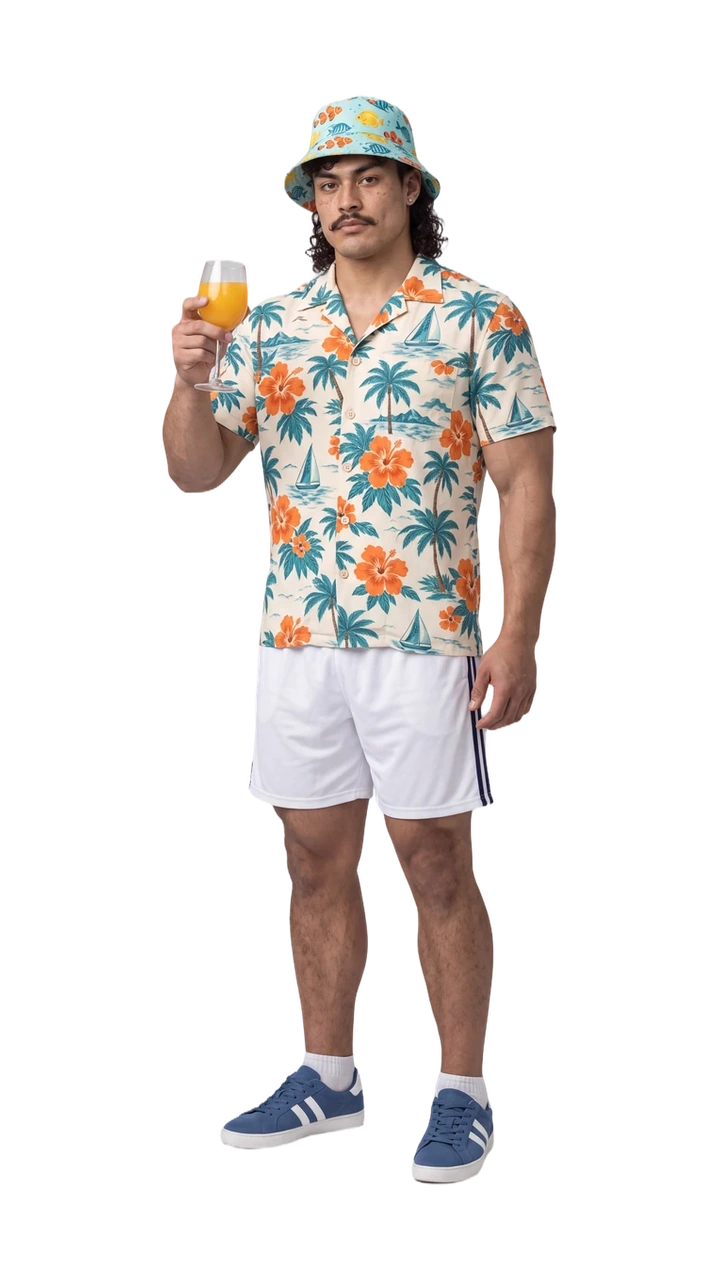
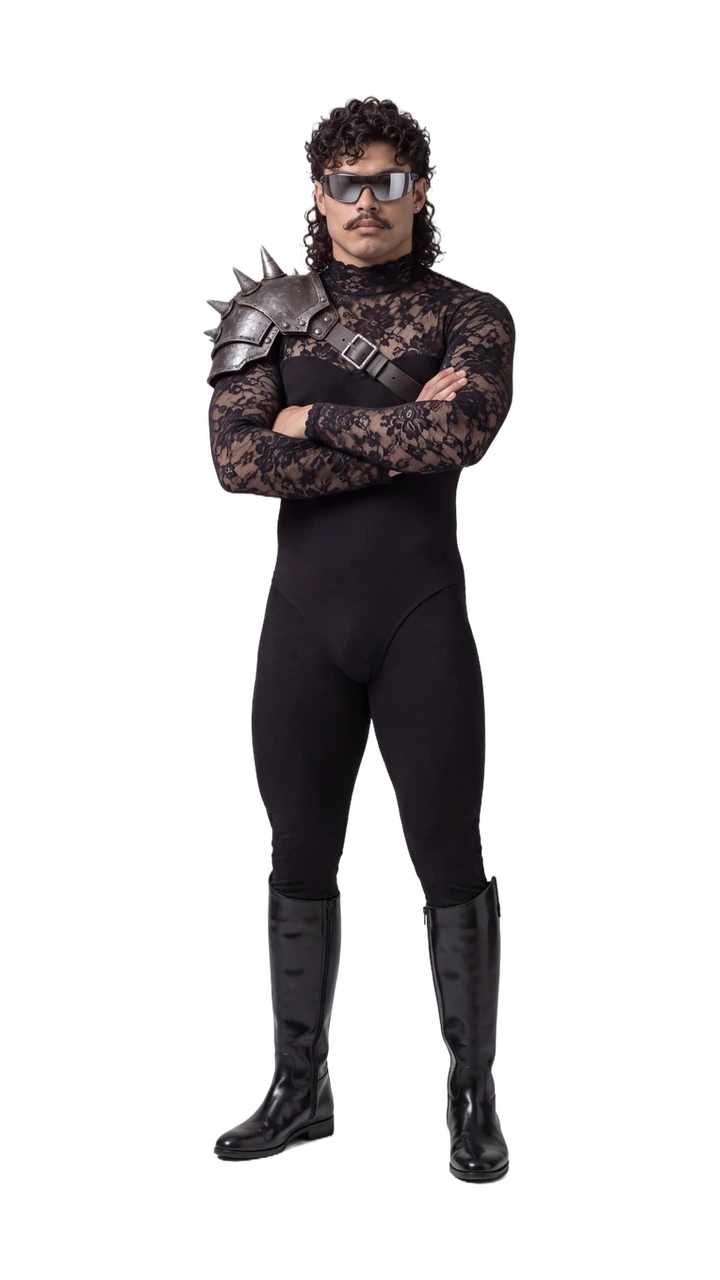
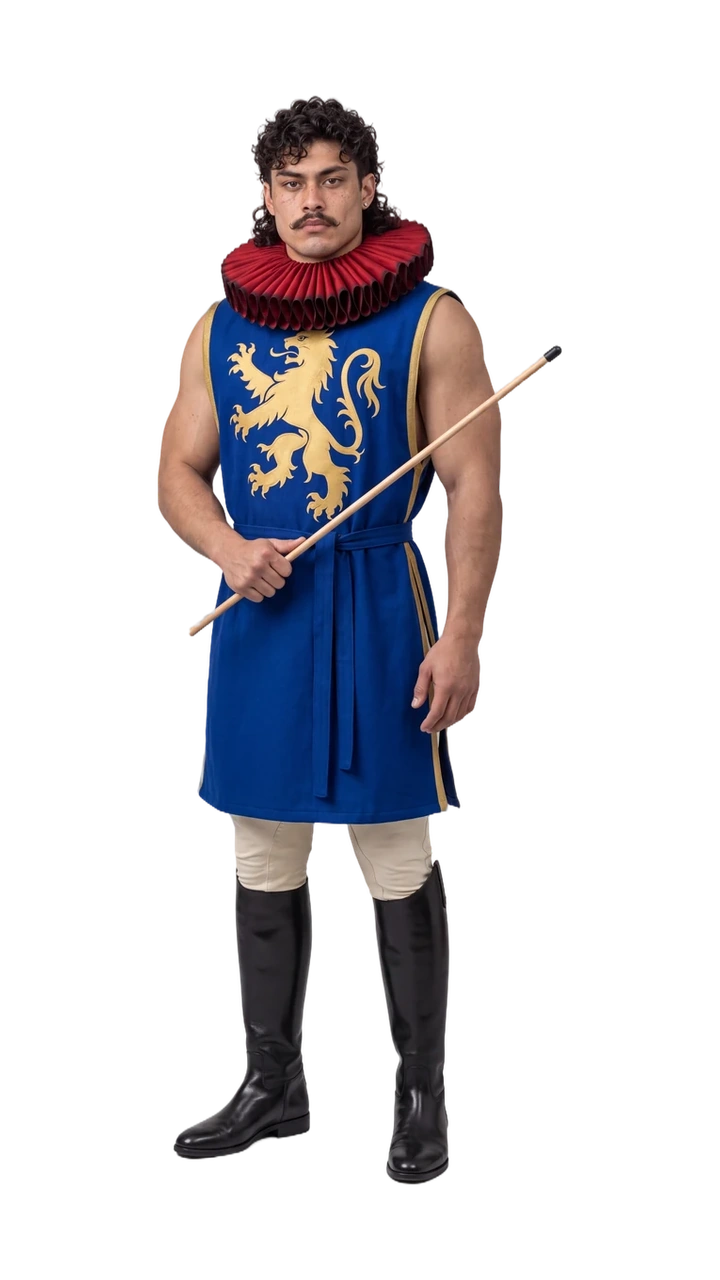
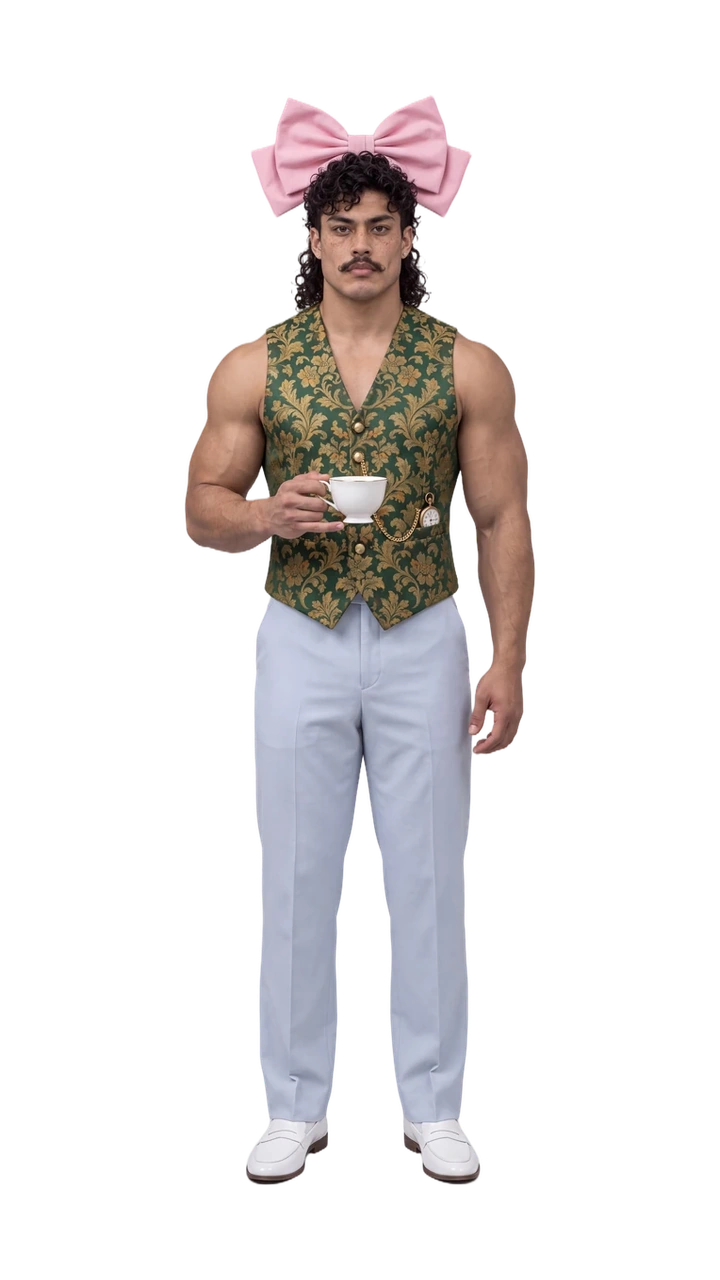
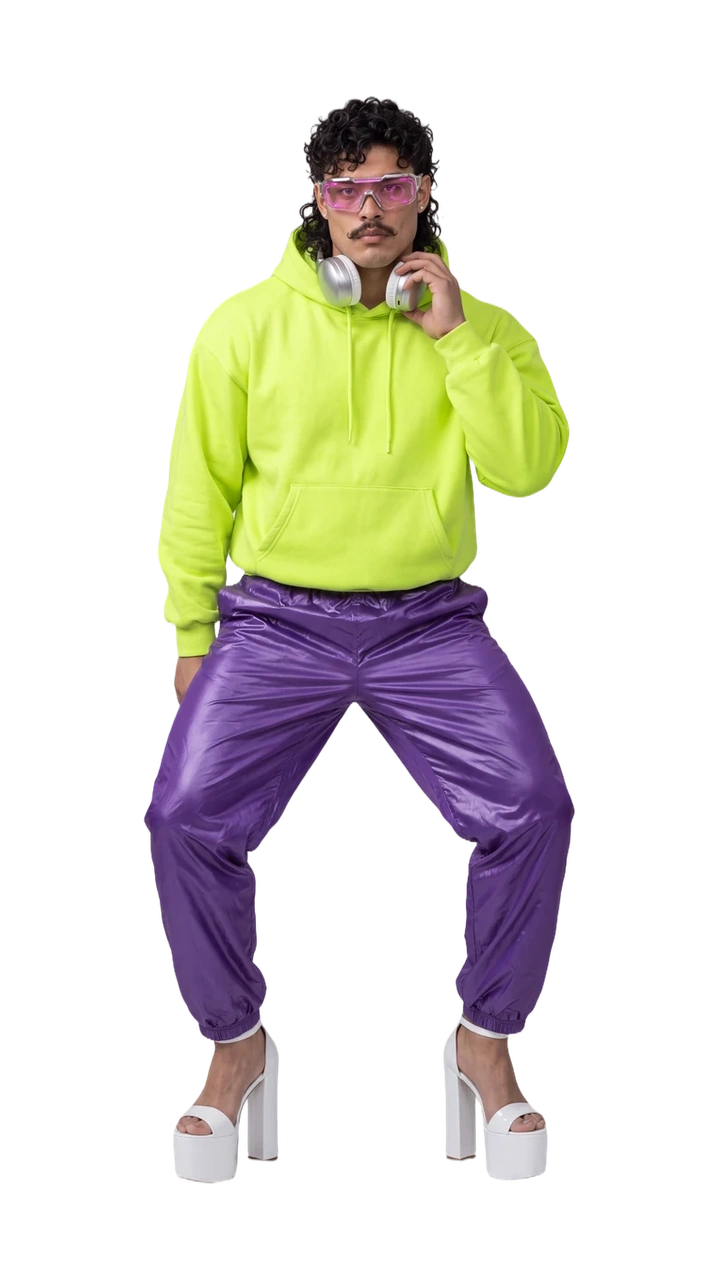
New outfit, same character
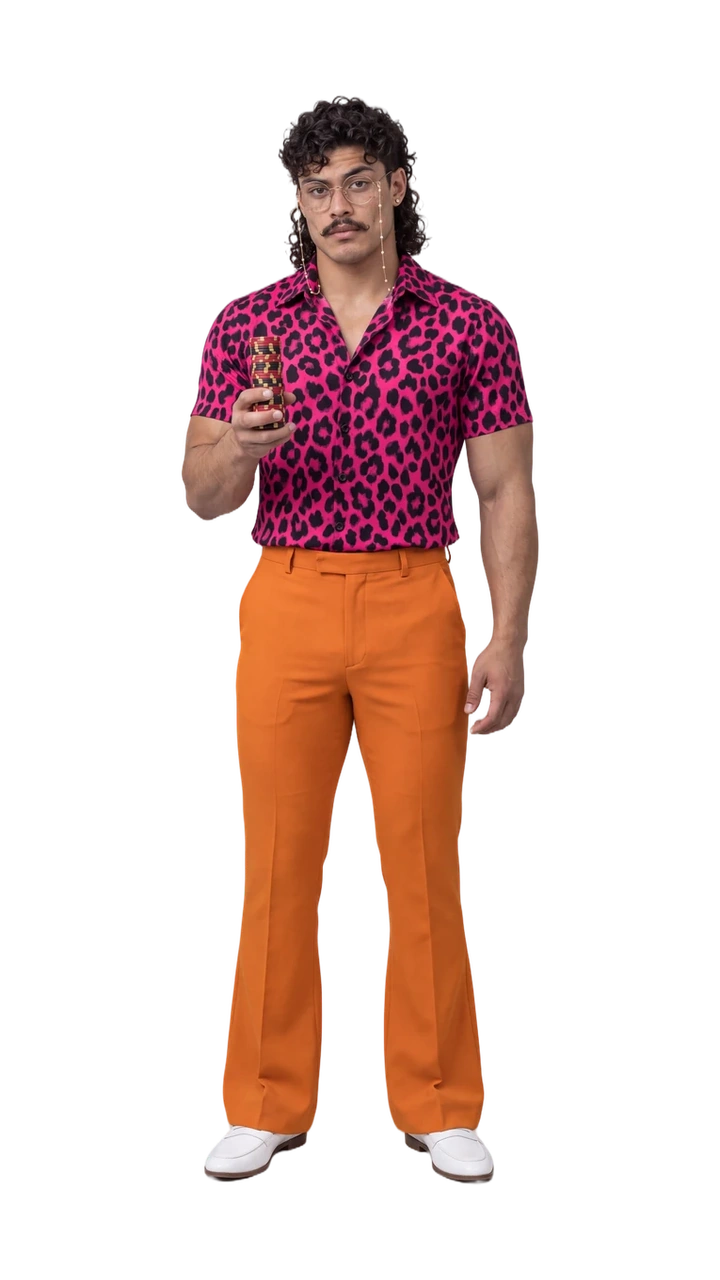
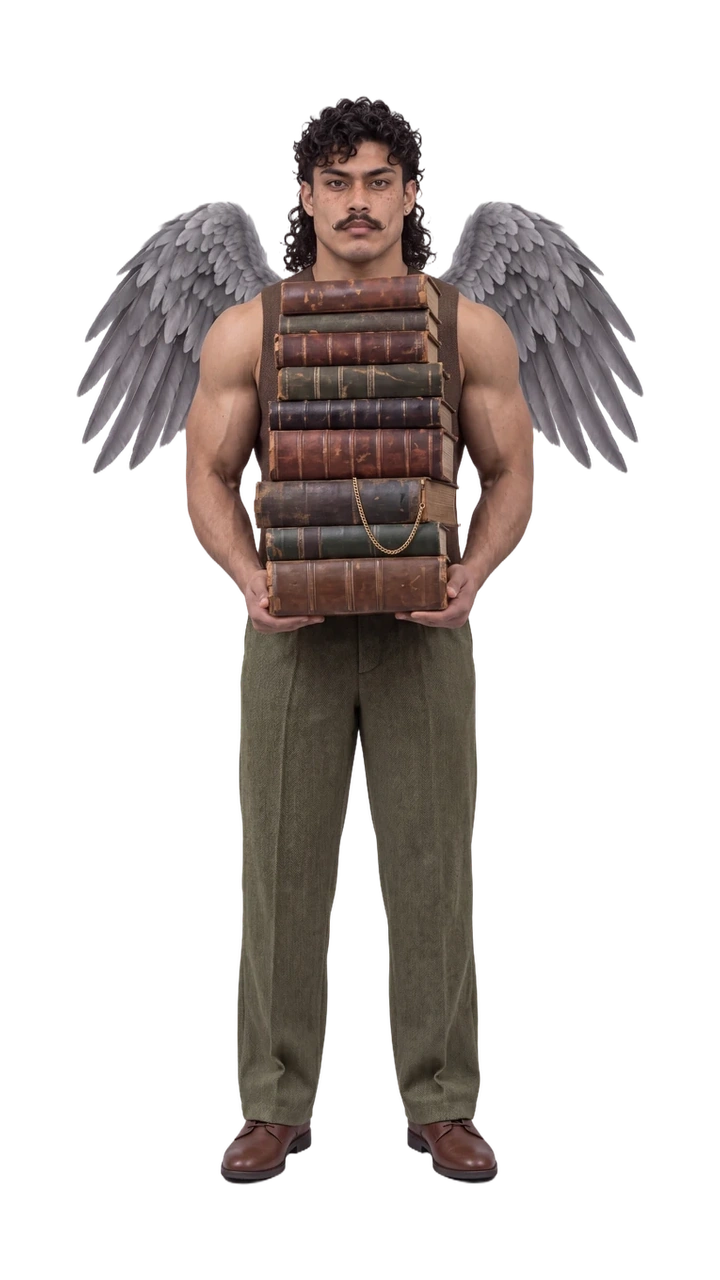
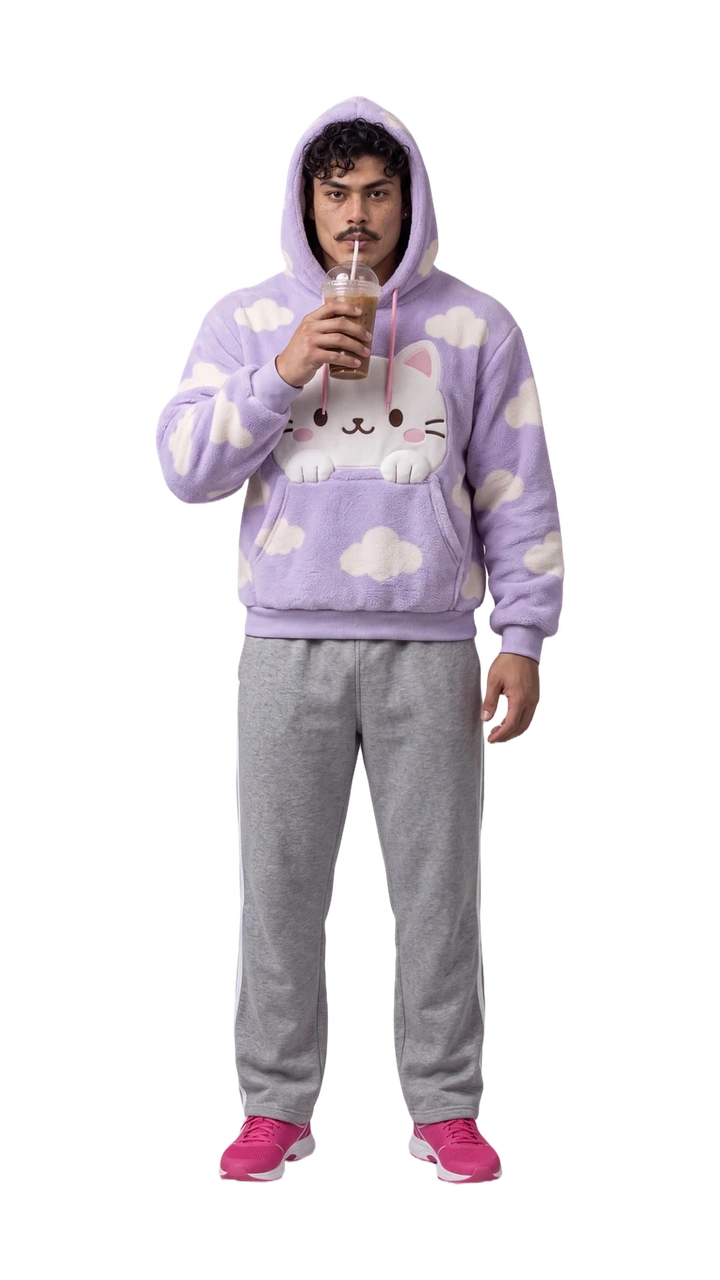
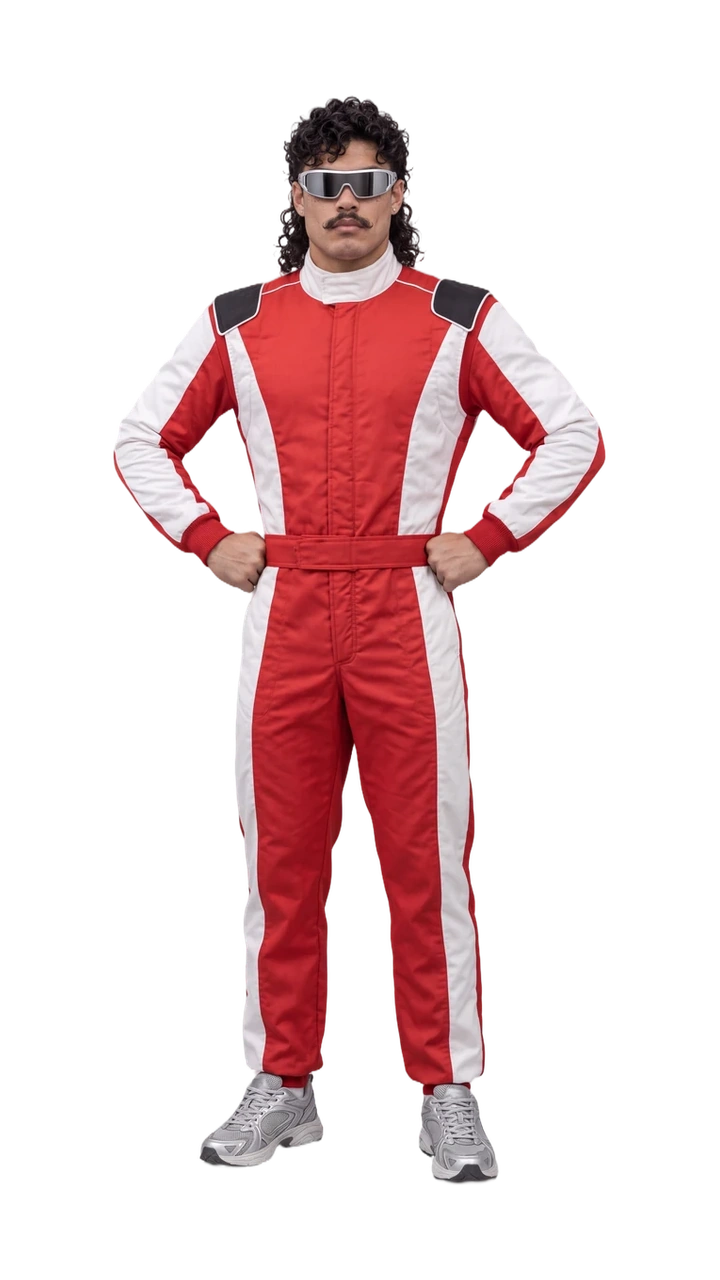
Add your character as a reference when you generate in Canvas, and dress it in a new look each time.
 Open in Canvas
 Open in Canvas
 Open in Canvas
 Open in Canvas
 Open in Canvas
 Open in Canvas
 Open in Canvas
 Open in Canvas
 Open in Canvas
 Open in Canvas
 Open in Canvas
 Open in Canvas
 Open in Canvas
 Open in Canvas
 Open in Canvas
 Open in Canvas
 Open in Canvas
 Open in Canvas
 Open in Canvas
 Open in Canvas
 Open in Canvas
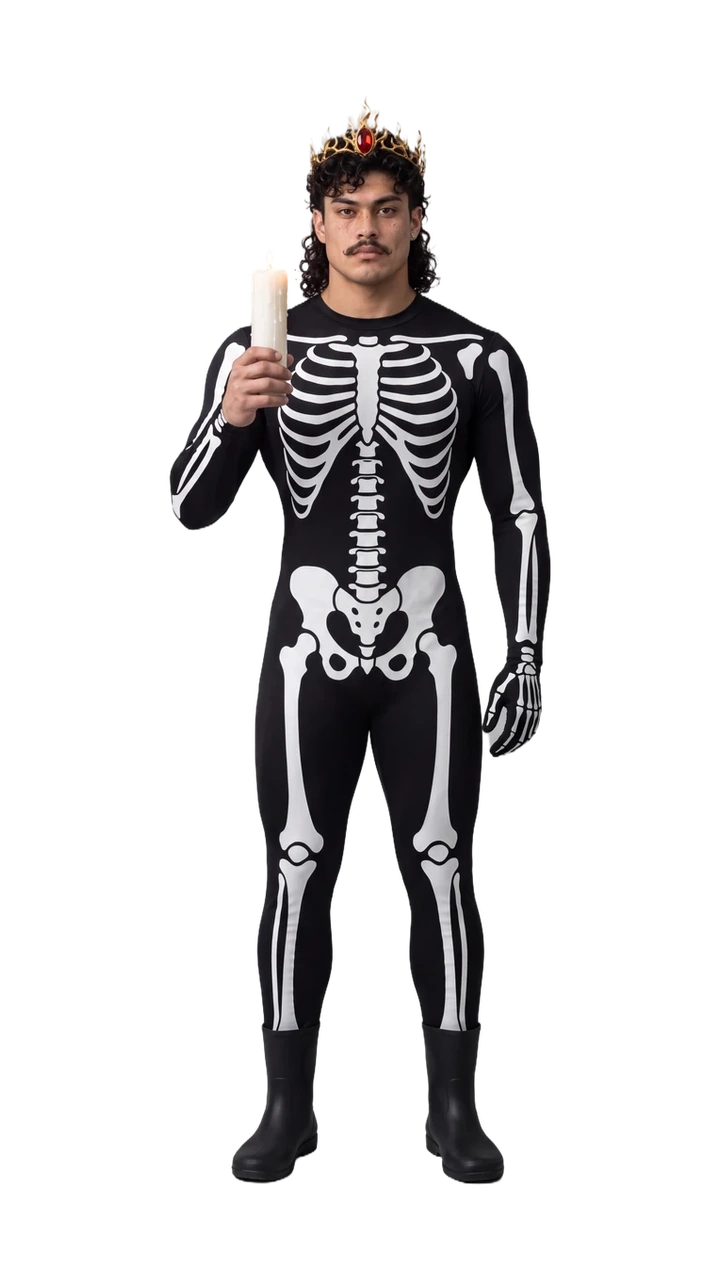 Open in Canvas
Design your influencer’s look
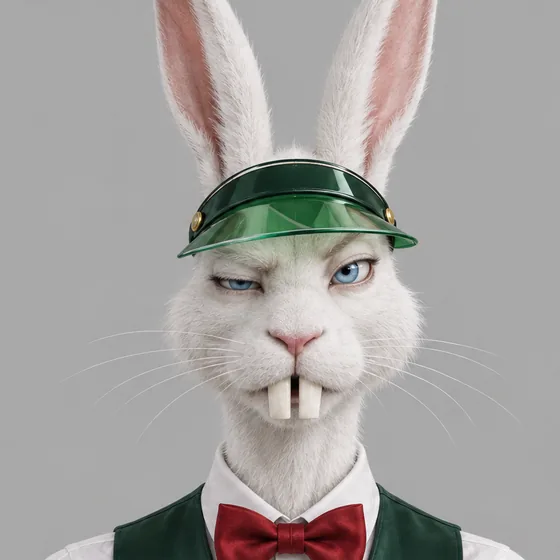
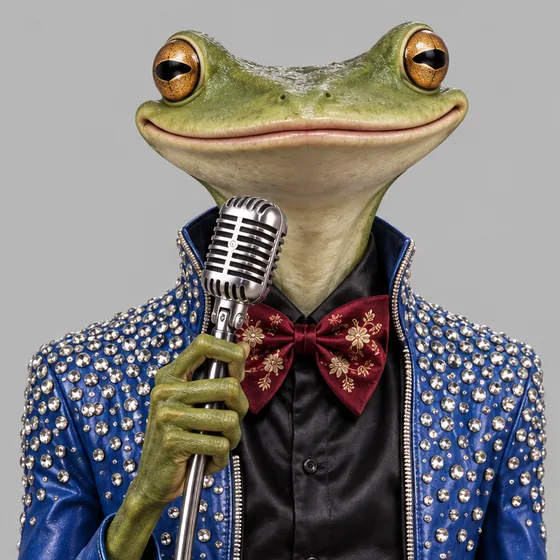
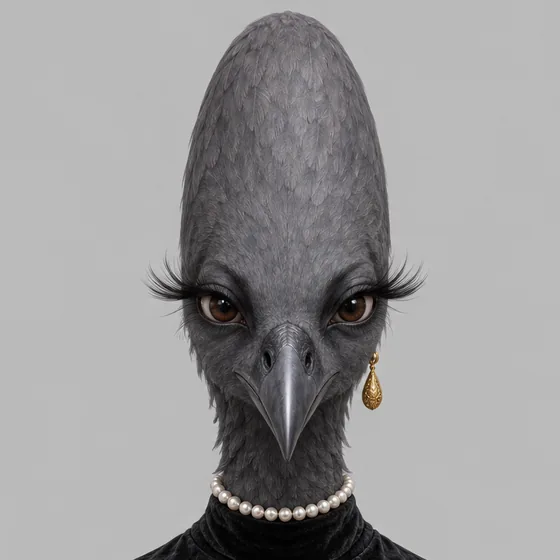
Choose a human, an alien, a monster, or an animal, then shape it across 6 categories: Person, Features, Face and hair, Outfit, Accessories, and Body. Your character reads as a sentence in the prompt box, and every word in it is a choice you can change.
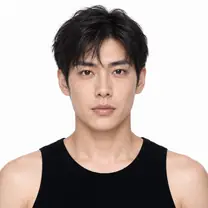
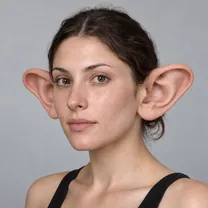
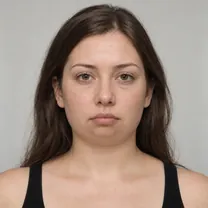
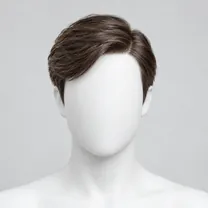
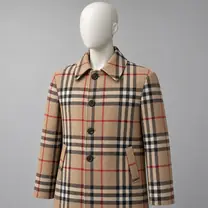
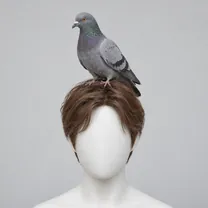
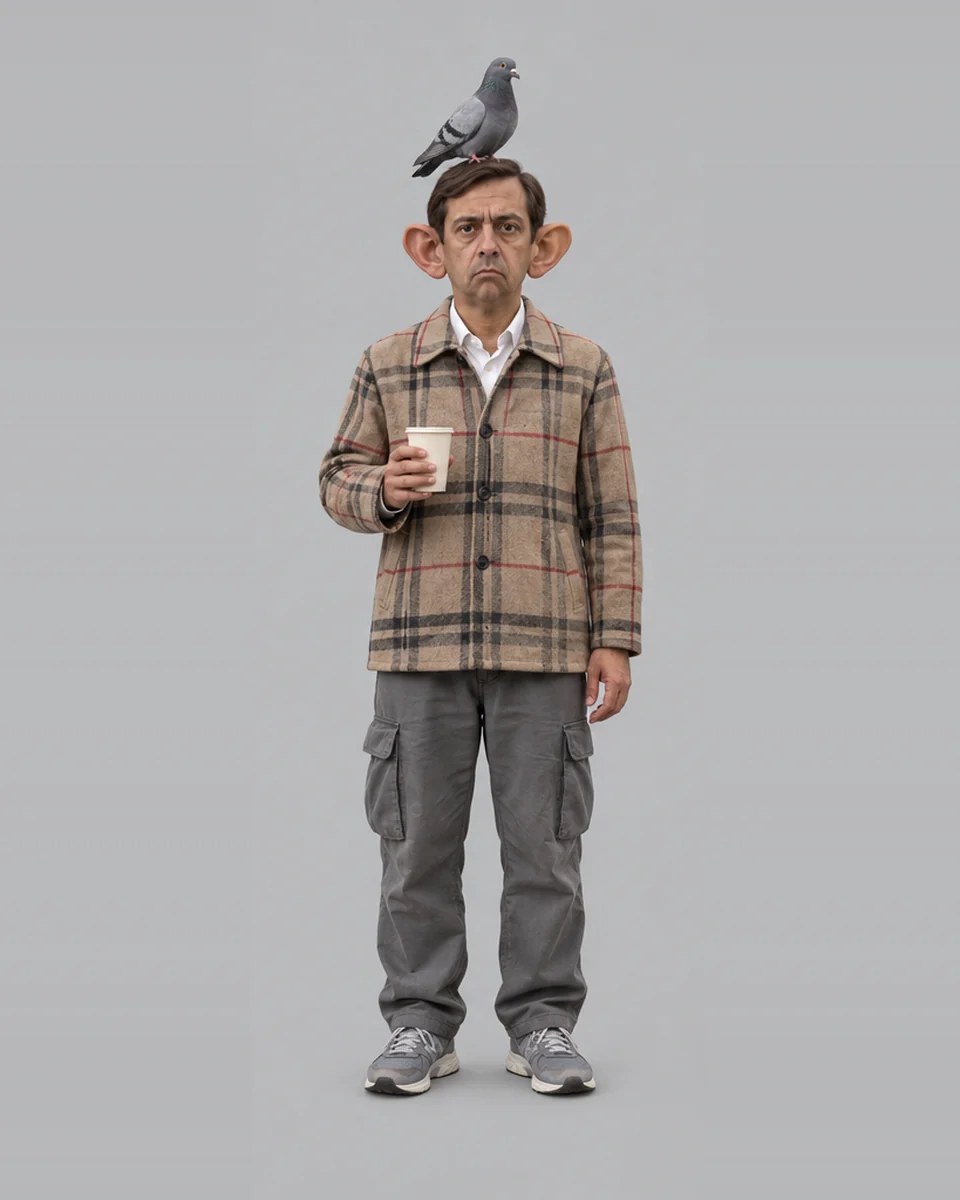
Reuse your character across posts
Save your character’s reference images and reuse them when you create new posts. A 4-view sheet gives you front, side, and back views plus a close-up. Check each result for changes to faces and small details before you share it.
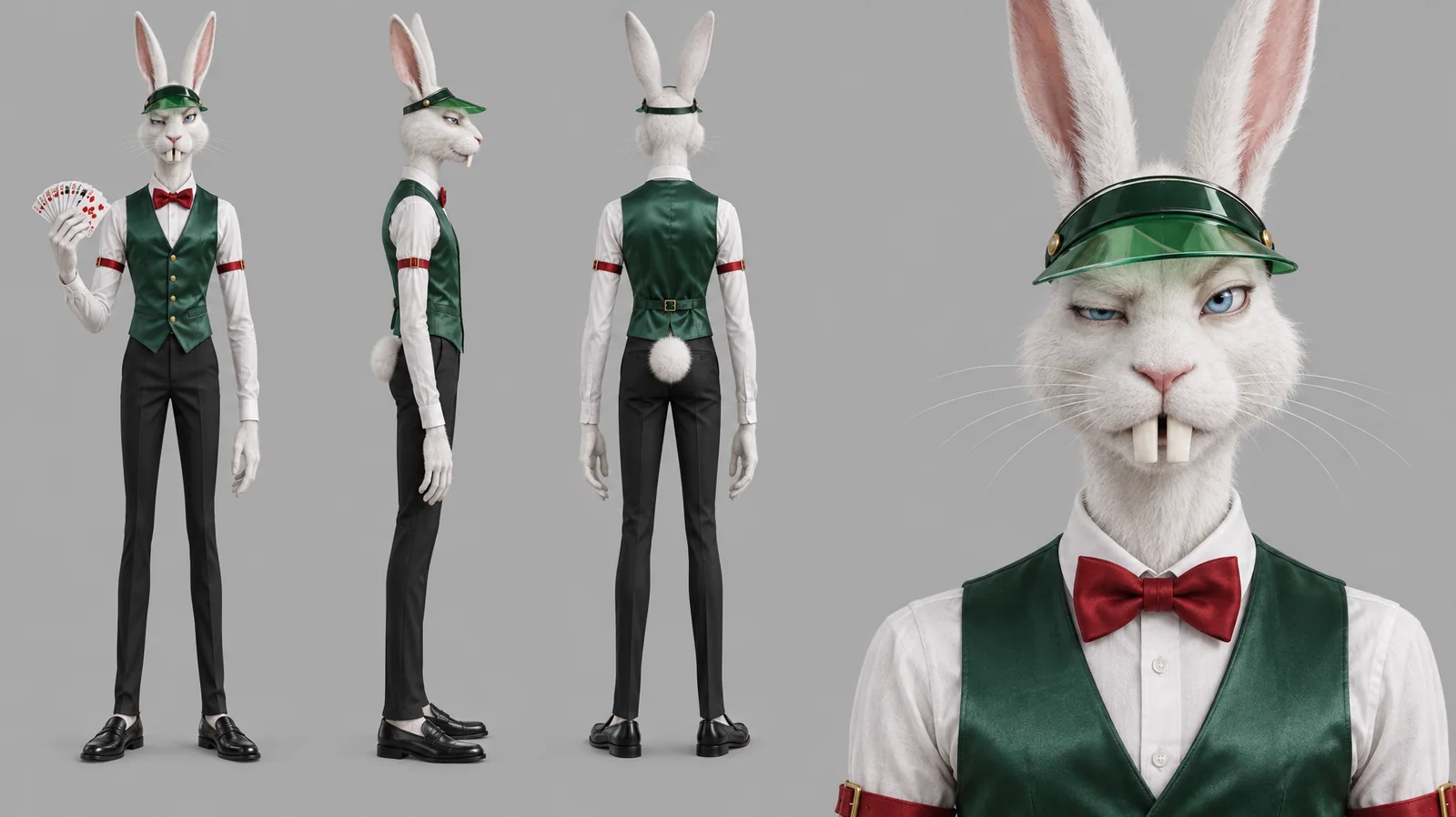 1 sheet
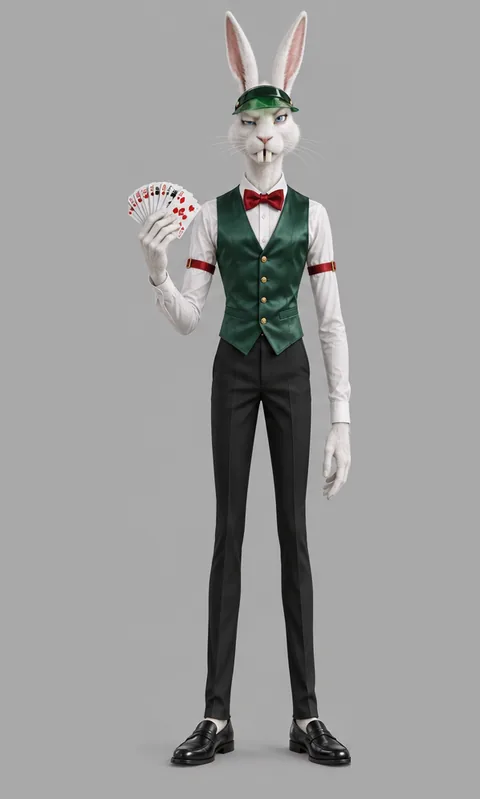 Front
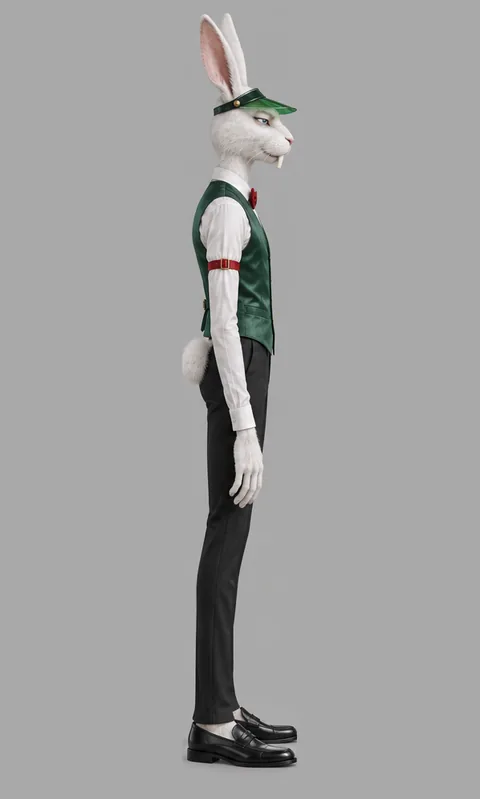 Side
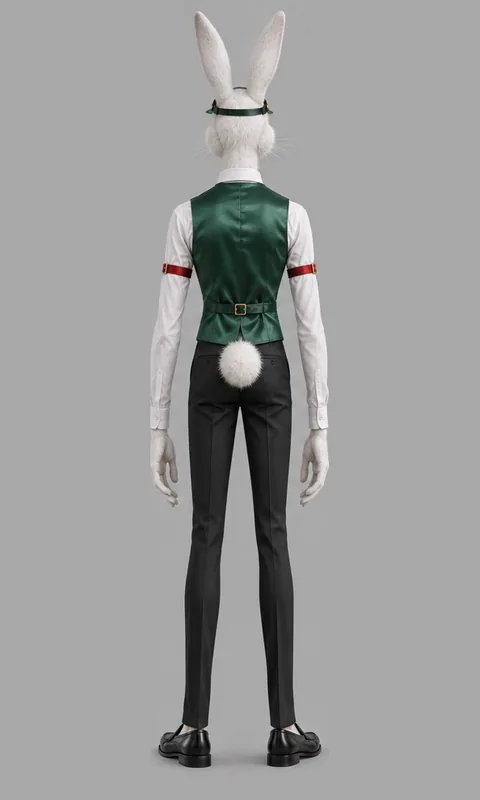 Back
 Close-up
Swap who's in a clip you already have
Give Recast up to 8 pictures: your characters, plus a location if you want a new setting. Keep the original sound, make new sound, or go silent. Faces and small details can drift, so watch each take before you post it.
Keep every clip on the same board
Your character sheet and each recast clip land on the same Canvas board. Try the same clip with another character, compare the takes, then merge the ones you keep into a longer video in the Sequencer.
Sequencer2 takes kept
What will your influencer create?
Trend formats
Give your own dance or gesture clips a new lead with Recast.
A recurring series
Recast each episode's clips from the same character sheet.
Mascots and odd heroes
Design an alien, a monster, or an animal host, then try it on a clip in Recast.
Casting tests
Try a few characters on the same clip and keep the one that fits your channel.
New settings
A location picture moves the performance somewhere new.
Talking to camera
For a to-camera clip you filmed, keep the original sound and recast the speaker. Check the mouth timing in each take.
Put your character in new scenes
The Character creator and Recast live in Picsart Canvas. Add your character as a reference when you generate new images and videos, and build each scene around it.
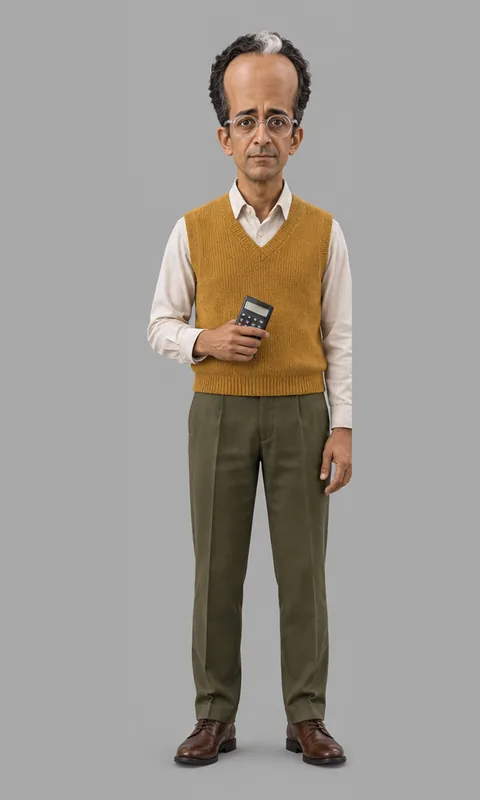
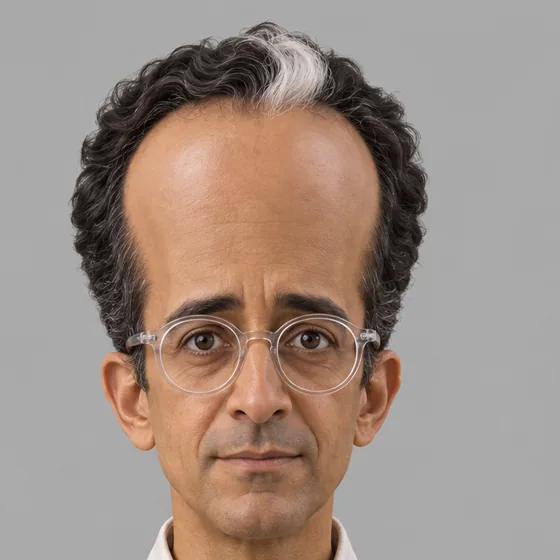 Forelock mathematician talks to the camera in his home office, soft window light.
Post your character's series in Earn with Picsart campaigns
Explore Earn with Picsart campaigns for content you make with your AI influencer. Check the available campaign briefs and requirements before you create and post your content.
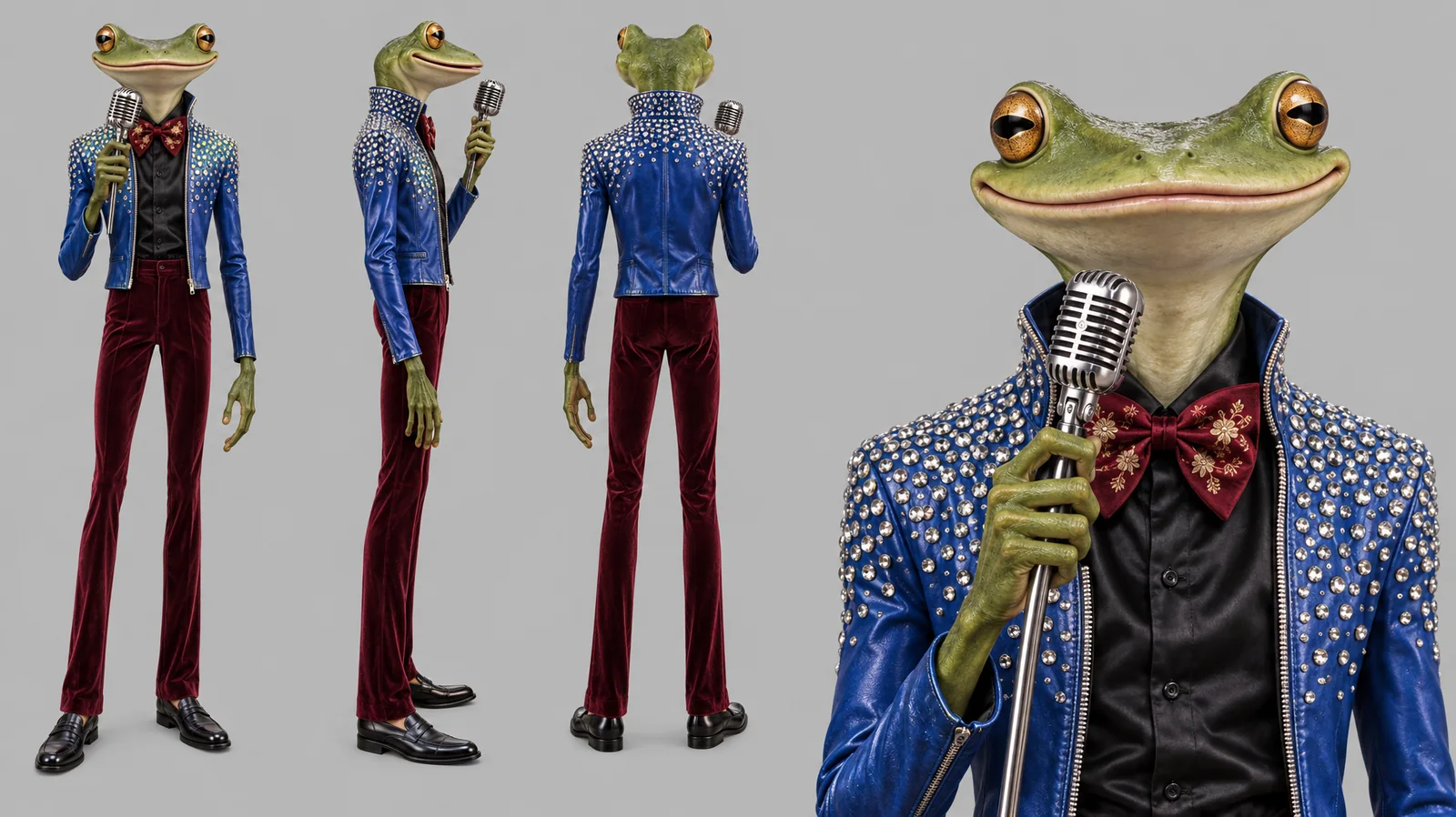
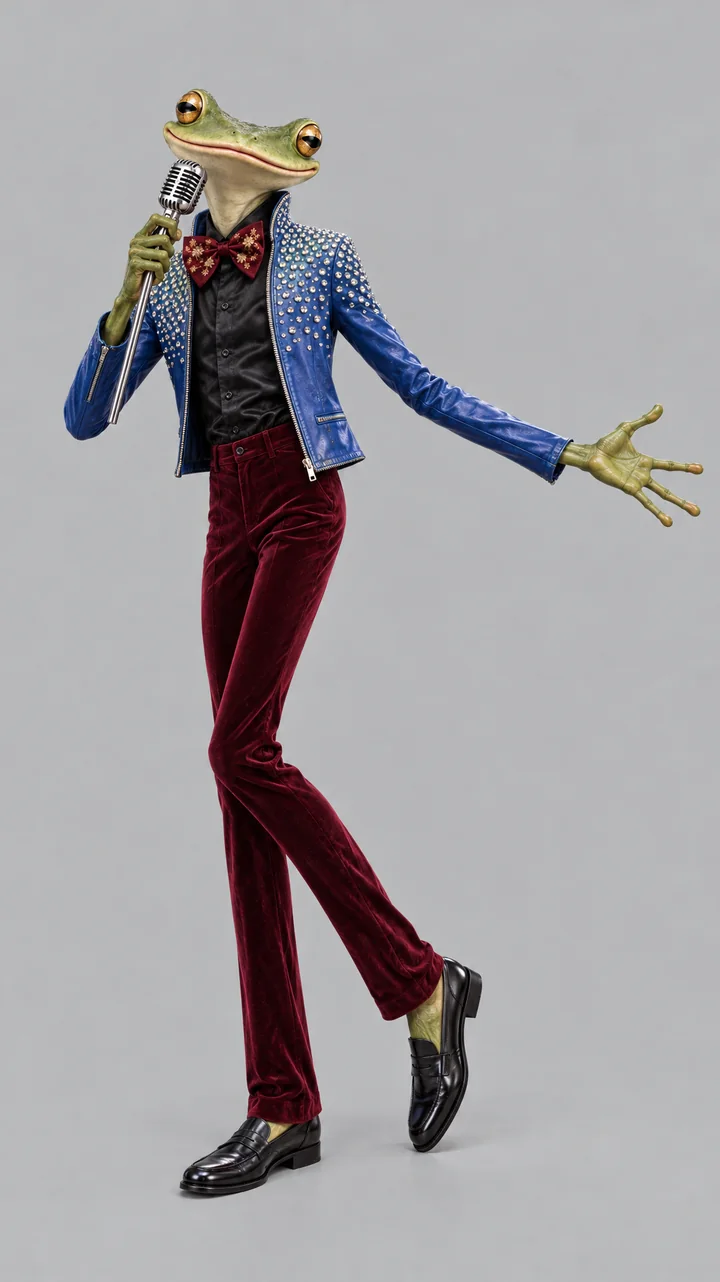 Ep 3
AI influencer questions, answered
How do I create an AI influencer?
Design your AI influencer in the Character creator, generate a character sheet, and save it to your Canvas project. Use the character’s reference images when you create new images and videos.
Can I reuse the same character across images and videos?
Yes. Save your character as an asset and reuse its reference images in new generations. Faces and small details can change, so review each result before sharing it.
Can I change my character’s outfit?
Yes. Use your character as a reference when you generate a new image, then describe the outfit you want. Review the result to check that the character’s appearance still fits your direction.
Can I create an animal or fantasy influencer?
Yes. The Character creator includes human, animal, alien, and monster options. Customize the look and save the character’s references for your content.
Do I need existing footage?
No. You can create new images and videos using your character’s references in Canvas. Recast is an optional route that places your character in an existing clip you filmed or have permission to use.
Is the AI influencer generator free?
Generating an AI influencer uses Picsart credits. Check the credit amount shown for your chosen tool and settings before you generate.
Choose a plan for your AI influencer
Pro
Most popularAI tools for everyday creative work.
Ultra
Most powerfulHeavy AI usage for creators & teams.
Start creating with your AI influencer
Design your character in Picsart Canvas, then use it as a reference for new images and videos.
Works in a desktop or laptop browser.