Picsart's solutions for small businesses

Explore Picsart's AI design solutions for small businesses that include: producing ads, product visuals, social posts, and sales material, handing the repeat work to agents, and sourcing creator content when a campaign needs it. Picsart Flow and the agents run on AI Credits, so a plan covers a steady month and add-on credits cover a busy one.
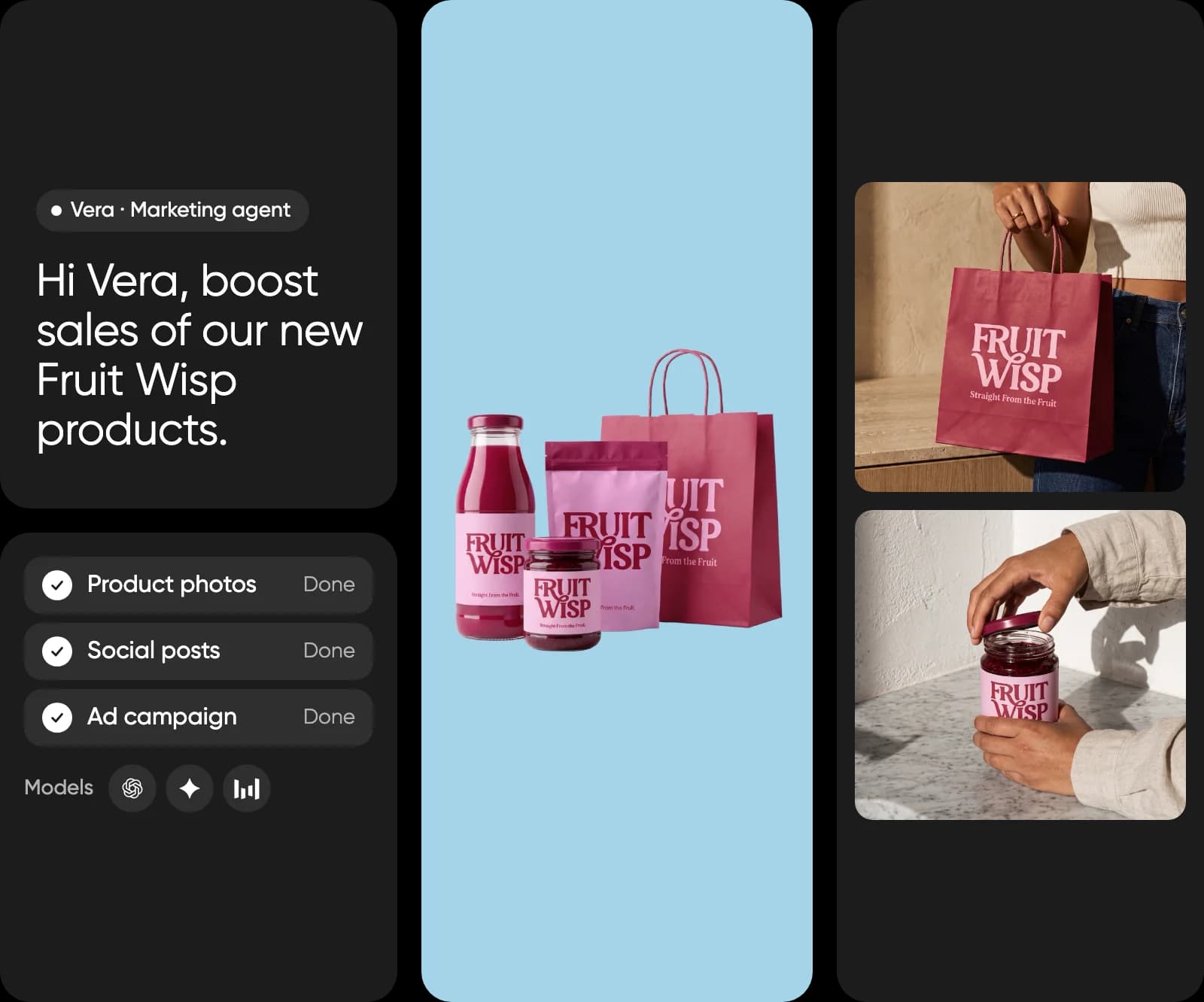
Business professional creating marketing visuals with Picsart

Leading AI models, in one creative workspace

Explore and combine models from the teams shaping image, video, and audio generation without rebuilding your workflow for each one.

GoogleOpenAIAnthropicByteDanceBlack Forest LabsRunwayKling AIElevenLabsGoogleOpenAIAnthropicByteDanceBlack Forest LabsRunwayKling AIElevenLabsGoogleOpenAIAnthropicByteDanceBlack Forest LabsRunwayKling AIElevenLabsGoogleOpenAIAnthropicByteDanceBlack Forest LabsRunwayKling AIElevenLabsGoogleOpenAIAnthropicByteDanceBlack Forest LabsRunwayKling AIElevenLabsGoogleOpenAIAnthropicByteDanceBlack Forest LabsRunwayKling AIElevenLabsGoogleOpenAIAnthropicByteDanceBlack Forest LabsRunwayKling AIElevenLabsGoogleOpenAIAnthropicByteDanceBlack Forest LabsRunwayKling AIElevenLabs

Fits how a small business actually ships

Cost, consistency, and speed, on the terms a small business runs on.

  • Reduces production costs

    AI tools for small business cover the design work you would otherwise brief out or hire for.

  • Holds brand consistency at scale

    One approved look carries across every channel without a designer checking each file.

  • Shortens time to market

    A campaign goes from brief to published in the same week it was asked for.

Build campaign work in Picsart Flow

Picsart Flow builds the work from a template that arrives already built. You supply the input, a product shot, a brief, or a PDF, and the connected nodes run in order, generating the images and building every output the workflow defines.

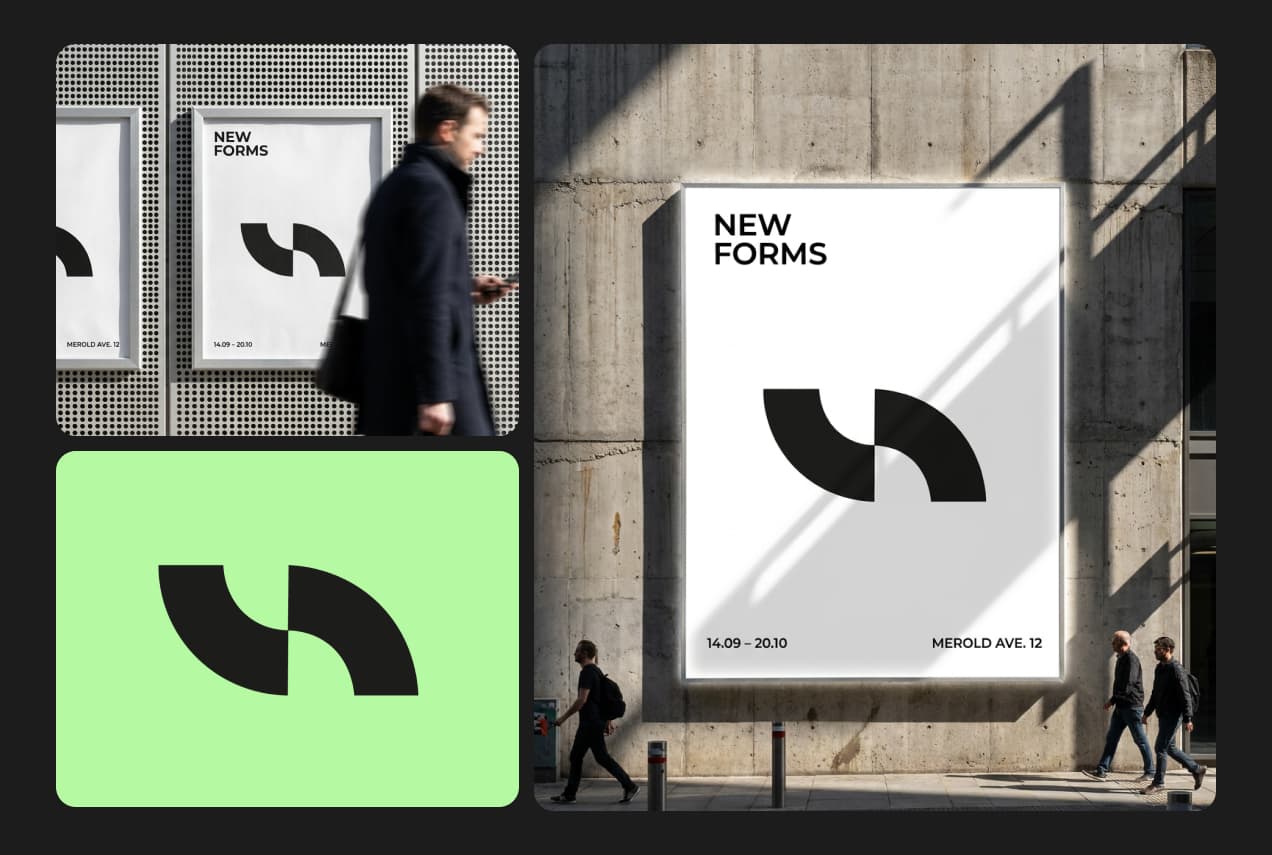
AdsOne approved creative in every size the media plan needs.
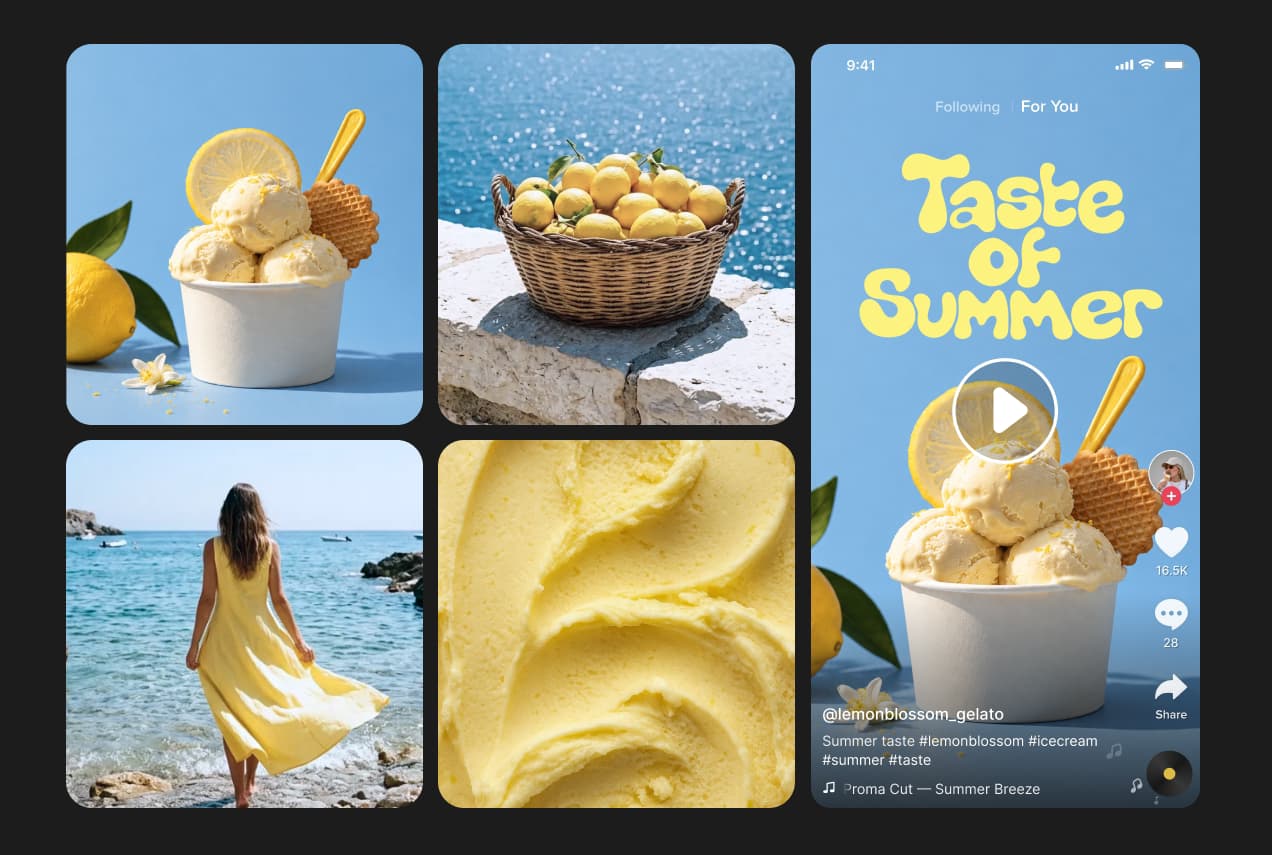
Product visualsA product shot becomes catalogue, lifestyle, and marketplace images.
Social postsA month of on-brand posts from one workflow.

How a workflow runs

Four steps from a template to the finished set, and the same build runs again next campaign.

How to

Pick a workflow template

Start from a Picsart Flow template built for the kind of output your channel needs.
Choosing a Picsart Flow campaign template

Pick the plan your output needs

A plan costs less than the work it stands in for. A new account arrives with trial credits, so one real job can go through before anything is signed.

  • Editing costs nothing

    Everyday photo and video editing is free on any account, with templates and fonts.

  • A plan sets the ceiling

    A pricing plan brings the monthly credit balance and includes every creative AI agent.

  • Add credits for a busy month

    Add-on credits lift the ceiling when a campaign runs long, without changing plan.

Source creator content with Earn for Brands

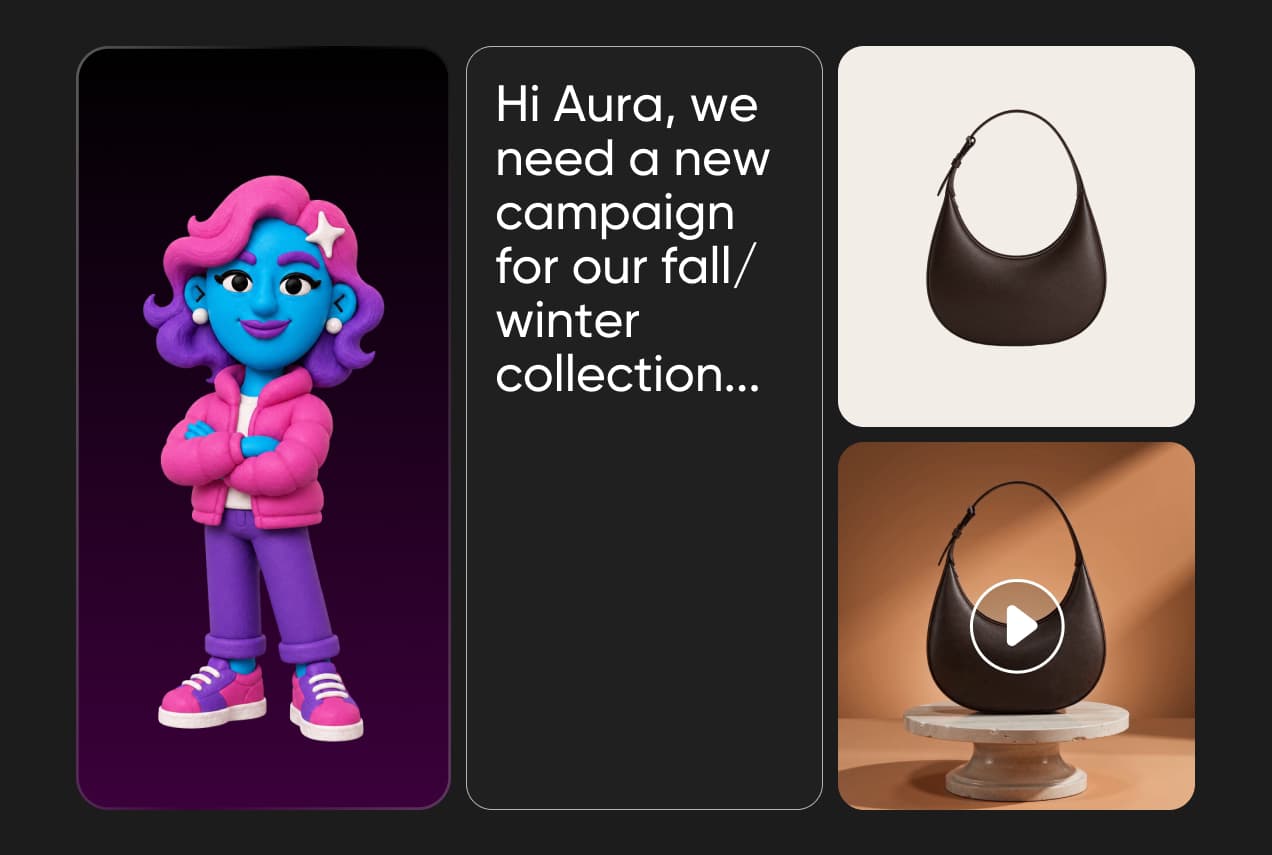
Some campaigns need content that does not look produced in house. Earn for Brands takes your campaign brief and matches you with creators who make it in Picsart and post it on their own channels, so you get creator content without sourcing anyone yourself. Submissions come back on brand, and anything that drifts gets flagged before it publishes.

How to

Join the waitlist

Earn for Brands is opening in cohorts, so brands start by asking for a place.
Joining the Earn for Brands waitlist

Cover every channel from one place

One month can ask for a paid social set, a marketplace listing, a sales deck, and a localised version of all three. Picsart Flow builds the work and Agents take the parts that repeat, so output does not depend on hiring.

  • Match the channel

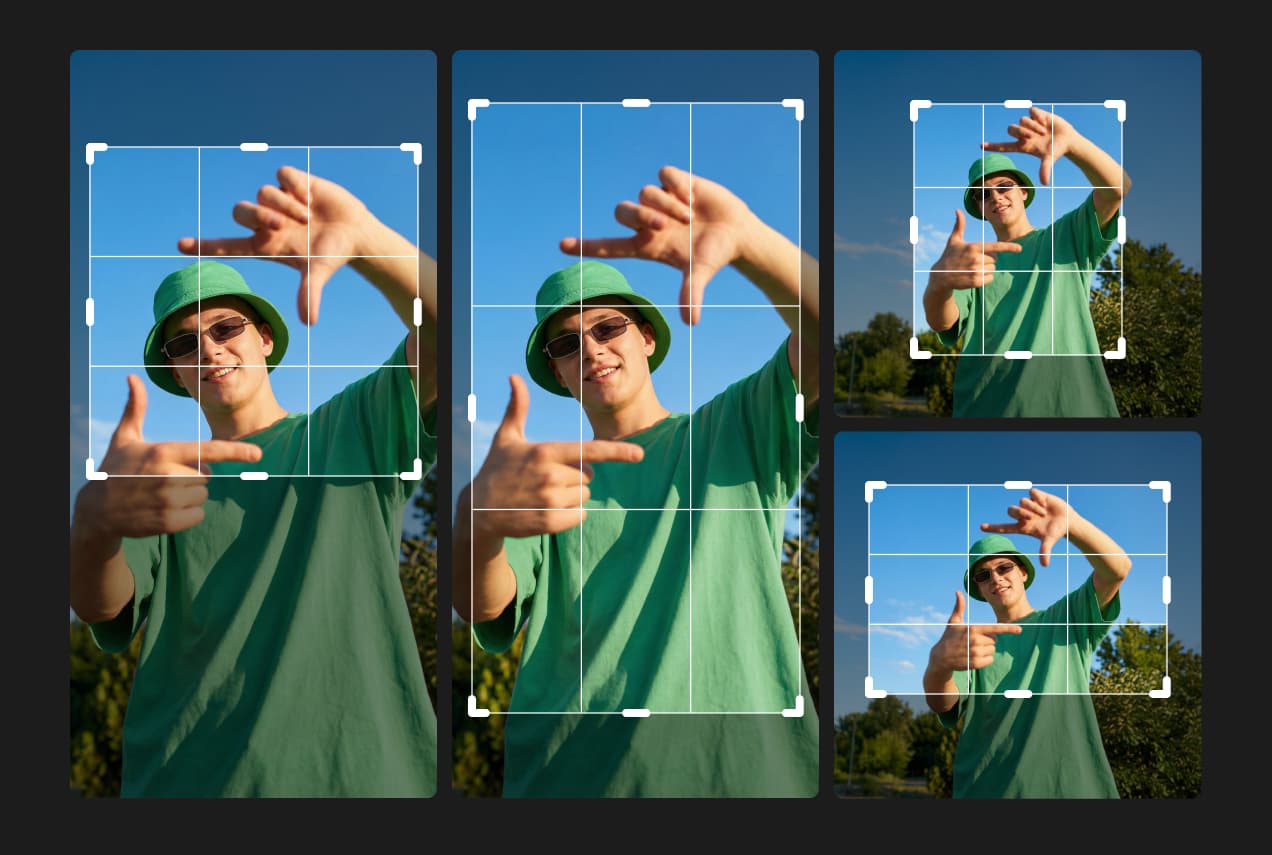
    A marketplace crop and a paid social frame need different builds.

  • Stop rebriefing

    Last month's workflow takes new input and runs again.

  • Keep the look

    One approved treatment carries across every output.

Read answers about small businesses solutions

Plans, agents, Picsart Flow, Earn for Brands, and brand consistency.

  • The lower plan covers everyday work: all photo and video editing, the agents, the CLI, and brand kits. The higher one carries five times the usage and adds team seats, ad variations, and ads tracking.

Explore pricing tiers

Pro

Most popular

AI tools for everyday creative work.

$15 $10.5/mo
Billed yearly
You save $54 with yearly
  • Access to all photo & video editing features
  • Advanced background & object removal
  • Parallel video generations with the world's most powerful AI video models
  • Unlimited image generations with Flex.2 Klein
  • 1-tap image enhancer
  • Millions of stock photos & Getty video clips
  • Selection of trendy fonts, text styles & stickers
  • Thousands of premium templates
  • Support for 3+ brand kits
  • Bulk edit up to 50 images at once
  • 100 GB of cloud storage
New features:
  • Auto-generate content from your terminal or agent with the Picsart CLI
  • Use Picsart inside Claude Code, Cursor, and ChatGPT via MCP — coming soon
  • AI agents for multi-step workflows and batch generation — coming soon

Ultra

Most powerful

Heavy AI usage for creators & teams.

$45 $24.5/mo
Billed yearly, per seat
You save $246 with yearly
  • Everything in Pro
  • Early access to advanced AI features
  • Leading AI models to design & automate workflows (Nano Banana, Veo 3, Seedance 2.0 & more)
  • Parallel video generations with the world's most powerful AI video models
  • Unlimited image generations with Flex.2 Klein
  • Support for 10+ brand kits
  • Add team seats
  • Create ad variations and localize
  • Track ads performance
  • 2000 credits for API services
  • Bulk edit up to 100 images at once
  • 300 GB of cloud storage per seat
New features:
  • Auto-generate content from your terminal or agent with the Picsart CLI
  • Use Picsart inside Claude Code, Cursor, and ChatGPT via MCP — coming soon
  • AI agents for multi-step workflows and batch generation — coming soon