Picsart's solutions for kids' content creation

Creating for children means bringing the same characters back week after week, in a world that feels familiar and easy to recognise. Picsart Flow builds that world once, then carries it into every new story. Agents take on the episodes and lessons you’d rather hand over, while AI Playground gives you access to the models that keep characters recognisable from one creation to the next. Whether you run a channel, teach a class, or make one cartoon for one child, everything stays connected.
Student creating visual projects with Picsart

Leading AI models, in one creative workspace

Explore and combine models from the teams shaping image, video, and audio generation without rebuilding your workflow for each one.

GoogleOpenAIAnthropicByteDanceBlack Forest LabsRunwayKling AIElevenLabsGoogleOpenAIAnthropicByteDanceBlack Forest LabsRunwayKling AIElevenLabsGoogleOpenAIAnthropicByteDanceBlack Forest LabsRunwayKling AIElevenLabsGoogleOpenAIAnthropicByteDanceBlack Forest LabsRunwayKling AIElevenLabsGoogleOpenAIAnthropicByteDanceBlack Forest LabsRunwayKling AIElevenLabsGoogleOpenAIAnthropicByteDanceBlack Forest LabsRunwayKling AIElevenLabsGoogleOpenAIAnthropicByteDanceBlack Forest LabsRunwayKling AIElevenLabsGoogleOpenAIAnthropicByteDanceBlack Forest LabsRunwayKling AIElevenLabs

What it takes to make kids content

  • One cast, every format

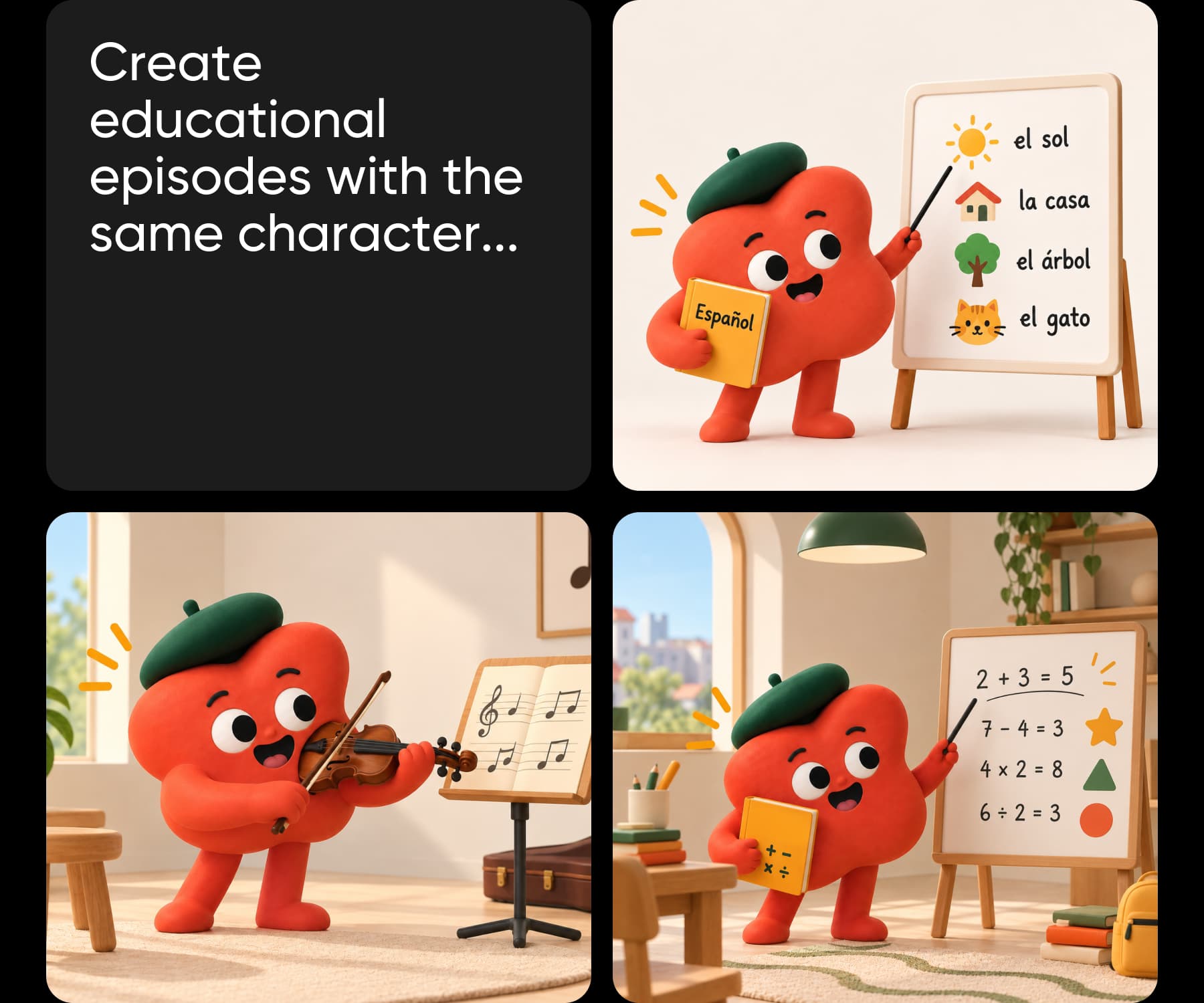
    The same characters carry a cartoon, a colouring page, and a lesson sheet without being redrawn.

  • Start from anything

    A story, a topic, a photo, or a child's drawing is enough input. No drawing skill needed.

  • One child or a whole channel

    Make a single cartoon on a Sunday, or run a weekly episode without a studio.

Build cartoons, colouring books, and lessons in Picsart Flow

Picsart Flow builds the work from a template that arrives already built. You supply a story, a photo, or a topic, and the connected nodes run in order and return the finished episode. The kids cartoon maker turns a photo or a prompt into a cartoon with a storyline, and it is the quickest way in.

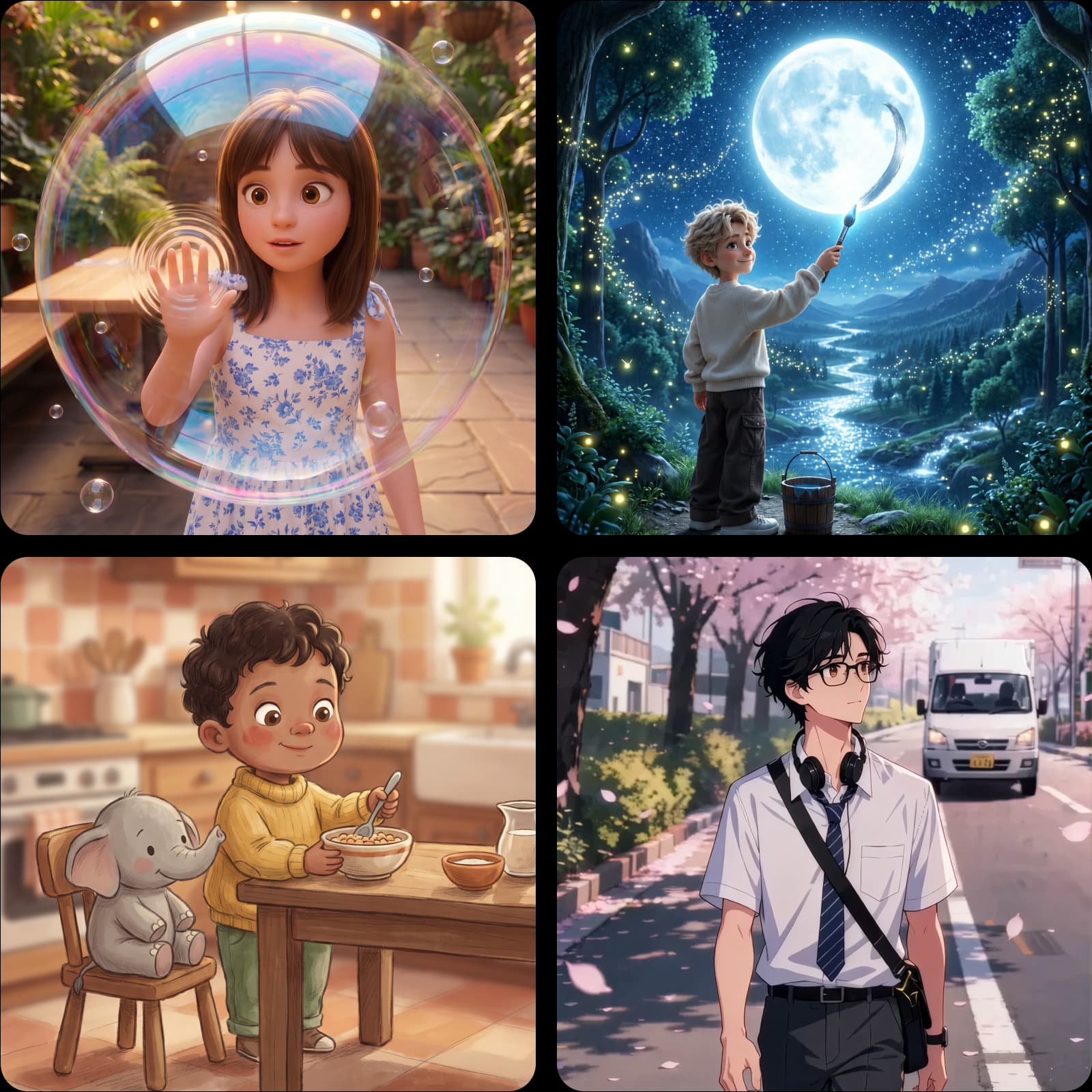
Cartoon videos3D and anime episodes, built scene by scene.
Infographic built from data in Picsart Flow
Colouring book
Colouring booksPrintable line-art pages built around your characters.
Poster and flyer set built in Picsart Flow
Educational videos
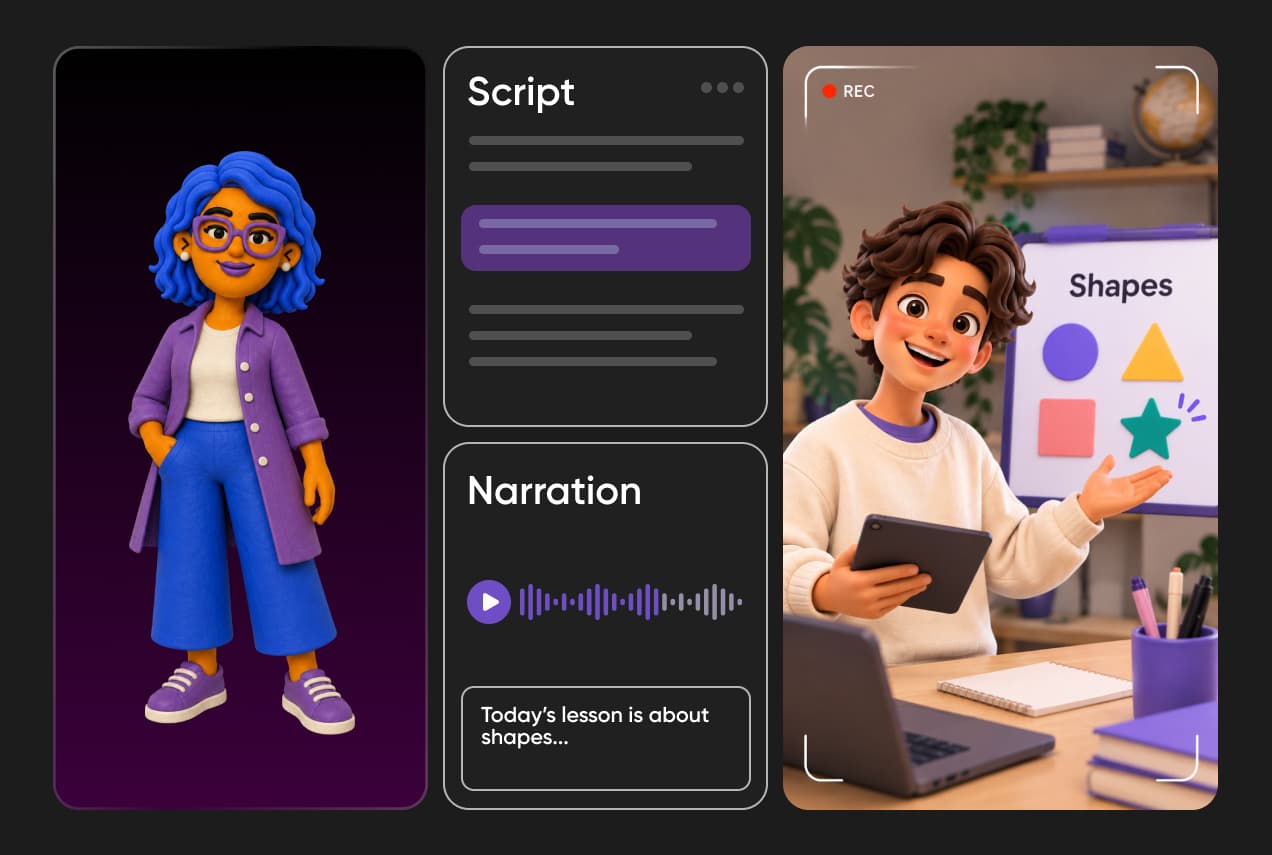
Educational videosAn important lesson presented as cartoon

How a workflow runs

Four steps from a template to the finished set, and the same build runs again next assignment.

How to

Pick a workflow template

Start from the cartoon maker, or any Picsart Flow template built for the format you publish in.

Choosing a Picsart Flow template

Build a cast that comes back every episode

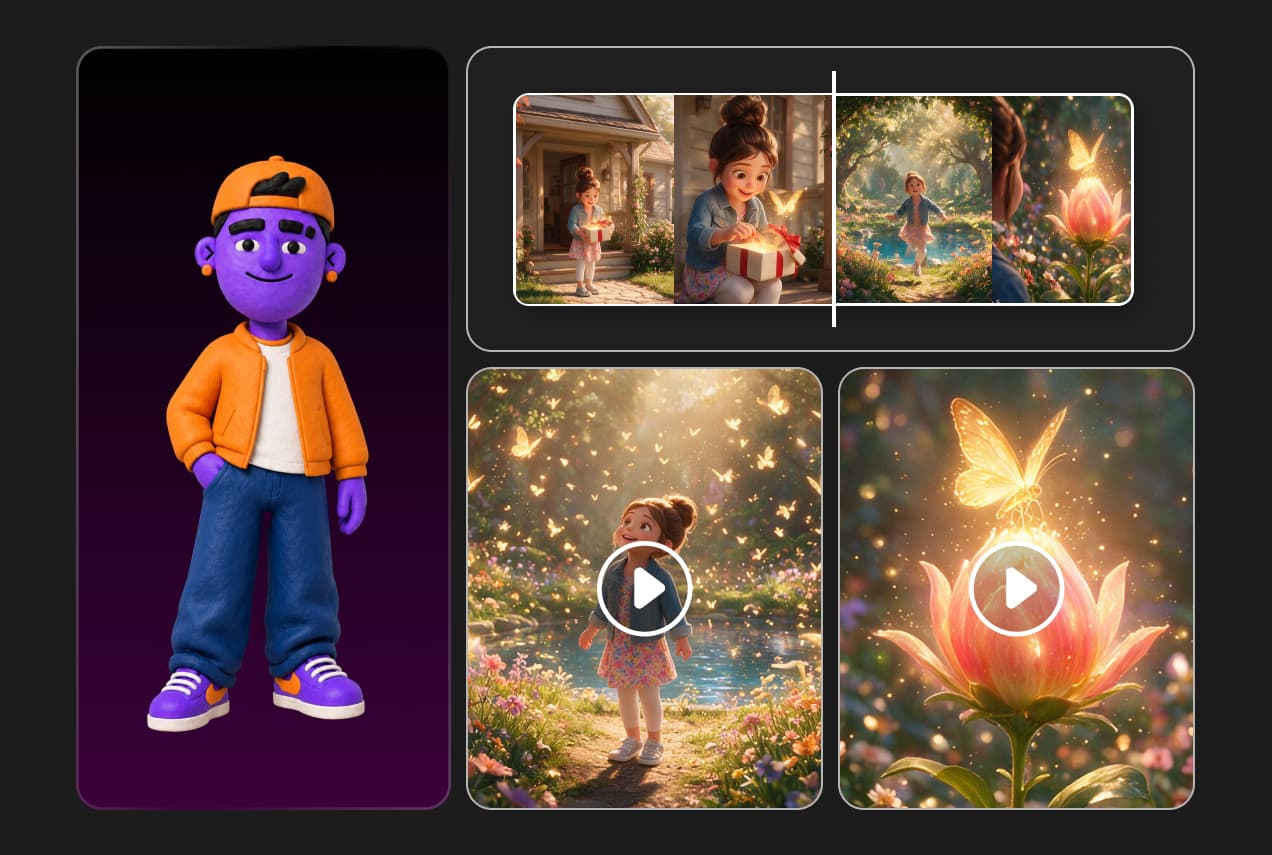
Give the build a reference image and the characters return unchanged next week. Scene continuity holds lighting, character state, and audio across scenes, which is what makes a series feel like a series rather than a pile of clips.

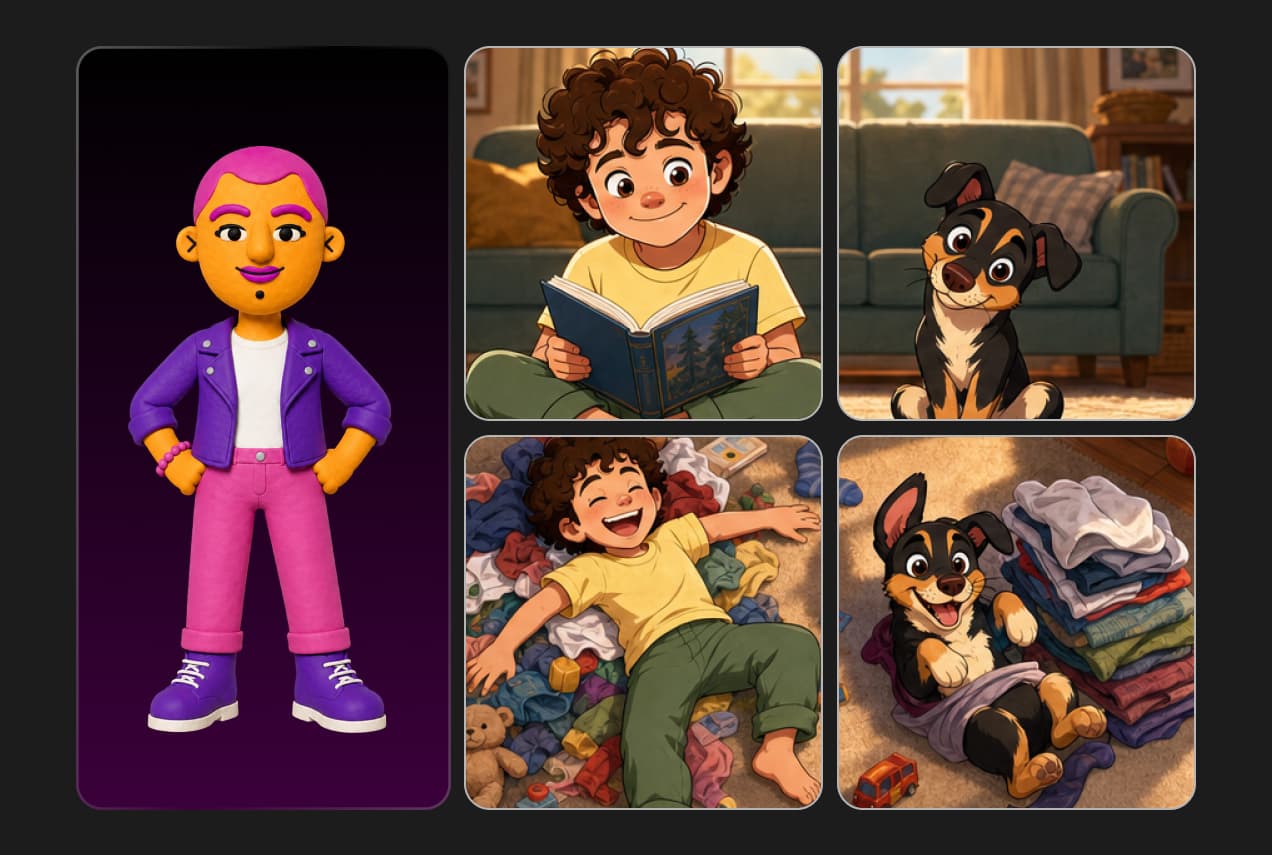
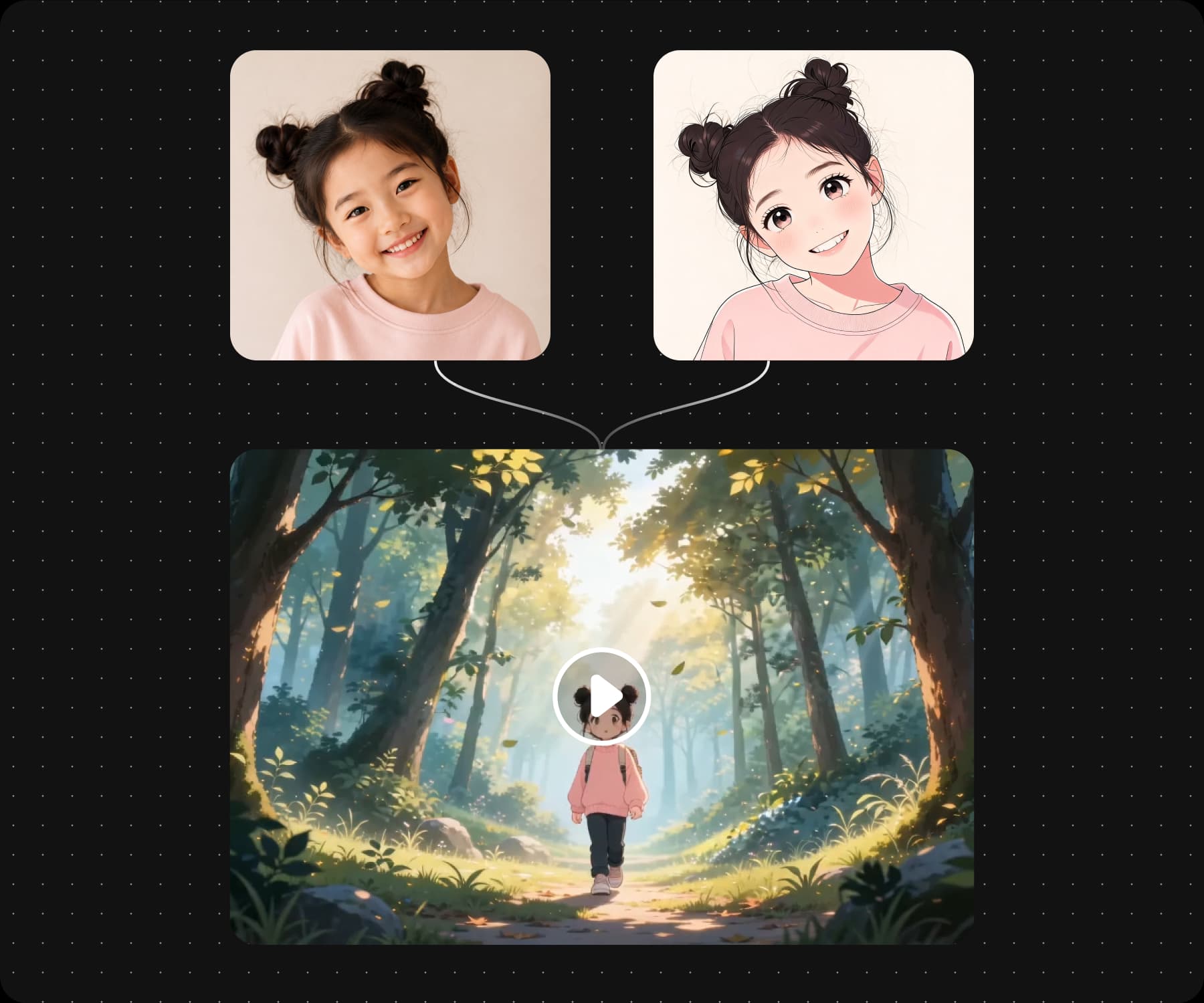
That cast can start from a photo. The kids cartoon workflow turns one into a character with a storyline around it, and a child who sees themselves in the story watches it differently. The family pet is an easy second character to add.
A group working together in one Picsart Flow canvas

Make one just for your own child

Plenty of this gets made for one child rather than an audience.

  • Personalised cartoons

    Turn a photo into a cartoon character who stars in a story of their own.

  • Lessons that fit one child

    Learning material built around what they are stuck on this week.

  • Printables and worksheets

    Colouring pages, letter practice, and activity sheets using the same characters.

Earn from the episodes you already post
How to

Pick a live campaign

Browse the briefs in your dashboard and take the ones that suit your channel.

Pick a live campaign

Works for a channel, a class, or one child

One term can ask for a lesson, a poster, and a video. The same build covers all three.

  • Channels

    Weekly episodes that keep a posting schedule without a studio.

  • Classrooms

    An educational video or a worksheet, ready the night before.

  • Parents

    One cartoon for one child, made on a Sunday afternoon.

Read answers about Picsart for Kids

  • Start from a cartoon template in Picsart Flow, add a story and a character reference, and the connected nodes return the finished episode with narration. The first one takes the setup, and every episode after it is new input through the same build.

See Pricing Tiers for Picsart

Pro

Most popular

AI tools for everyday creative work.

$15 $10.5/mo
Billed yearly
You save $54 with yearly
  • Access to all photo & video editing features
  • Advanced background & object removal
  • Parallel video generations with the world's most powerful AI video models
  • Unlimited image generations with Flex.2 Klein
  • 1-tap image enhancer
  • Millions of stock photos & Getty video clips
  • Selection of trendy fonts, text styles & stickers
  • Thousands of premium templates
  • Support for 3+ brand kits
  • Bulk edit up to 50 images at once
  • 100 GB of cloud storage
New features:
  • Auto-generate content from your terminal or agent with the Picsart CLI
  • Use Picsart inside Claude Code, Cursor, and ChatGPT via MCP — coming soon
  • AI agents for multi-step workflows and batch generation — coming soon

Ultra

Most powerful

Heavy AI usage for creators & teams.

$45 $24.5/mo
Billed yearly, per seat
You save $246 with yearly
  • Everything in Pro
  • Early access to advanced AI features
  • Leading AI models to design & automate workflows (Nano Banana, Veo 3, Seedance 2.0 & more)
  • Parallel video generations with the world's most powerful AI video models
  • Unlimited image generations with Flex.2 Klein
  • Support for 10+ brand kits
  • Add team seats
  • Create ad variations and localize
  • Track ads performance
  • 2000 credits for API services
  • Bulk edit up to 100 images at once
  • 300 GB of cloud storage per seat
New features:
  • Auto-generate content from your terminal or agent with the Picsart CLI
  • Use Picsart inside Claude Code, Cursor, and ChatGPT via MCP — coming soon
  • AI agents for multi-step workflows and batch generation — coming soon