Turn home photos into a 3D house walkthrough
Turn 4–20 photos or a supported listing link into a furnished 3D scene. Review your estimated floor plan, then create a walkthrough video you can download.
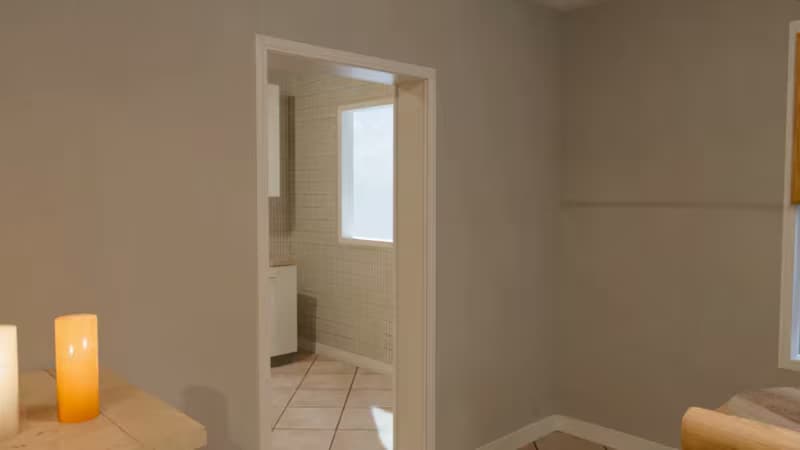
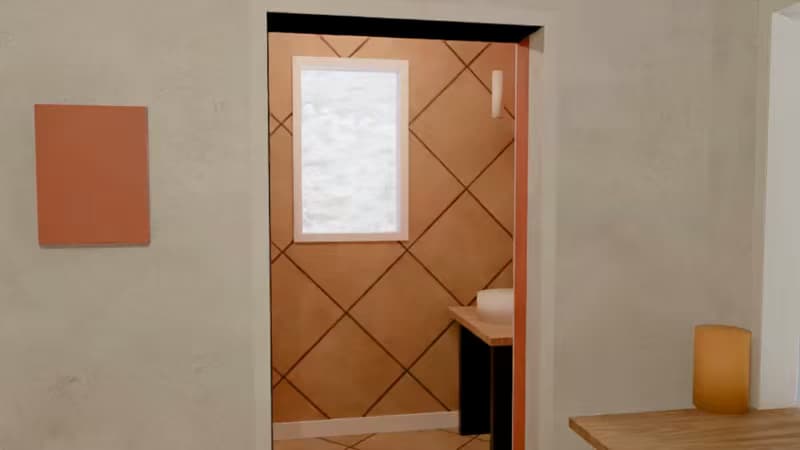
From home photos to a new perspective
Start with your photos, review the plan, and download the results.
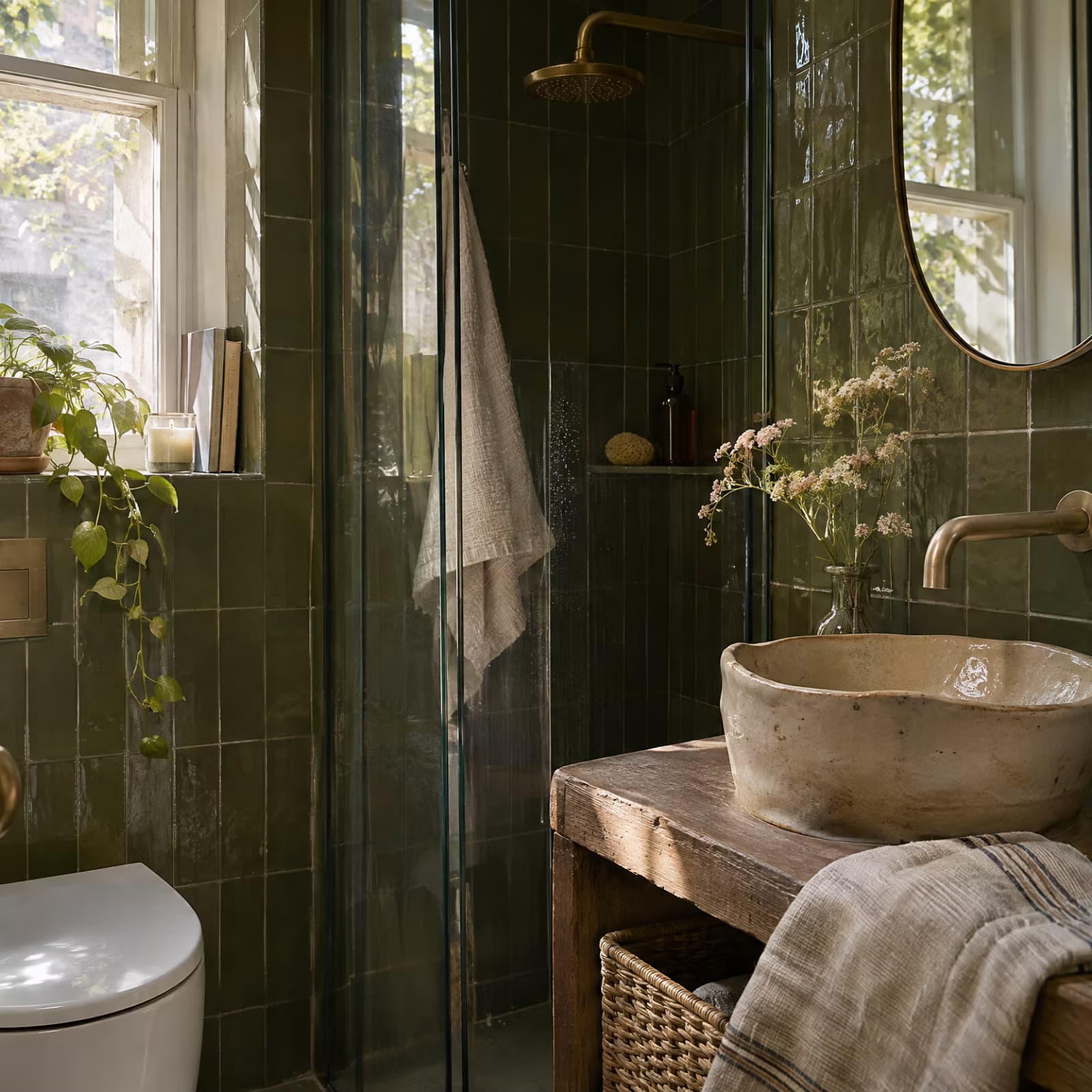
See your home as a furnished 3D scene
Once you approve the plan, the app creates a furnished reconstruction with walls, doorways, materials, and furniture from a library. Download the scene as a GLB file for compatible 3D tools. The result is AI-generated and can differ from the real property, so review it for accuracy before sharing.
- Explore a furnished 3D scene
- Download a GLB file
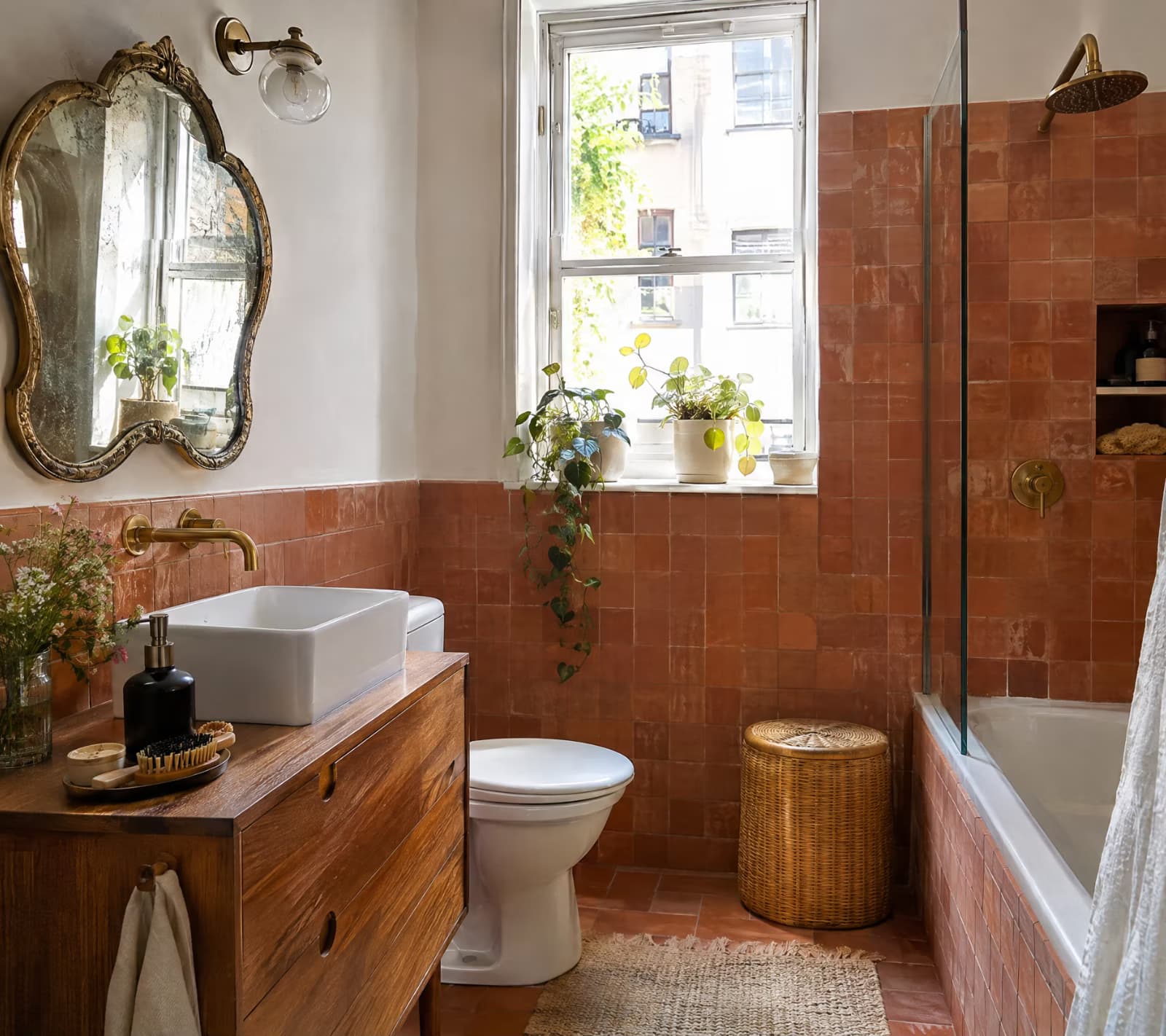
Make a home walkthrough video your way
Choose a walking camera or bee flight, then set a tour length from 10 to 60 seconds. Create a basic tour or add an optional realistic version using your photos as references. Your walkthrough is a landscape video, not an interactive virtual tour. The price appears before each paid stage.
- Choose your camera path
- Download a walkthrough video
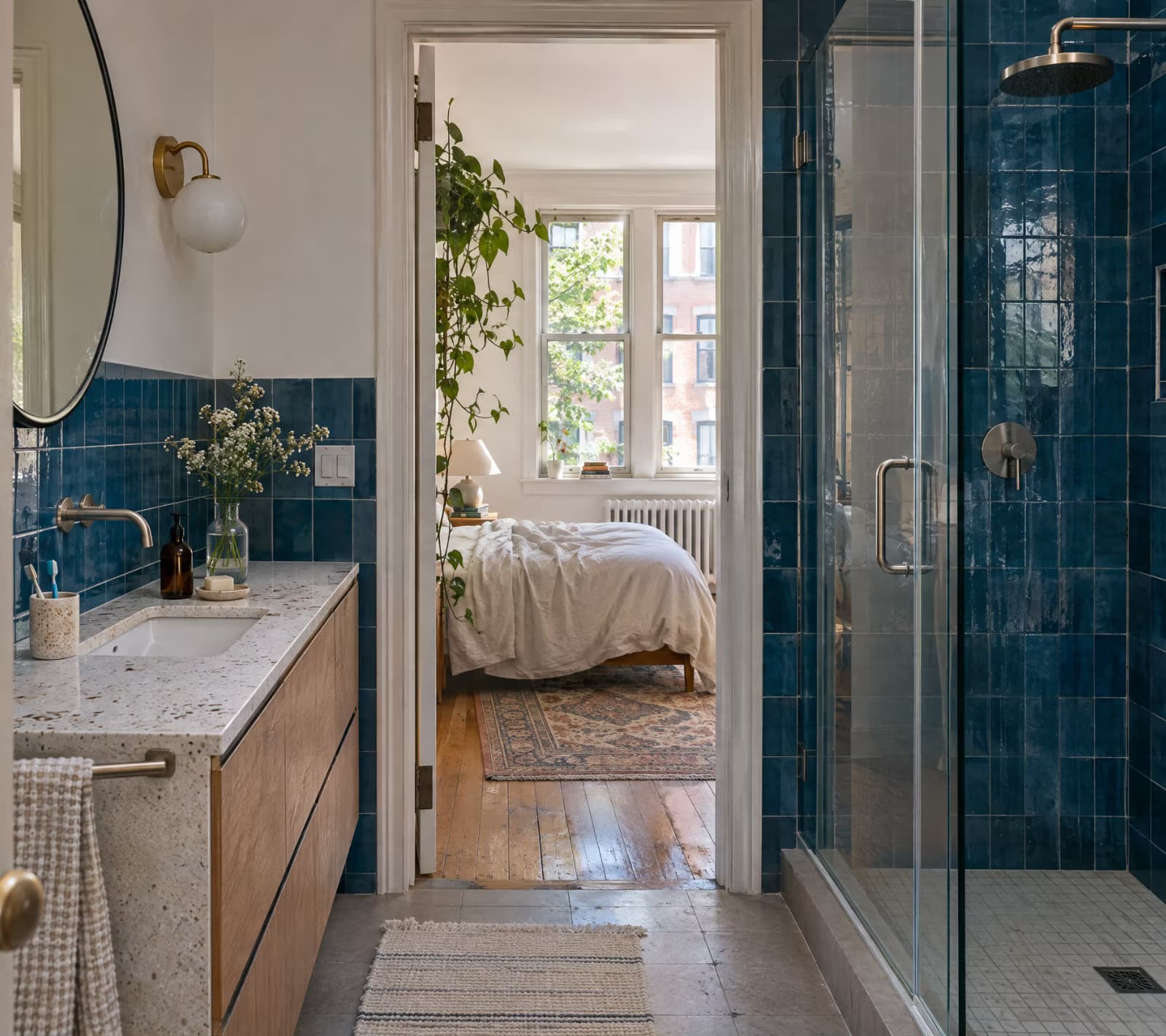
See a 3D home walkthrough in motion
Explore a sample walkthrough, from the opening view to the bedroom.
Take a closer look at the living area.
See the bedroom view.
Put a new perspective to work
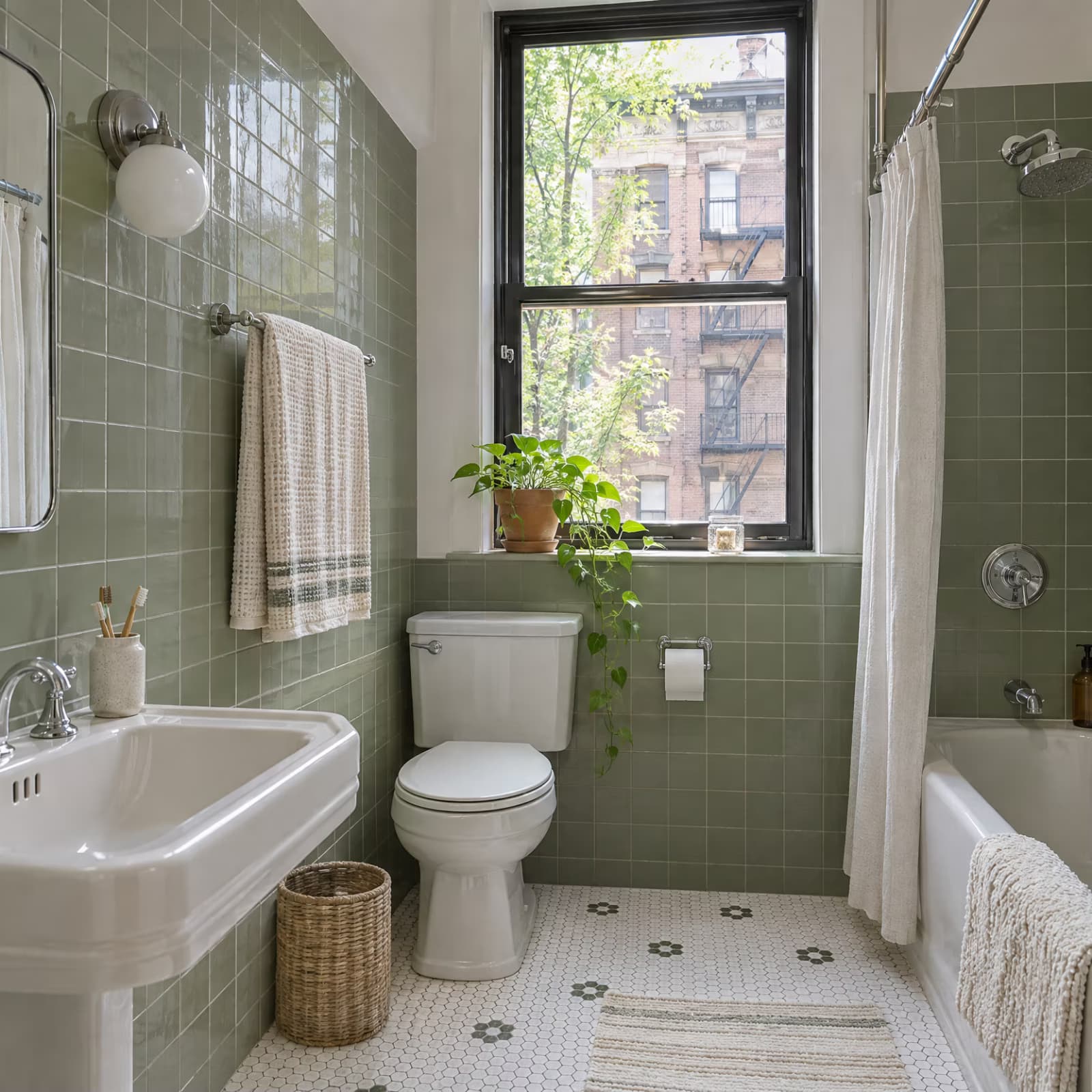
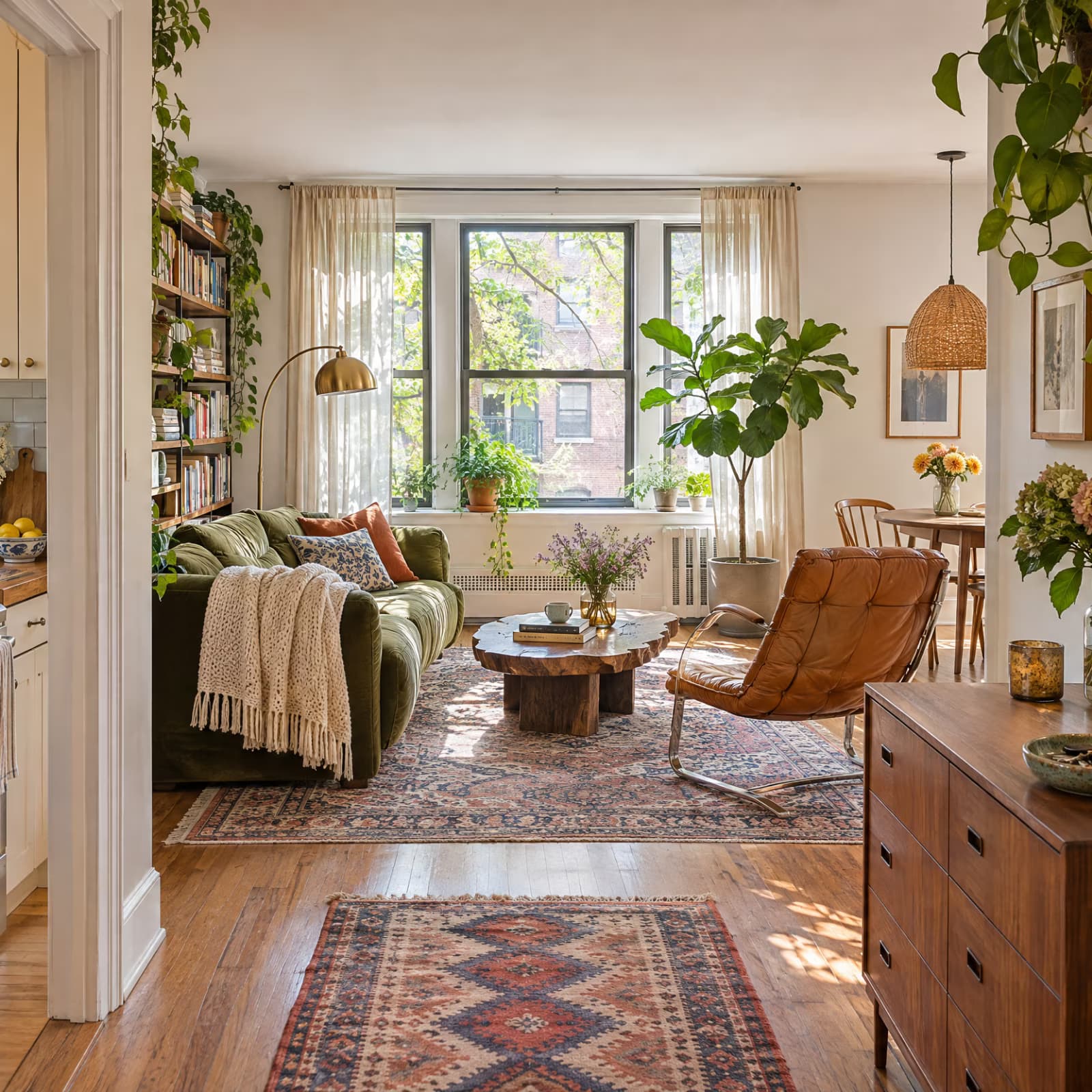
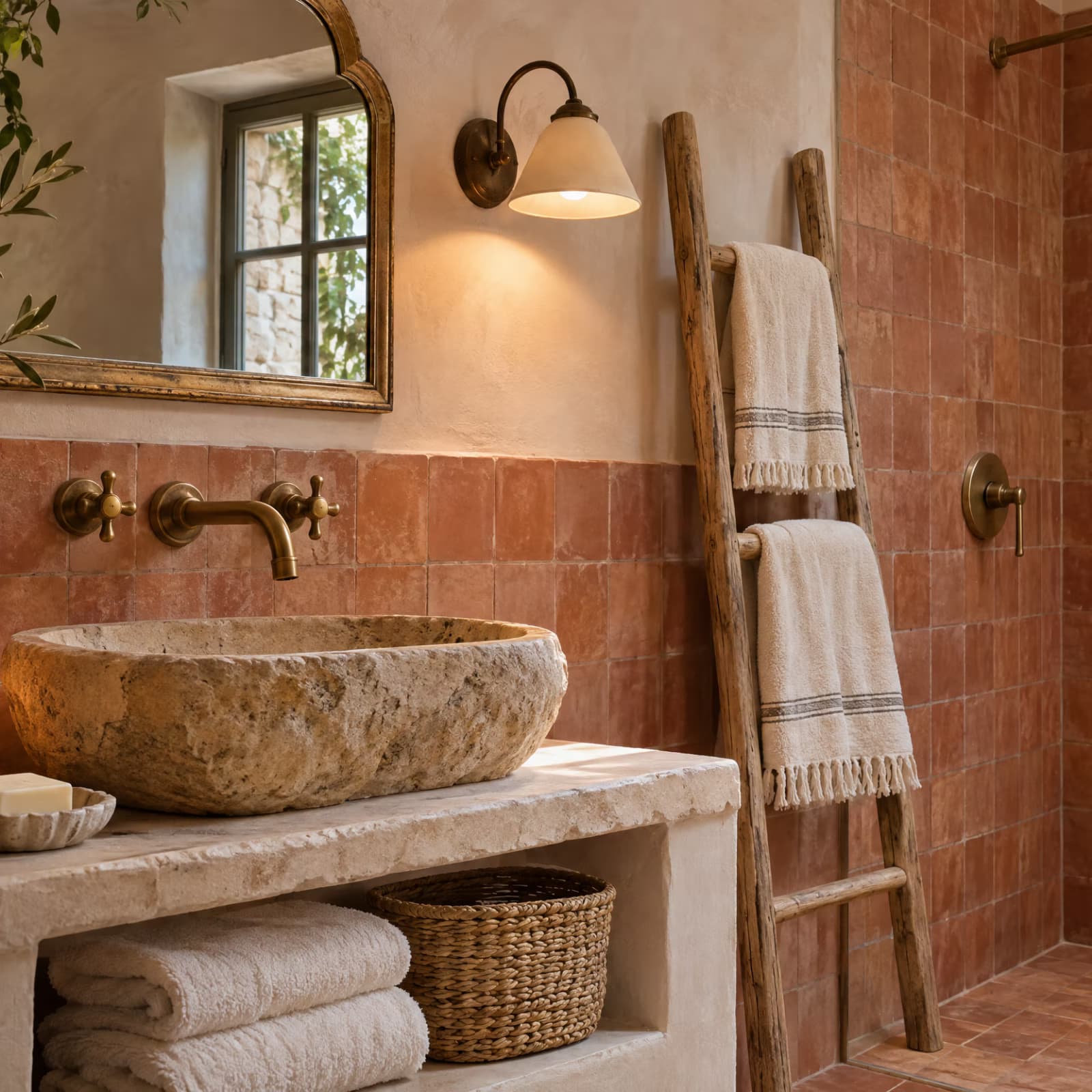
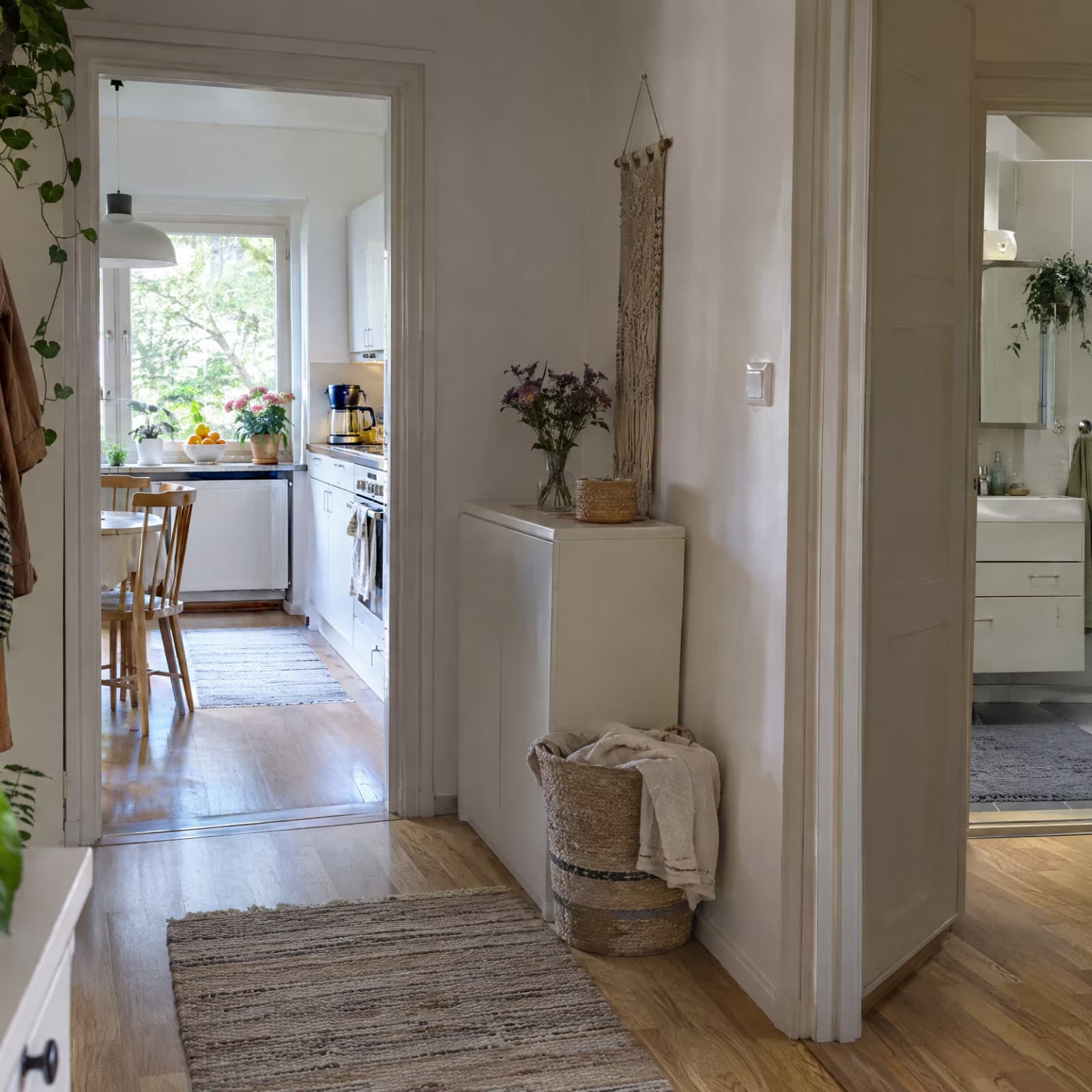
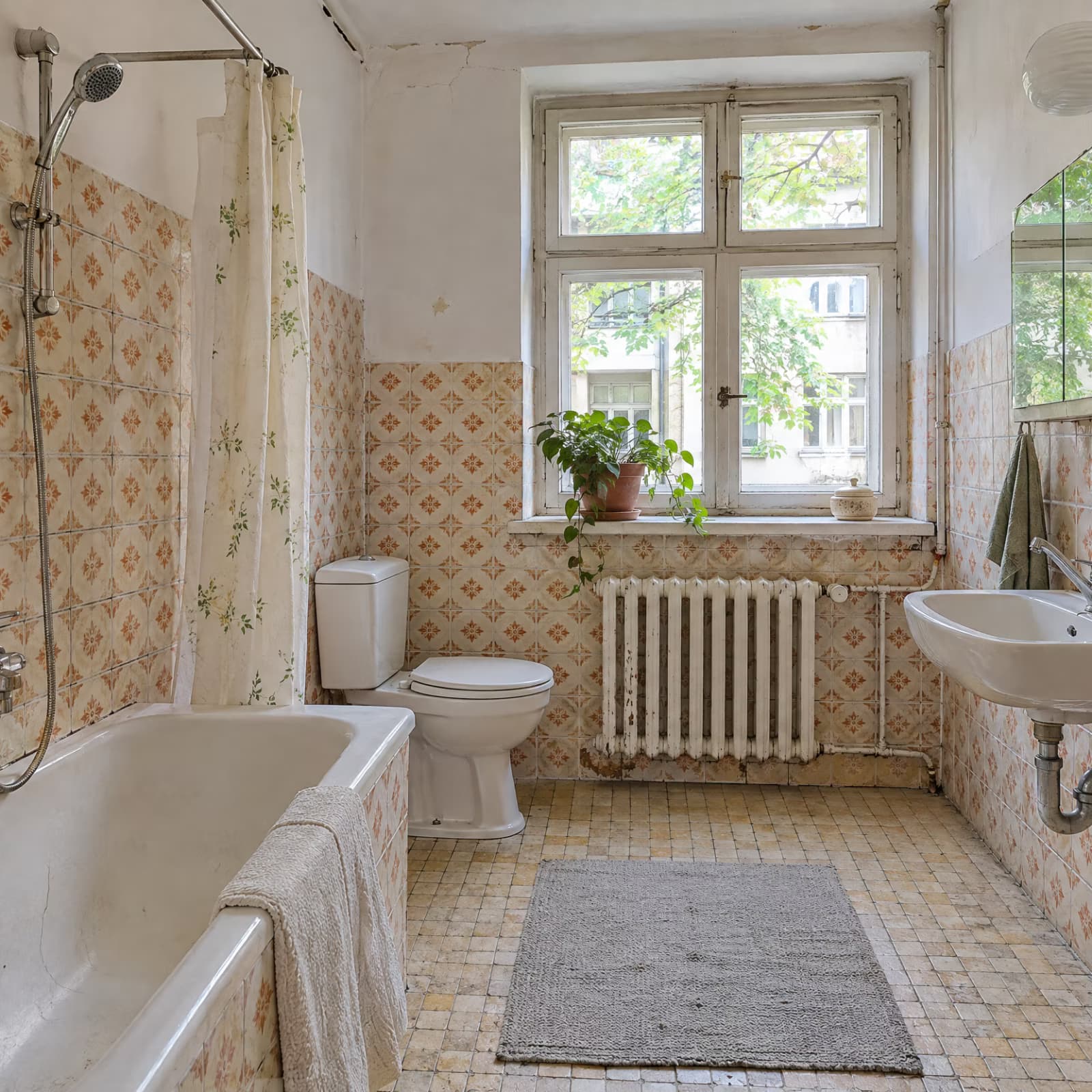
Turn your listing photos into a downloadable walkthrough video to introduce the space alongside the details buyers already need.
3D house walkthrough questions, answered
Four to 20 JPEG, PNG, or WebP photos of one home, or a supported listing link. You can also try the sample photos. Upload photos when a site blocks listing access.