Animate your photos with AI motion effects in seconds
What you'll learn
What is AI photo animation?
Common use cases
Animate your photo step by step
STEP 1: Upload your photo
- On web: Go to picsart.com/flow → AI Animation → Upload your image
- On mobile: Open Picsart → Flow tab → Animation → Select photo from gallery
STEP 2: Choose motion direction and style
Select how you want your photo to move:
- Subtle: Gentle movement like breathing clouds or swaying grass
- Dynamic: Stronger motion with camera movement and element animation
- Cinematic: Dramatic camera pans with layered depth effects
- Custom: Adjust speed, direction, and which elements move
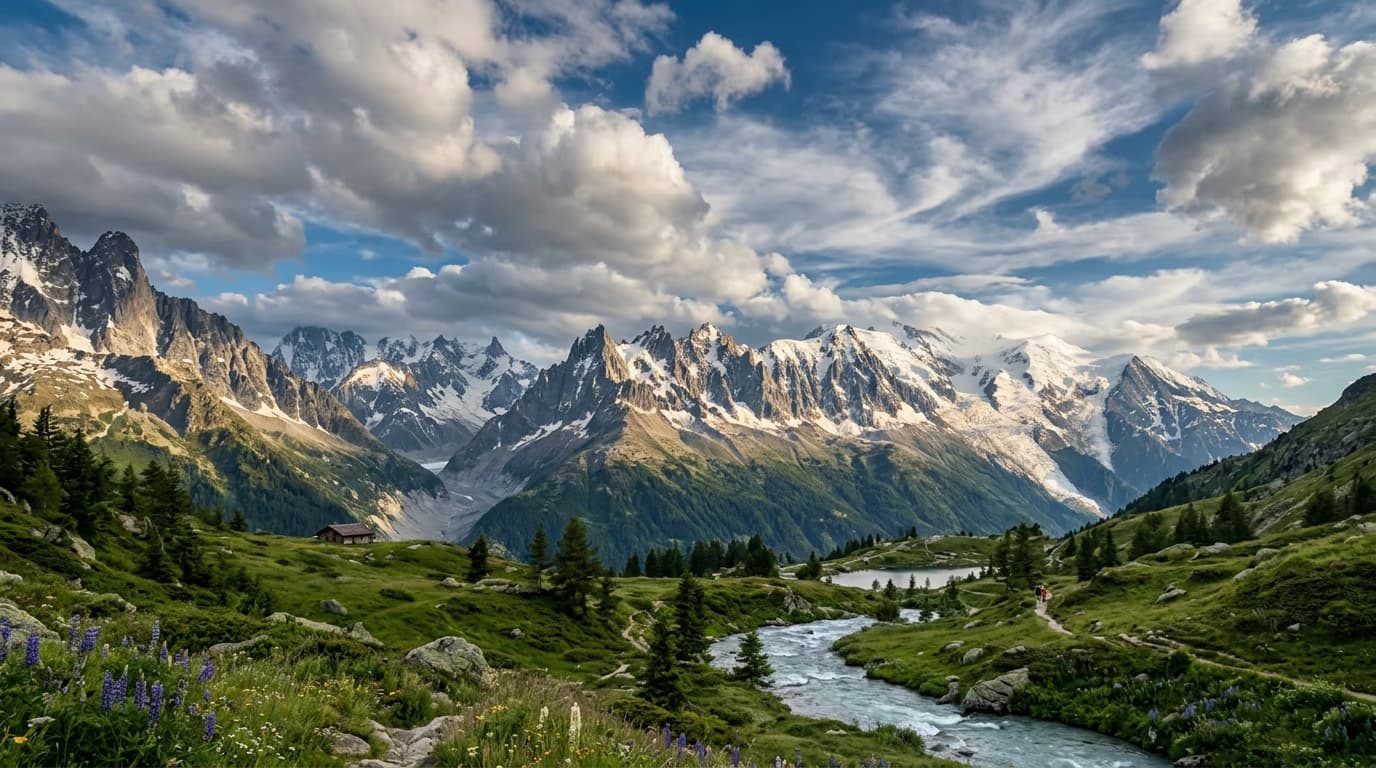
STEP 3: Generate animated video
Click "Generate" and the AI creates your animated video. Processing takes 10-30 seconds depending on complexity. The AI analyzes your image, identifies moveable elements, and applies motion that matches the scene's natural physics.
STEP 4: Review and export
Check that the animation looks natural: Not perfect? Generate again for different motion, or try a different style setting.
- Verify movement matches the scene's natural physics
- Check for smooth transitions without jarring jumps
- Confirm the pacing works for your intended platform
Tips for best results
💡 Choose photos with clear depth layers
Images with distinct foreground, midground, and background elements animate better. Landscapes with sky, mountains, and ground work well. Flat images with minimal depth produce less interesting motion.
💡 Start with subtle motion for portraits
Strong animation on faces can look unnatural. Use subtle settings for portraits and focus motion on background elements like hair, clothing, or environment instead of facial features.
💡 Match animation speed to your platform
Instagram Reels and TikTok favor faster motion that grabs attention quickly. LinkedIn and YouTube allow slower, more cinematic pacing. Export multiple versions at different speeds to test what performs best.
Frequently asked questions

Ready to bring photos to life?
Transform your static images into animated videos in seconds.
Animate your photos