Create beauty product reels with polished transitions and pacing
WORKFLOWS4 minBeginner

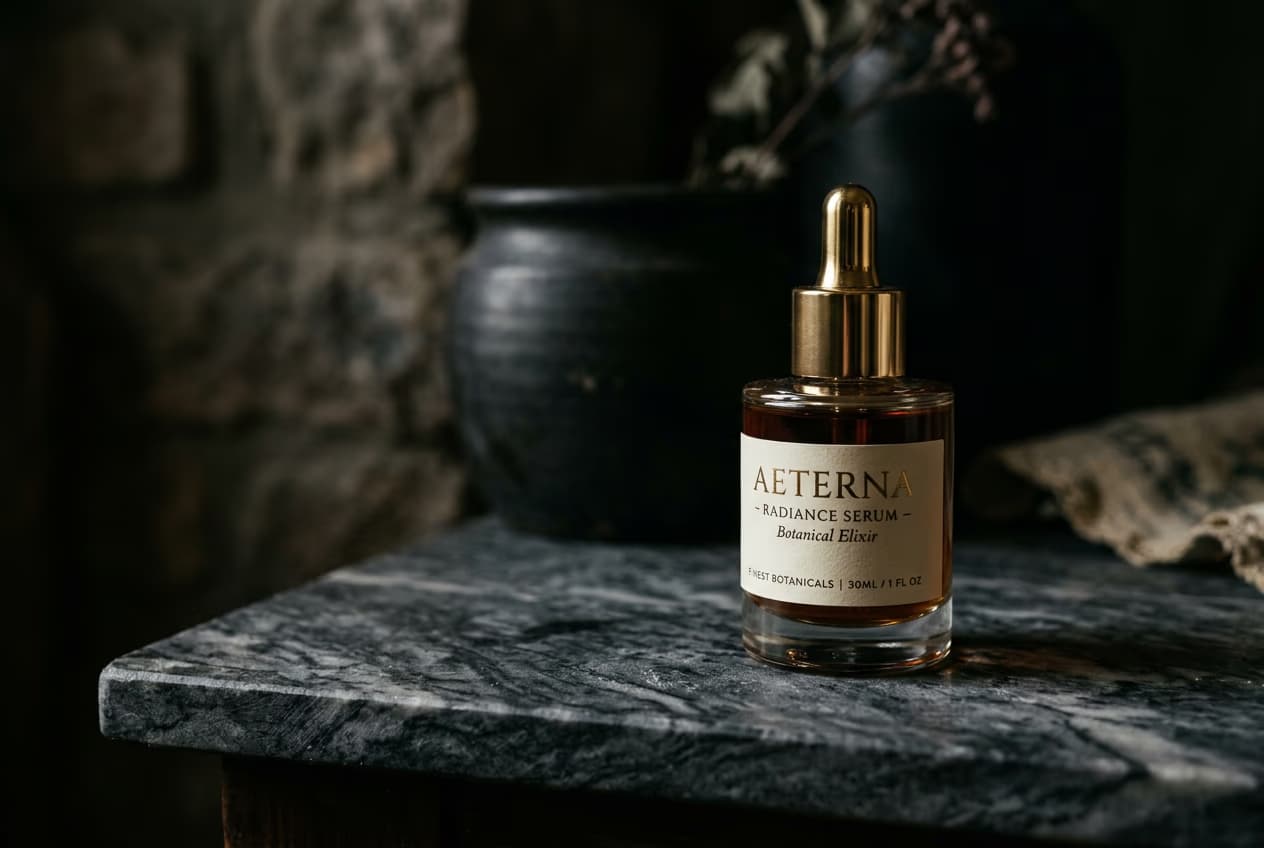
Turn product photos into short beauty reels with professional transitions, mood, and packaging focus.

Create beauty product reels with polished transitions and pacing

What you'll learn

  • How to select and sequence product shots for beauty content
  • Choose transition styles that match beauty content aesthetics
  • Control pacing for social media platforms
  • Export reels ready for Instagram, TikTok, and YouTube Shorts

What are beauty product reels?

Beauty product reels are short videos that showcase cosmetics, skincare, or personal care products through polished visuals and smooth transitions. These reels focus on packaging, product texture, and lifestyle mood rather than usage or results. The AI helps you create professional-looking content from simple product photos. Think of it as a digital product showcase optimized for social feeds.

Common use cases

  • Product launches: Announce new beauty products with polished reveal content
  • Brand storytelling: Show product packaging and aesthetic in lifestyle context
  • Social media marketing: Create scroll-stopping content for feeds and Reels
  • E-commerce: Add dynamic product videos to online stores and listings
  • Influencer content: Generate professional-looking product features quickly
  • Routine content: Show products in morning or evening routine contexts

Create your beauty reel step by step

STEP 1: Upload product photos

  • On web: Go to picsart.com/flow/templates → Beauty reel → Upload 2-5 product images
  • On mobile: Open Picsart → Flow → Templates → Beauty content → Select photos
Create beauty reel

STEP 2: Choose transitions and mood

Select your visual style and pacing:

  • Transitions: Smooth fades, quick cuts, or zoom effects between shots
  • Mood: Minimal clean, luxury elegant, or vibrant playful aesthetic
  • Shot sequence: Lead with packaging, follow with detail shots and lifestyle context
  • Duration: 7-15 seconds total for platform-optimized pacing

STEP 3: Generate reel with music

Click "Generate" and the AI creates your beauty reel. The system sequences your shots with chosen transitions, applies color grading to match the mood, and adds background music. Processing takes 15-30 seconds.

STEP 4: Review and export

Check that your reel tells a clear product story: Not perfect? Regenerate with different transitions, adjust shot sequence, or try a different mood setting.

  • Verify transitions feel smooth and match beauty content standards
  • Check that pacing gives viewers time to see product details without dragging
  • Confirm color grading enhances product appearance without looking oversaturated
Start creating reels

Tips for best results

💡 Mix wide and detail shots for visual interest

Start with full product packaging, then cut to close-ups of texture or key details, and finish with lifestyle context. Variety in shot types keeps viewers engaged through the entire reel.

💡 Match transitions to your brand aesthetic

Luxury brands benefit from slow, elegant fades. Youth-focused products work better with quick cuts and dynamic zooms. Choose transition speed and style that reinforces your brand positioning.

💡 Keep focus on packaging and presentation

These reels showcase product aesthetics and brand story. They highlight packaging design, product texture, and lifestyle mood. This is content creation for visual storytelling, not product performance documentation.

Frequently asked questions

Beauty reels focus on visual aesthetics, packaging, and mood rather than product usage or results. They use polished transitions, color grading, and music to create scroll-stopping social content. The goal is showcasing product design and brand story, not demonstrating application or making performance claims.

Yes. The Picsart mobile app includes the same reel templates as the web version. Upload product photos, choose your transitions and mood, and generate reels directly on your phone. Export videos save to your camera roll ready for posting to Instagram, TikTok, or YouTube Shorts.

Use high-resolution product photos with good lighting. Images should be at least 1080px and well-lit with minimal shadows. Clean backgrounds help the AI focus on your product. Professional product photography produces the best results, but well-shot phone photos can work if lighting and focus are sharp.

The template generates the visual sequence and transitions. You can add text overlays, captions, or stickers after generation using Picsart's video editing tools. Many beauty creators add product names, key ingredients, or call-to-action text as separate layers before exporting.

Ready to create beauty content?

Turn product photos into polished reels in seconds.

Make your reel