logo

Create real estate listing photos with AI agents

AI AGENTS4 minIntermediate

Transform property images into professional listings automatically with AI agents that handle editing while you sleep.

Loading tutorial video

What you'll learn

  • Set up an AI agent that understands your real estate brand
  • Automate photo editing for multiple property listings
  • Create consistent, professional results without manual work
  • Scale your real estate photography workflow instantly

What are Picsart AI agents?

AI agents are automated creative assistants that learn your brand style and handle repetitive photo editing tasks. Think of them as your personal photo editor who works 24/7, remembers exactly how you want every image edited, and never needs sleep. Perfect for real estate pros drowning in property photos.

Common use cases

  • Property listings: Automatically enhance interior and exterior shots with consistent lighting and color correction
  • Virtual staging: Transform empty rooms into furnished spaces at scale
  • Before/after galleries: Create polished comparison images for renovation projects
  • Social media posts: Generate platform-specific versions of listing photos for Instagram, Facebook, and MLS
  • Email campaigns: Resize and optimize property images for marketing newsletters
  • Print materials: Prepare high-resolution images for brochures and flyers automatically

Create your listing photos step by step

STEP 1: Book your demo

  • On web: Visit picsart.com/ai-agents → Click "Book a demo"
  • On mobile: Open browser → Go to picsart.com/ai-agents → Tap "Book a demo"
Book demo now

STEP 2: Configure your agent

During your demo, set up how your agent should edit property photos:

  • Upload brand samples: Show 3-5 listing photos that match your style
  • Set editing rules: Choose brightness adjustments, color correction preferences, and crop ratios
  • Define output formats: Specify dimensions for MLS, social media, and print
  • Add smart tags: Tell the agent to recognize room types, lighting conditions, and property features
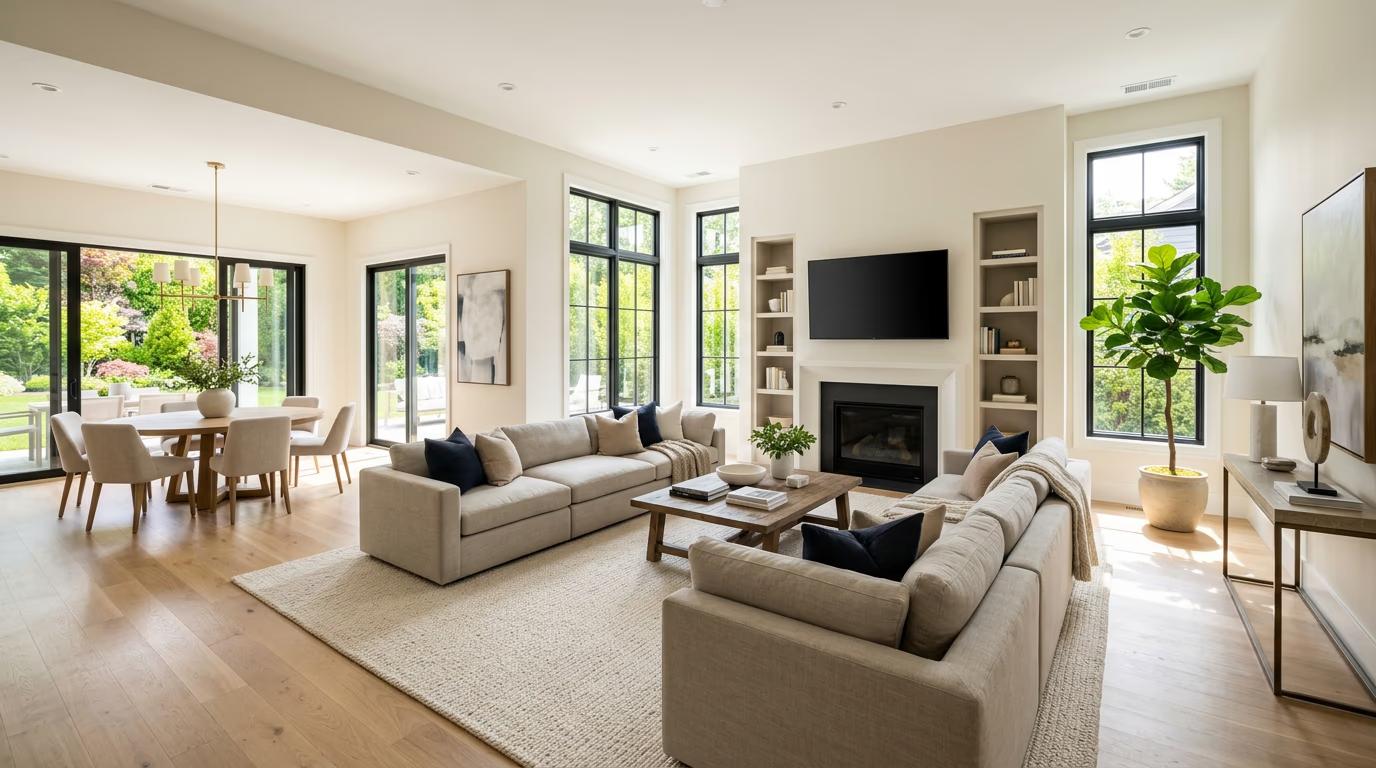
STEP 3: Upload and process

Upload your raw property photos to the agent workspace. The AI analyzes each image, applies your brand rules, and generates professional listing photos automatically. Process entire properties in minutes instead of hours.

STEP 4: Review and export

Check that your processed images match listing standards: Not perfect? Adjust agent settings and reprocess, or give feedback to improve future results.

  • Verify colors look natural and inviting without oversaturation
  • Check that vertical lines are straight and rooms appear properly proportioned
  • Confirm all required formats and sizes were generated correctly
Start using agents

Tips for best results

💡 Train with your best work

Upload your top 5-10 listing photos as training samples. The agent learns faster from excellent examples than from mediocre ones. Include variety: bright rooms, darker spaces, exteriors, and detail shots.

💡 Start with one property type

Begin with residential interiors or commercial spaces, not both at once. Let the agent master one style before expanding to different property types. You can always add more agent configurations later.

💡 Set realistic brightness ranges

Real estate photos need to look inviting without appearing fake. Configure your agent to brighten shadows moderately and avoid blown-out windows. Natural-looking edits convert better than overly processed images.

💡 Batch similar shoots together

Process all photos from the same property in one batch. The agent maintains consistent color temperature and style across related images, making your listing look more professional and cohesive.

Frequently asked questions

You upload 3-10 sample photos that represent your ideal listing style. The AI analyzes lighting adjustments, color grading, cropping patterns, and composition choices in those examples. During setup, you also define specific rules like brightness levels, color temperature preferences, and output formats. The agent combines these visual examples with your explicit preferences to create a consistent editing profile. The more you use it and provide feedback, the better it matches your style.

AI agents work best through the web interface where you can upload multiple files, configure detailed settings, and manage batches. You book your demo and access the agent dashboard through any browser. While you can check results on mobile, the full setup and bulk processing features require a desktop or laptop for the best experience.

AI agents are part of Picsart's business solutions and require a custom plan. Pricing depends on your volume, features needed, and team size. Book a demo to discuss your specific requirements and get a quote. The service includes setup assistance, training, and ongoing support to help you automate your workflow.

Agents handle all standard image formats: JPEG, PNG, HEIC, and RAW files from professional cameras. They can export to any format you specify, including high-resolution JPEGs for MLS listings, optimized PNGs for websites, and print-ready files. You define output specifications during setup, and the agent maintains those settings for every batch.

Ready to automate your listings?

Let AI agents handle your property photo editing while you focus on selling.

Book a demo