Create viral AI fruit stories with Picsart Persona
What you'll learn
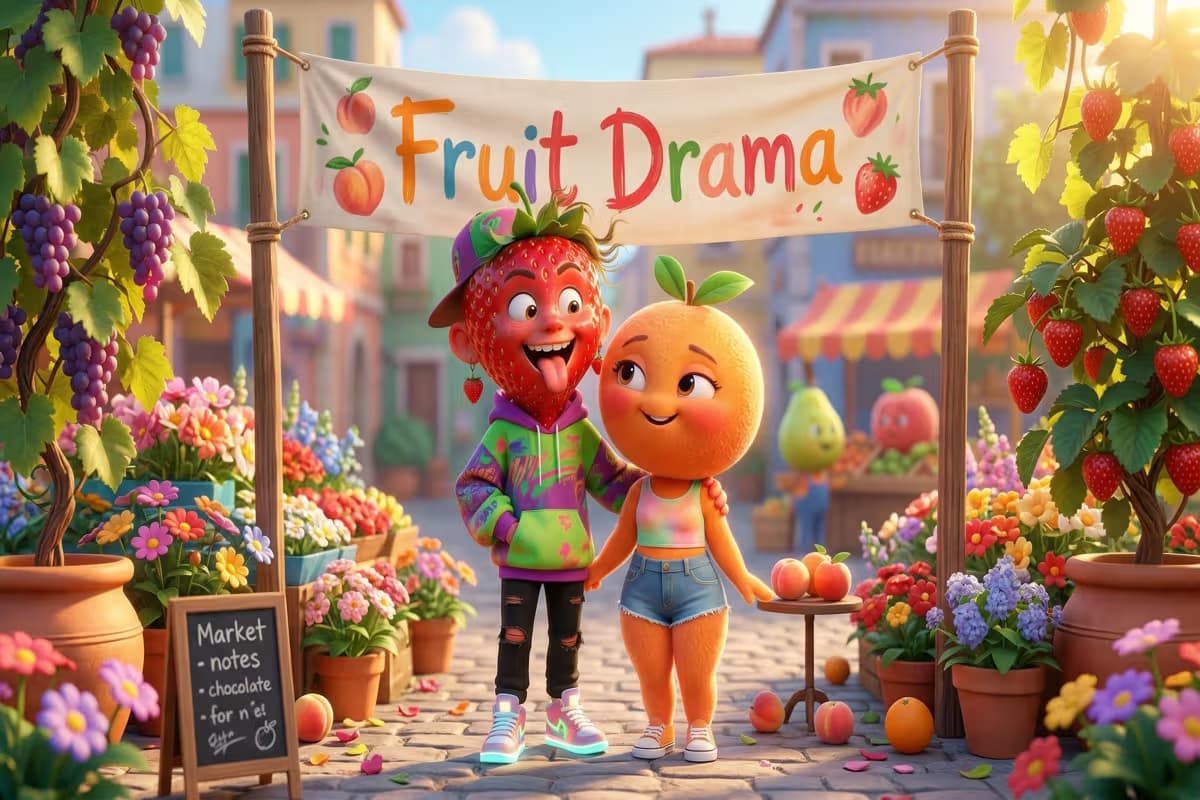
What are AI fruit stories?
Common use cases
Create your AI fruit story step by step
STEP 1: Open AI Influencer Studio
- On web: Go to picsart.com/ai-influencer-studio → Select "Fruit Friends" vibe
- On mobile: Open Picsart app → AI Tools → AI Influencer Studio → Choose "Fruit Friends"
STEP 2: Build your fruit character
Customize your character's appearance and personality:
- Fruit type: Choose strawberry, banana, avocado, cherry, or other produce
- Scene setting: Pick environment like rooftop party, bubble bath, park bench, or custom location
- Mood and lighting: Select dramatic sunset, soft afternoon light, moody evening, or specific atmosphere
- Outfit and accessories: Add leather jacket, sunglasses, headphones, or character-specific items
- Personality traits: Define if your character is living soft life, going through villain arc, or experiencing glow-up era
STEP 3: Write your scene description
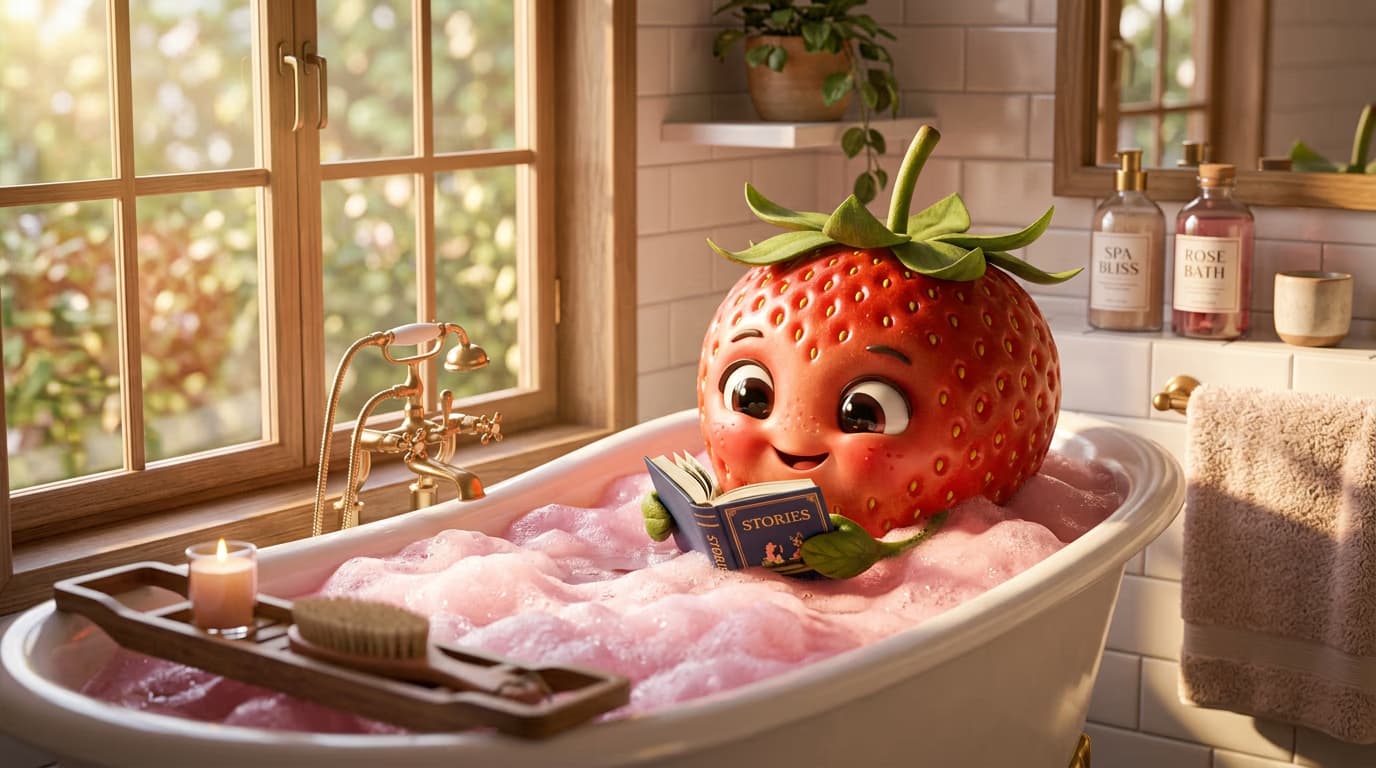
Describe your video like a film director. Include specific details about movement, camera work, lighting, and sound. Example: "A banana in a leather jacket walking into a rooftop party at sunset, slow camera push, moody lighting, lo-fi music playing" or "A strawberry in a bubble bath reading a self-help book, soft afternoon light, gentle zoom in." More detail creates better results. Click "Generate" and wait for your video with audio to render.
STEP 4: Review and export your story
Check that your fruit story matches your vision: Not perfect? Generate again with adjusted scene details, or use Picsart's Video Generator for more control over pacing and variations.
- Verify character personality comes through in expressions and movement
- Check that lighting and mood match your scene description
- Confirm audio and dialogue align with the visual storytelling
Tips for best results
💡 Write scenes like a screenplay
Don't just describe what happens. Include camera movement, lighting mood, background music, and specific actions. "Slow zoom in on a crying strawberry at sunset with piano music" performs better than "strawberry is sad."
💡 Build recurring characters, not one-offs
People follow plots, not random videos. Give your fruit a name, consistent personality, and ongoing storyline. End episodes on cliffhangers so viewers come back for the next one.
💡 Add captions for dialogue
The dialogue is half the content. Use text overlays or captions to show what your characters are saying. Most people watch with sound off initially, so make it work silently too.
💡 Loop short videos for completion rate
Videos under 10 seconds that loop smoothly get higher watch-through rates. The algorithm rewards videos people watch multiple times, which affects how widely your content gets shown.
Frequently asked questions

Ready to create viral fruit content?
Build AI fruit characters with personality and watch your audience grow.
Start creating stories