How to adapt visuals for global markets with Localization Agent
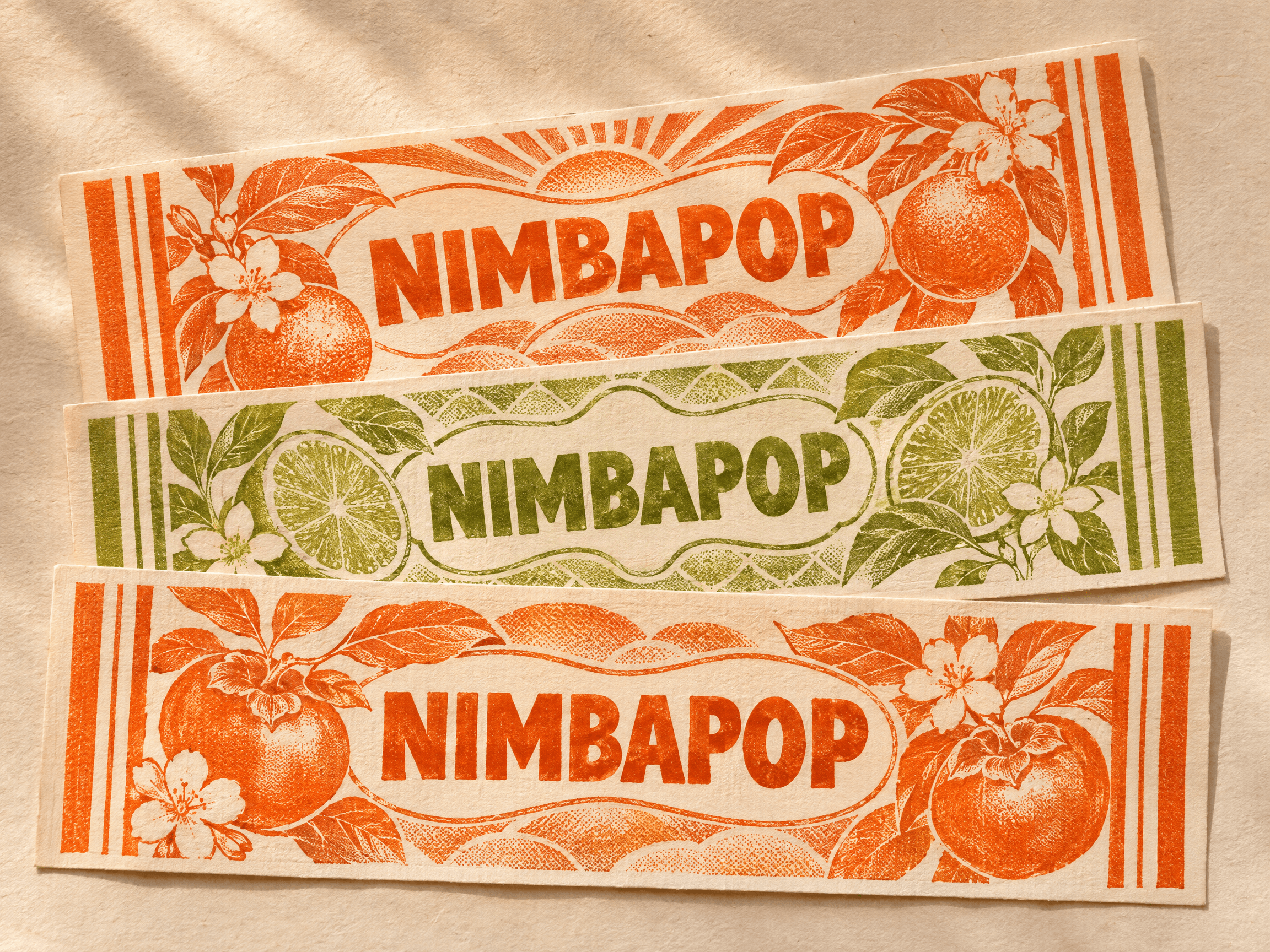
Localize brand visuals for different markets, languages, and cultures while maintaining brand consistency. Cover artwork is an AI-generated illustration for the fictional NIMBAPOP campaign.
- Category: AI AGENTS
- Reading time: 4 min
- Difficulty: Intermediate
What you'll learn
- How to translate in-image text while preserving design
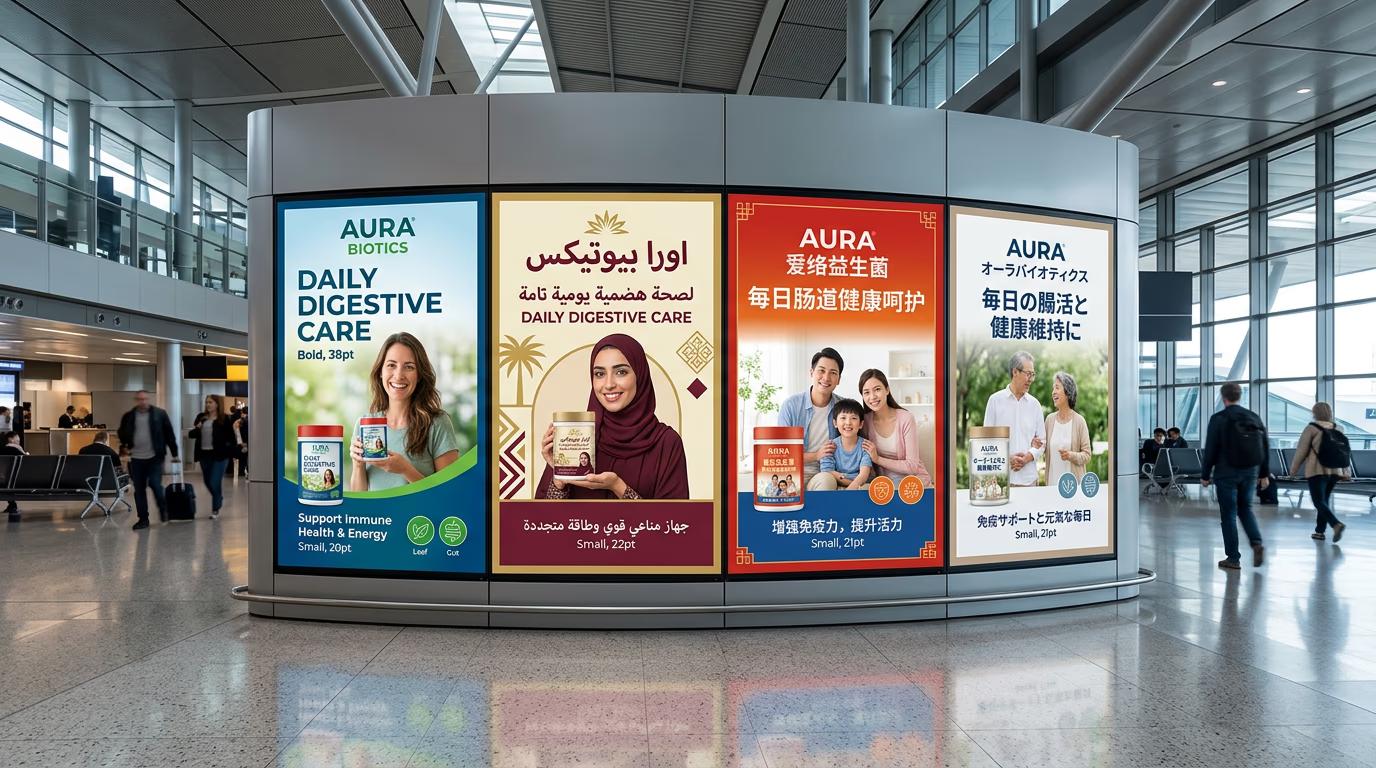
- How to adapt layouts for RTL languages
- How to swap culturally-specific graphic elements
- How to maintain brand consistency across markets
Localize your visuals step by step
STEP 1: Upload your visual
- On web: Go to picsart.com/ai-agent → Find Localization Agent → Upload your brand visual
- On mobile: Open Picsart app → AI Agents → Localization Agent → Select image
STEP 2: Select target markets
Choose which markets and languages to adapt for:
- Target languages: Select from 30+ languages including RTL support (Arabic, Hebrew)
- Cultural adaptations: Choose regions for currency, date formats, and cultural symbols
- Platform formats: Select local platforms (WeChat, LINE, KakaoTalk) for native sizing
- Brand preservation: Toggle which elements stay consistent vs. localized
STEP 3: Generate localized versions
Click "Localize" and wait 30-60 seconds per market. Localization Agent detects in-image text, translates it with proper typography, adjusts layouts for RTL if needed, swaps cultural symbols, and reformats for local platforms while preserving your brand identity.
STEP 4: Review cultural accuracy
Check each localized version carefully: Not quite right? Request specific adjustments in chat, or manually edit problem areas for cultural nuance.
- Verify text translations read naturally in cultural context
- Check that colors, symbols, and gestures are culturally appropriate
- Confirm RTL layouts flow correctly with proper text direction
Tips for best results
Provide brand guidelines upfront
Upload your brand book or specify which elements must stay consistent across markets (logo, brand colors, core messaging). Localization Agent will preserve these while adapting everything else.
Flag culturally sensitive elements
Tell Localization Agent about hand gestures, color meanings, or symbols in your visual that might need swapping. For example, red means luck in China but danger in Western markets.
Test RTL layouts separately
Arabic and Hebrew layouts need special attention. Generate these versions separately and review carefully—text direction affects visual hierarchy and reading flow.
Use native speakers for final review
While Localization Agent handles technical adaptation well, have native speakers review for cultural nuance and natural phrasing before publishing in each market.
Frequently asked questions
- Localization Agent detects text embedded in images, translates it accurately, and replaces it using typography that matches the original design style. It adjusts font size, kerning, and layout to fit translated text naturally, especially important when translating from English to languages with longer words.
