How to build complete brand identity systems with Brand Builder
Create logos, color palettes, typography, templates, and brand books in days instead of months.
- Category: AI AGENTS
- Reading time: 5 min
- Difficulty: Intermediate
What you'll learn
- How to generate complete brand identity systems, not just logos
- How to ensure your brand stands out from competitors
- How to get production-ready assets and templates
- How to document your brand in a professional brand book
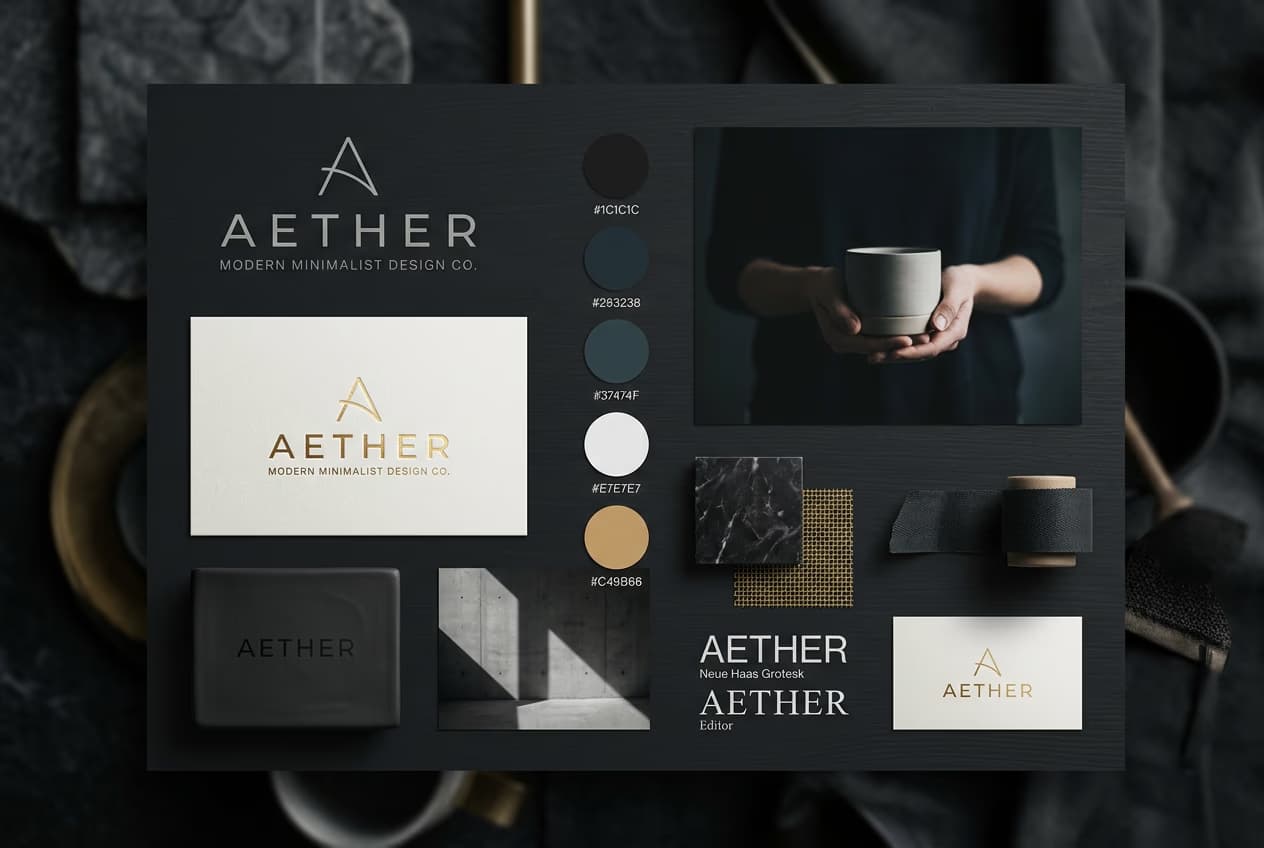
Build your brand identity step by step
STEP 1: Open Brand Builder
- On web: Go to picsart.com/ai-agent/?agentId=brand-builder → Click "Hire Brand Builder"
- On mobile: Open Picsart app → AI Agents → Select "Brand Builder"
STEP 2: Describe your brand
Tell Brand Builder about your business and audience:
- What you do: Your product, service, or offering in one sentence
- Who it's for: Your target audience and what they care about
- How you're different: What makes you unique from competitors
- Visual preferences: Any styles, colors, or moods you want to explore or avoid
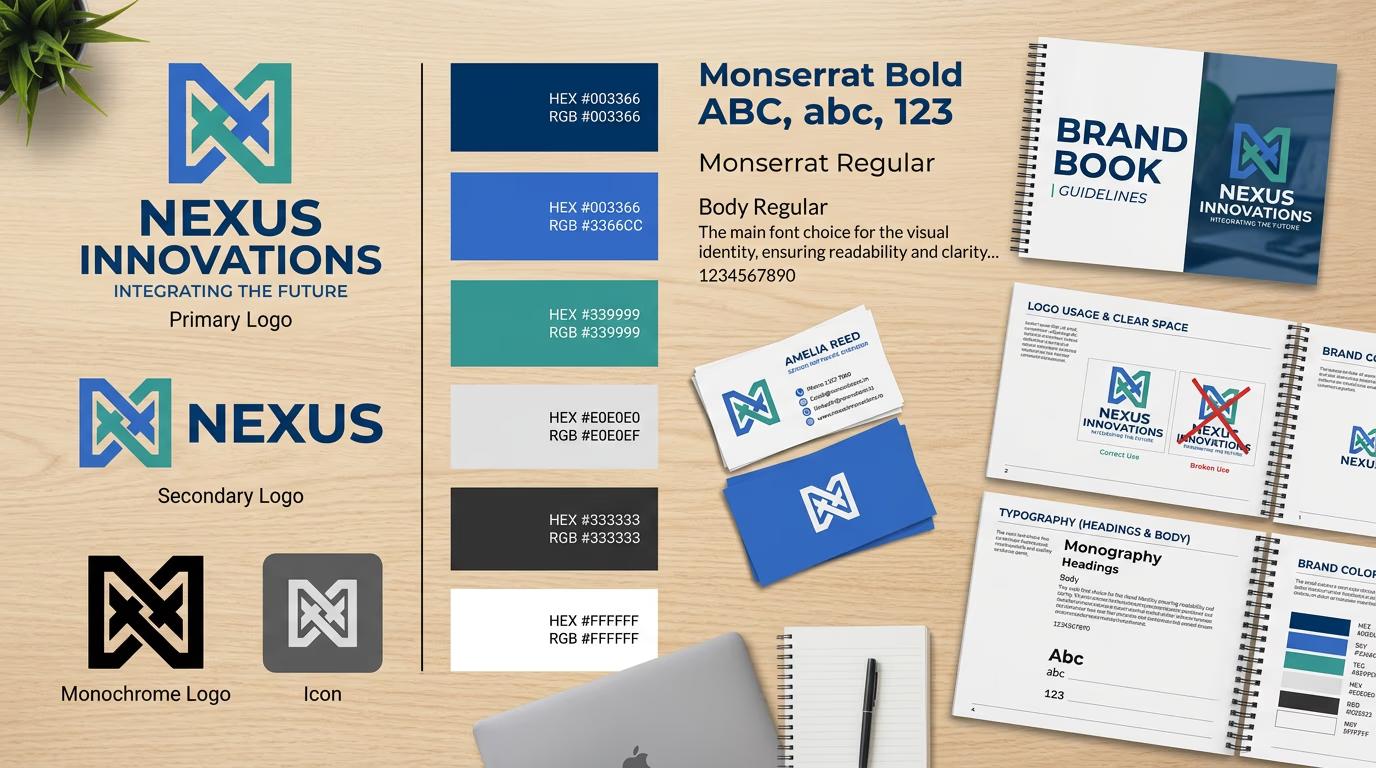
STEP 3: Review your brand system
Brand Builder generates three complete identity directions. Each includes logo variations, color palette, typography system, and visual extensions. Review all three options and see which direction resonates with your brand positioning and audience.
STEP 4: Download assets and brand book
Choose your preferred direction and get production files: Need adjustments? Request refinements to colors, typography, or logo details before finalizing.
- Check that logo works in different sizes and contexts (app icon, business card, billboard)
- Verify color palette has enough contrast for accessibility
- Review that typography choices match your brand personality
Tips for best results
Focus on differentiation, not just preferences
Instead of "I like blue and clean designs," explain how you're different from competitors. Brand Builder uses competitive positioning to create identities that stand out in your specific market, not generic styles that could work for anyone.
Mention your audience's actual needs
Describe who you serve and what problems you solve for them. "Busy parents who need quick healthy meals" gives better direction than "millennials." The agent designs for how your audience thinks, not just demographics.
Test logos in real contexts before finalizing
Preview your logo on business cards, social profiles, website headers, and app icons. What looks great at large scale might not work tiny. What looks professional in color might disappear in black and white.
Use the brand book to maintain consistency
Your brand book PDF includes usage rules, color codes, and typography specs. Share it with anyone who creates content for your brand — designers, marketers, developers, contractors — so everything stays on-brand.
Frequently asked questions
- Brand Builder creates complete brand identity systems, not just logos. You get three full directions, each with logo variations, color palette, typography system, business cards, social templates, and a professional brand book PDF. It focuses on competitive differentiation rather than generic designs, so your brand stands out in your specific market.
