logo

How to collaborate on creative projects using Picsart community features
COMMUNITY5 minIntermediate

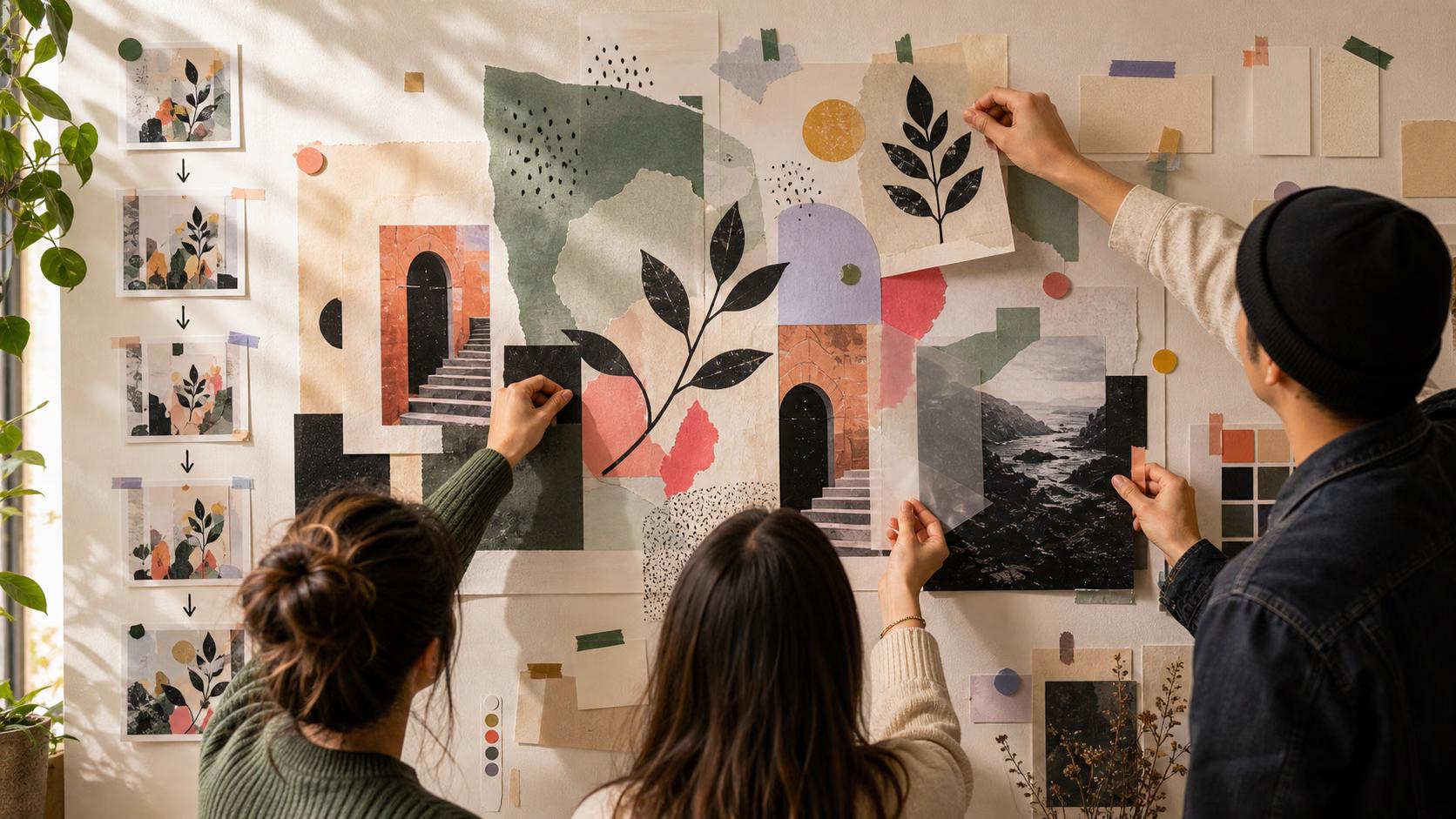
Co-create with other artists using shared workflows, remix chains, and collaborative challenges to build something bigger together.

How to collaborate on creative projects using Picsart community features

What you'll learn

  • How to start and manage collaborative projects
  • How to use remix chains for group creativity
  • How to coordinate with other creators through challenges
  • How to credit and share work created together

What is creative collaboration on Picsart?

Collaboration on Picsart means multiple creators working on the same project or building on each other's work through remix. Unlike file-sharing or email chains, collaboration happens directly in the community—one person starts something, others add to it, and everyone gets credited. It's like a creative relay race where each runner adds their own flair.

Common use cases

  • Group challenges: Teams working together for collaborative challenge entries
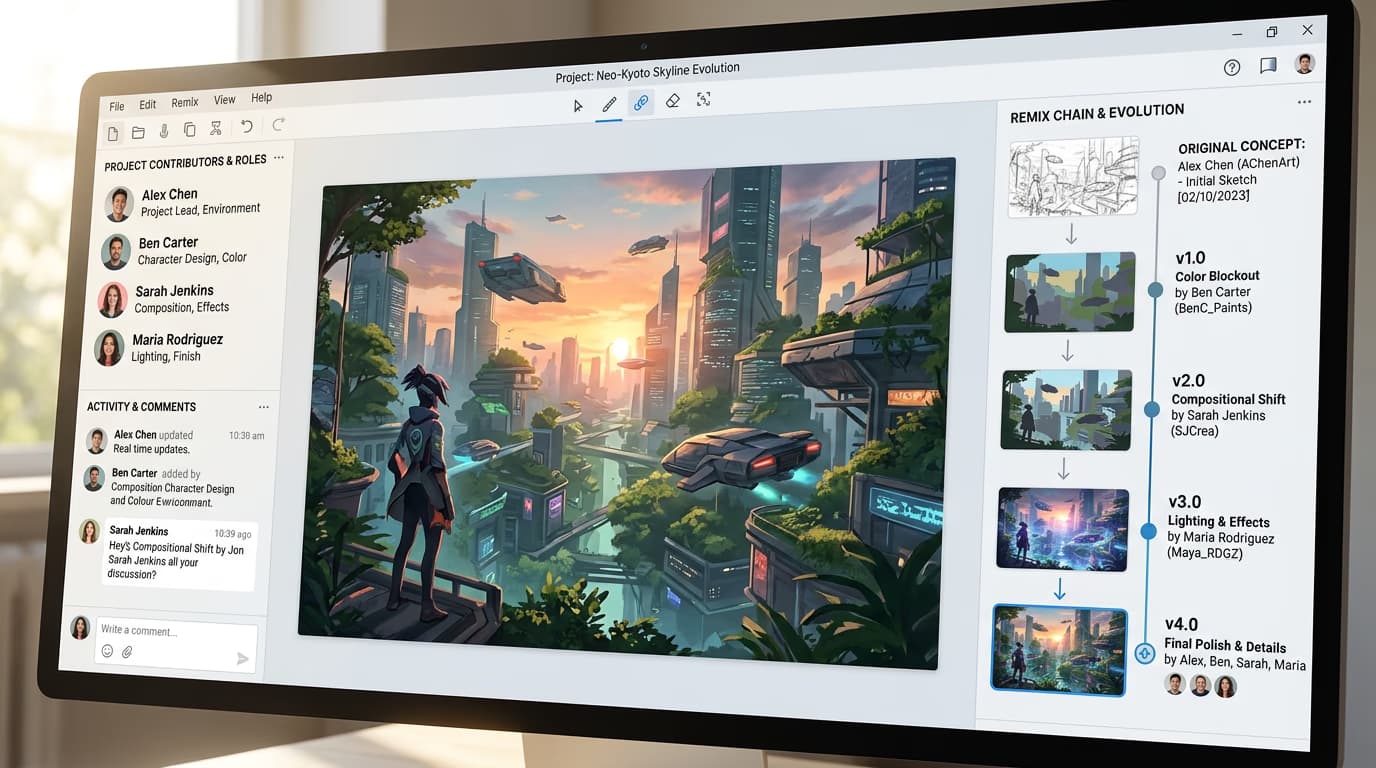
  • Remix chains: Sequential creation where each artist builds on the previous version
  • Style experiments: Multiple creators applying different techniques to the same base
  • Community projects: Large-scale artworks requiring different skills from different artists
  • Learning partnerships: Pairing with more experienced creators to improve skills
  • Brand collaborations: Multiple creators working on sponsored challenge themes

Collaborate on projects step by step

STEP 1: Find collaborators

  • On web: Go to picsart.com/community → Search for creators in your style niche → Message to propose collaboration
  • On mobile: Open Picsart → Community → Find creators → Comment or DM collaboration ideas
Find creators

STEP 2: Set collaboration structure

Decide how you'll work together and divide responsibilities:

  • Remix chain: One person starts, others build sequentially on each version
  • Parallel variations: Everyone creates their own version of the same base image
  • Skill split: Different people handle different aspects (composition, color, effects)
  • Challenge team: Coordinate entries for group challenges with shared themes
STEP 3: Create and share work

Start the collaboration by posting the first piece with remix enabled. Other collaborators remix it to add their contributions. Each remix automatically credits previous creators, building a visible chain of collaboration.

STEP 4: Credit and promote together

Check that all collaborators are properly credited in the remix chain: Not getting traction? Cross-promote on your other platforms and tag all collaborators to expand reach.

  • Verify automatic attribution shows all contributors
  • Add manual credits in captions for non-remix collaborations
  • Share each other's posts to both audiences for maximum exposure
Start collaborating

Tips for best results

💡 Set clear expectations upfront

Before starting, agree on who does what, deadlines, and how you'll share credit. Most collaboration conflicts come from mismatched expectations about contributions or ownership.

💡 Start small with new collaborators

Don't commit to a massive project with someone you've never worked with. Do a single remix or quick challenge entry first to see if your styles and work pace match.

💡 Use challenges for easy coordination

Collaborative challenges have built-in structure and deadlines, making them easier than organizing your own project from scratch. Join a team challenge to practice collaboration mechanics.

💡 Document the process

Share behind-the-scenes posts showing how the collaboration evolved. Process content often performs better than final results because it tells a story people can follow.

Frequently asked questions

Search Picsart's community for creators whose style complements yours. Look at who remixes your work or participates in the same challenges. Comment on their posts to start a conversation, then suggest a small collaboration. Many creators have "open to collabs" in their bio—search for that phrase to find willing partners.

Set deadlines upfront and have a backup plan. For remix chains, you can skip a non-responsive person and invite someone else to continue the chain. For challenge teams, designate a lead who can submit the work even if someone drops out. Always work with people who have a track record of finishing projects.

Yes, but you'll lose automatic attribution features. If you create work together in other tools, you can still post it to Picsart and manually credit collaborators in your caption. Tag their Picsart profiles if they have accounts. For full collaboration benefits, encourage partners to create their portions in Picsart.

Manual credit is your responsibility. Add all collaborators' names and profile links in your caption. If multiple people post the same collaborative work, each should credit the others. There's no automatic attribution outside the remix system, so be thorough about giving credit where it's due.

Ready to co-create?

Find collaborators in the community and start building something amazing together.

Find collaborators