How to create die-cut sticker animations from photos with Picsart Flow
Turn a photo into a die-cut sticker image and sticker-style animation with a Flow template.
- Category: WORKFLOWS
- Reading time: 3 min
- Difficulty: Beginner
What you'll learn
- Turn regular photos into die-cut sticker designs
- Add realistic white borders and shadows automatically
- Create animated hand interaction effects for social content
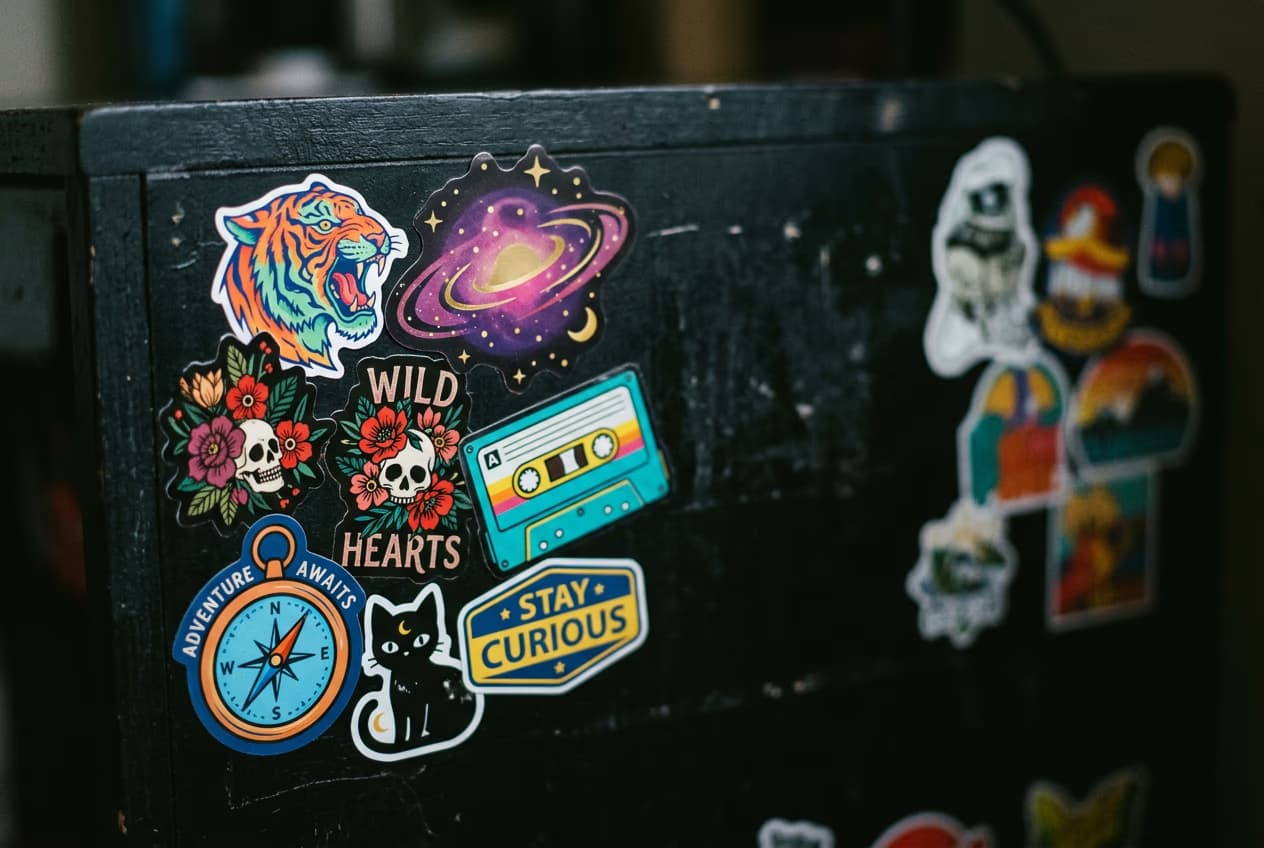
Create your sticker animation step by step
STEP 1: Open the template
- Open the "Create Realistic Die-Cut Sticker Illusions from Photos" template in Picsart Flow.
STEP 2: Upload your photo
Select the photo you want to turn into a sticker:
- Portrait photos: Best for profile pictures and personal stickers
- Logo designs: Turn brand graphics into sticker mockups
- Product shots: Create sticker versions of items or merchandise
- Artwork: Convert illustrations into sticker-style graphics

STEP 3: Generate your sticker
Run the template and review the sticker cutout, border, shadow, and motion treatment before export.
STEP 4: Download and share
Check that your sticker looks realistic: Not happy with the result? Upload a different photo with clearer subject separation, or adjust your original image's contrast before generating.
- White border is clean and even around all edges
- Shadow placement looks natural and matches lighting
- Hand animation feels smooth and realistic
Tips for best results
Use high-contrast photos
Images with clear subjects and distinct edges work best. Photos where the main subject stands out sharply from the background will give you cleaner sticker borders and better results.
Center your subject
Position the main element in the middle of your photo before uploading. This ensures the sticker effect applies evenly and the white border looks balanced on all sides.
Export both formats
The template creates both a static image and an animated video. Download both versions so you have options for different platforms and content types.
Frequently asked questions
- A die-cut sticker effect transforms photos into images that look like physical stickers with white borders and shadows. The template removes your image's background, adds a clean border around the edges, and creates realistic shadows to make it appear as if someone is holding an actual printed sticker. The effect became popular on social media for creating viral content that looks tactile and interactive.
