How to create logo and brand mockups with AI
Turn a brand idea into logo directions and simple visual mockups with a reusable Flow template.
- Category: WORKFLOWS
- Reading time: 5 min
- Difficulty: Intermediate
What you'll learn
- Generate a logo with brand name integrated from a text description
- Create coordinated packaging and environment mockups automatically
- Get palette and typography direction for your brand identity
- Build presentation-ready brand assets for pitches and client reviews
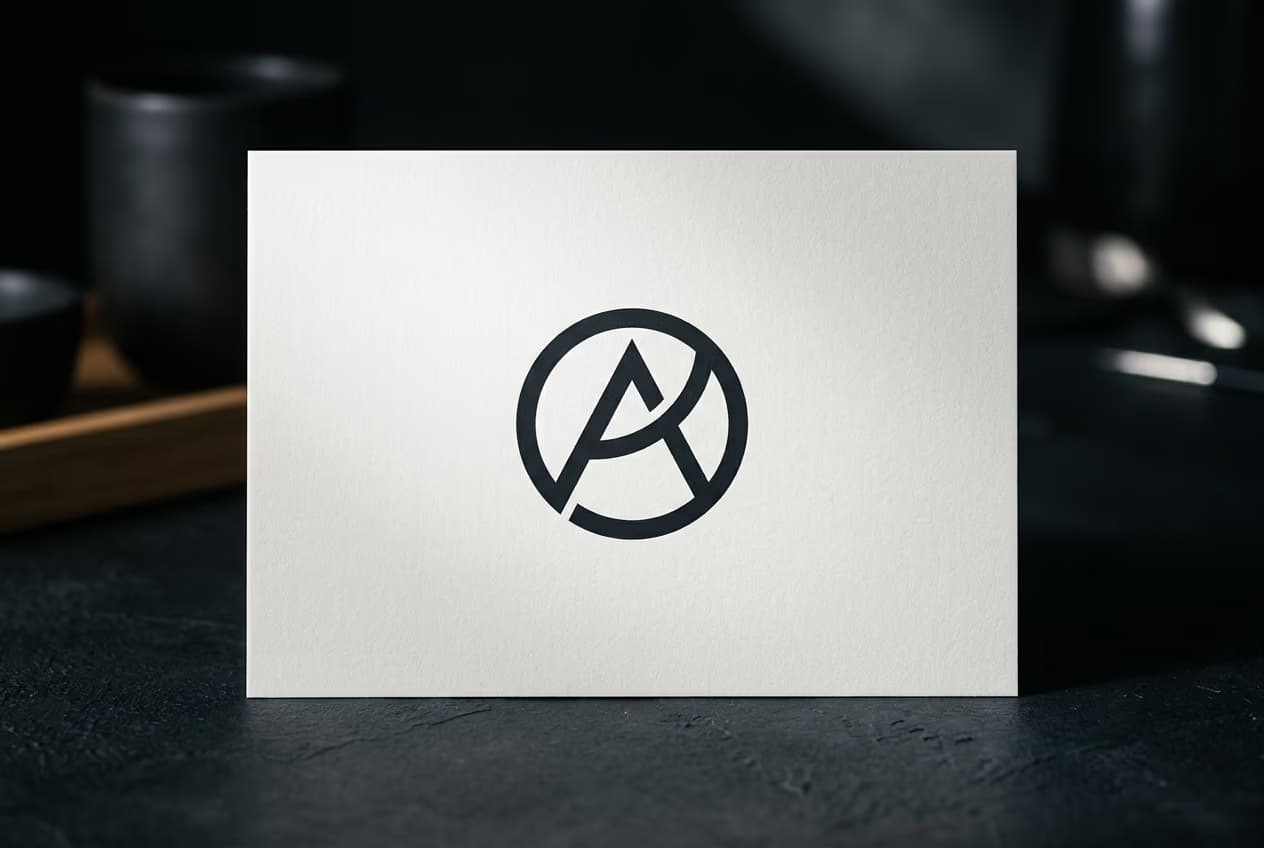
Create your brand mockups step by step
STEP 1: Open the template
- On web: Go to the template page → Click "Use this template" → Enter your brand details
- On mobile: Open Picsart Flow → Find AI Logo and Brand Mockup Generator → Fill in brand info
STEP 2: Add brand information
Replace the placeholder brand idea with your own business name, style direction, and visual keywords.
- Brand name: Enter exactly how it should appear in the wordmark
- Industry or theme: Specify the category (e.g., "organic skincare", "tech startup", "coffee roaster")
- Brand description: Add tone, materials, and color hints (e.g., "minimalist, warm earth tones, handcrafted feel")

STEP 3: Generate your brand identity
Run the template to generate multiple logo and mockup directions, then compare which visual lane feels strongest.
STEP 4: Review and refine outputs
Check your generated brand package: Not matching your vision? Adjust your description with more specific cues (materials, mood, color names) and run again for a different direction.
- Verify the brand name appears correctly in the logo
- Check that mockups feel cohesive and share a consistent style
- Review palette and typography notes for actionable next steps
Tips for best results
Include concrete visual cues in your description
Mention specific materials (wood, glass, fabric), moods (playful, elegant, bold), and color hints (warm, cool, monochrome) to keep all mockups consistent. Vague descriptions can produce disconnected outputs.
Keep the brand name short and clear
Shorter names integrate more cleanly into logo designs. If your name is long, consider using an acronym or shortened version for the wordmark.
Test different industry keywords
Changing the industry field (e.g., "wellness" vs. "health tech") can shift the visual style significantly. Try a few variations to explore different brand directions.
Use outputs as starting points, not final designs
These mockups work best for pitches, moodboards, and concept testing. Refine the direction with a designer before going into production.
Frequently asked questions
- AI logo and brand mockup generation creates a complete visual identity from a text description. You provide a brand name, industry, and positioning, and the AI outputs a logo with your wordmark, photorealistic packaging and environment mockups, and written guidance on palette and typography. It's built for quick pitches, moodboards, and concept testing.
