How to create MLS-ready listings with Listing Agent
Transform raw property photos into complete listing packages with virtual staging, enhanced shots, and marketing materials. Cover artwork is an AI-generated illustration for the fictional EAVEMINT campaign.
- Category: AI AGENTS
- Reading time: 5 min
- Difficulty: Intermediate
What you'll learn
- How to virtually stage empty rooms photorealistically
- How to enhance exteriors and create twilight conversions
- How to generate listing descriptions and marketing materials
- How to format listings for MLS, Zillow, and Realtor.com
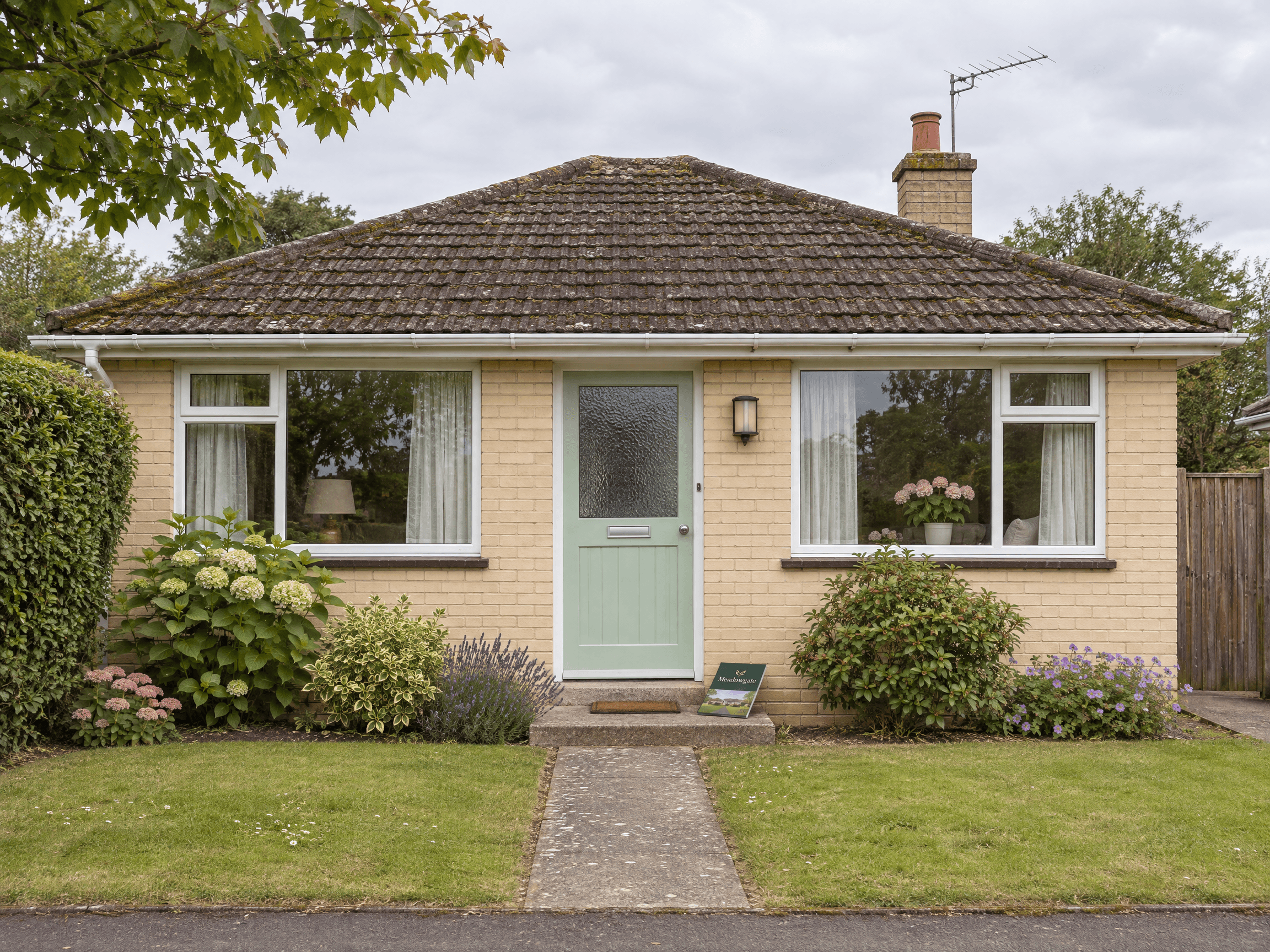
Create your listing package step by step
STEP 1: Upload property photos
- On web: Go to picsart.com/ai-agent/?agentId=listing-agent → Upload property photos
- On mobile: Open Picsart app → AI Agents → "Listing Agent" → Upload photos from camera roll
STEP 2: Select enhancements
Choose which treatments to apply to your listing photos:
- Virtual staging: Furnish empty rooms with photorealistic furniture and decor
- Exterior enhancement: Brighten exteriors, enhance landscaping, blue skies
- Twilight conversion: Transform day shots into dramatic evening photos
- Property description: Generate MLS description highlighting key features
- Marketing materials: Create brochure PDF and social media posts
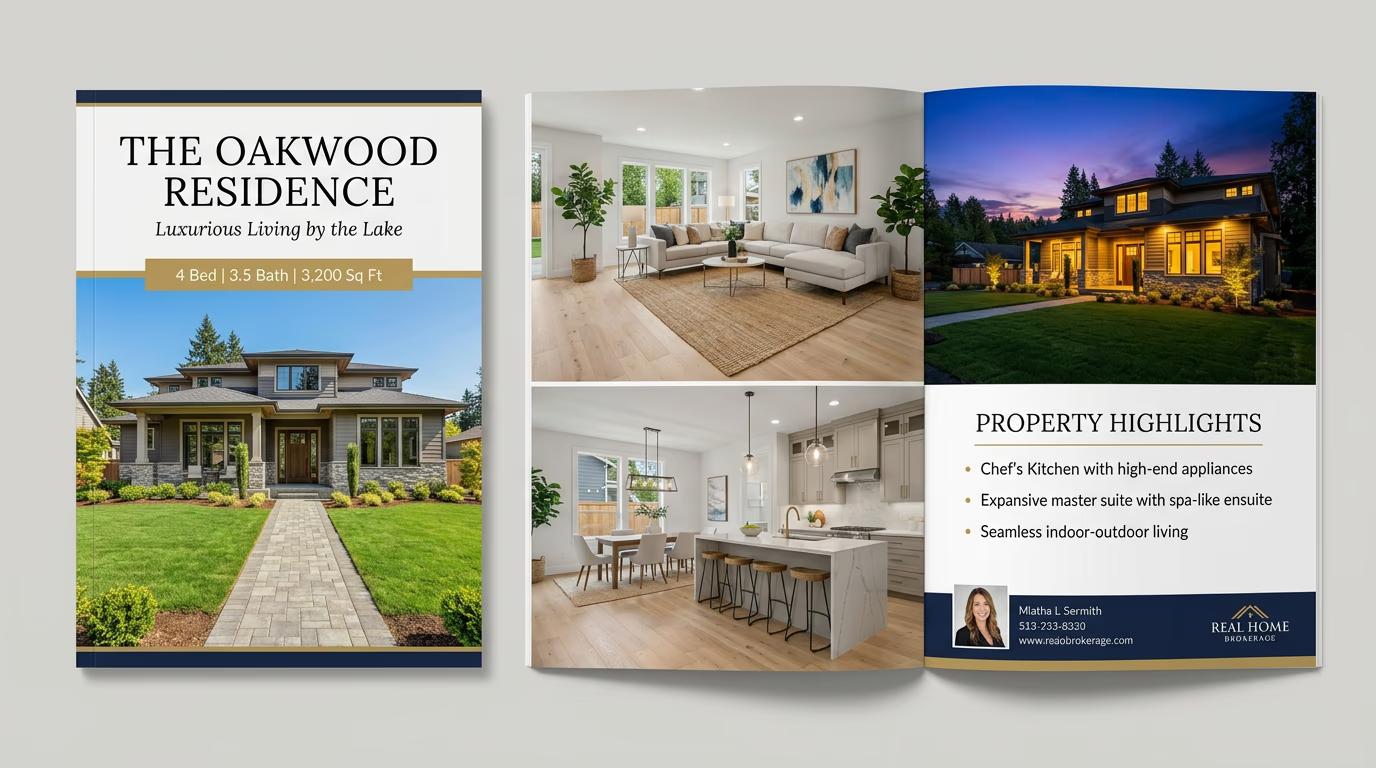
STEP 3: Generate listing package
Listing Agent processes your photos and creates the complete package — enhanced exteriors, staged interiors, twilight shots, property description, PDF brochure, and social posts. Everything is formatted for direct upload to MLS, Zillow, and Realtor.com. AI disclosure labels are included where required by law.
STEP 4: Review and upload to MLS
Check that all materials are ready for listing: Need changes? Regenerate individual images with different staging styles or lighting adjustments.
- Verify virtually staged furniture fits room proportions and style
- Check exterior enhancements look natural and not over-processed
- Review property description for accuracy and appeal
Tips for best results
Shoot empty rooms from corners at eye level
Stand in a room corner and photograph across the space to capture as much area as possible. Eye-level shots give accurate proportions for virtual staging. Clean and declutter before shooting — virtual staging works best on empty or minimally furnished rooms.
Capture exteriors in good weather and lighting
Shoot exteriors on clear days with good natural light. While Listing Agent can enhance cloudy skies and improve lighting, starting with decent weather produces better results. Morning or late afternoon light works best for depth and dimension.
Include detail shots for buyer appeal
Photograph upgraded features — granite counters, hardwood floors, custom tile, modern fixtures. These details justify pricing and help buyers visualize quality. Listing Agent enhances these shots to make finishes pop.
Match staging style to target buyer
Choose staging that appeals to your likely buyer demographic. Modern minimal for urban condos, cozy traditional for suburban family homes, sleek contemporary for luxury properties. Staging should help buyers see themselves living there.
MLS photo requirements
- ResolutionMinimum 1024px wide, 72 DPI for web display
- FormatJPEG preferred, PNG accepted by most MLS systems
- File sizeMaximum 10MB per image for most MLS platforms
- AI disclosureRequired in California (AB 723), recommended elsewhere
- Photo countMinimum 6 photos, 15-25 recommended for full listings
- Photo orderLead with best exterior, then main living areas, bedrooms, kitchen
Frequently asked questions
- Listing Agent creates complete MLS-ready listing packages from raw property photos. You get enhanced exteriors, virtually staged empty rooms, twilight photo conversions, property descriptions, PDF brochures, and social media posts. Everything is formatted for direct upload to MLS, Zillow, and Realtor.com with AI disclosure labels included.
