How to create professional AI headshots from a selfie
What you'll learn
What is an AI headshot?
Common use cases
Create your professional headshot step by step
STEP 1: Upload your photo
- On web: Go to picsart.com/ai-avatar → Click "Create image avatar" → Upload a clear selfie or portrait
- On mobile: Open Picsart → Tap "+" → Select your best photo → Choose "AI Avatar"
STEP 2: Choose professional headshot style
Browse the professional and business categories, then select your preferred look:
- Corporate: Classic business attire with neutral backgrounds and studio lighting
- Creative professional: Smart casual styling for tech, design, or creative industries
- Executive: Premium formal look with sophisticated backgrounds and high-end retouching
- Startup casual: Modern business casual aesthetic for tech companies and startups
- LinkedIn optimized: Styles specifically designed for social media profile standards
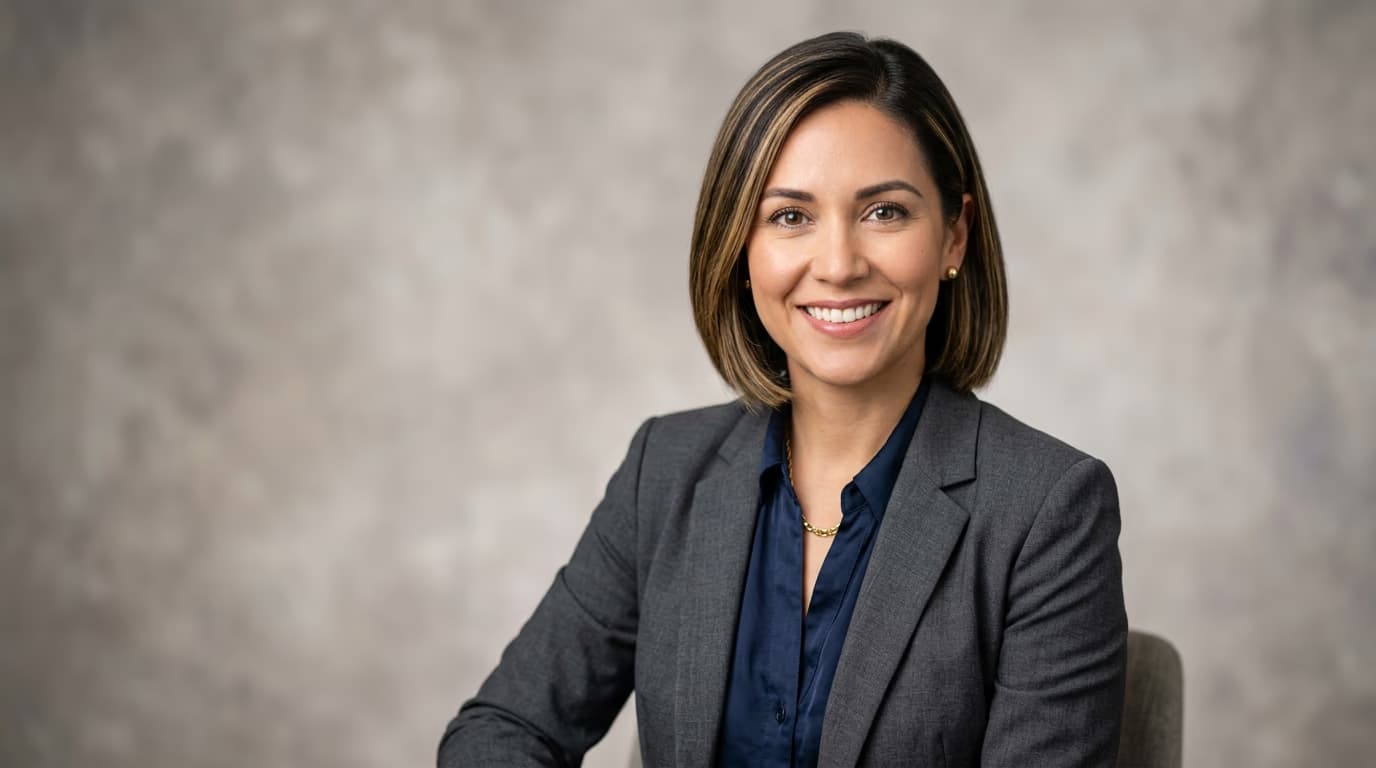
STEP 3: Generate your headshot
Click "Generate" and wait 10-15 seconds. The AI removes distracting backgrounds, adjusts lighting to professional studio standards, refines skin tones, and adds appropriate business attire if needed.
STEP 4: Review and export
Check that your headshot meets professional standards: Not perfect? Generate again for different background colors, lighting, or attire options. You can also manually adjust colors or backgrounds after export.
- Verify your face is well-lit with no harsh shadows or overexposure
- Check that the background is clean, neutral, and distraction-free
- Make sure professional attire looks natural and appropriate for your industry
Tips for best results
💡 Start with a quality photo
Use a recent photo where you're facing the camera directly with good natural light. Your face should take up most of the frame. Avoid photos with filters, heavy makeup, or extreme expressions.
💡 Match style to industry
Corporate styles work for finance, law, and traditional businesses. Creative professional styles suit tech, design, and startups. Executive styles are best for C-level profiles and board positions.
💡 Generate multiple options
Create 3-5 variations with different backgrounds and lighting to see which one photographs best. What looks good on screen might not work for print, and vice versa.
💡 Test across platforms
Check how your headshot looks as a small LinkedIn thumbnail, full-size resume photo, and email signature image. Make sure your face is recognizable at all sizes.
Frequently asked questions

Need a professional headshot?
Skip the photoshoot and generate studio-quality headshots from your selfies.
Create headshot