How to design a printable kids coloring book cover with AI
Create a printable coloring book cover with an original theme and edit it before export.
- Category: WORKFLOWS
- Reading time: 4 min
- Difficulty: Intermediate
What you'll learn
- Set up a coloring book cover template with the right dimensions for print
- Generate custom characters and scenes using AI prompts
- Arrange design elements for maximum shelf appeal
- Export print-ready files for self-publishing marketplaces and other platforms
Design your coloring book cover step by step
STEP 1: Open the template
- Open the coloring book cover template in Picsart Flow and choose an original book theme.
STEP 2: Customize your cover elements
Modify the template fields to match your coloring book theme:
- Book title: Enter your coloring book's title (keep it short and memorable)
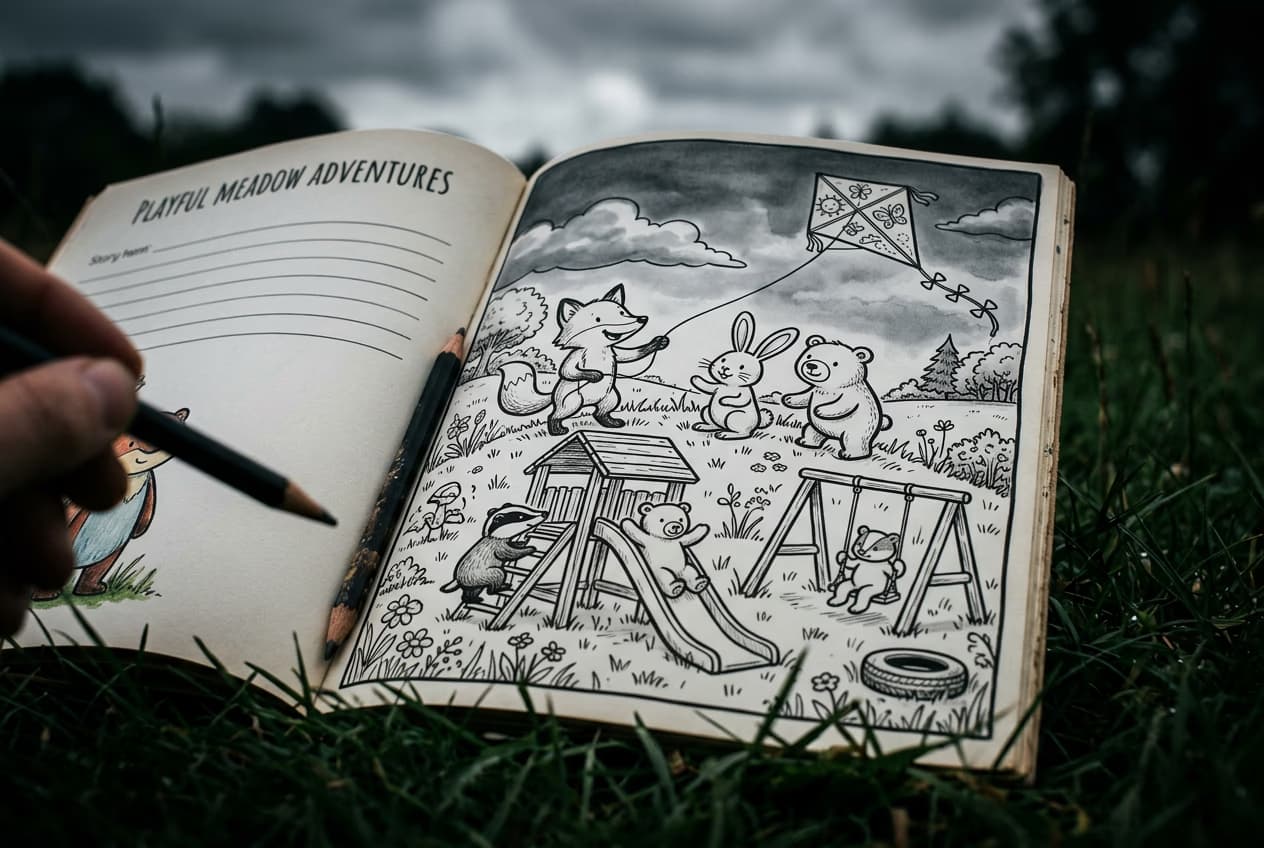
- Character theme: Describe your main characters (e.g., "woodland animals", "space explorers", "ocean creatures")
- Scene setting: Specify the background or activity (e.g., "playground adventure", "underwater scene", "birthday party")
- Visual elements: Add key props or details (e.g., "kites", "treasure chest", "musical instruments")

STEP 3: Generate your cover
Run the template, review the cover layout, and adjust the text or visuals so the result stays clear and age-appropriate.
STEP 4: Review and export for print
Check that your cover meets print quality standards: Not perfect? Adjust your character descriptions or scene details and generate again. You can also manually edit text size or reposition elements.
- Verify title text is readable and properly positioned
- Check that characters are clear, appealing, and age-appropriate
- Confirm colors are vibrant and will print well (avoid very light tints)
Tips for best results
Use specific character descriptions
Instead of just "animals", try "cute fox, rabbit, deer, and squirrel friends wearing colorful scarves". Specific details help the AI generate more cohesive, appealing characters that children will want to color.
Keep titles short and clear
Book titles with 3-5 words work best on covers. Long titles crowd the design and are harder to read in thumbnail views on Amazon or Etsy. If you have a long title, split it into main title and subtitle.
Choose age-appropriate complexity
For younger kids (ages 3-5), request simpler scenes with fewer characters and larger elements. For older kids (ages 8-12), you can include more detailed backgrounds and multiple characters interacting.
Check print dimensions before ordering
Amazon KDP standard coloring book size is 8.5" x 11". If publishing elsewhere, verify their size requirements and adjust your template dimensions before generating. Most templates default to standard print sizes.
Common coloring book formats
- 8.5" x 11" (letter size)Most popular format for Amazon KDP and general print. Good for ages 5 and up.
- 8" x 10"Slightly smaller, easier for young children to handle. Popular for preschool activity books.
- 6" x 9"Compact format, great for travel coloring books or party favor booklets.
- Square 8.5" x 8.5"Modern aesthetic, works well for themed collections with consistent framing.
Frequently asked questions
- Commercial use can depend on your plan, source assets, and current Picsart terms. Use original or properly licensed assets and verify the latest usage terms before selling or distributing printed products.
