How to extract fashion color palettes from photos with AI
Pull a usable fashion color palette from a photo so you can guide styling, shopping, and moodboards.
- Category: WORKFLOWS
- Reading time: 3 min
- Difficulty: Beginner
What you'll learn
- Generate three color swatches from any fashion photo
- Get hex codes for each color to use in design projects
- Create shareable palette images for styling and moodboards
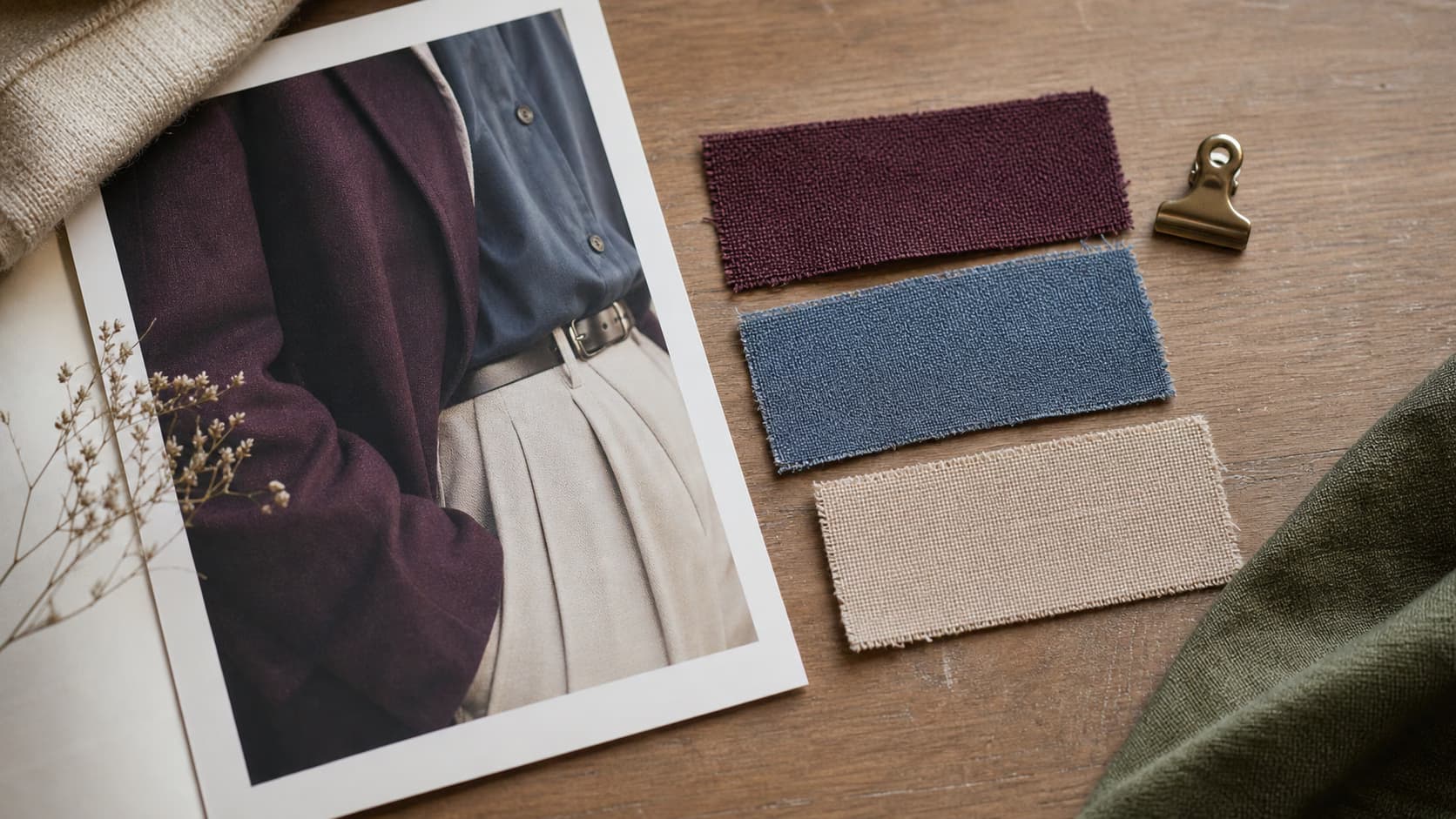
Extract your fashion palette step by step
STEP 1: Upload your fashion photo
- On web: Go to the template page → Click "Use this template" → Upload your outfit photo
- On mobile: Open Picsart Flow → Find Create Fashion Color Palette → Upload image
STEP 2: Generate color palette
Click "Run" to extract colors:
- The AI identifies three coordinated colors from the outfit
- Each color is displayed as a swatch with its hex code label
- Swatches are overlaid on the original photo for a shareable result

STEP 3: Review palette swatches
Wait a few seconds. The workflow outputs your fashion photo with three color swatches and hex codes overlaid on top.
STEP 4: Save and share
Check that the colors match your outfit: Colors look off? Try a photo with better lighting or more color contrast, then run again.
- Verify the swatches match the dominant colors in the outfit
- Copy hex codes to use in design tools or shopping apps
- Save or share the palette image for future reference
Tips for best results
Use photos with good lighting
The AI pulls colors more accurately from well-lit images. Shadows and dim lighting can skew color detection toward darker or muted tones.
Choose outfits with clear color blocks
Photos with distinct color areas (solid tops, pants, accessories) produce cleaner palettes. Busy patterns or prints may generate mixed or unexpected swatches.
Test different outfit angles
Full-body shots give the AI more color information to work with. Close-up details may focus on just one or two colors.
Frequently asked questions
- AI fashion color palette extraction analyzes an outfit photo and identifies three coordinated colors. The AI overlays each color as a swatch with a hex code label on top of the original image, giving you a shareable palette for styling, shopping, and design projects.
