How to generate AI avatars from your selfie in minutes
What you'll learn
What is an AI avatar?
Common use cases
Generate your AI avatar step by step
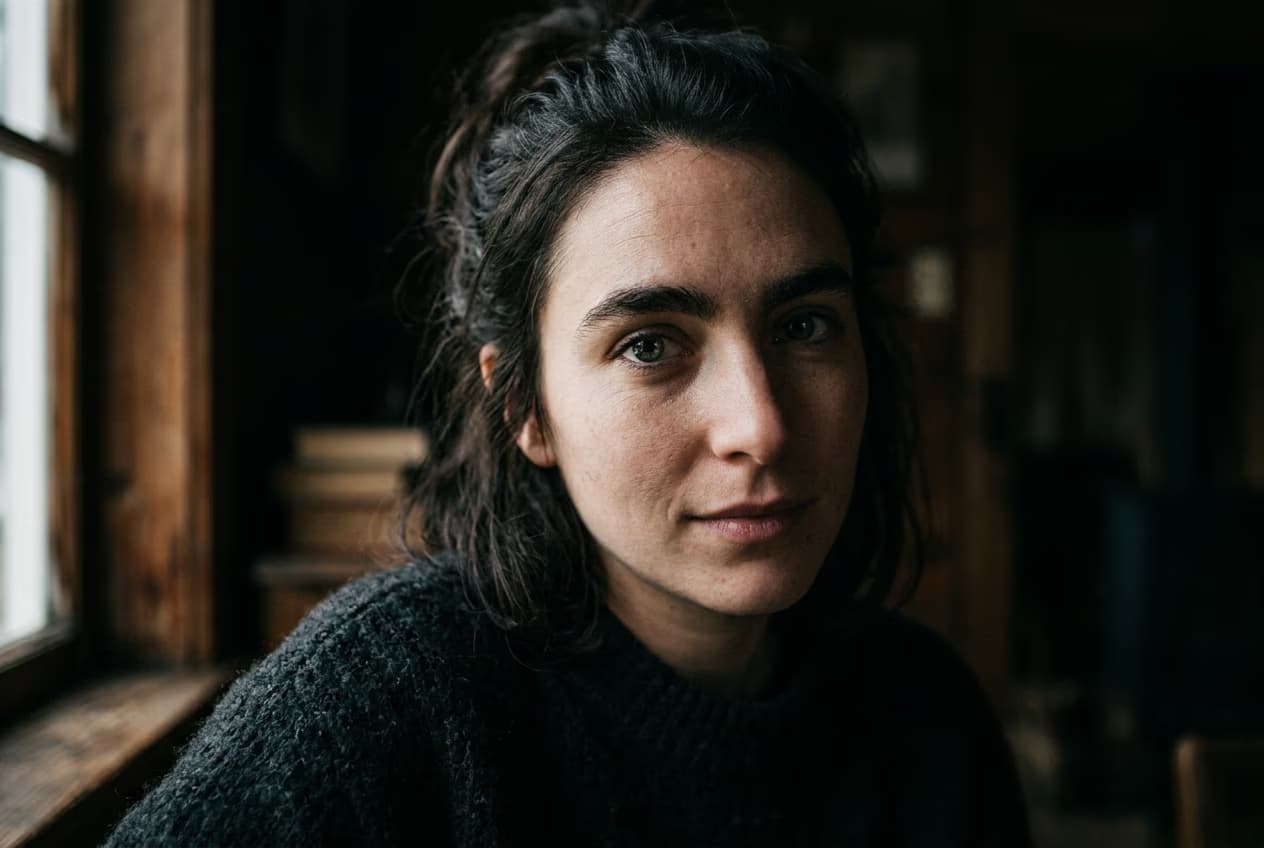
STEP 1: Upload your photo
- On web: Go to picsart.com/ai-avatar → Click "Create image avatar" → Upload your selfie
- On mobile: Open Picsart → Tap "+" → Select your photo → Choose "AI Avatar"
STEP 2: Choose your avatar style
Browse over 1,000 styles and pick the one that fits your vibe:
- Cartoon: Classic animated character look with bold outlines
- Anime: Japanese animation style with expressive eyes and dynamic poses
- 3D: Polished Pixar-style character with depth and lighting
- Watercolor: Soft, artistic painting effect with flowing colors
- Pixel art: Retro 8-bit or 16-bit game character aesthetic
- Fantasy: Transform into superheroes, elves, warriors, or mythical characters
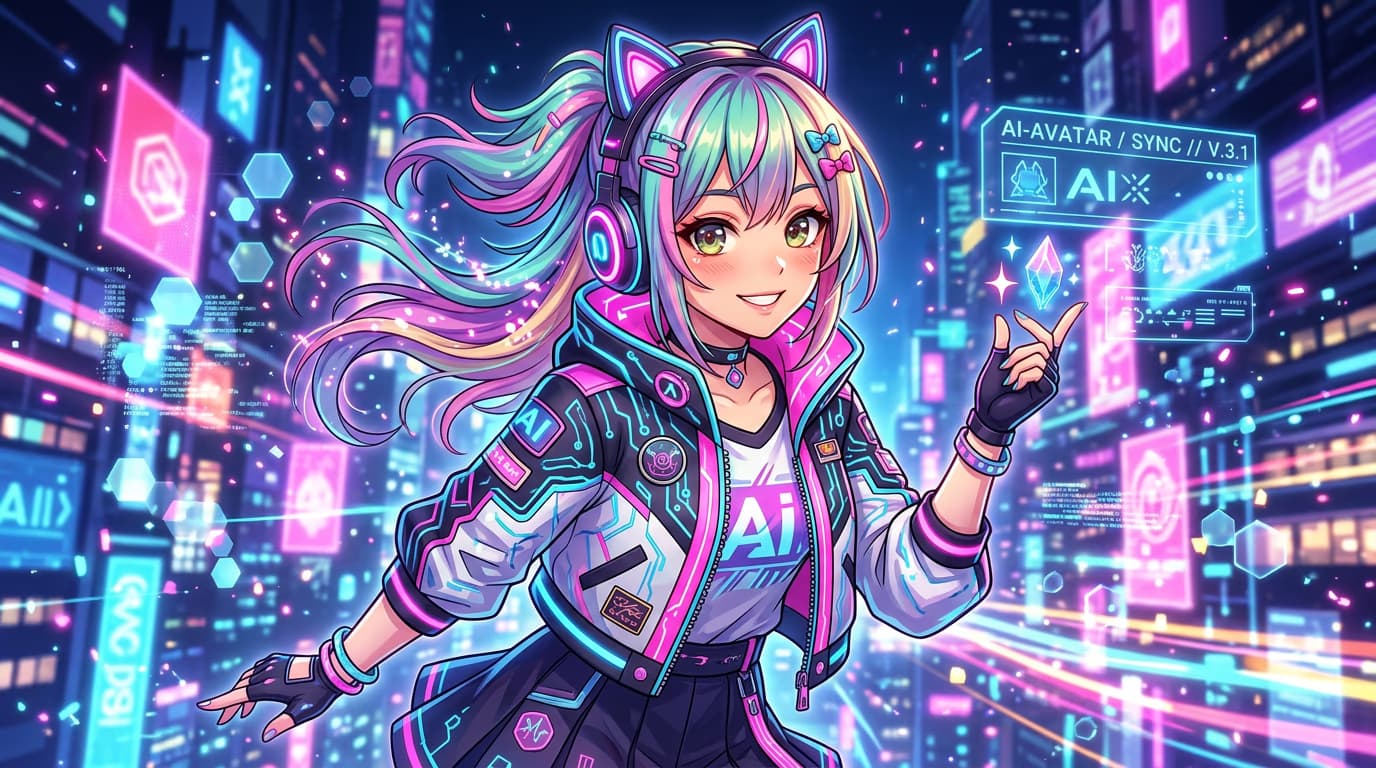
STEP 3: Generate your avatar
Click "Generate" and wait 10-15 seconds. The AI analyzes your facial features, pose, and lighting, then recreates you in your chosen style while keeping your likeness recognizable.
STEP 4: Review and export
Check that your avatar captures your features and matches your expectations: Not satisfied? Generate again to get a different variation, or try a completely different style to see what works best.
- Verify your facial features are recognizable in the new style
- Check that colors and details match the aesthetic you wanted
- Make sure the resolution is high enough for your intended use
Tips for best results
💡 Use clear, well-lit photos
AI avatars work best with front-facing photos where your face is clearly visible. Avoid sunglasses, heavy shadows, or photos where you're turned away from the camera.
💡 Try multiple styles
Different styles work better for different faces and lighting conditions. Generate 3-4 variations to find the one that captures you best.
💡 Match style to platform
Cartoon and anime styles pop on social media, while 3D avatars work great for professional profiles. Pixel art is perfect for gaming communities and Discord servers.
💡 Generate variations for consistency
If you need multiple avatars for a content series, use the same style with different poses or expressions to maintain a consistent look across your brand.
Frequently asked questions

Ready to create your avatar?
Transform your selfie into stylized art in seconds with AI Avatar Maker.
Generate avatar now