How to generate audio with the gen-ai-audio skill
What you'll learn
What is the gen-ai-audio skill?
Common use cases
Generate your audio step by step
STEP 1: Download and import the skill
- On web: Go to picsart.com/cli/#skills-starter → Download gen-ai-audio → Extract to your agent's skills folder
- On mobile: Use desktop to download — audio generation requires a development environment
STEP 2: Choose your audio type and voice
Select what kind of audio you want to generate:
- Text-to-speech: Convert written text into natural voiceover (ElevenLabs voices)
- Music generation: Create background tracks and soundtracks (MiniMax)
- Sound effects: Generate specific SFX for videos and games
- Speech-to-speech: Transform existing audio to a different voice or language
- Voice characteristics: Specify tone (warm, confident, energetic) and pacing
STEP 3: Generate and save
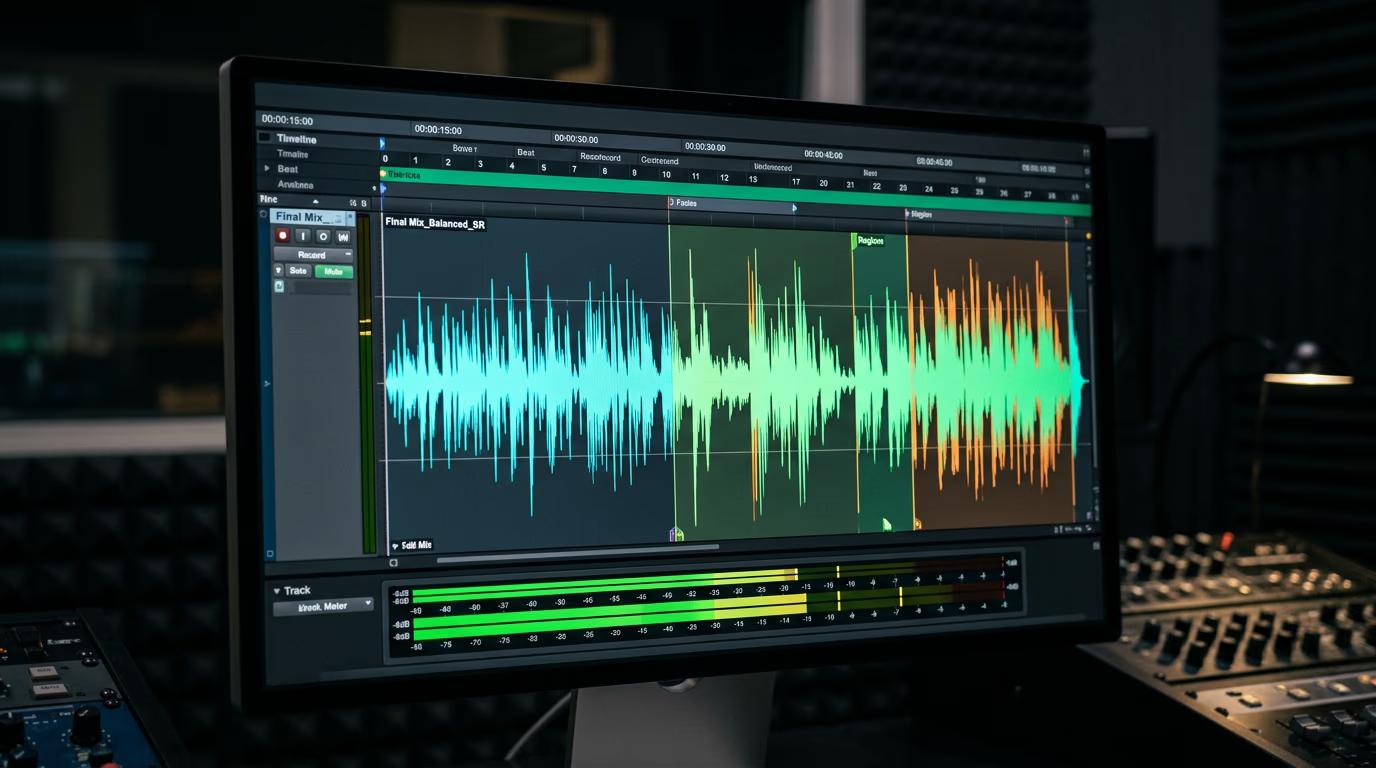
Your agent processes the request and generates the audio file. Output saves to your project folder in MP3 or WAV format. Check your terminal for the exact filename and location.
STEP 4: Review and refine
Listen to your generated audio and check for quality: Not quite right? Adjust your voice direction or prompt phrasing and generate again. For voiceovers, try different emotion cues or pacing instructions.
- Check that pronunciation and intonation sound natural
- Verify pacing matches your intended use (not too fast or slow)
- For music, confirm the mood and energy level match your content
Tips for best results
💡 Describe voice tone and emotion, not just words
Instead of just providing text, add direction like "warm and reassuring," "energetic and enthusiastic," or "calm and professional." The more context you give about how the voice should sound, the better the result.
💡 Use speech-to-speech for accent or language variants
If you already have a voiceover but need it in a different accent or language, use speech-to-speech mode. Provide the original audio file and specify the target voice characteristics or language.
💡 Generate music first, then sync to video
When creating soundtracks for video, generate the music separately with clear mood and length requirements ("upbeat 15-second track"). Then attach it to your video using the gen-ai-video skill's audio attachment feature.
Frequently asked questions

Ready to add voice and music to your content?
Import the gen-ai-audio skill and start generating professional voiceovers and soundtracks.
Download skill