How to generate fantasy and cosplay portraits with AI
What you'll learn
What is a fantasy AI portrait?
Common use cases
Create your fantasy portrait step by step
STEP 1: Upload your photo
- On web: Go to picsart.com/ai-avatar → Click "Create image avatar" → Upload a clear, well-lit selfie
- On mobile: Open Picsart → Tap "+" → Select your photo → Choose "AI Avatar"
STEP 2: Choose your fantasy character type
Browse the fantasy, cosplay, and superhero categories, then select your character:
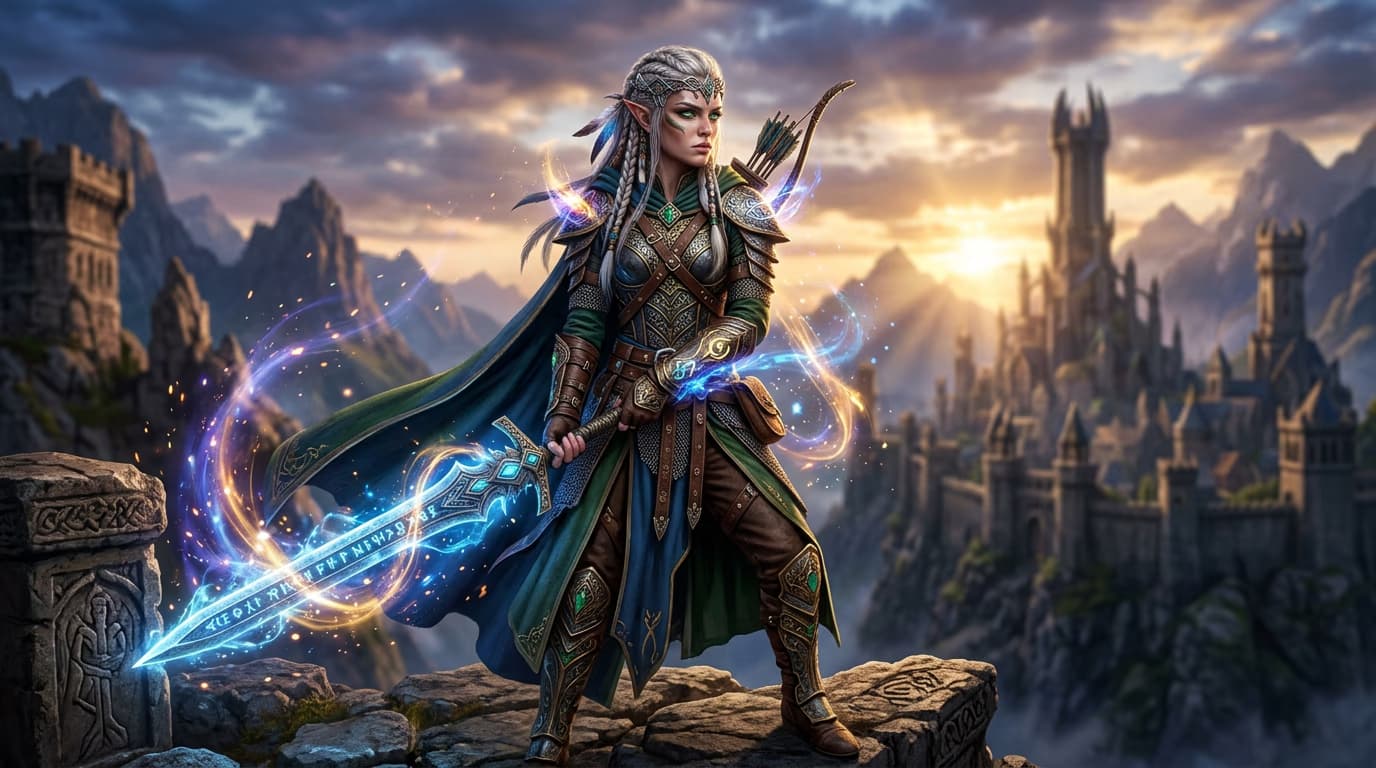
- Fantasy races: Elves, dwarves, orcs, vampires with appropriate features and styling
- Superheroes: Marvel or DC inspired characters with costumes and powers
- Warriors: Medieval knights, samurai, Vikings with armor and weapons
- Mythical beings: Dragons, phoenixes, mermaids, and magical creatures
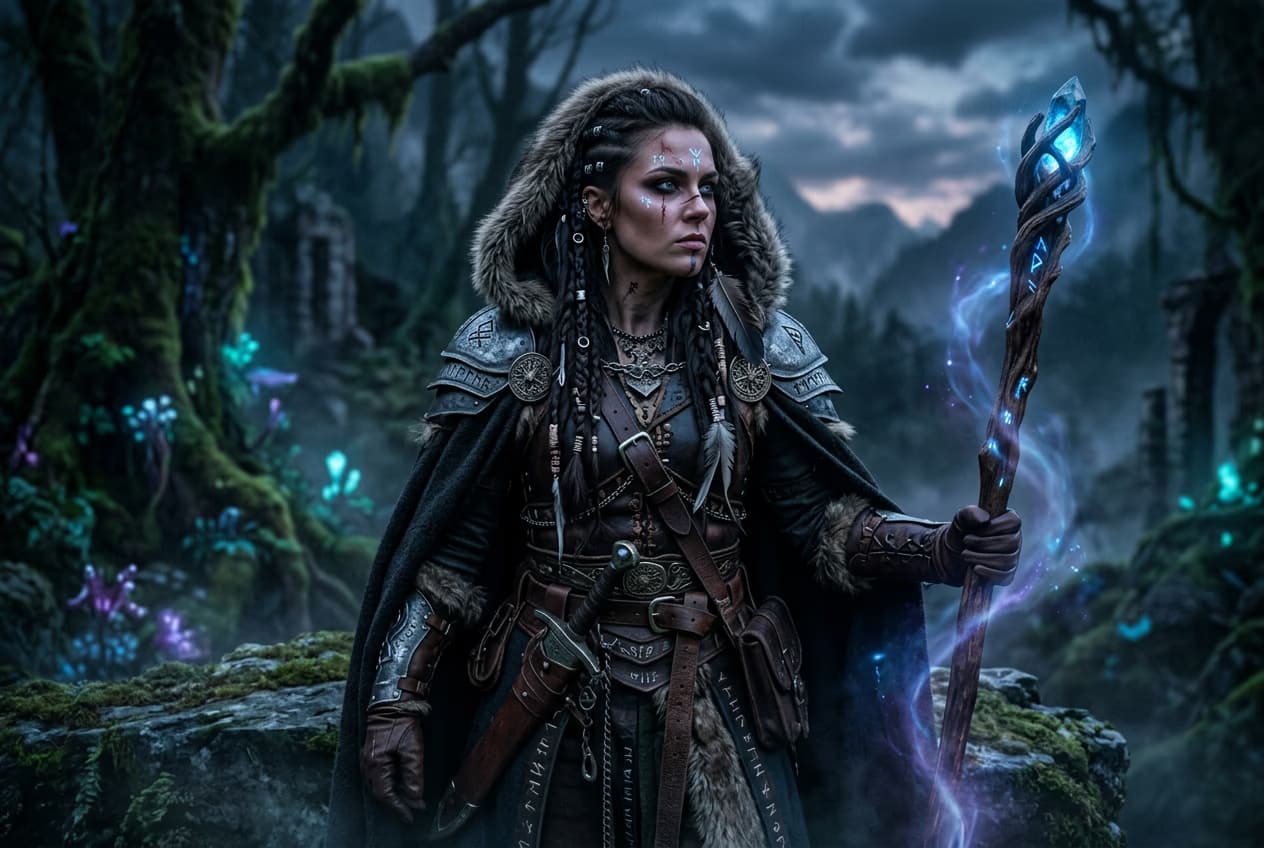
- Wizards and mages: Robed spellcasters with staffs and magical effects
- Cyberpunk: Futuristic tech-enhanced characters with neon and sci-fi elements
STEP 3: Generate your character
Click "Generate" and wait 10-15 seconds. The AI transforms your appearance to match the character type, adds appropriate costumes and props, creates fantasy backgrounds and lighting, and applies magical effects or superpowers.
STEP 4: Review and export
Check that your fantasy portrait captures the character aesthetic you wanted: Not epic enough? Generate again for different poses, effects, or character variations. Try multiple styles to find the most impressive transformation.
- Verify costume details and props match your chosen character type
- Check that magical effects, lighting, or powers look authentic and well-integrated
- Make sure your facial features are still recognizable beneath character styling
Tips for best results
💡 Use dramatic input photos
Fantasy portraits work best when your input photo already has some attitude. Try serious expressions, slight angles, or dynamic poses rather than standard straight-on selfies. The AI builds on your expression to create more epic results.
💡 Match character to your features
Some fantasy types naturally suit different faces. If you have sharp features, try elves or vampires. Softer features work well for mages or healers. Experiment to find which character types photograph best with your face structure.
💡 Layer multiple effects
After generating your fantasy portrait, you can add more magical effects, glows, or atmospheric elements using Picsart's other tools. Start with the AI character generation, then enhance with additional editing.
💡 Create character series
Generate multiple portraits in different fantasy styles to build a character lineup. This works great for storytelling projects, RPG campaigns, or social media series where you explore different fantasy personas.
Frequently asked questions

Ready to transform?
Become the hero, villain, or mythical being you've always imagined.
Create fantasy portrait