How to generate images using the gen-ai-images skill
What you'll learn
What is the gen-ai-images skill?
Common use cases
Generate your images step by step
STEP 1: Download and import the skill
- On web: Go to picsart.com/cli/#skills-starter → Download gen-ai-images → Extract to your agent's skills folder
- On mobile: Use desktop to download — this skill requires a development environment
STEP 2: Choose your model and aspect ratio
Ask your agent to generate an image and specify your preferences:
- Flux 2 Pro: Best for photorealistic images and detailed subjects
- Recraft V4: Ideal for illustrations, vector art, and brand graphics
- Nano Banana: Fastest option for quick iterations and drafts
- Imagen: Strong compositional control and text rendering
- Aspect ratios: 1:1, 16:9, 9:16, 4:5, 2:3, or custom dimensions
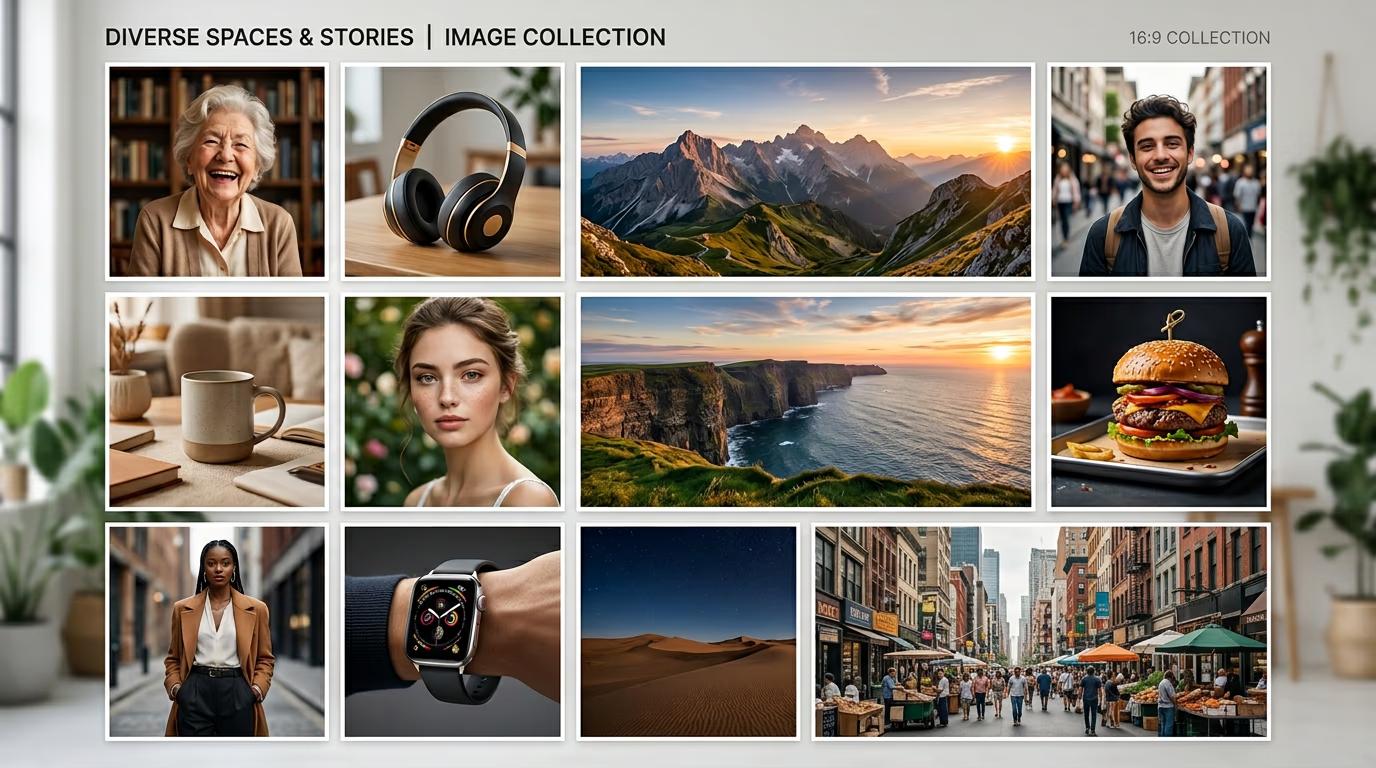
STEP 3: Generate and save
Your agent executes the generation command. The image saves to your project folder automatically, typically in ./output/ or your current directory. Check your terminal for the exact path and filename.
STEP 4: Review and iterate
Check your generated image for quality and accuracy: Not happy with the result? Refine your prompt with more specific details about lighting, composition, or style, then generate again.
- Verify the style matches your request (photorealistic vs. illustrated)
- Check that subject details are accurate and clear
- Confirm aspect ratio and resolution meet your needs
Tips for best results
💡 Be specific about style and mood
Instead of "a coffee cup," try "a ceramic coffee mug on a wooden table, soft morning light, warm tones, overhead view." The more detail you provide, the closer the output will match your vision.
💡 Generate multiple variations at once
Ask your agent to create 3-5 versions of the same prompt with slight variations. This gives you options to compare and helps you learn which phrasing works best for your style.
💡 Match your model to your use case
Use Flux for realistic photos and human subjects. Choose Recraft for clean illustrations and brand assets. Pick Nano Banana when speed matters more than perfection. Each model has different strengths.
Aspect ratio guide
Frequently asked questions

Ready to generate stunning images?
Import the gen-ai-images skill and start creating visuals with 20+ frontier models.
Download skill