logo

How to participate in Picsart creative challenges and get featured

COMMUNITY5 minIntermediate

Join daily and weekly challenges with specific themes, styles, and constraints to improve your skills and win exposure.

How to participate in Picsart creative challenges and get featured

What you'll learn

  • How to find and enter active challenges
  • How to interpret challenge requirements and constraints
  • How to create submissions that win and get featured
  • How challenge participation builds your following

What are Picsart challenges?

Picsart challenges are themed creative prompts with specific requirements—like "create a portrait using only purple tones" or "design a movie poster for your pet." They run daily and weekly, giving you a focused goal and a community of creators working on the same brief. It's like a friendly competition that pushes your skills and gets your work seen.

Common use cases

  • Skill building: Practice specific techniques within structured constraints
  • Portfolio variety: Create diverse work outside your usual style
  • Featured placement: Win exposure on Picsart's main feed and socials
  • Community connection: Meet other creators working on the same theme
  • Creative blocks: Get unstuck with a concrete prompt when inspiration is low
  • Trend participation: Jump on viral challenges early for maximum reach

Enter challenges step by step

STEP 1: Find active challenges

  • On web: Go to picsart.com/community → Challenges tab → Browse current prompts
  • On mobile: Open Picsart → Community → Challenges → See active and upcoming themes
See challenges

STEP 2: Read requirements carefully

Each challenge has specific rules and constraints:

  • Theme: The subject or concept you need to address
  • Style requirements: Specific effects, colors, or techniques to use
  • Constraints: Limits like "use only 3 colors" or "no text allowed"
  • Deadline: Submission cutoff date and time
  • Prize details: What winners receive (features, merch, subscriptions)
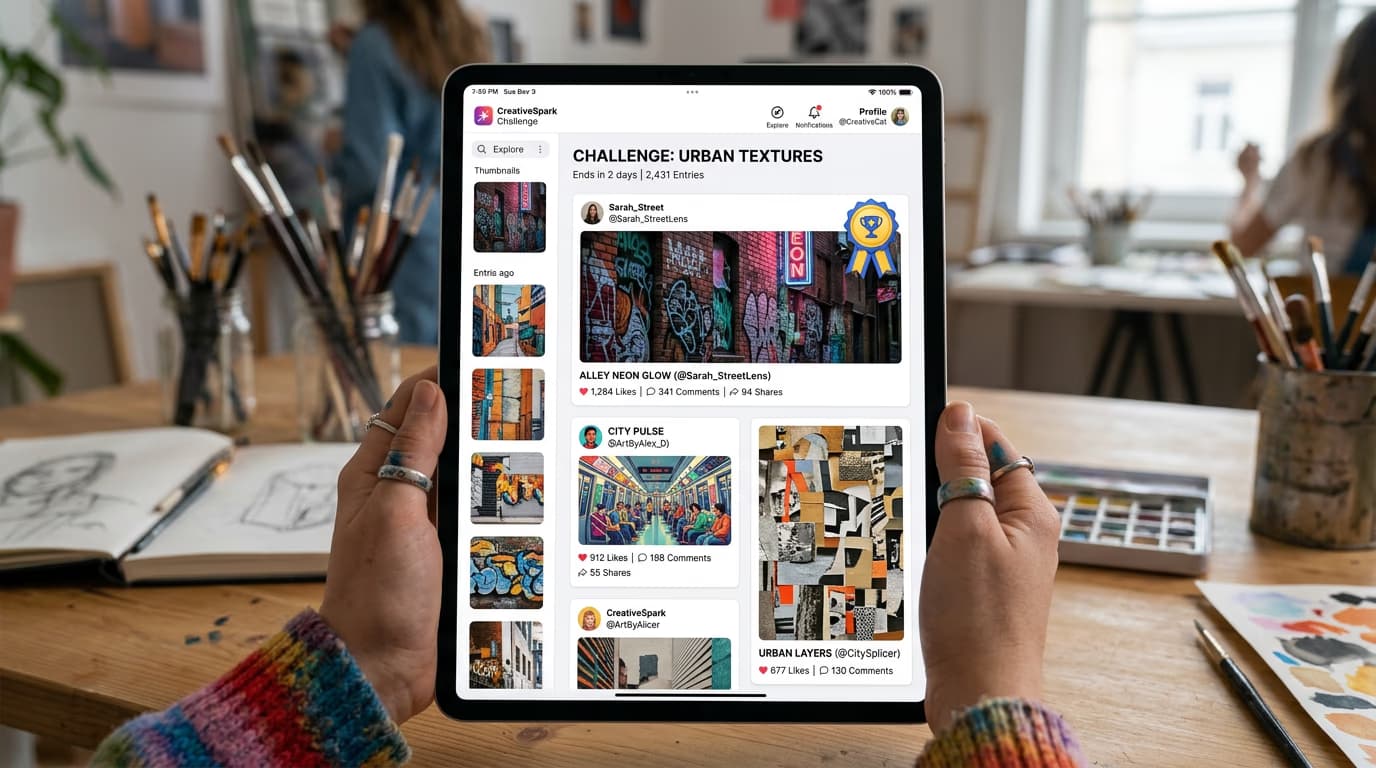
STEP 3: Create your entry

Click "Enter Challenge" to start creating. Work within the requirements but add your unique perspective. Judges look for technical skill and creative interpretation—meeting the brief in an unexpected way often wins.

STEP 4: Submit and promote

Check that your entry meets all requirements before submitting: Not confident? Submit anyway—challenges are about growth, not perfection. You'll learn what works by seeing which entries win.

  • Verify you followed theme, style, and constraint requirements
  • Add challenge hashtag to your caption for proper attribution
  • Share to your other social channels to drive votes if applicable
Enter a challenge

Tips for best results

💡 Enter early

Early submissions get more views and votes because they appear at the top of the challenge feed longer. Submit in the first 24 hours if the challenge allows community voting.

💡 Study past winners

Click through previous challenges to see what won. Look for patterns—judges often favor bold compositions, clean execution, and clever interpretations over literal approaches.

💡 Follow the constraints exactly

Entries that ignore requirements get disqualified even if they're beautiful. If the challenge says "no text," don't add text hoping judges will overlook it. They won't.

💡 Engage with other entries

Like and comment on others' submissions. Challenges with community voting often reward participants who actively support other creators—plus you'll learn new techniques by studying the competition.

Frequently asked questions

Check the challenge requirements before submitting. Most challenges list specific rules—theme, allowed tools, color restrictions, or composition requirements. If your entry meets all listed criteria and uses the challenge hashtag, it qualifies. Entries that break rules get disqualified even if they receive votes.

Most challenges allow one entry per user. Some weekly challenges permit multiple submissions, but check the specific challenge rules. Submitting more than allowed typically results in only your first entry counting, or disqualification from voting.

It depends on the challenge. Some use community voting—most likes or votes wins. Others have judges from Picsart's creative team who evaluate based on creativity, technique, and how well you interpreted the theme. Weekly featured challenges usually combine both: community votes narrow the field, then judges pick final winners.

Prizes vary by challenge. Common rewards include featured placement on Picsart's home feed, features on social media channels, free subscription months, exclusive badges, and physical merch. Major monthly challenges sometimes offer cash prizes or collaboration opportunities with brands.

Ready to compete?

Browse active challenges and submit your entry to get featured and win prizes.

View challenges