How to preview out-of-home ad mockups with AI
Place your campaign visual into out-of-home mockups so you can preview how it could look in public placements.
- Category: WORKFLOWS
- Reading time: 4 min
- Difficulty: Beginner
What you'll learn
- Generate realistic NYC bus stop and subway ad mockups from your poster
- Preview out-of-home placements before production
- Create presentation-ready mockups for client decks and portfolio work
Preview your ad placement step by step
STEP 1: Upload your ad artwork
- On web: Go to the template page, open the out-of-home ad mockup template, and upload your campaign visual.
- On mobile: Open Picsart Flow, find the out-of-home ad mockup template, and upload your image.
STEP 2: Generate mockup scenes
Click "Run" to generate out-of-home mockup scenes:
- Street poster mockup: Place your creative in a public poster-style setting.
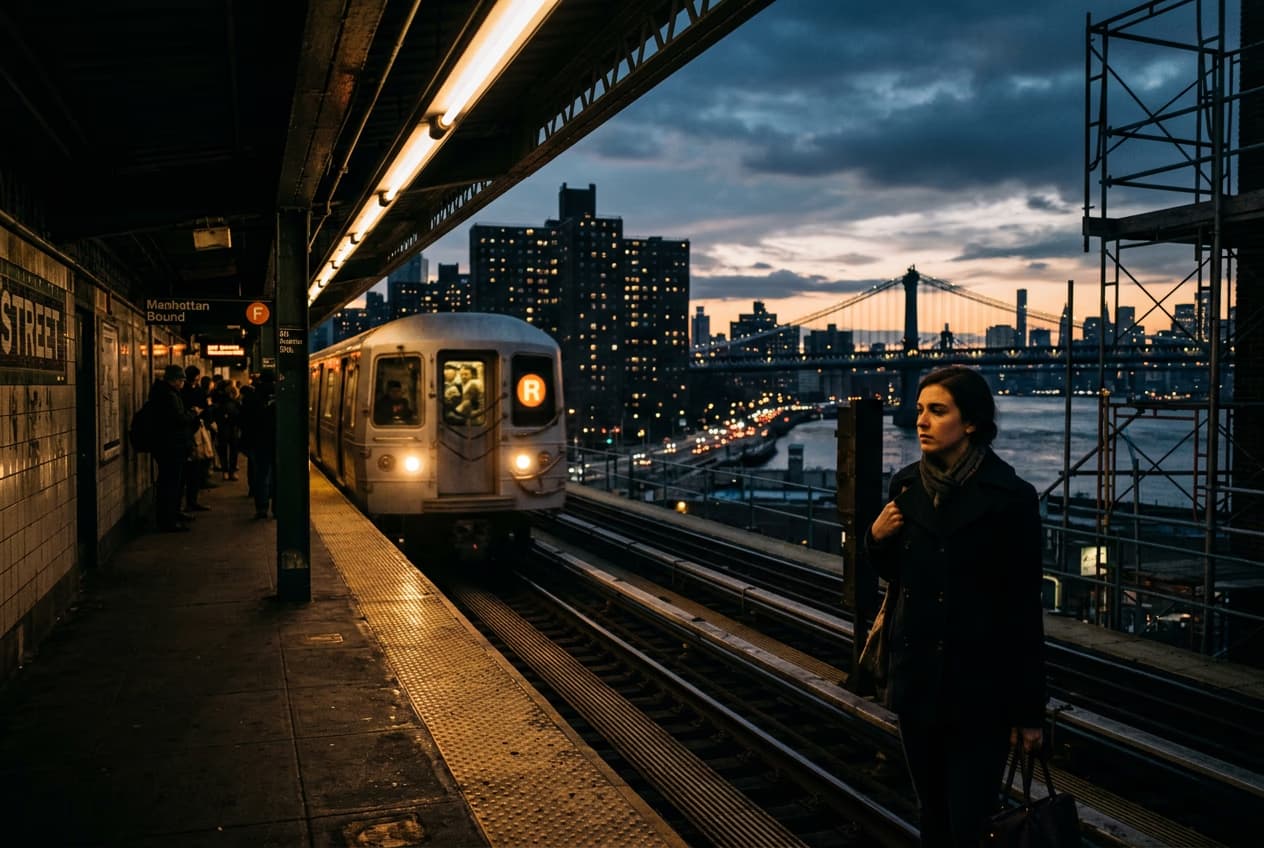
- Transit mockup: Preview how the same design could look in a transit placement.

STEP 3: Review mockup placements
Review how the same creative looks across different placement mockups.
STEP 4: Download and share
Check that the design reads clearly in both placements before you export or share the mockups.
- Verify text is readable at a realistic viewing distance
- Check that lighting and perspective look natural
- Make sure important elements aren't cut off by the frame
Tips for best results
Use high-resolution artwork
Start with a sharp, clean design file. Low-resolution images will look blurry when placed in the ad frame. Aim for at least 1500px on the shortest side.
Keep text away from edges
Ad frames can crop or obscure artwork edges. Make sure your headline and key message sit in the center third of your design.
Test both vertical and square formats
The template works best with vertical posters. If your original is horizontal, consider cropping or reformatting it to a portrait orientation before uploading.
Frequently asked questions
- AI out-of-home ad mockups use machine learning to place your campaign artwork into realistic street and transit scenes. The AI generates a New York bus stop and subway station background, then composites your poster into the ad frame where it would appear in real life. You get presentation-ready mockups without shooting on location.
