How to redesign rooms photorealistically with Interior Studio
Transform room photos into photorealistic redesigns with shopping lists of real products you can buy. Cover artwork is an AI-generated illustration for the fictional LOFTHUSH campaign.
- Category: AI AGENTS
- Reading time: 4 min
- Difficulty: Intermediate
What you'll learn
- How to generate photorealistic room redesigns in different styles
- How to get shopping lists with real furniture and decor links
- How to ensure furniture fits your actual space
- How to explore design options before buying anything
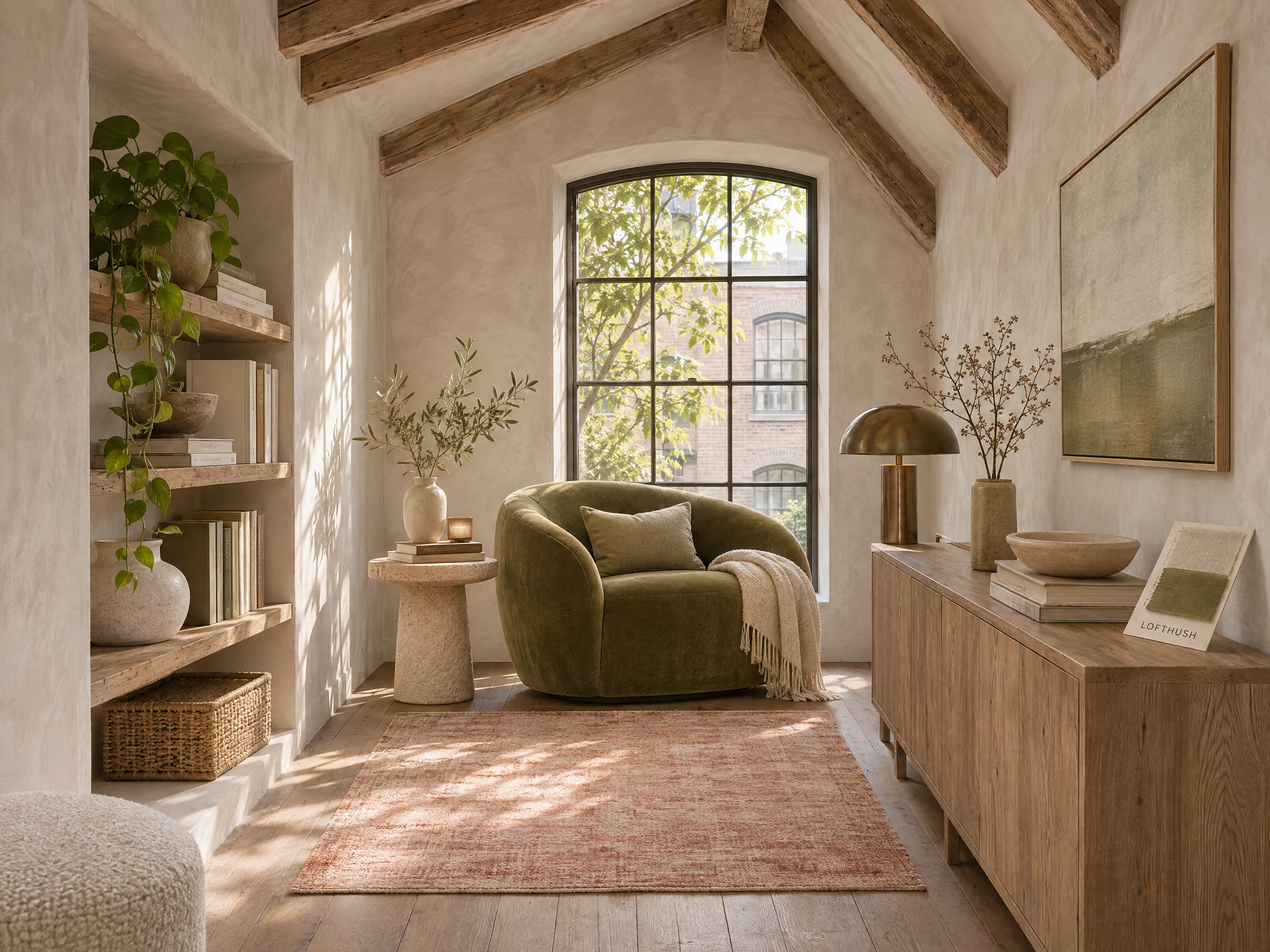
Redesign your room step by step
STEP 1: Upload your room photo
- On web: Go to picsart.com/ai-agent/?agentId=interior-studio → Upload room photo
- On mobile: Open Picsart app → AI Agents → "Interior Studio" → Select room photo
STEP 2: Choose your design style
Select which interior style to explore:
- Modern: Clean lines, neutral colors, minimal decoration
- Minimal: Sparse furniture, lots of white space, functional focus
- Boho: Warm textures, plants, layered patterns and colors
- Industrial: Exposed materials, metal and wood, urban aesthetic
- Custom: Describe your specific vision or mix multiple styles
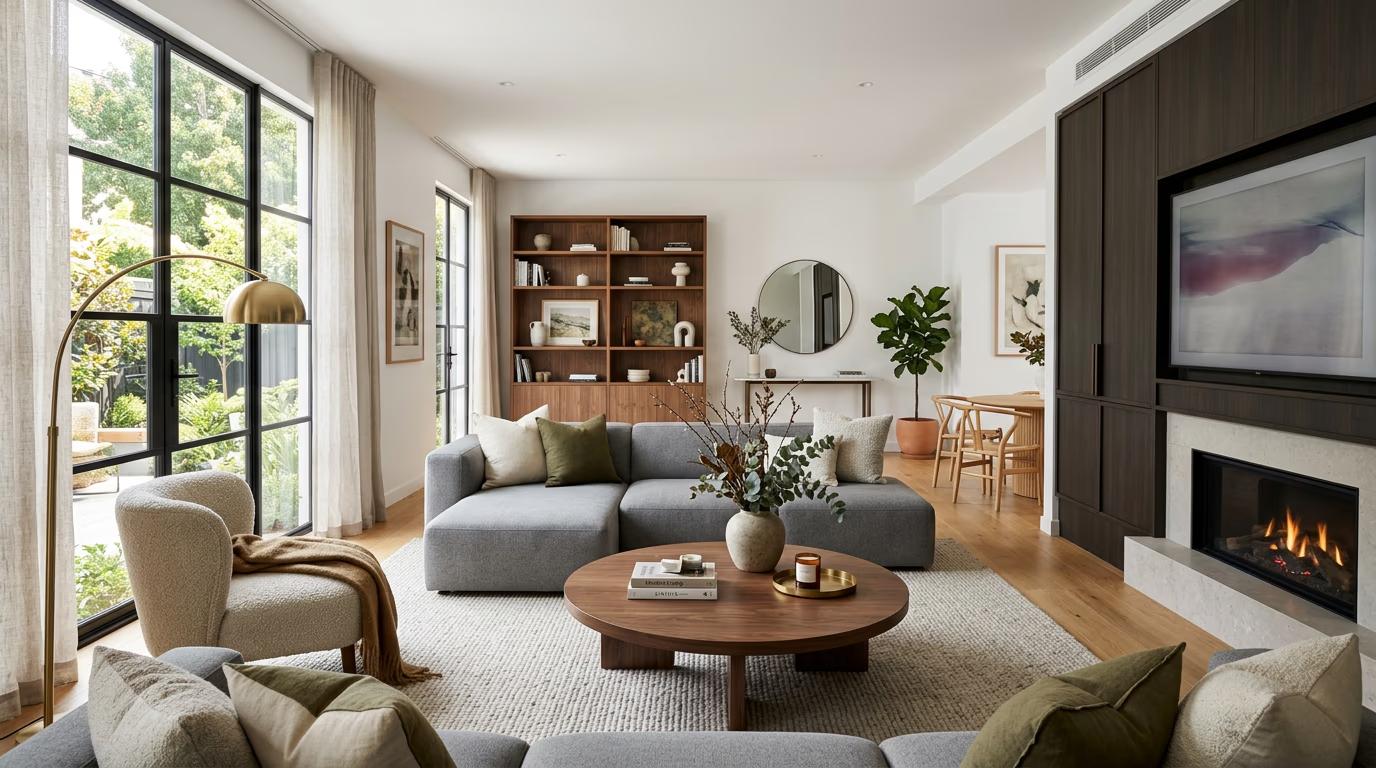
STEP 3: Generate redesign and shopping list
Interior Studio analyzes your room dimensions and generates a photorealistic redesign in your chosen style. Each redesign includes a shopping list with real furniture and decor items linked to retailers where you can purchase them. Products are matched to your room size and apparent budget tier.
STEP 4: Review and shop
Check that the redesign works for your space: Want different options? Generate again in the same style or try another style to compare approaches.
- Verify furniture dimensions fit your actual room measurements
- Check that colors and lighting match your room's natural light
- Review shopping list to confirm products match your budget
Tips for best results
Take photos from room corners at eye level
Stand in a corner and shoot across the room to capture as much space as possible. Eye-level photos give the most accurate sense of room proportions. Avoid angled shots from doorways that distort dimensions.
Clear the room or use empty spaces
Interior Studio works best with empty rooms or minimal existing furniture. If your room is fully furnished, the agent focuses on reimagining the space rather than working around what's already there.
Try multiple styles before deciding
Generate redesigns in three different styles and compare them. You might discover that a style you hadn't considered actually works better for your space and lifestyle than your first choice.
Measure your space before buying from shopping lists
The agent matches furniture to your visible room dimensions, but always double-check measurements before purchasing. Measure doorways and hallways too — that perfect sofa won't work if it can't fit through your door.
Frequently asked questions
- Interior Studio identifies the furniture and decor items in your redesign and matches them to real products from retailers. Each item in the shopping list includes a direct link to where you can purchase it, with options at different price points to match your budget.
