logo

How to remix and build on others' work in Picsart community
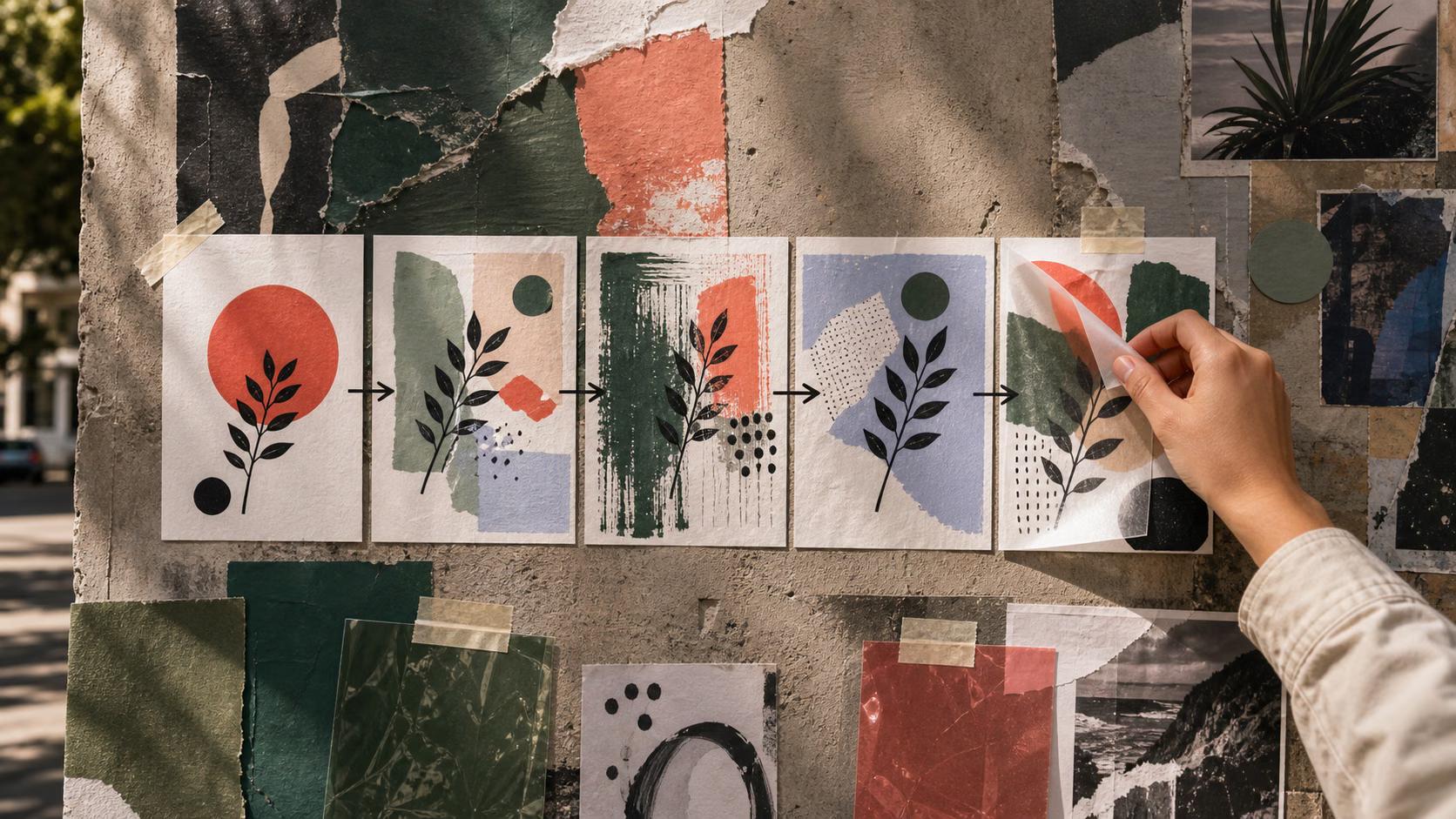
COMMUNITY4 minBeginner

Find inspiring creations, use remix to create your own variations, and put your unique spin on popular content.

How to remix and build on others' work in Picsart community

What you'll learn

  • How to find remixable content in the community
  • How to create your own variation of someone's work
  • How remix attribution works and builds creative chains

What is remix on Picsart?

Remix lets you take someone else's creation and build on it—add your own effects, change the composition, or combine it with other elements. The original creator gets credited automatically, and your version becomes part of a creative chain. Think of it like sampling in music, but for visual art.

Common use cases

  • Style exploration: Try different effects on the same base image
  • Challenge participation: Remix trending templates for viral challenges
  • Learning techniques: Study how popular creators achieve their look
  • Collaborative art: Build on others' work to create something new together
  • Template customization: Make personalized versions of popular designs
  • Skill practice: Use quality source material to practice new tools

Remix content step by step

STEP 1: Find content to remix

  • On web: Go to picsart.com/community → Browse feed or search by tag → Look for "Remix" button
  • On mobile: Open Picsart → Community tab → Find creation → Tap "Remix this"
Browse community

STEP 2: Choose your approach

Decide how you want to transform the original:

  • Full remake: Complete redesign keeping only the concept
  • Style change: Apply different filters, effects, or color schemes
  • Element addition: Add new objects, text, or backgrounds
  • Composition shift: Rearrange or crop existing elements differently
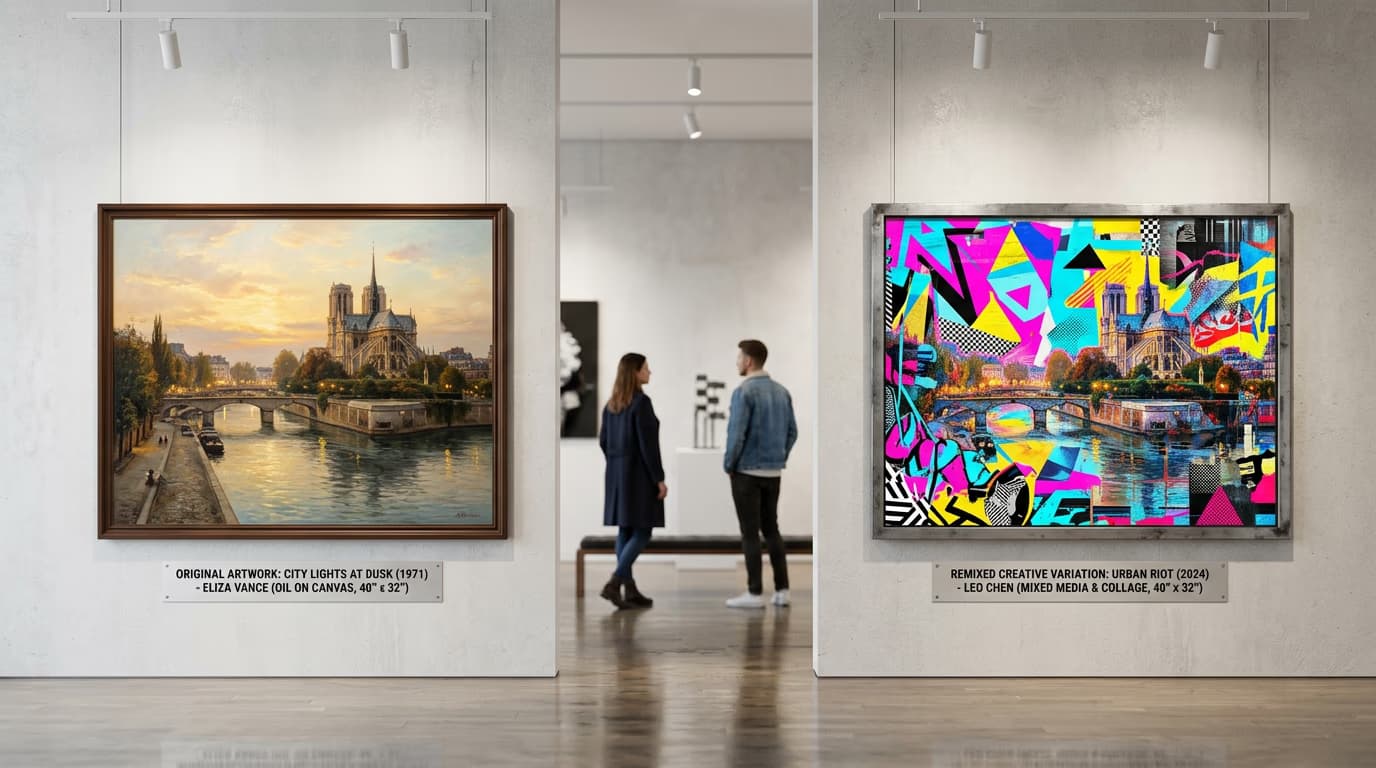
STEP 3: Create your version

The original work opens in the editor. Make your changes using any Picsart tools—effects, stickers, AI features, whatever fits your vision. The creator's name stays attached automatically.

STEP 4: Share your remix

Check that your variation adds something new to the original: Not different enough? Add more of your own creative choices before sharing.

  • Confirm attribution shows the original creator's name
  • Add a caption explaining what you changed or why
  • Use relevant tags so both versions get discovered together
Find remixes

Tips for best results

💡 Add significant changes

Don't just apply one filter and call it a remix. Make substantial creative decisions—change the mood, add elements, or completely reimagine the composition.

💡 Credit inspiration in captions

Even though attribution is automatic, mention the original creator in your caption and explain what inspired you to remix their work.

💡 Follow remix chains

Click on any remix to see the full chain of variations. You might find a remix of a remix that's even better than the original.

💡 Make your work remixable

Enable remix on your own creations to invite others to build on your work. Remix chains often go viral and expose all contributors to new audiences.

Frequently asked questions

Most community content is remixable by default, but creators can disable remix on individual posts. If you see a "Remix" button, you're free to use it. If there's no button, the creator has chosen to keep that work original-only. Always check for the remix option before assuming you can build on someone's work.

When you remix someone's work, Picsart automatically adds their name and a link to the original creation. This attribution can't be removed—it's permanent. If you remix a remix, the full chain of creators gets credited. This protects original creators while encouraging collaborative art.

Remix uses Picsart's built-in feature that credits the original creator automatically. Stealing is downloading someone's work and reposting it as your own with no attribution. Remix is legal and encouraged. Stealing violates copyright and community guidelines, and can get your account banned.

Yes, you can disable remix when posting or editing any creation. Go to post settings and toggle off "Allow remixes." This prevents others from using Picsart's remix feature on your work, but it also means your content won't participate in viral remix chains or challenges.

Ready to remix?

Explore thousands of remixable creations and add your unique creative spin.

Browse remixes