How to share your creations on Picsart community and build a following

What you'll learn
What is the Picsart community?
Common use cases
Share your work step by step
STEP 1: Open your creation
- On web: Go to picsart.com/community → Click profile icon → My creations
- On mobile: Open Picsart → Profile tab → Select a creation to share
STEP 2: Add post details
Write a caption and add tags to help people find your work:
- Title: Short, descriptive name for your creation
- Caption: Describe your process, inspiration, or technique
- Tags: Add relevant keywords (style, subject, tools used)
- Category: Choose the best fit for your work type
STEP 3: Publish to community
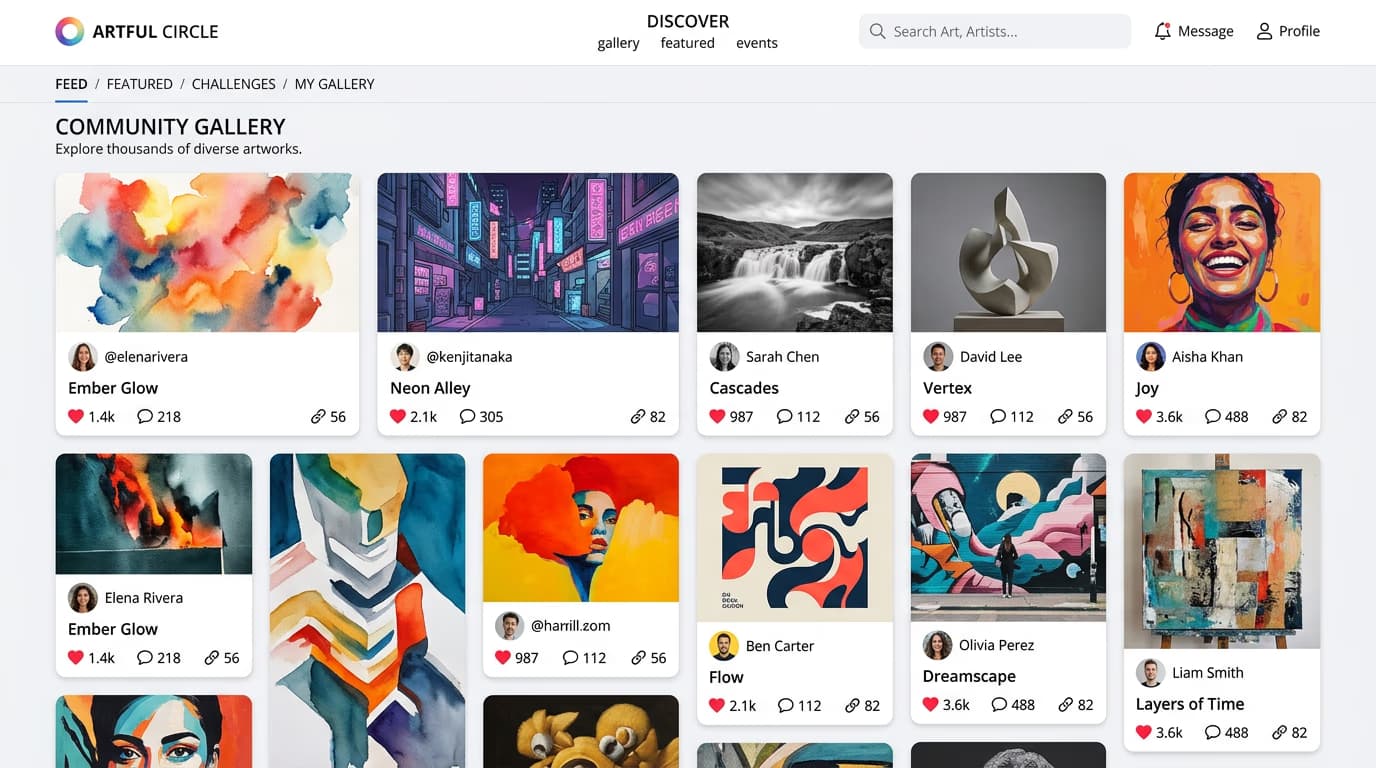
Click "Share to community" and your work goes live immediately. It appears in the main feed, category feeds, and any relevant tag pages.
STEP 4: Engage with responses
Check your notifications for likes, comments, and follows: Not getting traction? Try posting at different times, using more specific tags, or participating in challenges.
- Respond to comments to build relationships with your audience
- Thank users who follow you or feature your work
- Check analytics to see what content performs best
Tips for best results
💡 Post consistently
Share new work regularly—daily or a few times per week. Consistency matters more than volume when building a following.
💡 Use specific tags
Generic tags like "art" get lost in millions of posts. Use specific terms like "neon portrait" or "vintage collage" to reach the right audience.
💡 Engage before you post
Spend 10 minutes liking and commenting on other creators' work before sharing your own. The algorithm rewards active community members.
💡 Show your process
Share before-and-after shots or quick process videos in your caption. People love seeing how you made something.
Frequently asked questions

Ready to share?
Join millions of creators in the Picsart community and start building your following today.
Join community