How to turn long videos into multi-platform clips with Repurpose Pro
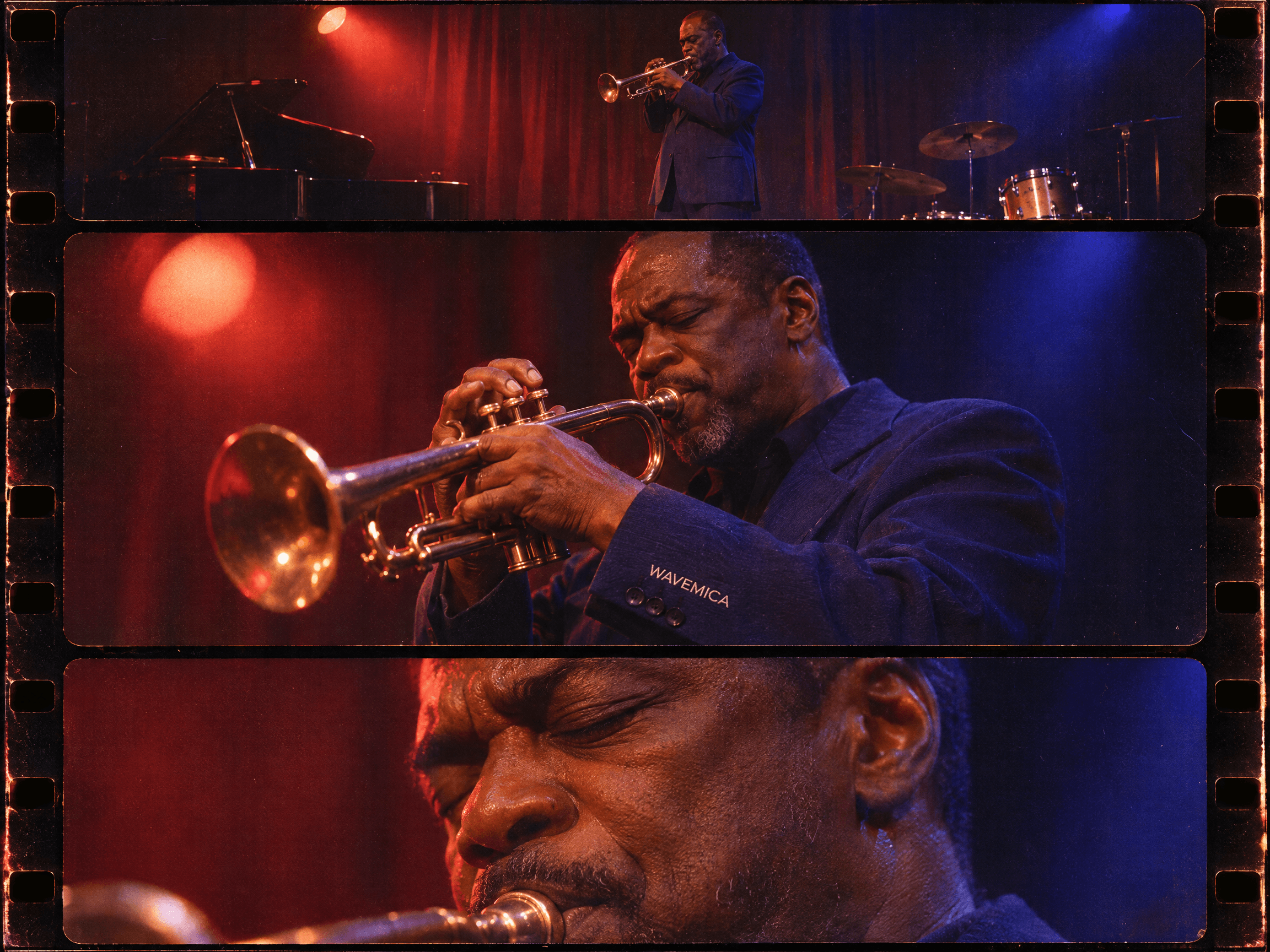
Transform hour-long videos or podcasts into 20-30 short clips, dubbed in 30 languages, scheduled across platforms. Cover artwork is an AI-generated illustration for the fictional WAVEMICA campaign.
- Category: AI AGENTS
- Reading time: 5 min
- Difficulty: Advanced
What you'll learn
- How to process full-hour videos without file size limits
- How to generate 20-30 platform-native clips from one source
- How to auto-dub content into 30+ languages with voice preservation
- How to schedule clips across two weeks automatically
Repurpose your content step by step
STEP 1: Upload your source
- On web: Go to picsart.com/ai-agent → Find Repurpose Pro → Upload video or audio up to 60 minutes
- On mobile: Open Picsart app → AI Agents → Repurpose Pro → Select long-form file
STEP 2: Configure output settings
Set up how you want your clips created:
- Clip count: Choose 10, 20, or 30 clips extracted from your source
- Languages: Select up to 30 languages for dubbed versions with voice preservation
- Platforms: Pick target platforms (TikTok, Instagram Reels, YouTube Shorts, LinkedIn)
- Aspect ratios: Auto-reframe 16:9 source to 9:16 vertical, 1:1 square, or keep original
- Scheduling: Set two-week distribution schedule or export all at once
STEP 3: Generate clips
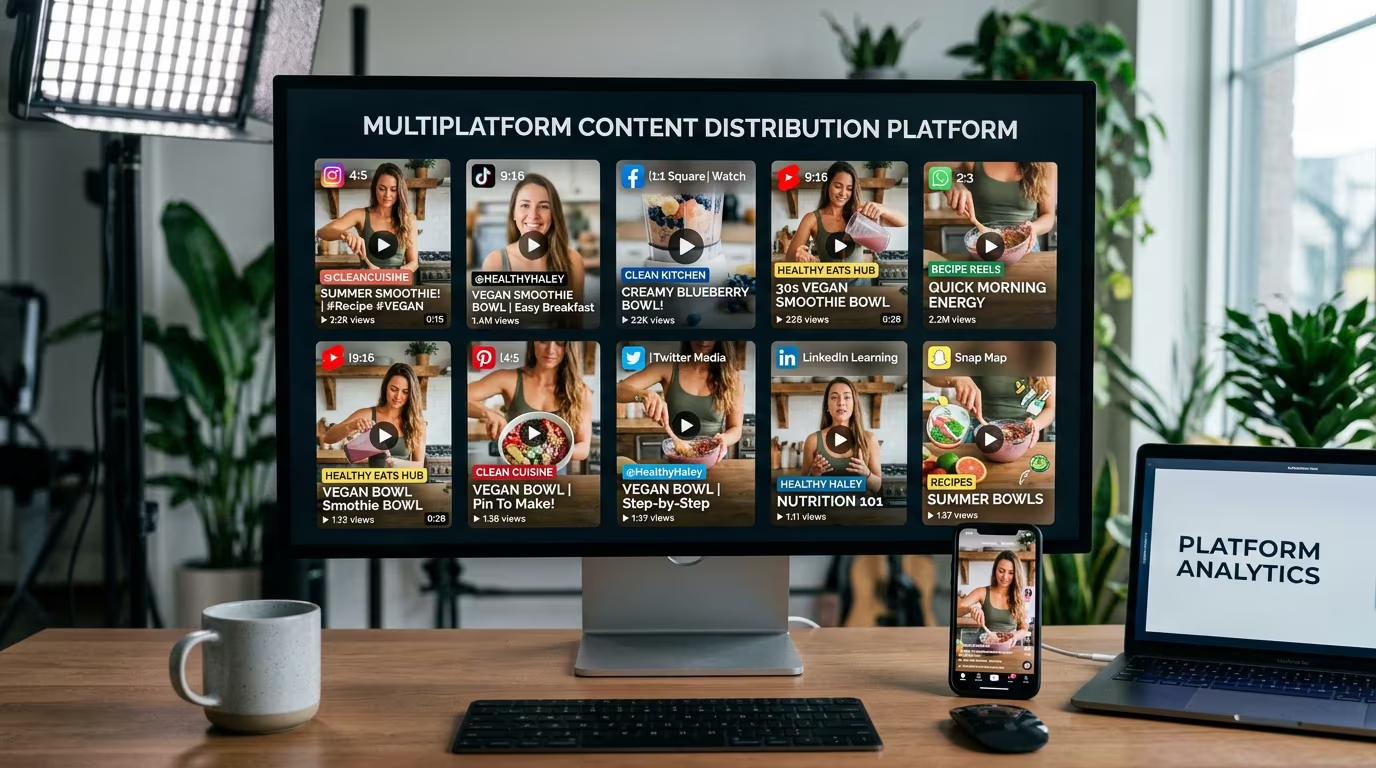
Click "Repurpose" and wait 5-10 minutes. Repurpose Pro analyzes your full-hour source, identifies 20-30 shareable moments, cuts clips at natural pauses, reframes video for vertical platforms, generates branded thumbnails with locked typography, dubs into selected languages with original voice characteristics preserved, and creates two-week posting schedule.
STEP 4: Review and schedule
Check your generated clips and schedule: Not perfect? Regenerate individual clips, adjust scheduling, or manually edit problem sections before publishing.
- Verify each clip has a clear hook and payoff for short-form attention
- Check dubbed versions sound natural in each language
- Confirm thumbnails and captions match platform best practices
Tips for best results
Use chapter markers or timestamps
If your source video has chapters or timestamps, upload them with your file. Repurpose Pro uses these to identify natural clip boundaries and create more coherent short-form content.
Set brand DNA before bulk processing
Upload your brand kit (colors, fonts, logo) once before repurposing multiple videos. Every clip will get branded thumbnails and lower-thirds automatically, saving manual editing time.
Test language dubs with sample clips
Generate a few clips in your target languages first to check voice quality and translation accuracy. Once satisfied, run the full batch—fixing issues at scale is harder than testing first.
Schedule strategically by platform
Use different posting schedules for different platforms. TikTok thrives on daily posts, while LinkedIn works better with 2-3 weekly clips. Repurpose Pro can create separate schedules per platform.
Platform specifications
- TikTok9:16 vertical, 15-60 seconds, auto-captions, trending audio preferred
- Instagram Reels9:16 vertical, 15-90 seconds, square 1:1 also supported
- YouTube Shorts9:16 vertical, under 60 seconds, landscape 16:9 for regular videos
- LinkedIn1:1 square or 16:9 landscape, 30-90 seconds, captions required
- Twitter/X16:9 or 1:1, under 2:20 minutes, captions boost engagement
Frequently asked questions
- Repurpose Pro uses adaptive server-side chunking to process full-hour videos without file size limits. It breaks your source into manageable segments server-side, analyzes each chunk, identifies clip-worthy moments across the full length, and reassembles everything seamlessly. You never hit upload size restrictions.
