How to turn travel photos into short vlogs with AI
Turn your own trip photos into a short travel vlog with a reusable Flow template.
- Category: WORKFLOWS
- Reading time: 3 min
- Difficulty: Beginner
What you'll learn
- Turn trip photos into a short travel recap with a reusable template
- Add motion and transitions automatically
- Create a simple travel video from your own photo set
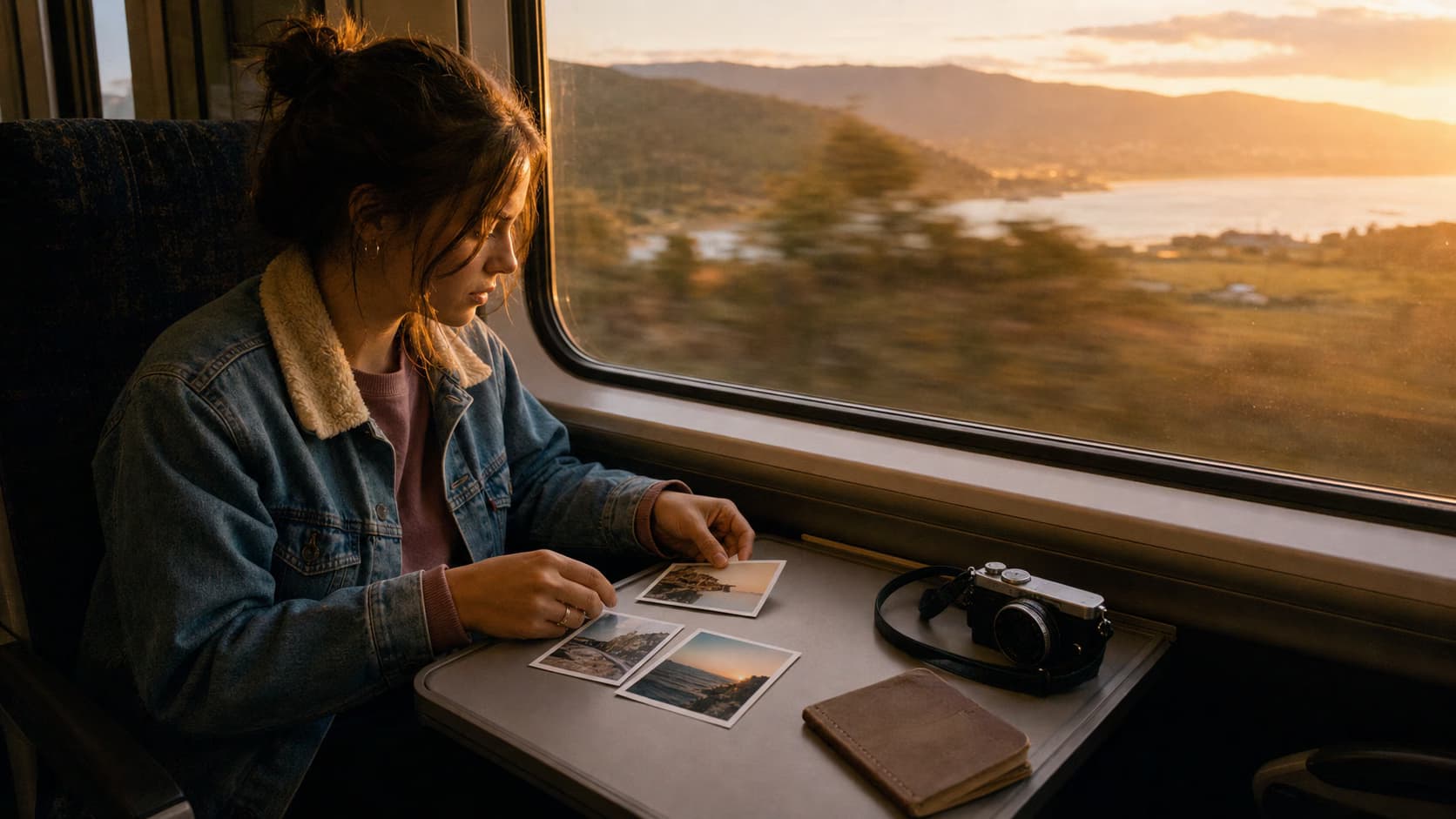
Create your travel vlog step by step
STEP 1: Upload selfie and location
- On web: Go to the template page, open the travel vlog template, and upload your trip photos.
- On mobile: Open Picsart Flow, find the travel vlog template, and upload your photo set.
STEP 2: Generate travel vlog
Choose the photos that best tell the trip story instead of uploading every image from the trip.
- Use a clear opening image to establish the trip.
- Mix people, place, and detail shots for variety.
- Keep the sequence focused so the recap feels coherent.

STEP 3: Review video output
Run the template and review pacing, scene order, and whether the sequence feels coherent as a short story.
STEP 4: Download and post
Review the recap for flow and clarity before you export or post it.
- Verify the cinematic motion looks smooth and natural
- Check that location visuals match the place you entered
- Make sure transitions between scenes feel cohesive
Tips for best results
Use a sharp, well-lit selfie
The AI adds motion to your photo, so start with a clear image. Blurry or dark selfies may produce choppy or low-quality video.
Enter specific location names
Use recognizable place names (city, landmark, region) for more accurate location visuals. Vague names like "beach" or "mountains" may produce generic results.
Test different selfie angles
Front-facing selfies with the destination visible in the background work best. Close-up portraits with no context may limit the AI's ability to add location visuals.
Frequently asked questions
- AI travel vlog generation creates a 15-second dynamic video from a travel selfie and location name. The AI adds cinematic motion, smooth transitions, and location-based visuals to turn one photo into a mini travel story for Instagram Reels, TikTok, and Stories.
