How to write your first AI image prompt with Picsart
What you'll learn
What is AI image prompting?
Common use cases
Write your first prompt step by step
STEP 1: Open AI image generator
- On web: Go to picsart.com/ai-image-generator → Click the prompt box
- On mobile: Open Picsart → "+" → AI Image Generator → Tap prompt field
STEP 2: Build your prompt structure
Include these five elements in order:
- Subject: What's the main focus? ("a golden retriever", "a modern kitchen", "a fantasy warrior")
- Style: What aesthetic? ("oil painting", "3D render", "vintage photograph", "anime")
- Lighting: How is it lit? ("soft natural light", "dramatic sunset", "neon glow", "studio lighting")
- Composition: What's the framing? ("close-up portrait", "wide angle", "aerial view", "centered")
- Details: Extra specifics ("detailed fur texture", "4K quality", "vibrant colors", "cinematic")
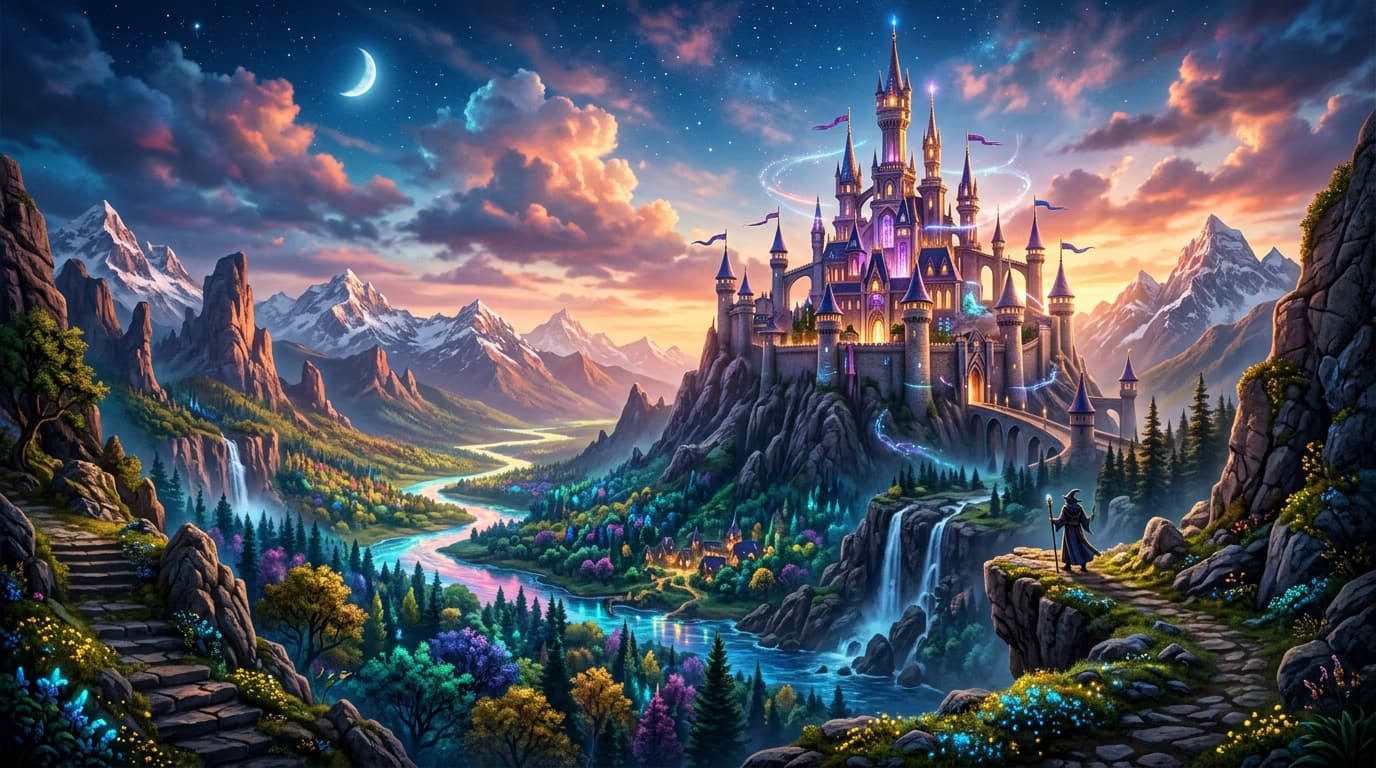
STEP 3: Generate your image
Click "Generate" and wait 10-20 seconds. The AI will create four variations based on your prompt. Each generation uses your exact words but interprets them slightly differently.
STEP 4: Review and download
Check your results against your original intent: Not perfect? Tweak your prompt by adding more specific details or changing style keywords, then generate again.
- Does the subject match what you asked for?
- Is the style close to your vision?
- Are important details present and accurate?
Tips for best results
💡 Start simple, then add details
Begin with a basic subject and style, generate once, then add lighting and composition details in your next attempt. This helps you learn which keywords make the biggest difference.
💡 Use comma separation
Separate each element with commas so the AI treats them as distinct instructions. "Golden retriever, oil painting, sunset lighting" works better than running everything together.
💡 Be specific about what you don't want
If you keep getting unwanted elements, add them to the negative prompt field. This tells the AI exactly what to avoid without cluttering your main prompt.
💡 Study prompts you like
When you see AI art you love, analyze how it might have been prompted. What style keywords would create that look? What composition terms describe the framing?
Frequently asked questions
