Ads for Mobile Apps
Make mobile app ads from your store link
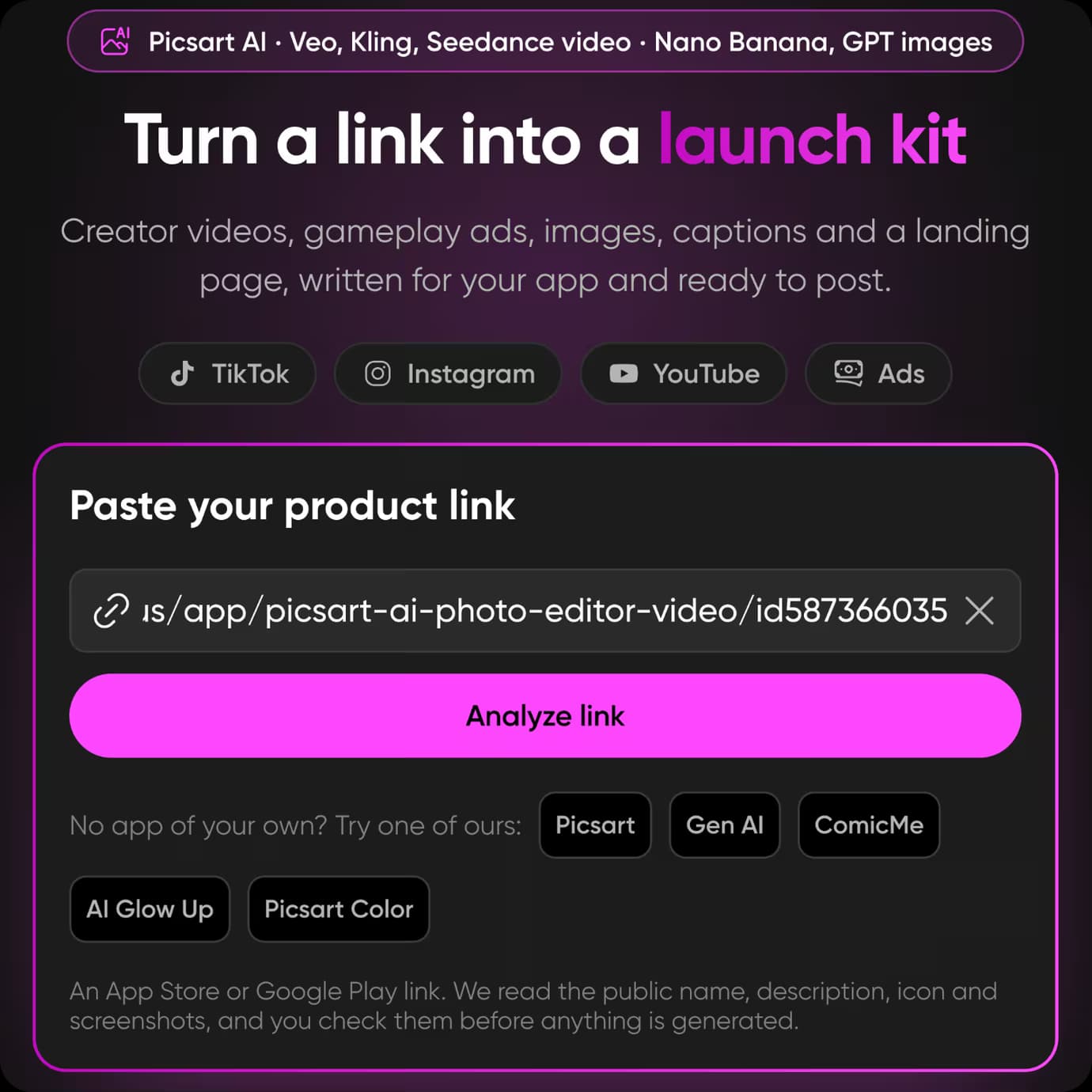
Paste your app's store link and Picsart AI makes mobile app ads for TikTok, Instagram, and YouTube from its real screens, with AI presenters, voice, and music.
The examples below are ads made for Picsart's own apps. Their people and scenes are AI-generated; the app screens are real.
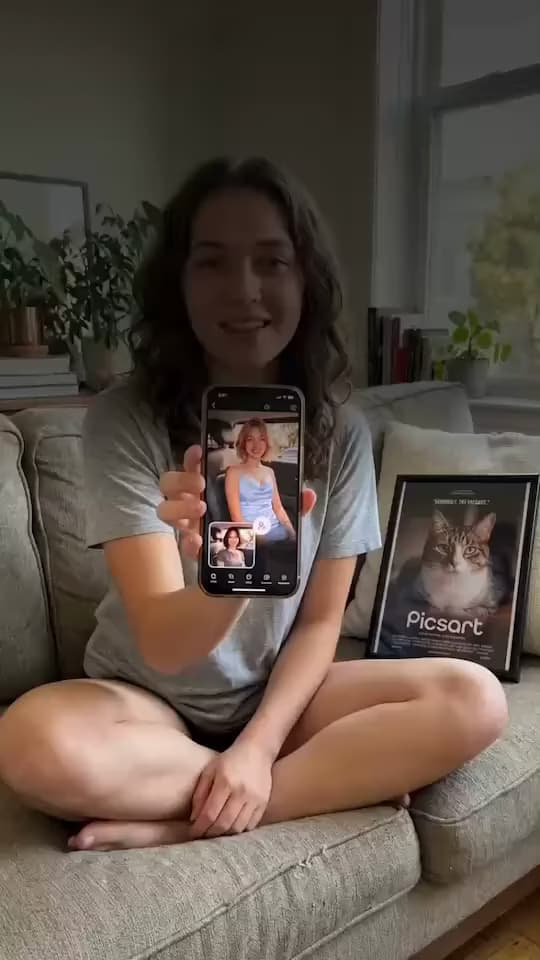
Picsart Photo EditorVideo ad
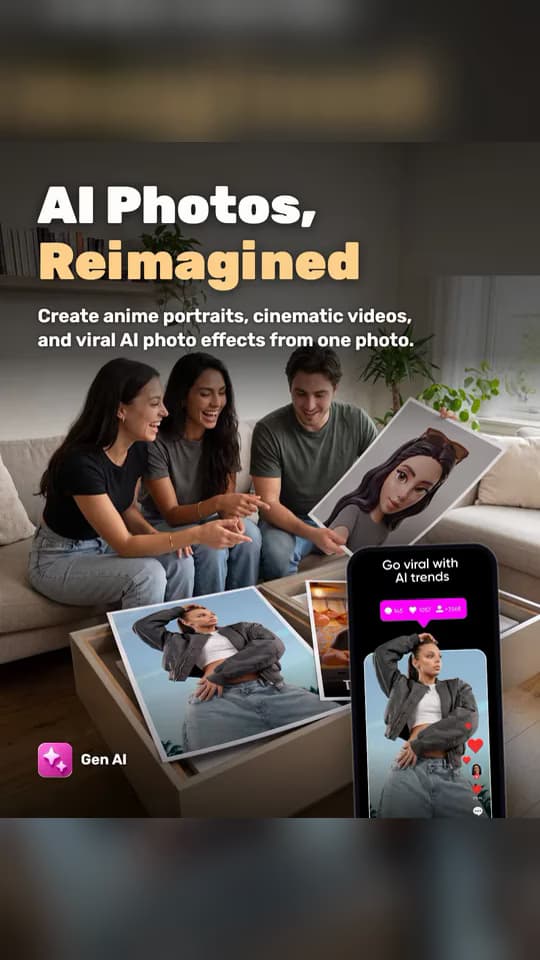
Gen AIPost ad
Picsart ColorVideo ad
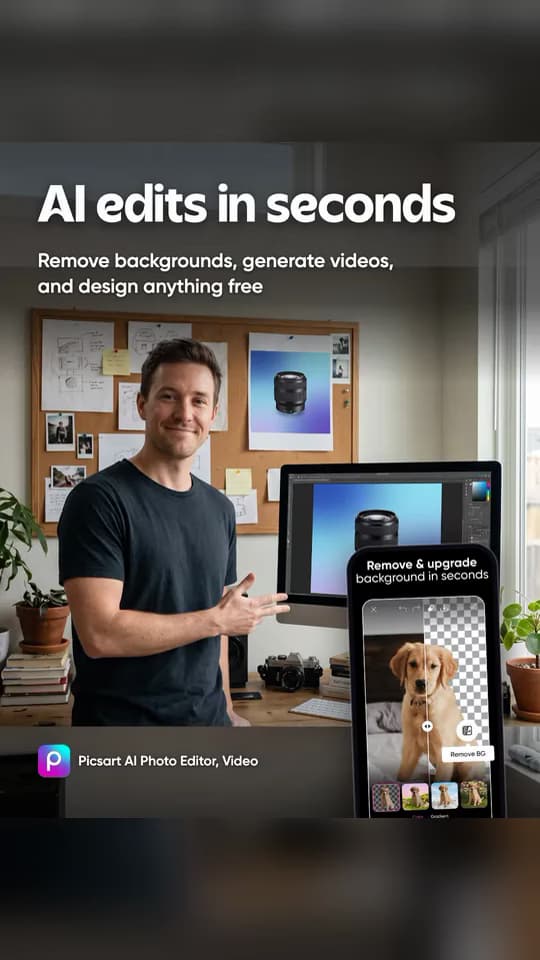
Picsart Photo EditorPost ad
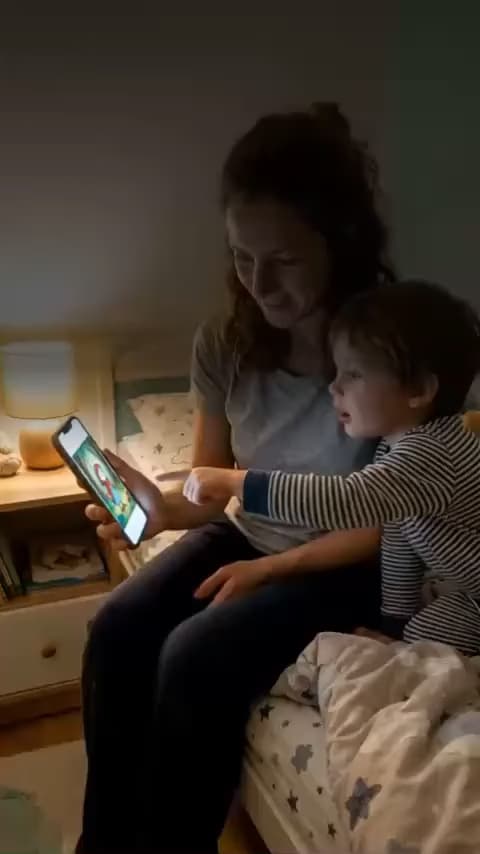
Picsart ComicMeVideo ad
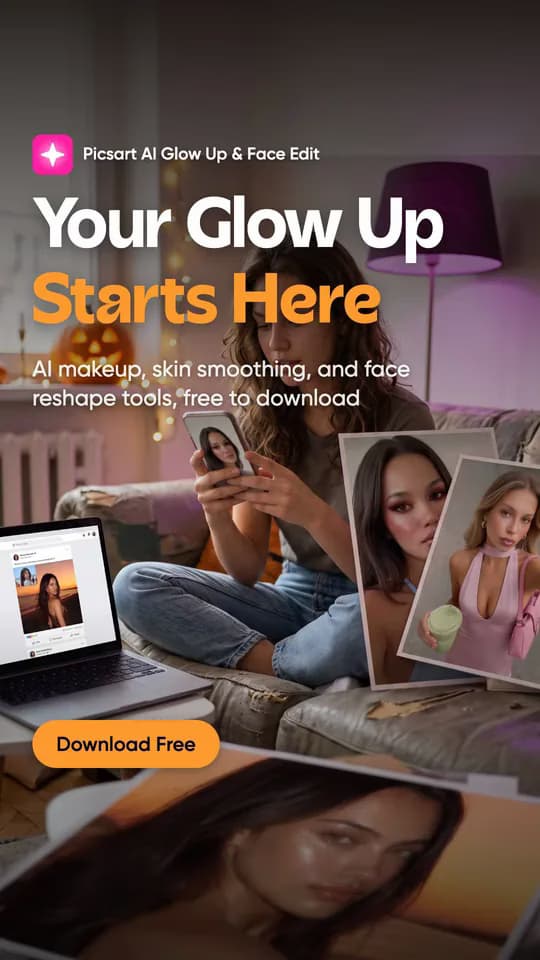
Picsart AI Glow UpStory ad
Your mobile app ads kit from one store link
Every kit is made from your app's own store page: its name, screens, and features. One link gives you video ads, image ads, ad copy, and a landing page.
What is Ads for Mobile Apps?
Ads for Mobile Apps is a Picsart AI tool that turns an App Store or Google Play link into ready-to-post mobile app ads. It reads your app's name, screenshots, and features from its store page, then makes video ads with AI presenters, image ads for posts and stories, and captions for each platform. You don't need footage, a designer, or an editing timeline: the screens in every ad are your app's real ones, so what people see in the ad is what they get after they install.
Promote your app on TikTok, Reels, and Shorts
Short-form video is where people discover new apps, but app advertising usually means briefing a studio or filming UGC creators for every test. With Ads for Mobile Apps, one store link gives you several app promo videos and image ads at once, each with its own hook and caption, so you can try more angles for less. Post them organically or run them as paid ads on TikTok, Instagram, and YouTube, then come back with the same link when your app gets new screens or features.
How to make mobile app ads in 3 steps
Mobile app ads FAQ
- Paste your app's App Store or Google Play link, sign in to Picsart, and check the name, screens, and features that were read from the store page. Then pick your ad formats and lengths, see the credit price, and Picsart AI makes the video and image ads.
