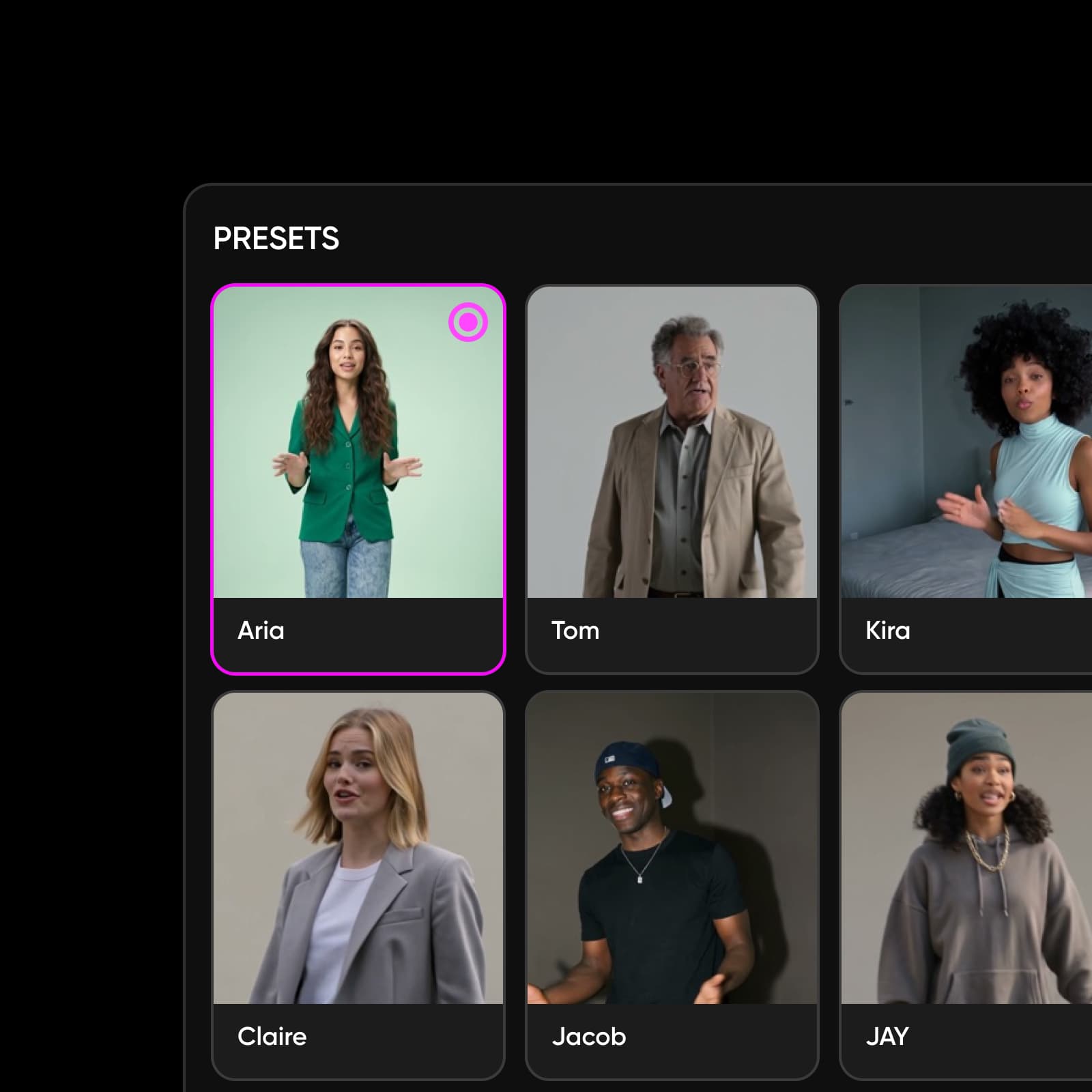
Grok Imagine 1.5 Lite: fast AI video generation
Make short AI videos without the wait. Grok Imagine 1.5 Lite is the lightweight, speed-first tier of the Grok Imagine 1.5 family — built to turn a quick idea into a short clip fast, so you can iterate and post at the pace of your feed. Available now in Picsart's AI Playground.
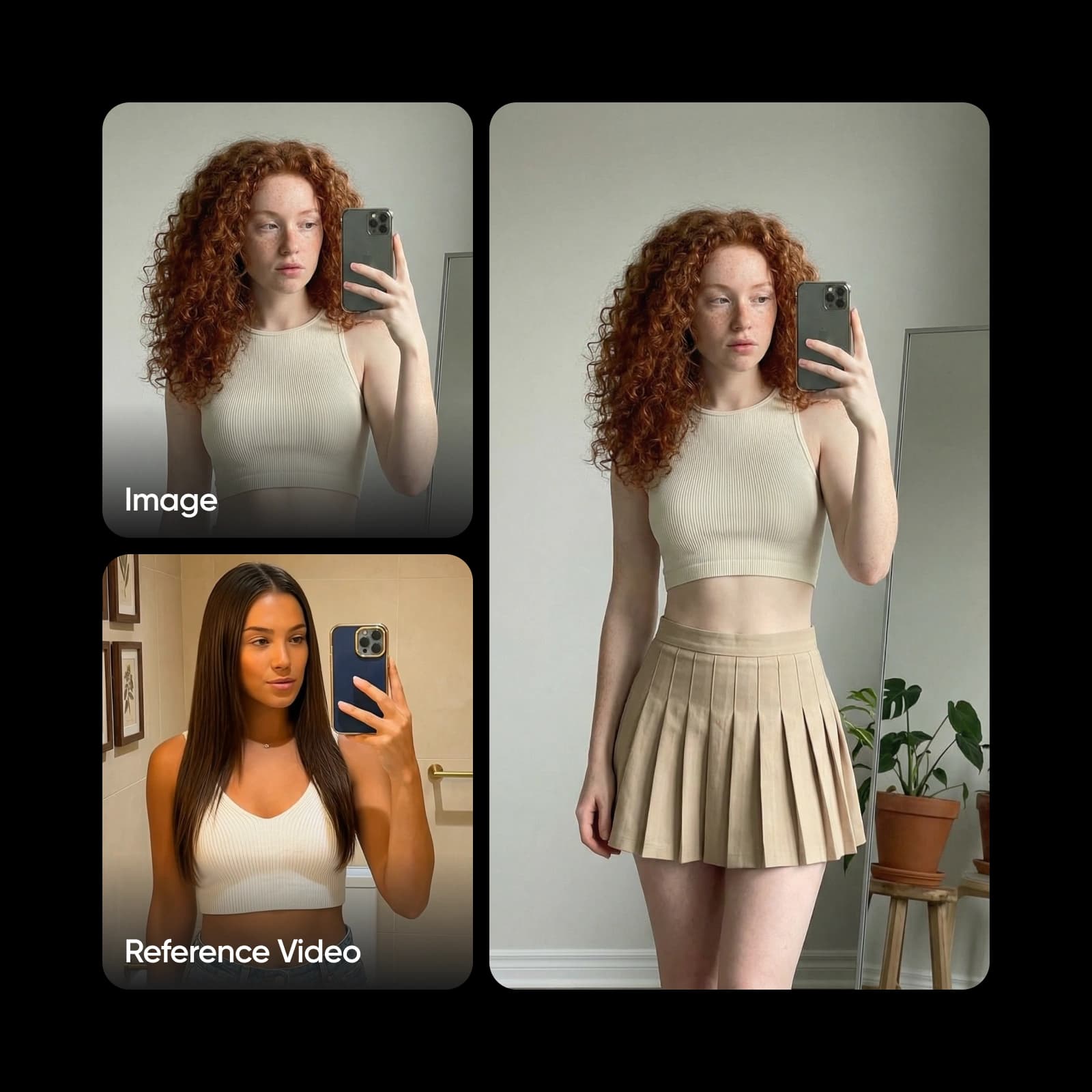
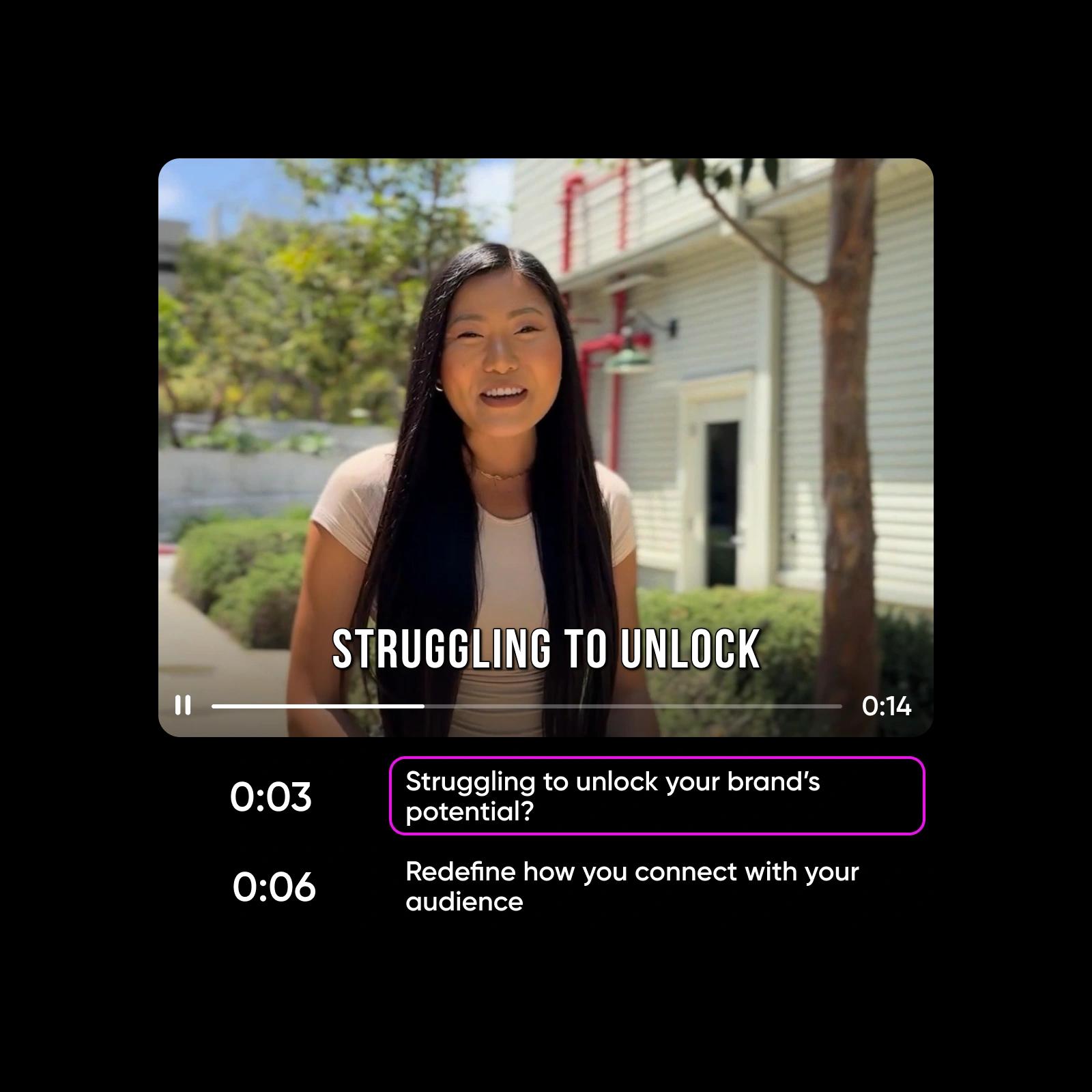
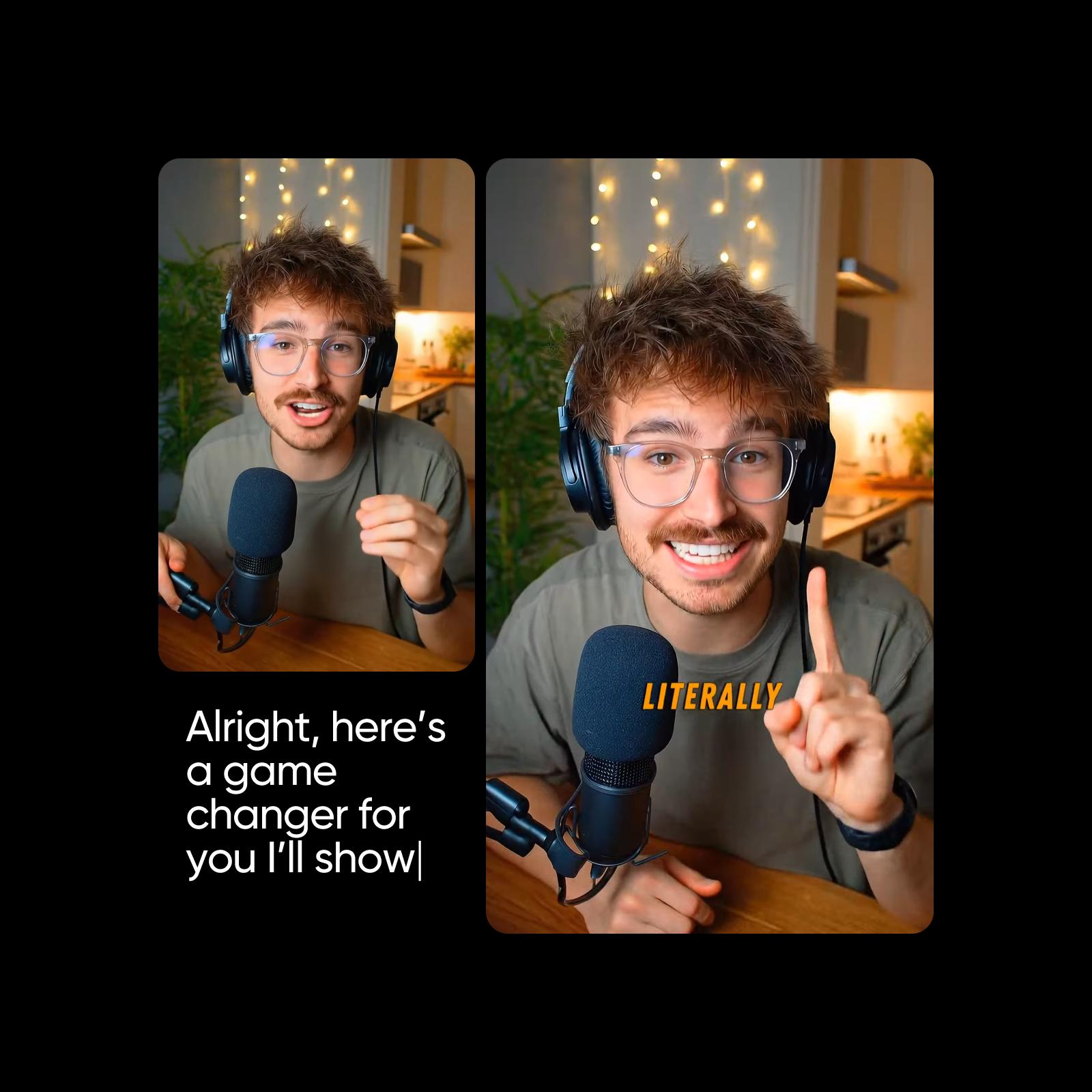
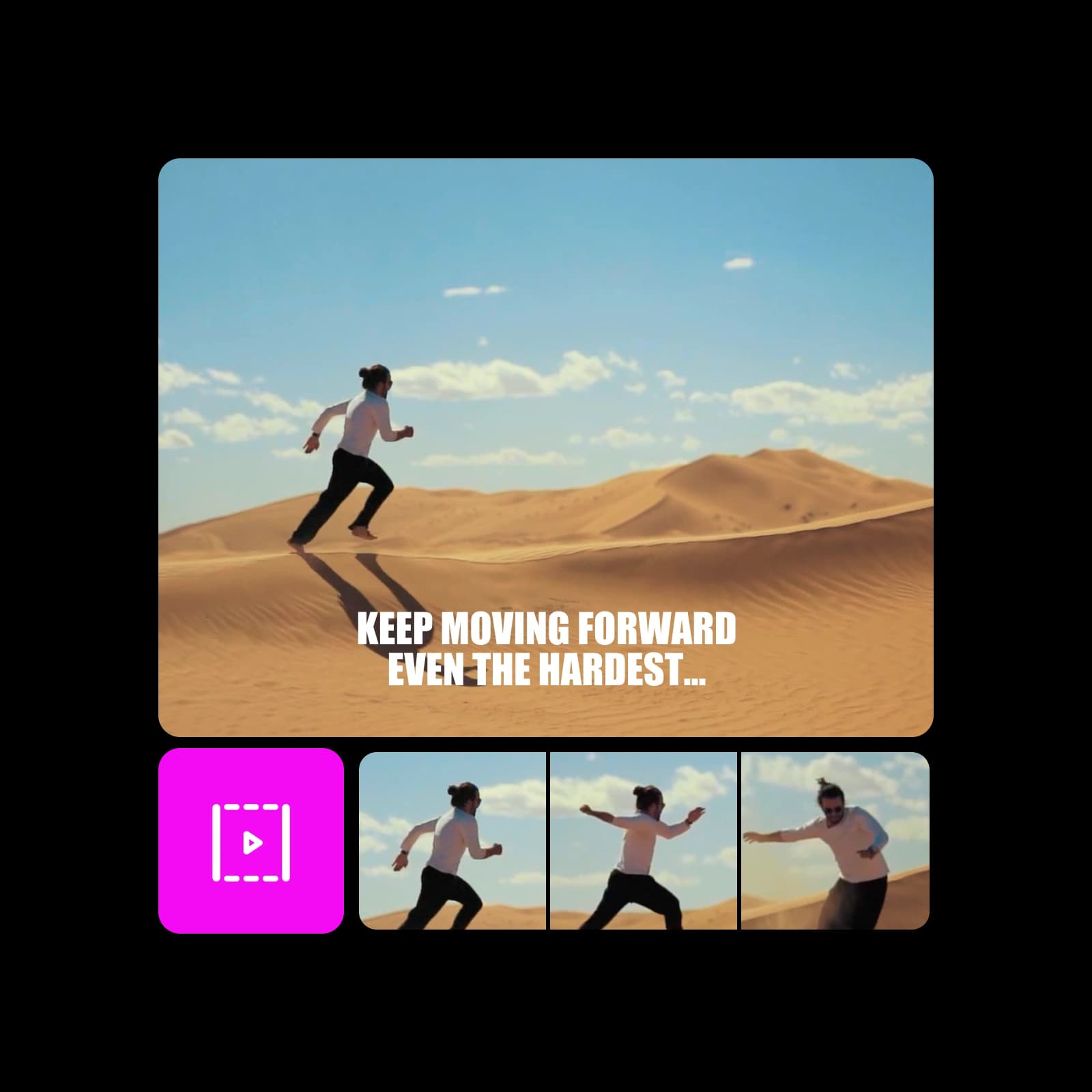
Videos made with Grok Imagine 1.5 Lite







What is Grok Imagine 1.5 Lite?
Grok Imagine 1.5 Lite is the lightweight tier of the Grok Imagine 1.5 family — a fast AI video model tuned for quick short-form clips rather than heavy, high-fidelity renders. Give it a text idea and it returns a short video you can review, tweak, and share in moments, making it a natural fit for social content and rapid concepting. It's part of the Grok Imagine lineup in Picsart's AI Playground.
- Lightweight, speed-first tier
- Turn a text idea into a clip
- Built for short-form video
From a text idea to a finished clip
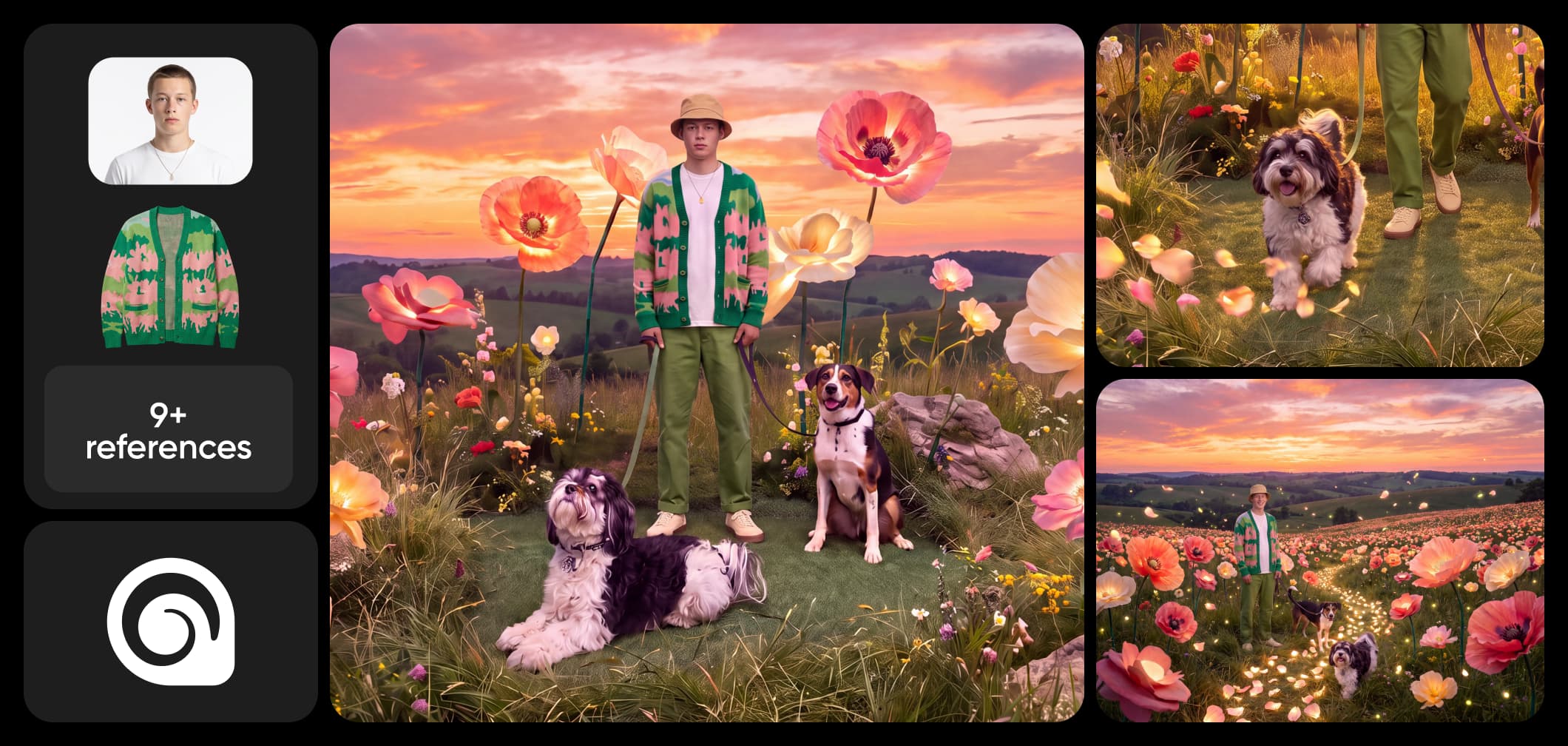
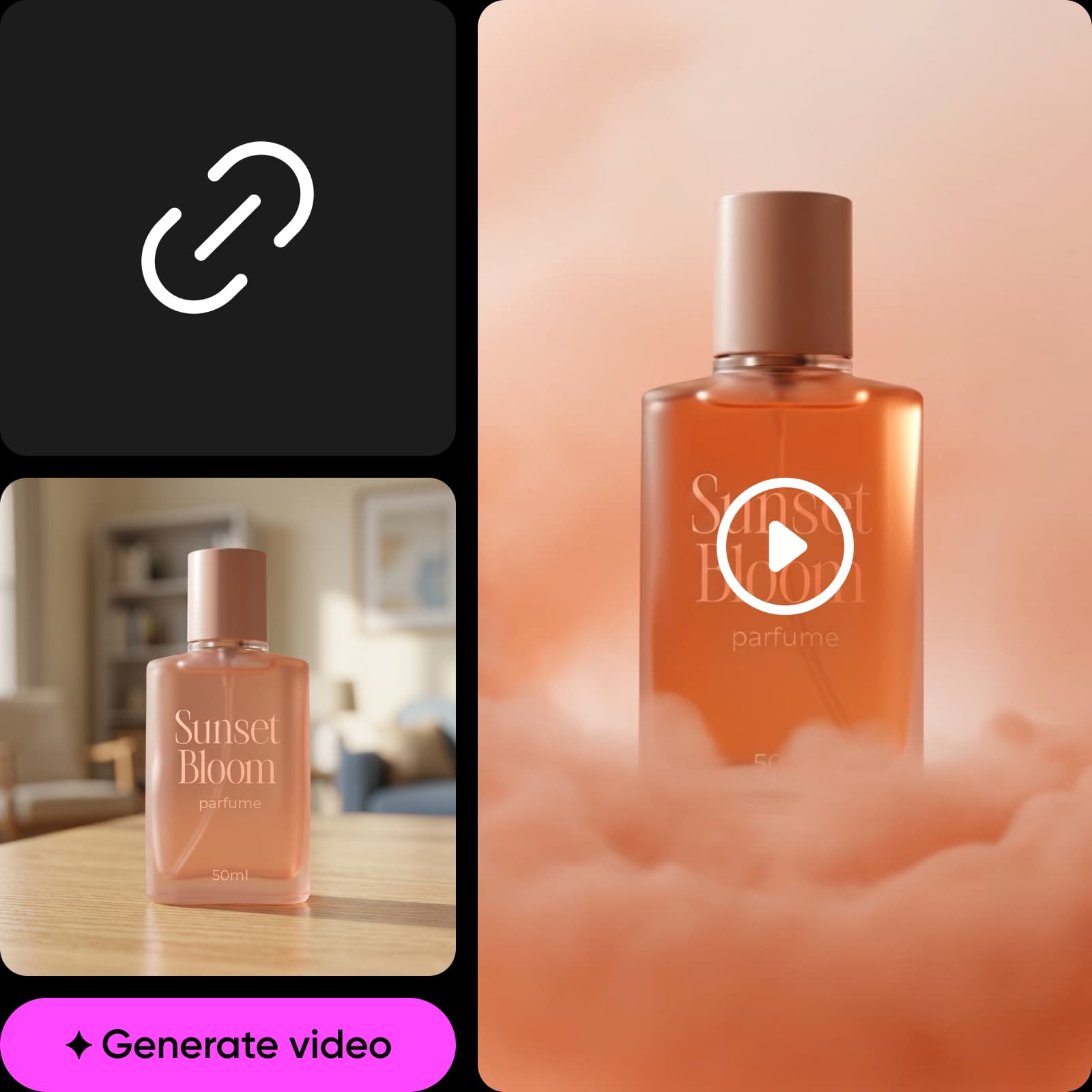
Start with a sentence. Describe the scene, mood, and action you want, pick your look and options, and Grok Imagine 1.5 Lite turns that prompt into a short clip fast. Because generations are quick, you can run several variations of the same idea, compare them side by side, and keep only the take that lands — no footage, timeline, or editing software required.
What to make with Grok Imagine 1.5 Lite
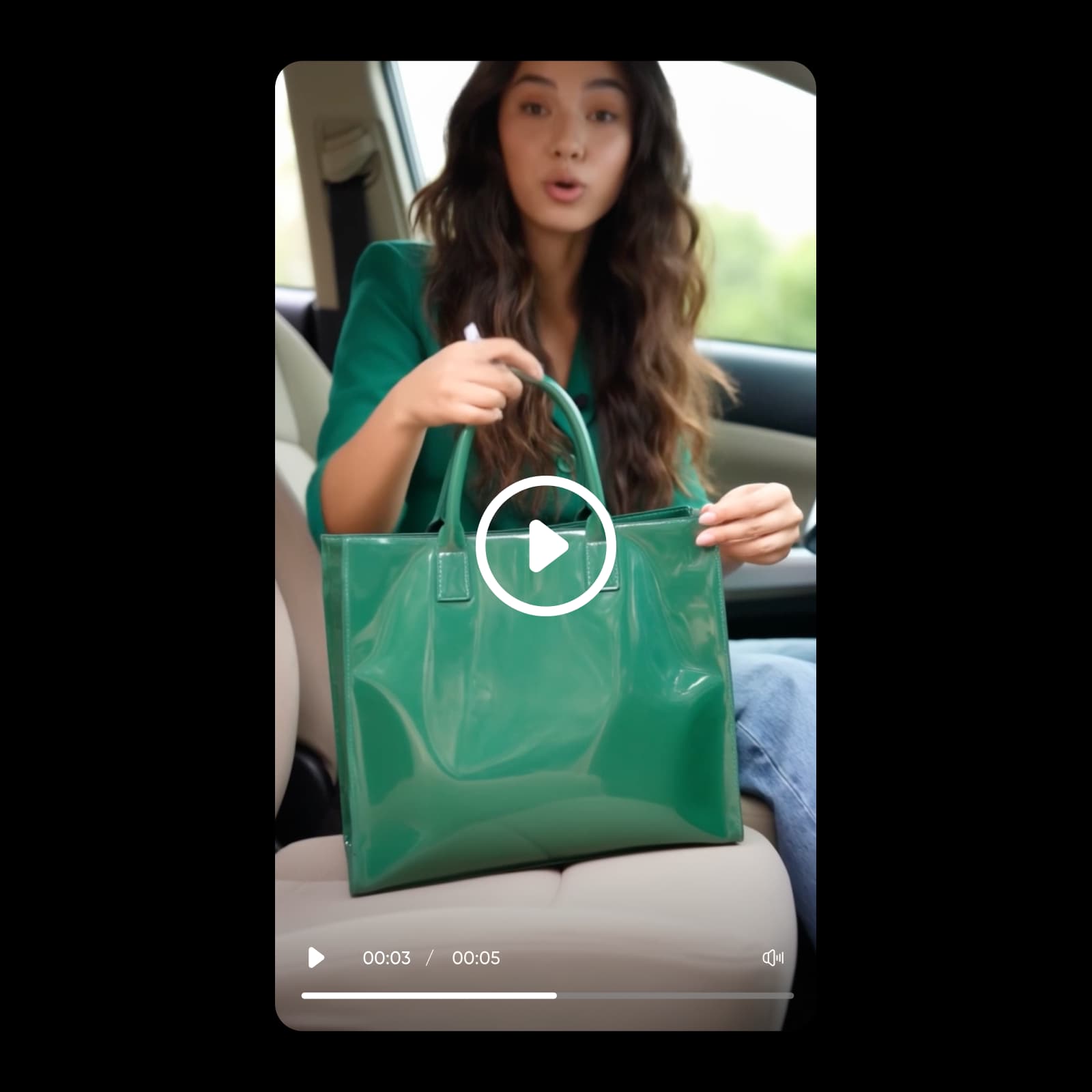
Grok Imagine 1.5 Lite is built for the work that moves fast: short social clips for Reels, Shorts, and TikTok, quick visual concepts to pitch an idea, and rapid iterations when you're hunting for the right direction. Its lightweight, speed-first approach makes it easy to generate a lot of options, react to trends, and keep a high-volume content pipeline full.
Grok Imagine 1.5 Lite in Picsart AI Playground
Grok Imagine 1.5 Lite lives in Picsart's AI Playground alongside 150+ other AI models, so you can generate a quick clip and compare it against other video models without juggling separate tools — no third-party API keys or separate subscriptions. Reach it whichever way you work: on the web, in the desktop app, and built into your own projects via CLI, MCP, REST API, and SDK, so a clip you prototype here drops straight into an automated pipeline.
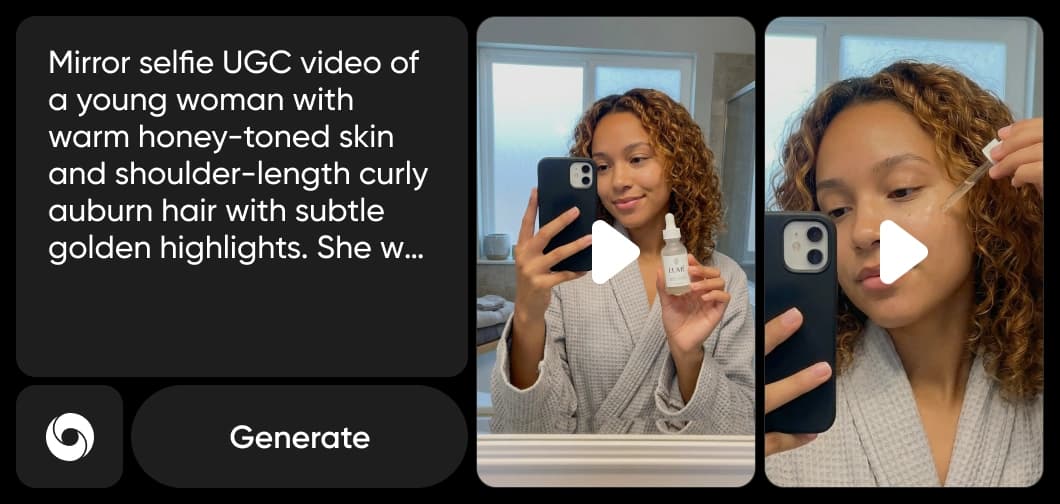
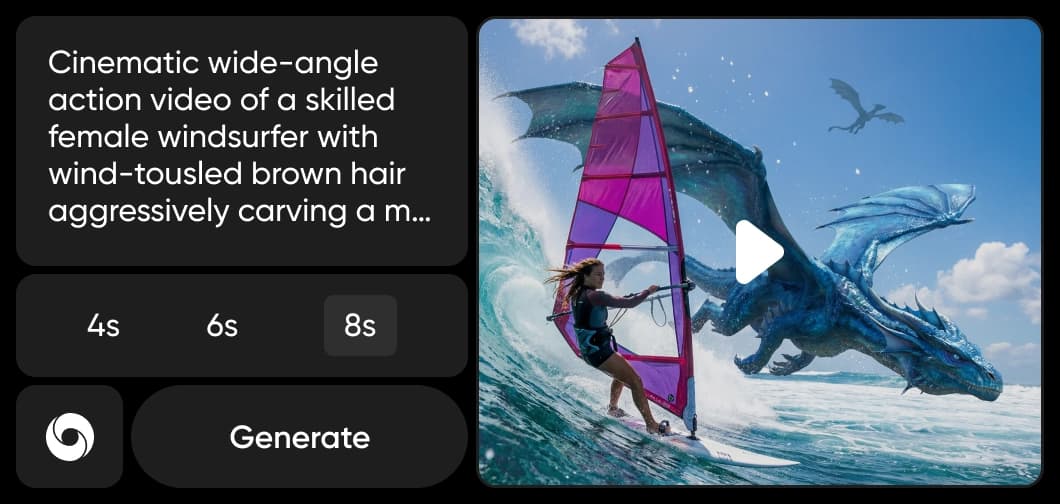

How to make a video with Grok Imagine 1.5 Lite
Describe your idea, pick your options, and generate — all in Picsart.
How to
Describe your idea
Write a prompt for the short clip you want — the scene, mood, and action.
Grok Imagine 1.5 Lite FAQ
Answers about fast, lightweight AI video in Picsart.
Grok Imagine 1.5 Lite is the lightweight, speed-first tier of the Grok Imagine 1.5 family — a fast AI video model built for quick short-form clips. You describe an idea in text and it returns a short video, all inside Picsart's AI Playground.
More AI video models to use
Explore other AI video models available in Picsart AI Playground.

Pricing
Make a few quick clips or build a repeatable short-form video workflow for social and campaigns.
Pro
Most popularAI tools for everyday creative work.
Ultra
Most powerfulHeavy AI usage for creators & teams.
Read up on AI video
Guides and tutorials on making and editing AI video in Picsart.