MiniMax H3 Max Relight: AI video relighting
Relight a video you already have. MiniMax H3 Max Relight takes your source clip and a lighting reference and re-renders the lighting across every frame — keeping the original length, up to 2K. Available now in Picsart's AI Playground.
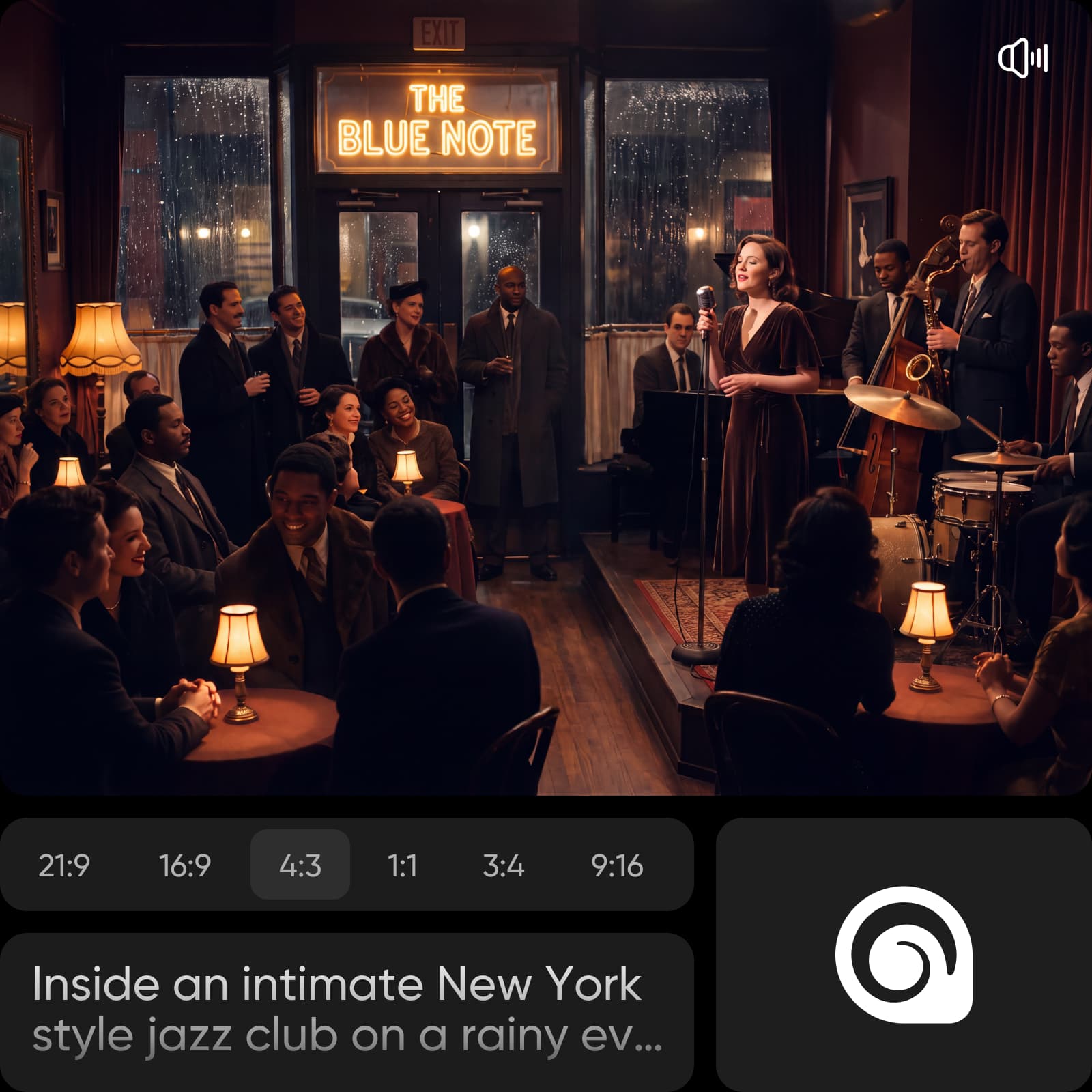
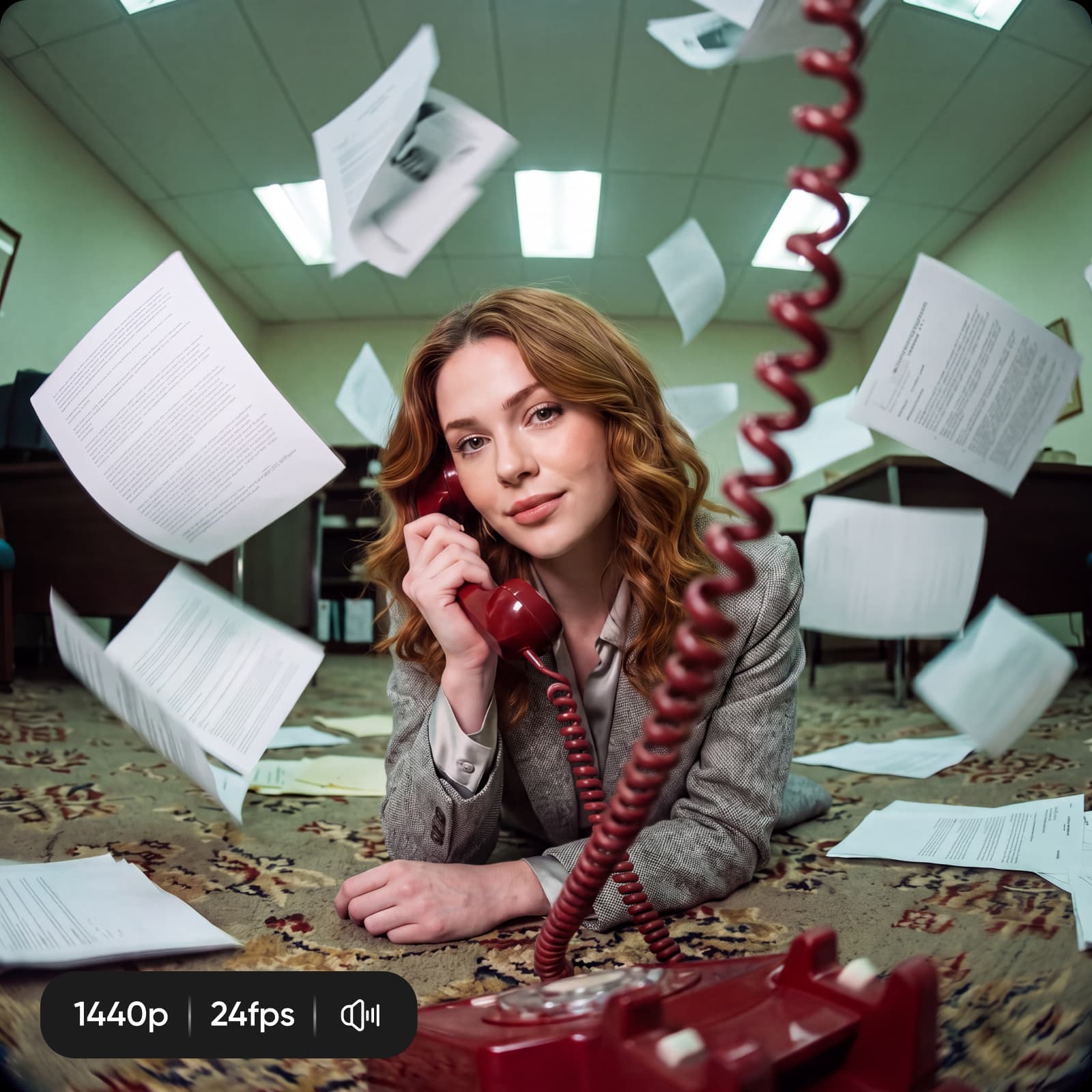
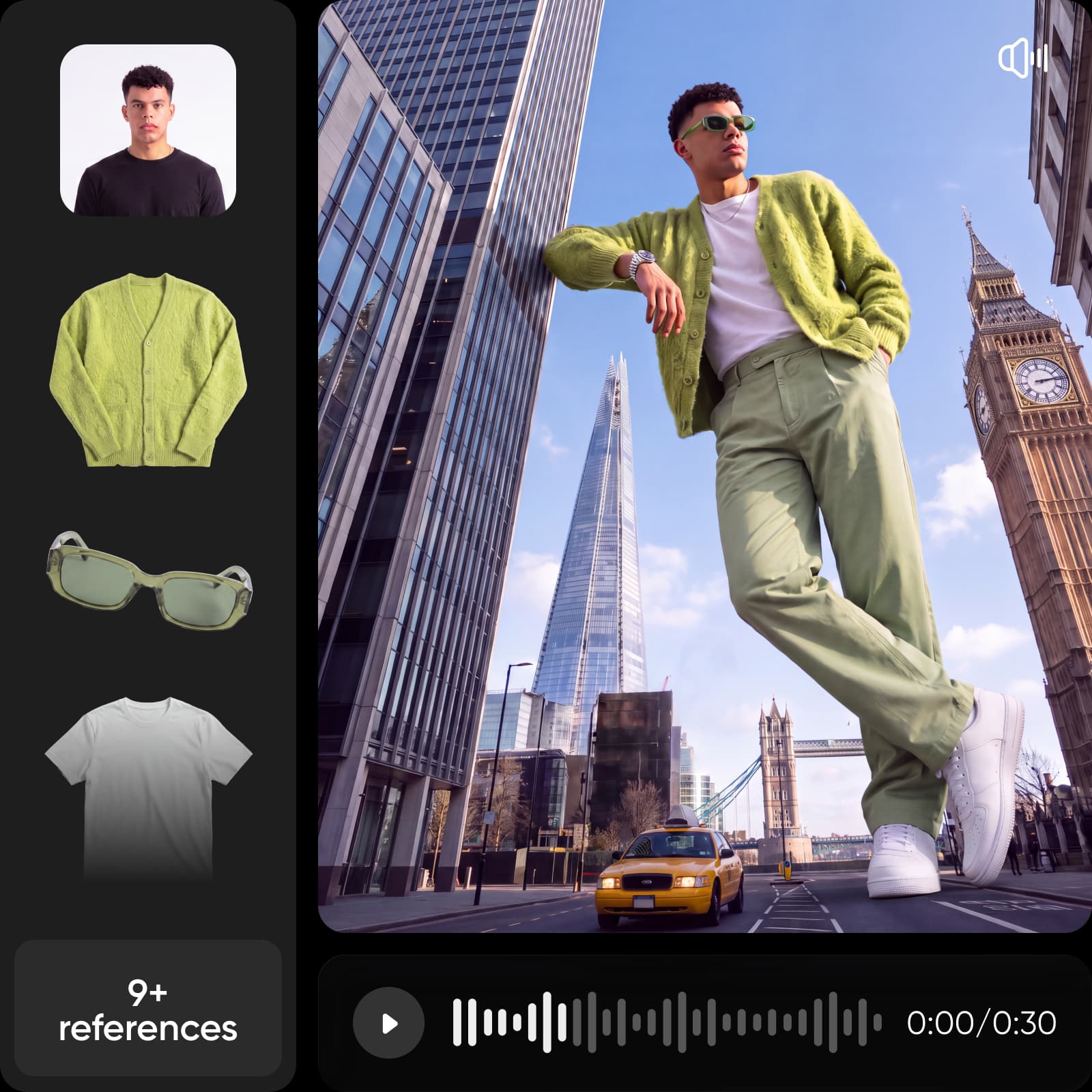
Videos relit with MiniMax H3 Max Relight








What is MiniMax H3 Max Relight?
MiniMax H3 Max Relight is an AI video relighting model: it takes an existing clip and a lighting reference image and re-renders the light across the whole video. A sphere-render reference sets the target lighting, and the output keeps your source clip's length — so you relight a video rather than generate a new one. It outputs up to 2K and is part of the MiniMax H3 Max family in Picsart's AI Playground.
- Bring your own video
- Set lighting with a reference
- Keep editing in Picsart
How the sphere-render lighting reference works
The lighting reference is a sphere render — an image of a sphere lit the way you want your scene lit. Relight reads the direction, color, and intensity of light off that sphere and applies the same lighting to your footage, frame by frame. Swap in a different reference to move the key light, warm up a scene, or drop it into a moodier setup, and feed one or more references to steer the result.
Relight a clip to fit any scene
Use MiniMax H3 Max Relight to match a clip to a new environment, rescue flat or underexposed footage, turn a day shot into night, or keep lighting consistent across shots filmed at different times. Because it works from your existing video, the motion, framing, and subject stay exactly as shot — only the light changes. Set a seed to reproduce a look, and keep the optional safety checker on.
MiniMax H3 Max Relight in Picsart AI Playground
MiniMax H3 Max Relight lives in Picsart's AI Playground alongside 150+ other AI models, so you can relight a clip and compare looks without juggling separate tools — no third-party API keys or separate subscriptions. Reach it whichever way you work: on the web, in the desktop app, and built into your own projects via CLI, MCP, REST API, and SDK, so a relight you prototype here drops straight into an automated pipeline.
How to relight a video with MiniMax H3 Max Relight
Upload your clip, add a lighting reference, and relight — all in Picsart.
How to
Upload your clip
Bring in the video you want to relight (up to 15 seconds).
MiniMax H3 Max Relight FAQ
Answers about AI video relighting in Picsart.
MiniMax H3 Max Relight is an AI video relighting model that re-renders the lighting of an existing clip using a lighting reference image. It keeps your source video's length and outputs up to 2K, available in Picsart's AI Playground.
More AI video models to use
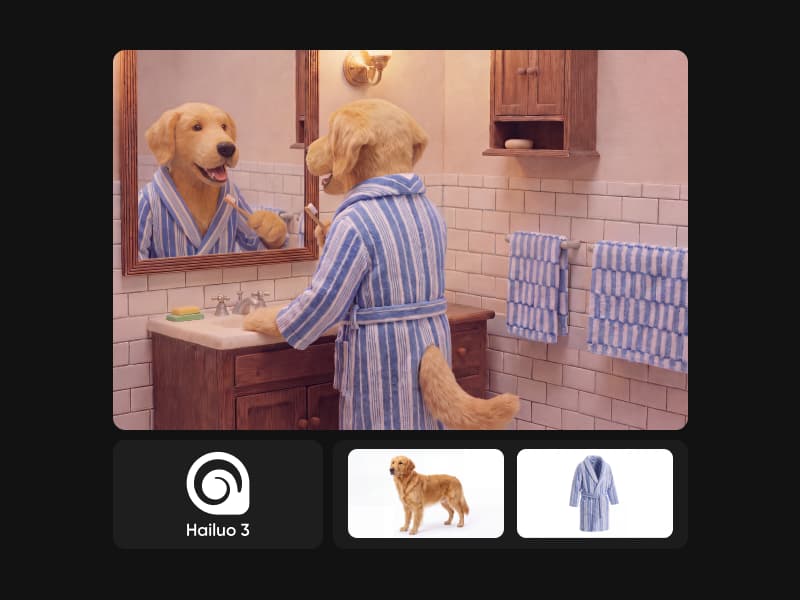
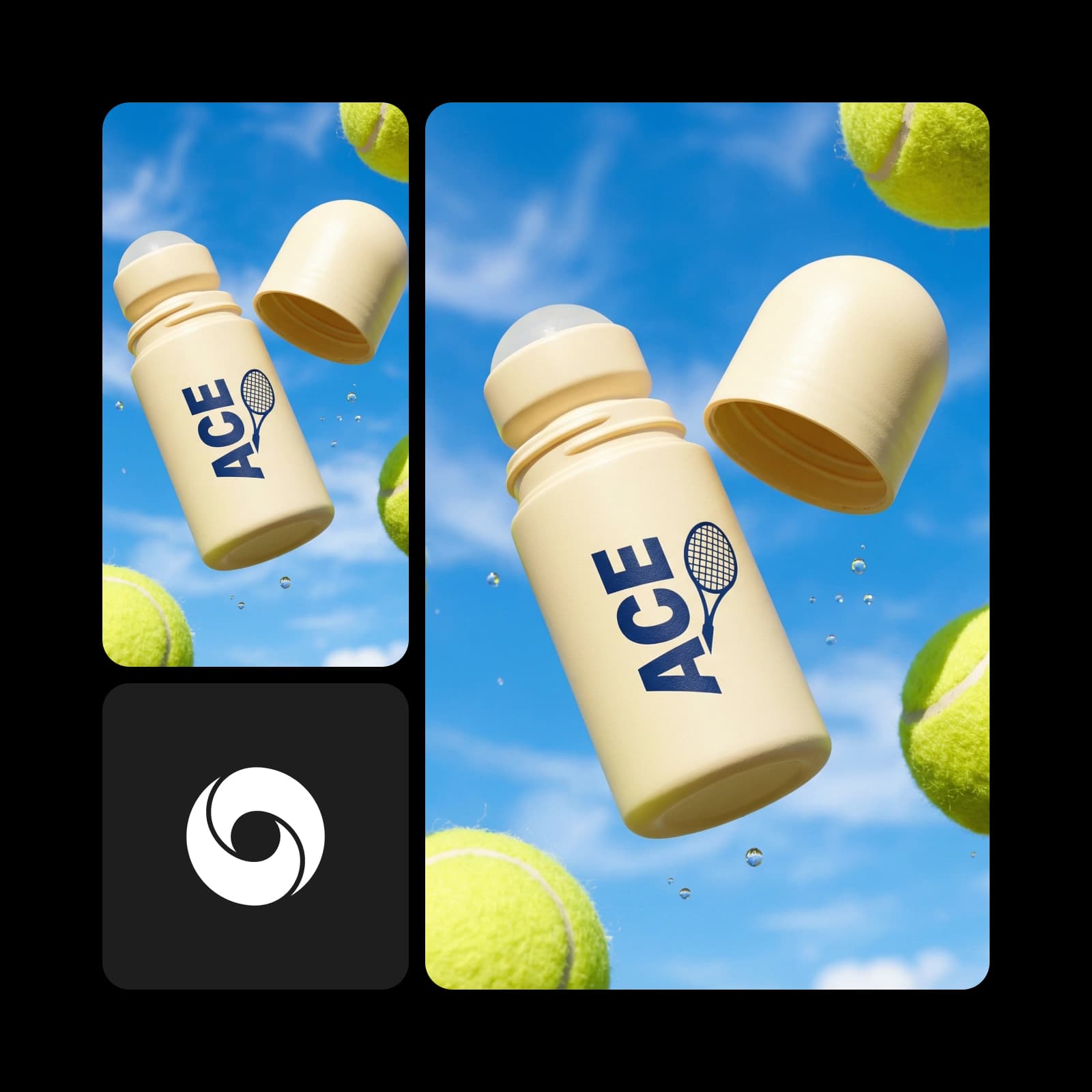
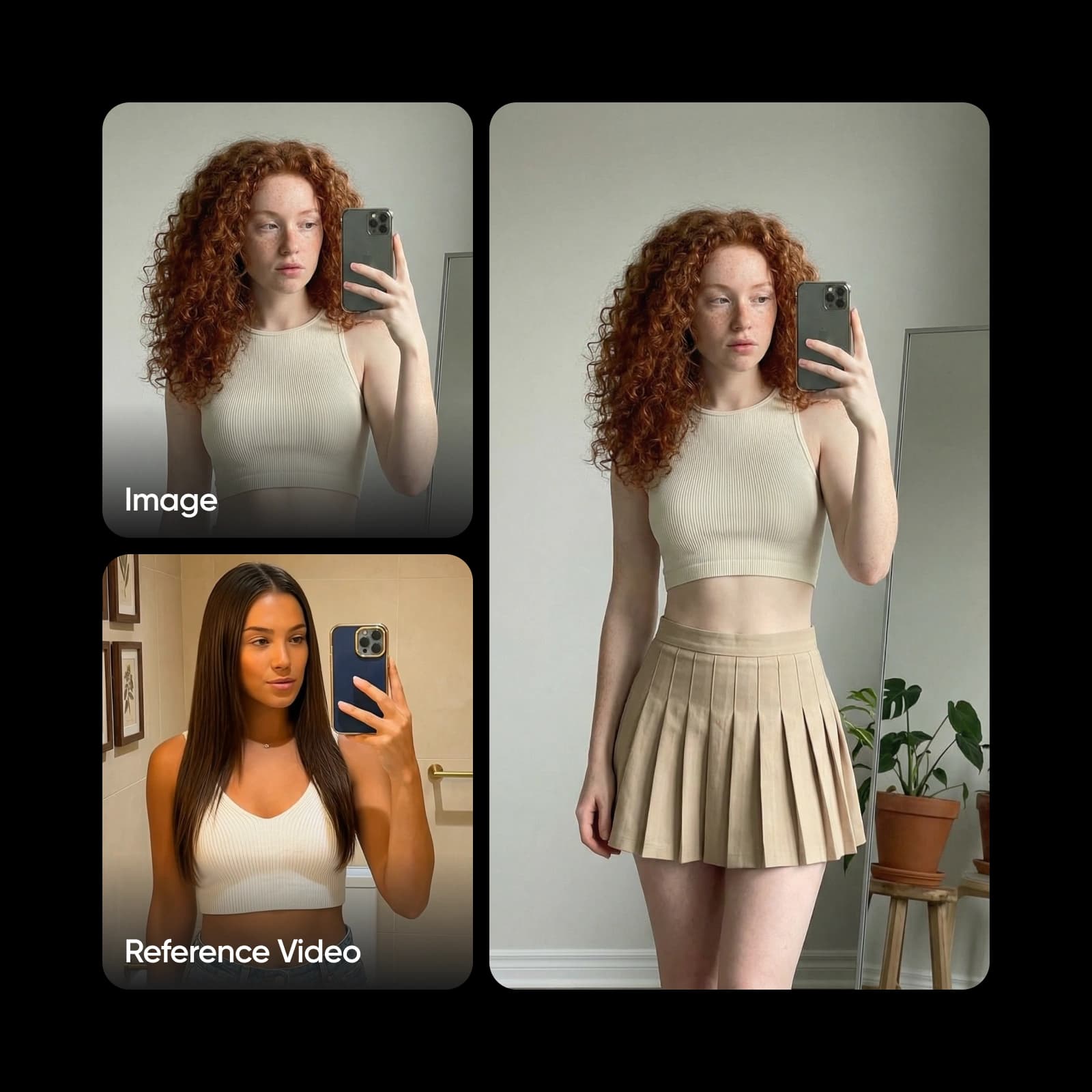
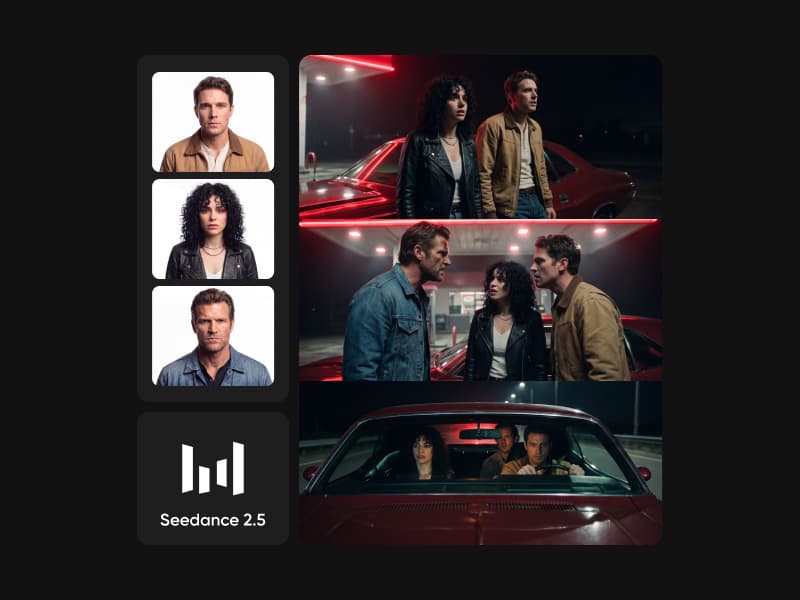
Explore other AI video models available in Picsart AI Playground.
Pricing
Relight a few clips or build a repeatable relighting workflow for launches, social, and paid campaigns.
Pro
Most popularAI tools for everyday creative work.
Ultra
Most powerfulHeavy AI usage for creators & teams.
Read up on AI video
Guides and tutorials on making and editing AI video in Picsart.