1. Home
  2. AI Photo Editor
  3. AI Photo Editor reference: features, tools, workflows, and pricing

AI Photo Editor

This reference explains how AI Photo Editor works: Start with an existing photo, choose the edit that fits the problem, review the result, and continue refining or export. It focuses on current capabilities, inputs, models, settings, outputs, access, and practical use cases. The main product page remains the place to start creating.

Open AI Photo Editor

Use Picsart anywhere

Install the app, or bring Picsart into the AI workspaces your team already uses.

Use Picsart with

  • ChatGPT / Codex
  • Claude
  • Terminal
  • Cursor
  • OpenClaw
  • Hermes

Download the app

Download on the App StoreGET IT ON Google PlayGet it from Microsoft

Follow Picsart

Pinterest
AICPA SOC

Create

  • AI Image Generator
  • AI Video Generator
  • AI Playground
  • Flow
  • AI Photo Editor
  • AI Video Editor
  • AI Agents
  • Content Library
  • AI Models

Creators

  • Earn with Picsart
  • Earn campaigns
  • Clipping
  • For Brands
  • Video Studio
  • Tutorials
  • Challenges

Connect

  • ChatGPT / Codex
  • MCP setup
  • Command line
  • Developers
  • Google Drive

Business

  • Pricing
  • Enterprise
  • Industries
  • Quicktools

Company

  • Support
  • Careers
  • About us
  • Blog
  • Press Center
Terms of UsePrivacy PolicyInternet-Based AdvertisingCommunity GuidelinesDMCASecurity PolicyAccessibility
© 2026 PicsArt, Inc.
Explore AI tools
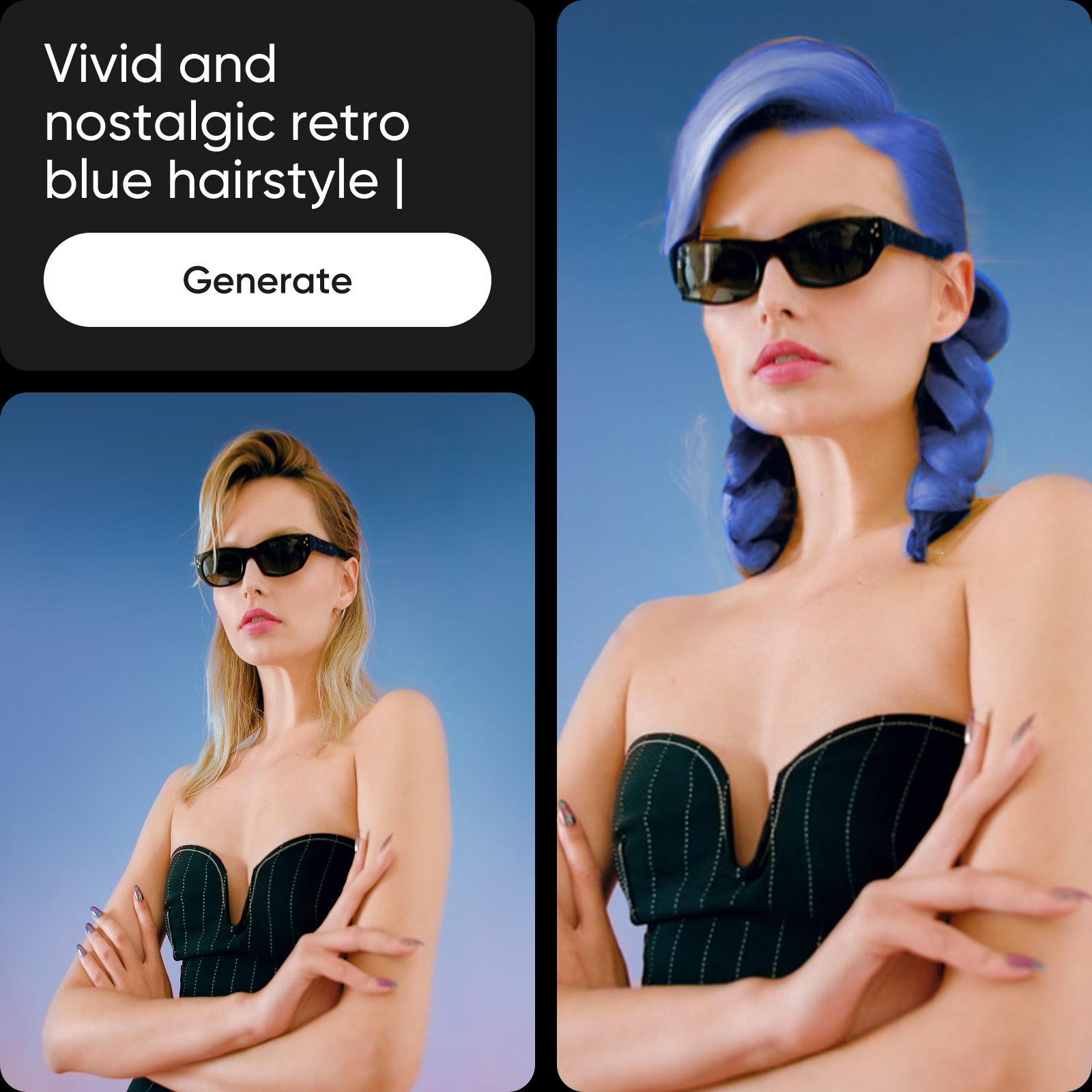
how to edit photos using Picsart's AI editing tools
AI Photo Editor
Try this workflow
AI Photo Editor example 1See an AI-assisted cleanup workflow
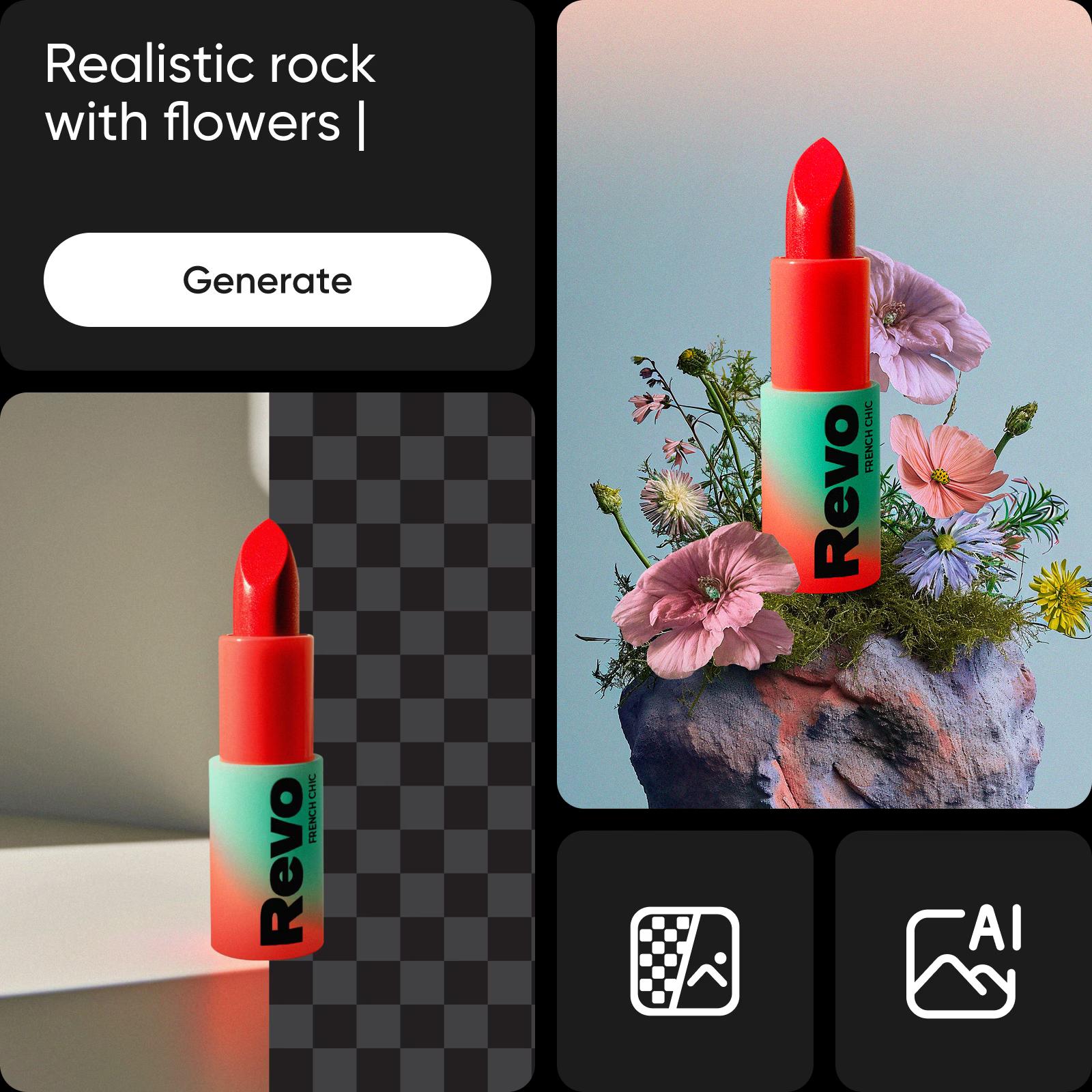
Picsart ai image generating tools
AI Photo Editor
Try this workflow
AI Photo Editor example 2Generate new image directions from an existing photo
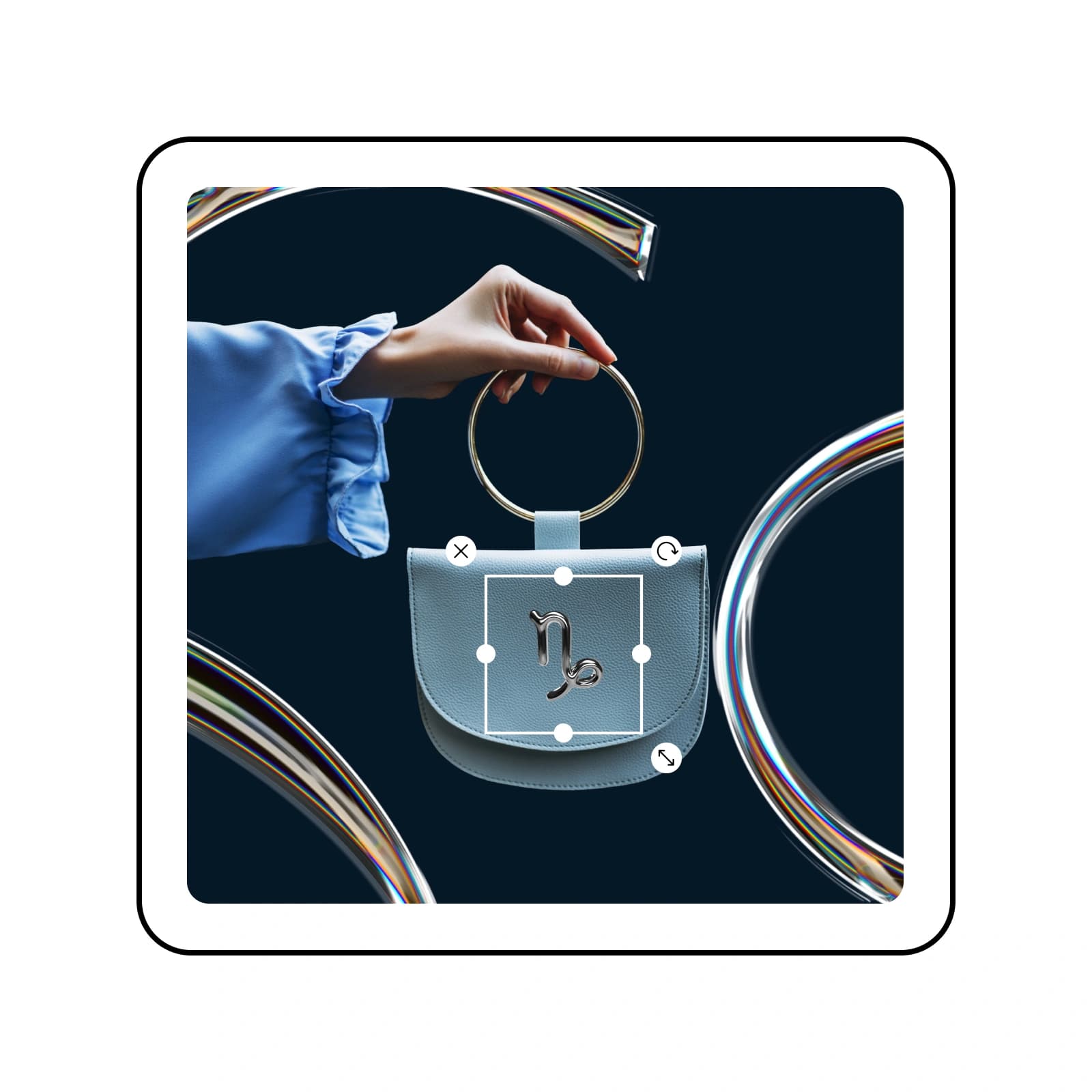
picsart creative design editing tools
AI Photo Editor
Try this workflow
AI Photo Editor example 3Explore creative edits across one image
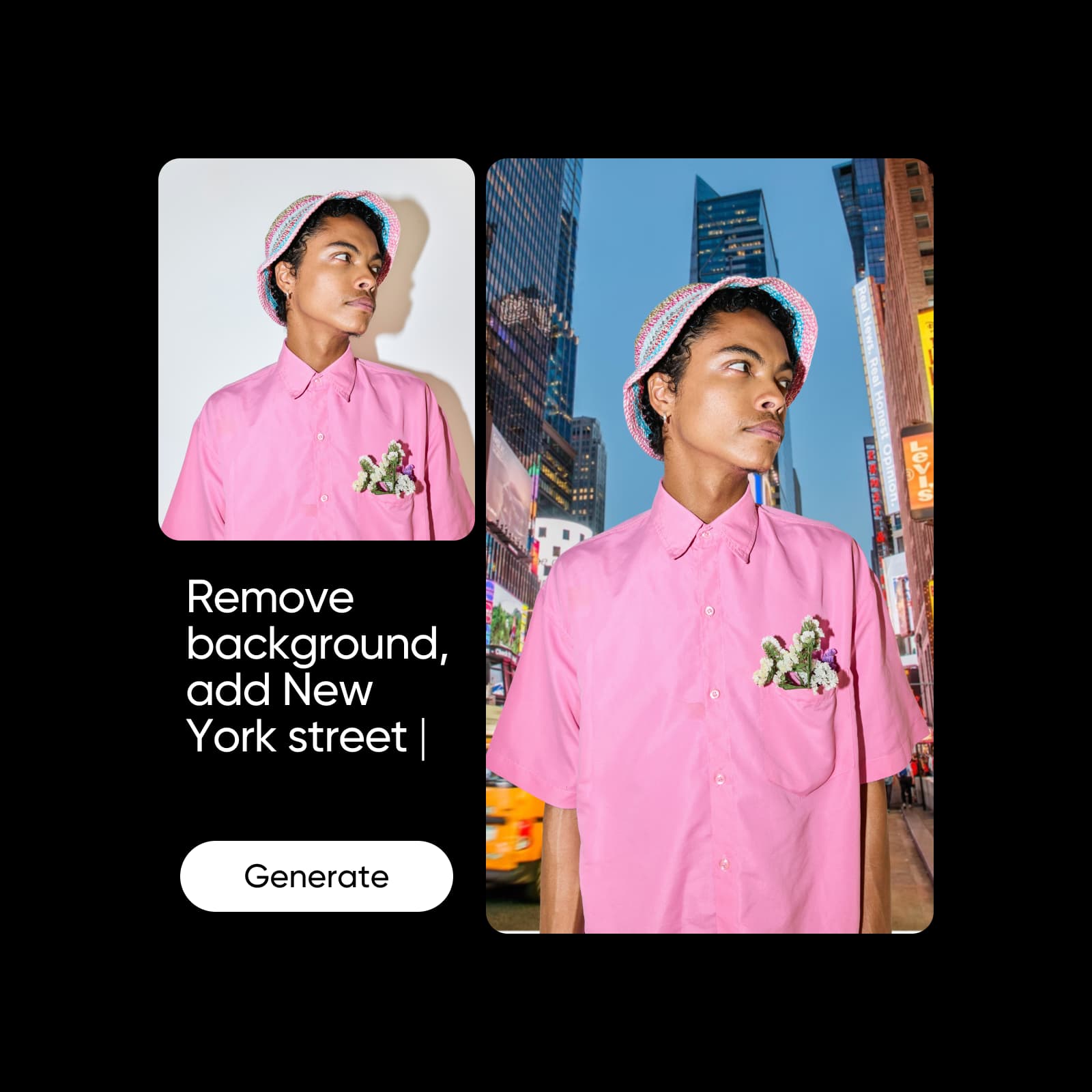
Picsart ai tools for business
AI Photo Editor
Try this workflow
AI Photo Editor example 4Prepare visual assets for a campaign or brand

AI Photo Editor at a glance

Snapshot checked September 7, 2026. Values reflect current product pages and catalogs; availability, access, and limits can vary by plan, region, and model.

  • 25+all-in-one AI tools advertised on the current page
  • 4.9/5Trustpilot rating shown on the current page
  • 2,137Trustpilot reviews shown on the current page
  • 700M+AI images cited on the current page
Choose the kind of edit

Quick cleanup or creative revision?

The editor can support a focused correction or a broader transformation, depending on what the image needs.

Quick cleanupBest when the image is close and needs a focused fix.
Enhance clarity or color
Remove an unwanted object
Restore an older photo
Export the improved image
Creative revisionBest when the image needs a new visual direction.
Replace or generate a background
Apply an AI effect
Create an avatar or variation

What AI Photo Editor includes

AI Photo Editor capabilities, inputs, and controls.

  • Enhance and restore

    Improve sharpness, clarity, color, and older or low-quality photos with AI-assisted tools.

  • Remove distractions

    Remove unwanted objects, people, or clutter from a photo.

  • Change the background

    Replace or generate a background that fits the subject and visual direction.

  • Apply AI effects

    Use filters and effects that adapt to the image instead of starting with a blank canvas.

  • Create new variations

    Generate backgrounds, avatars, and related visuals from an existing image or idea where supported.

  • Edit in one workflow

    Keep generation, editing, and export together, including batch editing where supported.

What can you do with AI Photo Editor?

Representative AI Photo Editor use cases and outputs. These examples describe what the workflow is suited to, not a promise of a specific result.

how to edit photos using Picsart's AI editing tools
AI Photo Editor
Explore the tool
Enhance low-quality or blurry photosImprove clarity, sharpness, color, and detail when the original image needs repair.
Picsart ai image generating tools
AI Photo Editor
Explore the tool
Remove objects and unwanted background detailRemove objects, people, or background clutter that distracts from the subject.
picsart creative design editing tools
AI Photo Editor
Explore the tool
Create new backgrounds and effectsReplace or generate a new setting, then continue refining the image.
Picsart ai tools for business
AI Photo Editor
Explore the tool
Prepare product, social, and campaign visualsPrepare polished product, social, and campaign visuals from existing photos.

How to use AI Photo Editor

Reference workflow: Start with an existing photo, choose the edit that fits the problem, review the result, and continue refining or export.

How to

Upload a photo

Choose an image and open the AI Photo Editor.

Open AI Photo EditorExplore AI tools
Upload a photo

Workflow example: AI Photo Editor

An illustrative AI Photo Editor workflow from input to result.

Public rating snapshot

Public rating snapshot captured from the current product page. Review counts and ratings can change.

4.9/5
(2,137 reviews)
ExcellentTrustpilot

AI Photo Editor FAQ

Answers reflect first-party product and help pages checked September 7, 2026. Recheck fast-changing model, rating, plan, and rights details before relying on them.

  • An AI photo editor uses artificial intelligence to enhance, modify, or create elements in an existing image. Picsart’s current editor combines those jobs in one toolset.

  • The current editor page groups more than 25 AI tools around enhancement, removal, background changes, effects, avatars, and other edits. The exact tool set can change.

  • Yes. Picsart's AI Image Enhancer and restoration-focused tools can improve clarity, sharpness, color, and detail, depending on the source photo.

  • Yes. The page connects the editor to AI backgrounds, avatars, effects, and other tools that transform an existing image.

  • Picsart offers free access with limits. Available tools, usage limits, and plan requirements can change.

  • The current AI Photo Editor page displays a Trustpilot rating snapshot. Ratings and review counts change, so treat the number as a dated snapshot rather than a permanent product fact.

Related product and reference pages

Use the main product page to create. Use these related pages to verify models, tools, workflows, and pricing context.
  • Picsart ai tools for better contentsPicsart
    Source

    AI Image Enhancer

    Improve clarity, sharpness, and detail with AI.
  • More Picsart AI image editing toolsPicsart
    Source

    Background Remover

    Remove unwanted objects and background detail.
  • ai image editing with text promptsPicsart
    Source

    AI Image Generator

    Create new visual directions from text prompts.
See all sources

AI Photo Editor reference sources

First-party sources for the product, models, workflows, and pricing context.

  • AI Photo Editor
  • AI Image Enhancer
  • Background Remover
  • AI Image Generator
  • Pricing
PricingSave big
Continue editing in Picsart

Plans, credits, and access

Pro

Most popular

AI tools for everyday creative work.

$15 $10.5/mo
Billed yearly
You save $54 with yearly
  • Access to all photo & video editing features
  • Advanced background & object removal
  • Parallel video generations with the world's most powerful AI video models
  • Unlimited image generations with Flex.2 Klein
  • 1-tap image enhancer
  • Millions of stock photos & Getty video clips
  • Selection of trendy fonts, text styles & stickers
  • Thousands of premium templates
  • Support for 3+ brand kits
  • Bulk edit up to 50 images at once
  • 100 GB of cloud storage
New features:
  • Auto-generate content from your terminal or agent with the Picsart CLI
  • Use Picsart inside Claude Code, Cursor, and ChatGPT via MCP — coming soon
  • AI agents for multi-step workflows and batch generation — coming soon

Ultra

Most powerful

Heavy AI usage for creators & teams.

$45 $24.5/mo
Billed yearly, per seat
You save $246 with yearly
  • Everything in Pro
  • Early access to advanced AI features
  • Leading AI models to design & automate workflows (Nano Banana, Veo 3, Seedance 2.0 & more)
  • Parallel video generations with the world's most powerful AI video models
  • Unlimited image generations with Flex.2 Klein
  • Support for 10+ brand kits
  • Add team seats
  • Create ad variations and localize
  • Track ads performance
  • 2000 credits for API services
  • Bulk edit up to 100 images at once
  • 300 GB of cloud storage per seat
New features:
  • Auto-generate content from your terminal or agent with the Picsart CLI
  • Use Picsart inside Claude Code, Cursor, and ChatGPT via MCP — coming soon
  • AI agents for multi-step workflows and batch generation — coming soon

Enterprise

Custom AI solutions for large organizations.

Custom credit volume
  • Volume discounts on credit rate
  • On-demand top-ups
Custom
Contact for pricing
  • Access to photo & video editor SDKs
  • Mobile web SDK support
  • Prepaid or pay-as-you-go creative APIs
  • Embed professional-grade editing into your product or workflow
  • Fully configurable editing experience
  • White-label to match your brand
  • Support for built-in marketing, e-commerce & printing use cases
  • Bring your own assets: images, templates & fonts
  • Enterprise-grade security, SLAs & support
  • Dedicated account manager