TrustScore: 4.4 out of 5
Based on 1,464 Trustpilot reviews when checked. Ratings can change.
Trustpilot profile snapshot
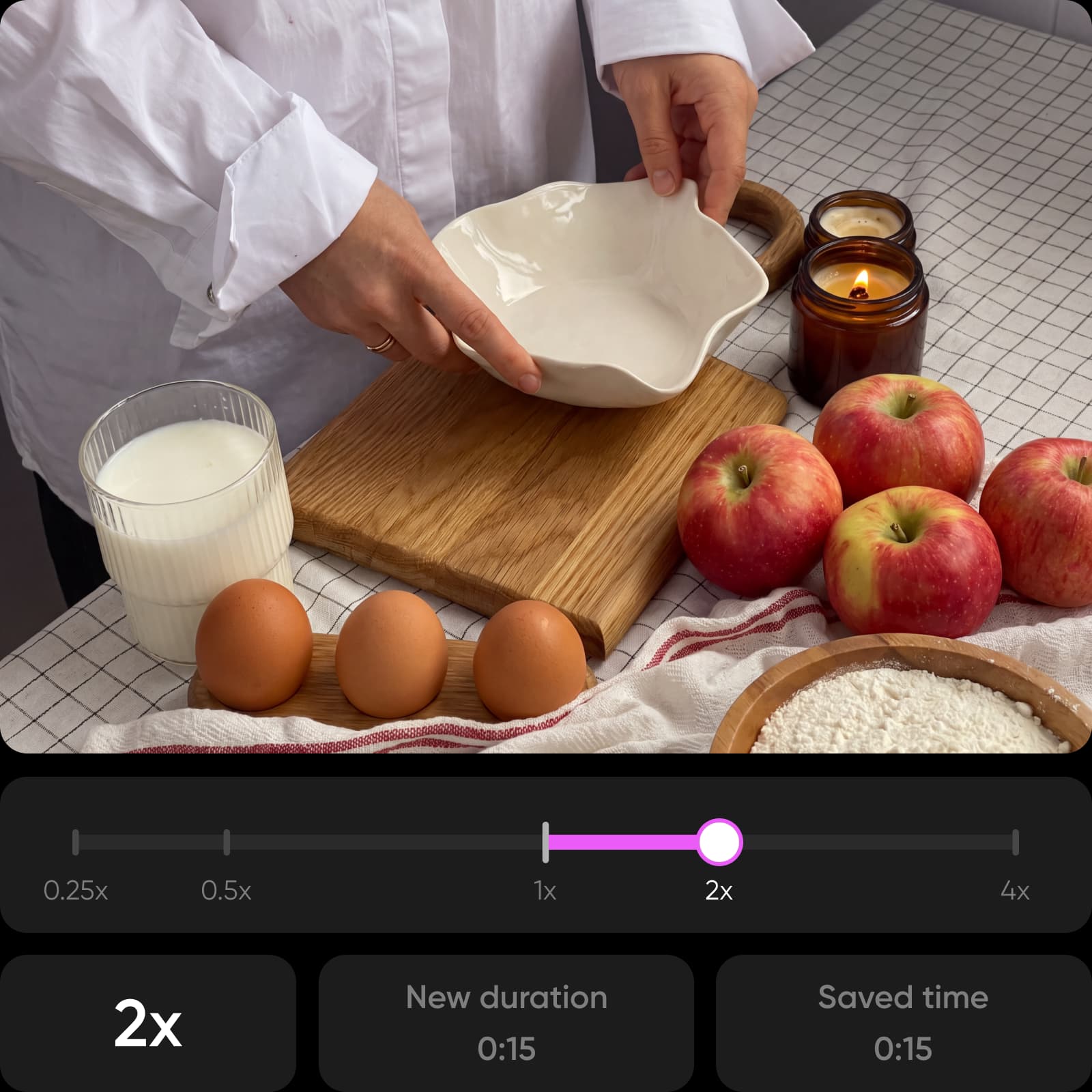
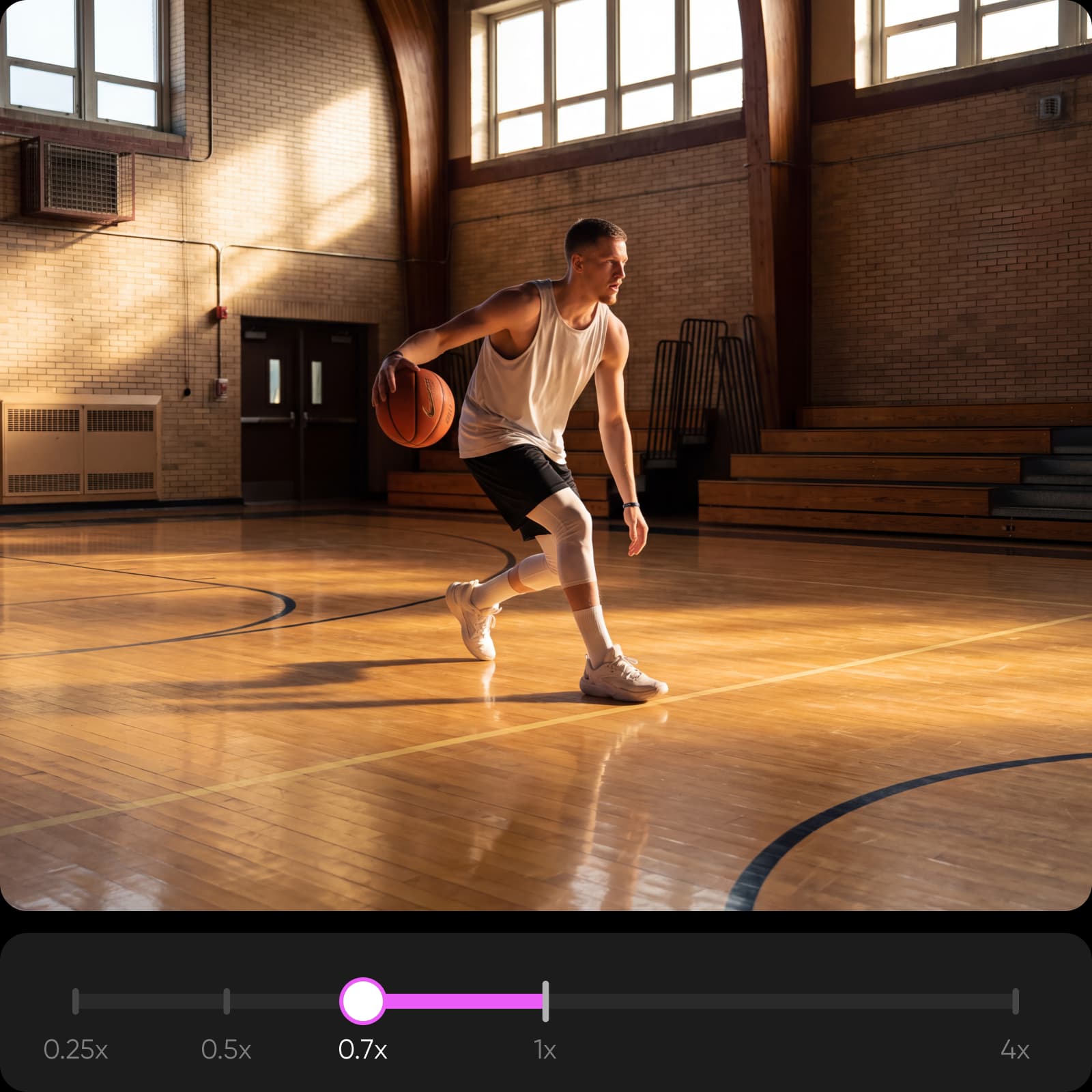
Use a finished photo as the starting frame for a product demo, reveal, or short social ad. Generate the motion, then speed up a long process, slow down the detail that needs attention, and refine the strongest take in Picsart’s Video Editor. Fotor remains useful for quick browser photo work; Picsart turns that still into a complete moving asset without handing the job to a separate video stack.
Checked September 16, 2026. A check marks a documented capability; a cross marks a documented absence or material restriction. Undisclosed totals are labeled as undisclosed rather than treated as zero.
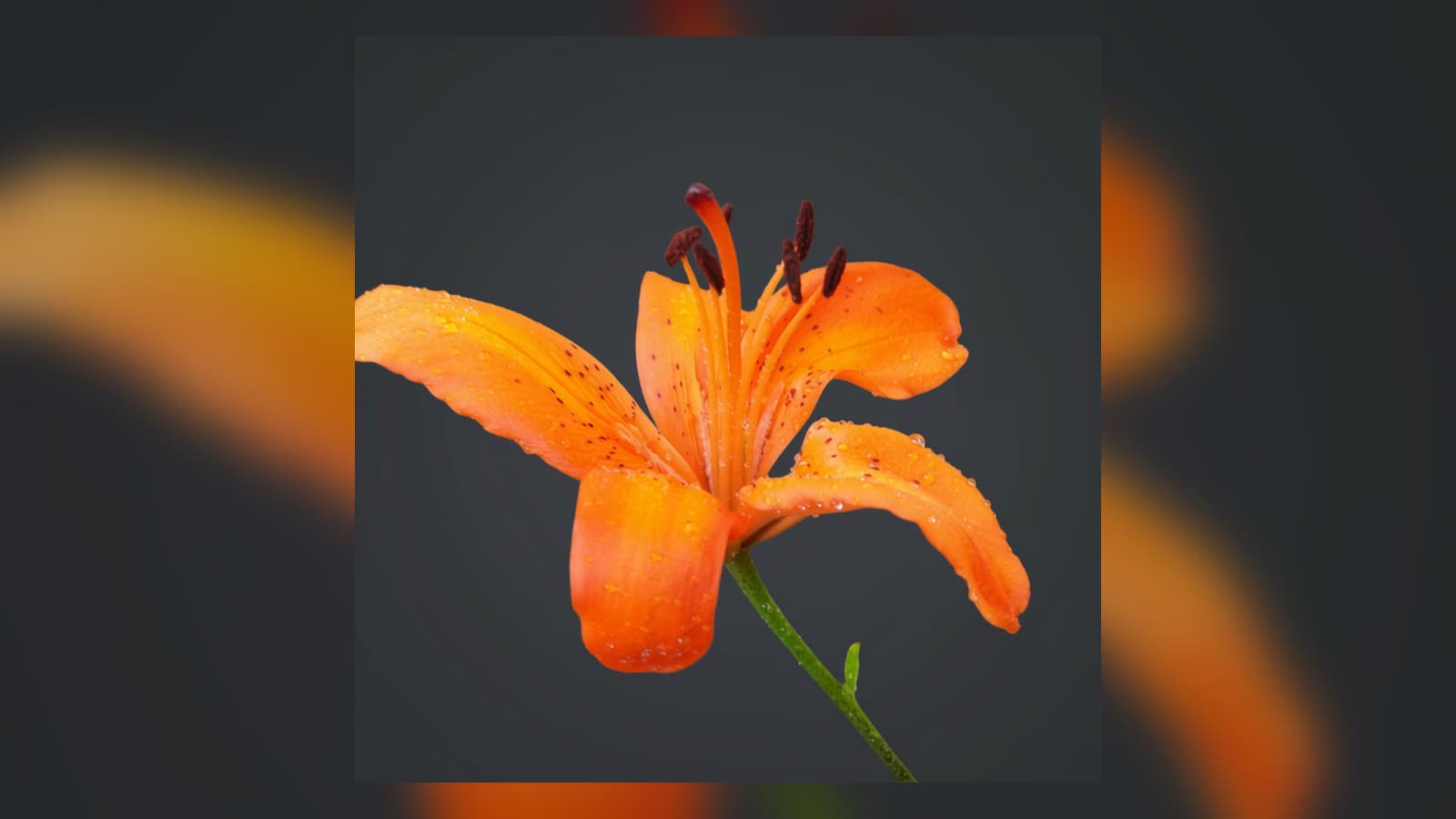
Card 1 is a rights-cleared before-and-after created in Picsart. Cards 2 and 3 reuse approved Picsart video proof selected for this workflow. No card is presented as Fotor output; use the same source and settings in both products for a direct benchmark.


Trustpilot profile reviewed September 16, 2026. Source: https://www.trustpilot.com/review/www.picsart.com
Based on 1,464 Trustpilot reviews when checked. Ratings can change.
Trustpilot profile snapshotReviewers often praise the intuitive interface, wide editing range, and useful AI tools.
Paraphrased from Trustpilot’s recent-review summaryRecent criticism mentions occasional glitches, credit issues, and some complex AI tasks failing.
Paraphrased from Trustpilot’s recent-review summaryTrustpilot profile reviewed September 16, 2026. Source: https://www.trustpilot.com/review/www.fotor.com
Based on 1,571 Trustpilot reviews when checked. Ratings can change.
Trustpilot profile snapshotReviewers often praise Fotor’s simple editing flow and accessible AI image and video tools.
Paraphrased from Trustpilot’s recent-review summarySubscription renewals, unexpected charges, and credit limits are recurring concerns in recent reviews.
Paraphrased from Trustpilot’s recent-review summaryAnimate the still, control the pace, and finish a complete product or social video.
Checked September 16, 2026. Picsart Research team field testing has often found Picsart more cost-efficient per usable result. Credit units are not interchangeable, so this is not a token-for-token guarantee. Per-output figures use current AI Playground prices or vendor-published plan estimates at stated settings; actual cost varies by model, duration, resolution, audio, retries, and quality bar. Prices exclude taxes unless the source says otherwise.
Get direct answers, then verify the current plan details before you buy.
Yes. Picsart is a strong alternative when you want photo editing and AI tools plus templates, video, design, and reusable campaign workflows.
Official product, pricing, asset-library, rights, Trustpilot, App Store, Reddit, and public-domain sources checked September 16, 2026.