How to create a PNG logo
Open Picsart
Use the button below to go to Picsart and start creating a logo.
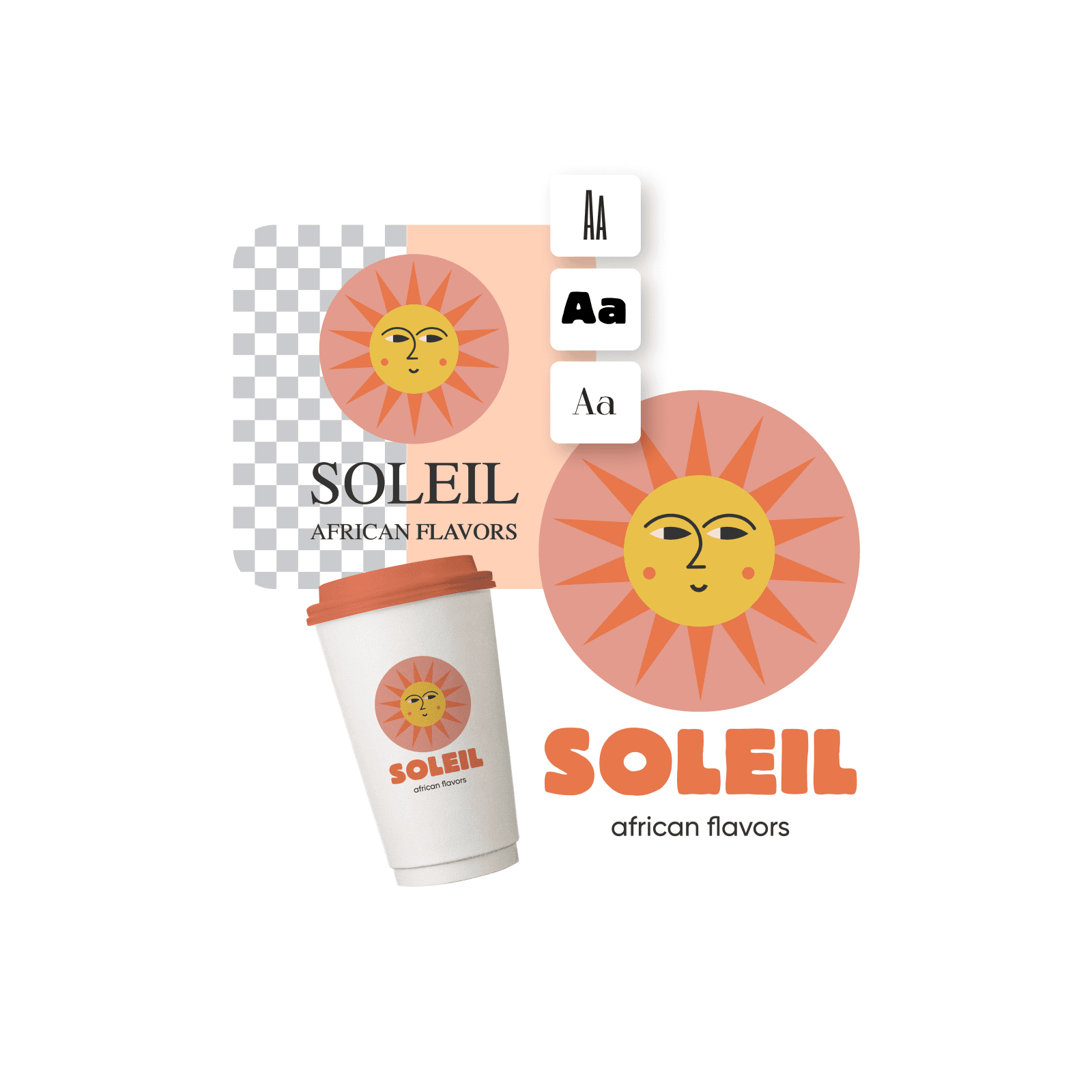
Any logo that's saved in the PNG (Portable Network Graphics) format is considered a PNG logo. These files are known for their high-quality, lossless compression, and supporting transparent backgrounds. You can use them everywhere, from websites to printed material.
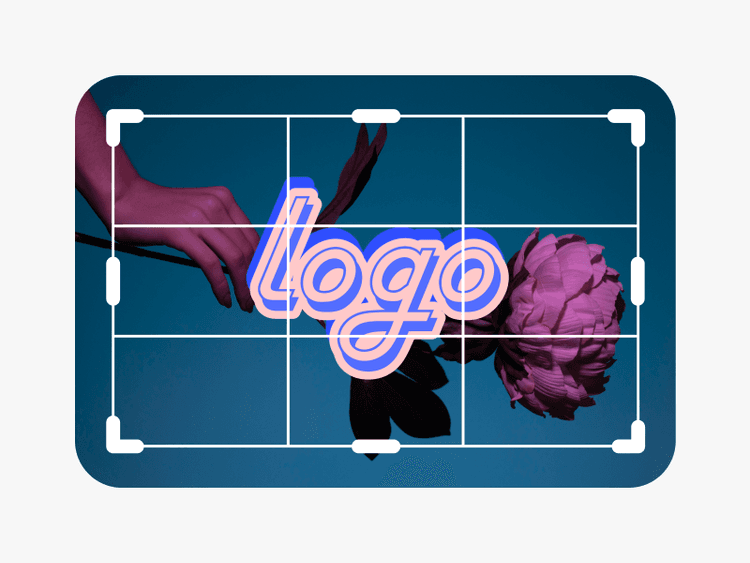
You can use a tool like Picsart’s PNG logo creator to make PNG logos fast and download them in high quality. Start with opening Picsart and finding a logo template from the library that you can customize with the built-in tools.
Yes, there’s a wide selection of free templates available in Picsart’s library that you can use to create your own logo.
You can create PNG logo designs in any size you wish, depending on whether you want to print it or use it digitally. Picsart’s logo templates usually come in 3000px x 3000px. You can easily set different sizes by going to Layout and selecting the size that works best for you (pixels, inches or centimeters). Create logos for different purposes easily with Picsart, such as business cards, mugs, t-shirts, LinkedIn profile photos, and more.
After you’re done creating and customizing your logo, use the Export button to download your logo in a high-quality PNG format.
Use image models to explore logo concepts, clean transparent assets, and brand-ready graphics.
Design logo assets for every launch
AI tools for everyday creative work.
Heavy AI usage for creators & teams.
Custom AI solutions for large organizations.