Batch photo editing workflow with multiple images in Picsart

Build a batch photo editing workflow with Picsart Flow

Use Flow to move a set of images through repeatable edits, resize variations, and output checks without rebuilding the process each time.

Community Flow templates

Browse current Flow templates and remix one for this use case.

Create Premium Food Packaging Mockups for Products Flow template
Selling & Commerce
Create Premium Food Packaging Mockups for Products

8-step workflow

Create a Dynamic Logo Animation Reveal Flow template
Branding & Logos
Create a Dynamic Logo Animation Reveal

6-step workflow

Create a Professional Brand Style Guide Flow template
Branding & Logos
Create a Professional Brand Style Guide

5-step workflow

Best-matched and related Flow workflows for batch photo editing

Start with the closest template, then switch inputs or outputs to fit your brief.

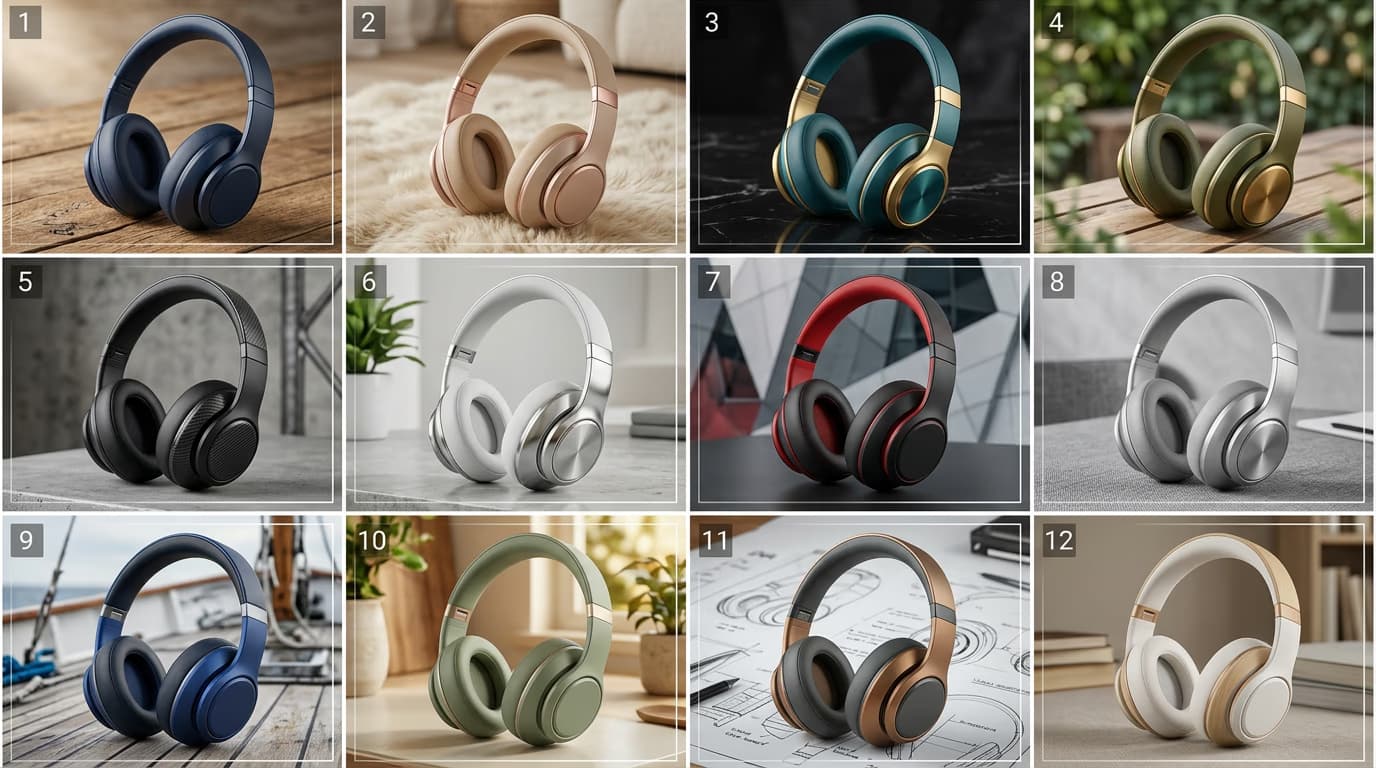
Create Product Marketing Creatives with Batch Editing
Ads & Marketing
Create Product Marketing Creatives with Batch EditingUpload a batch of product images and generate consistent 9:16 ad creatives with clean backgrounds, subtle shadows, and ready-to-use headline, slogan, and CTA. Includes color variations and a 4:5 resize option.
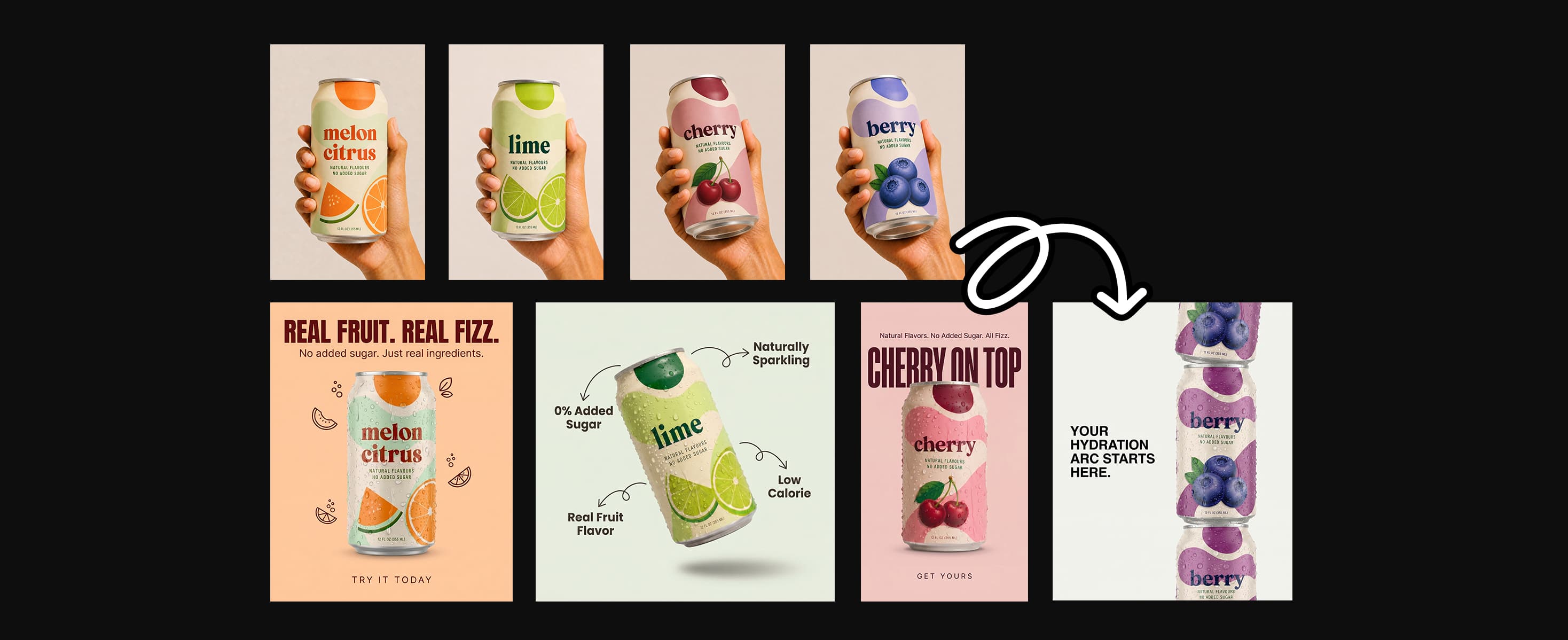
Create On-Brand Beverage Ads for Your Entire Lineup at Once
Ads & Marketing
Create On-Brand Beverage Ads for Your Entire Lineup at OnceTurn a multi-flavor beverage lineup into cohesive can mockups and ad creatives. Swap in your own photos and copy to export 4:5, 9:16, and 1:1 assets in batch.
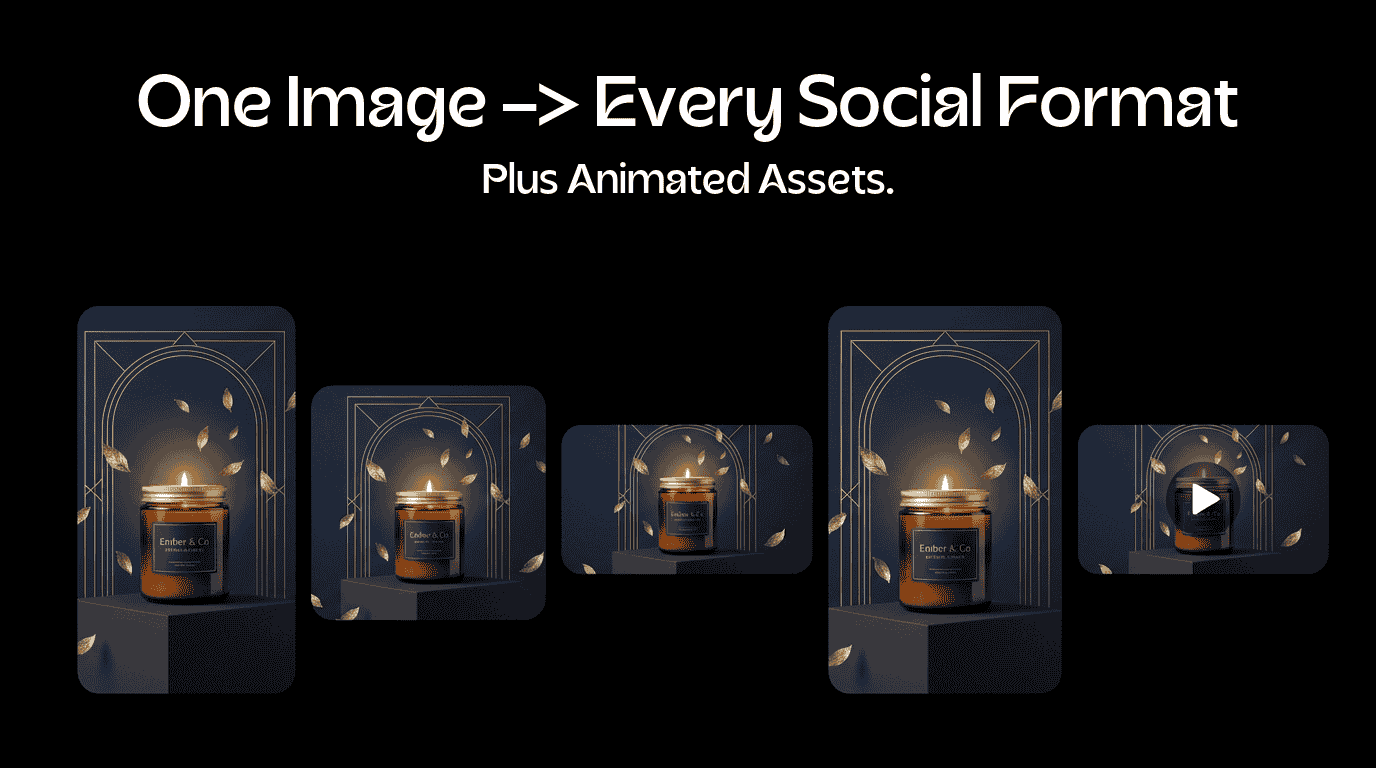
Create Stunning Product Branding Images and Videos
Ads & Marketing
Create Stunning Product Branding Images and VideosUpload your product and packaging photos and a short brand brief. Generate a catalog shot, lifestyle scene, 9:16 ad still, a 6-second scored reveal reel, and matching launch copy.

Edit the set, then check the result

A good batch workflow keeps the repeated task consistent and leaves room for a final visual review.

How to build a batch photo editing workflow in Flow

Use Flow to move a set of images through repeatable edits, resize variations, and output checks without rebuilding the process each time.

How to

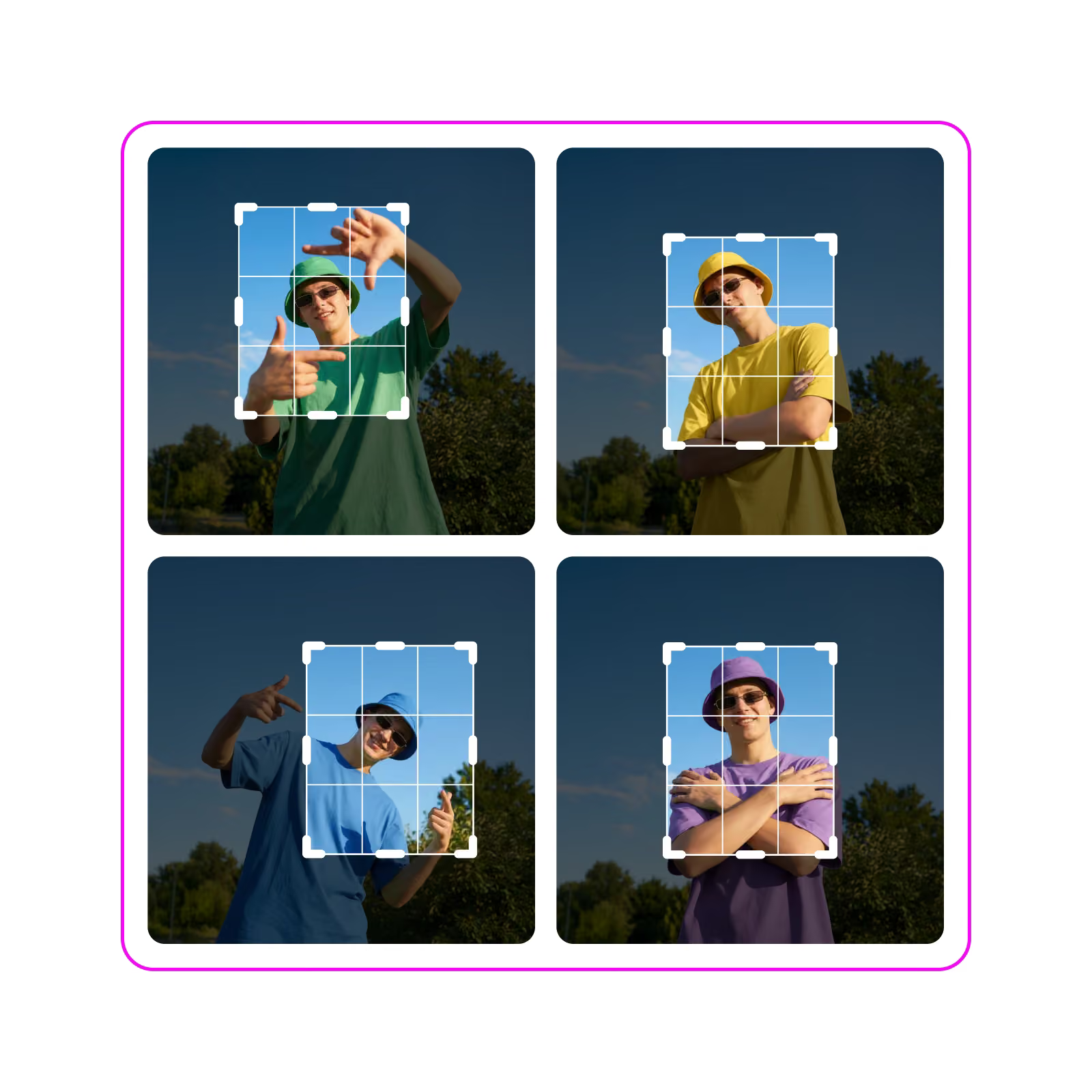
Group the images

Choose the photo set that needs the same type of work. Start with one clear job instead of mixing unrelated edits.

Group the images — Batch photo editing workflow with multiple images in Picsart

Make batch photo editing workflows repeatable in Flow

Product facts from the current Picsart Flow page and official Flow updates, checked Sep 2, 2026.

  • 100+AI models for batch photo editing variations
  • 1infinite canvas for the full batch photo editing workflow
  • 3stages from input to publish

What creators and teams say about batch photo editing

Published customer and creator perspectives from Picsart.

Lower-complexity production

Integrating Picsart was one of the lowest complexities across our entire ecosystem. We saved 90% in dev time and saw 20% more ecosystem revenue within months.

Max Kushner, Head of Partnerships at Playbook

Product imagery, standardized

Picsart's API was exactly what we needed: simple to integrate, reliable, and effective. It standardized our product imagery and sped up merchandising across the board.

VT Mode engineering team

Flow works with the models behind modern creative

Animated white provider marks from the Flow model ecosystem. They are not customer endorsements.

GoogleOpenAIAnthropicByteDanceBlack Forest LabsRunwayGoogleOpenAIAnthropicByteDanceBlack Forest LabsRunwayGoogleOpenAIAnthropicByteDanceBlack Forest LabsRunwayGoogleOpenAIAnthropicByteDanceBlack Forest LabsRunwayGoogleOpenAIAnthropicByteDanceBlack Forest LabsRunwayGoogleOpenAIAnthropicByteDanceBlack Forest LabsRunwayGoogleOpenAIAnthropicByteDanceBlack Forest LabsRunwayGoogleOpenAIAnthropicByteDanceBlack Forest LabsRunway

Keep every photo moving toward the same finish

A shared starting point makes large photo sets easier to review.

  • Edits a photo set consistently

    Apply the same core treatment when every image needs to follow one visual direction.

  • Leaves room for a final check

    Review faces, edges, crops, and important details before you export the set.

  • Prepares files for the next channel

    Move from the batch edit to a listing, social post, ad, or content library.

Answer common batch photo editor questions

Use these answers to choose a practical starting point for your next photo set.

  • A batch photo editor helps you edit multiple photos at once. Depending on the workflow, that can include bulk photo editing, batch photo editing AI, background cleanup, resizing, or retouching.